🚀 Elevate your AV game with seamless 4K extension and smart power delivery!
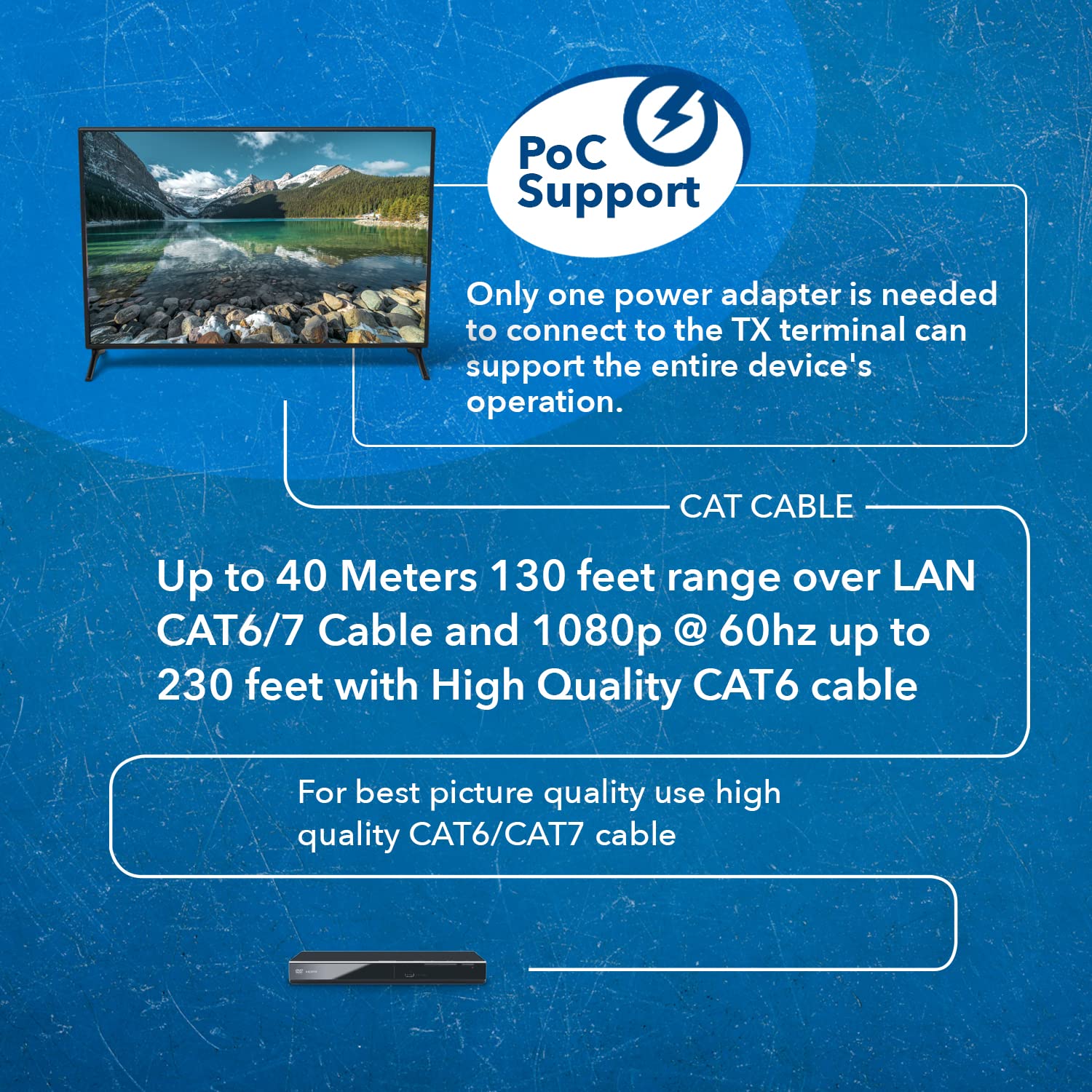
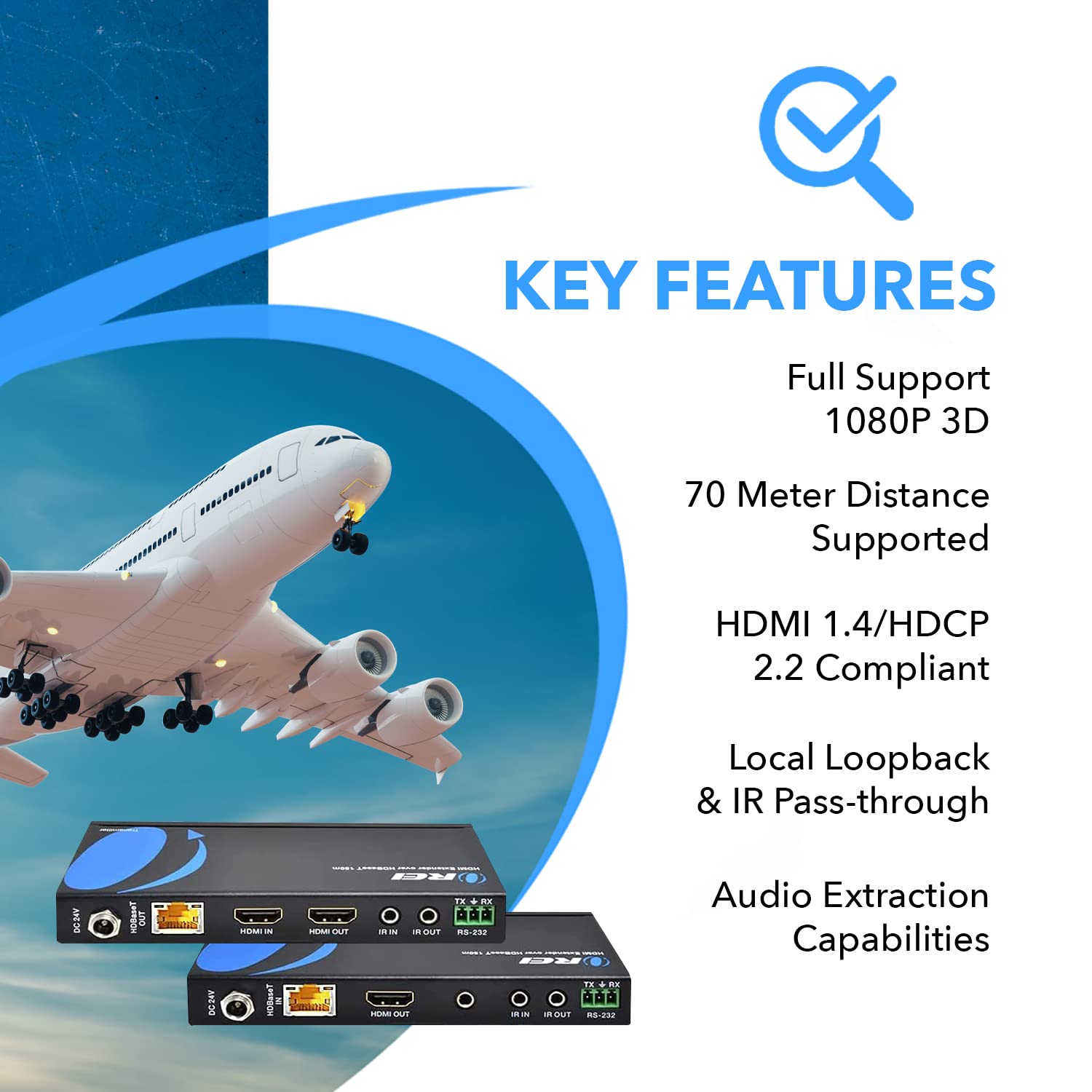
The OREI 4K 60Hz HDMI over Ethernet Extender leverages HDBaseT technology to transmit ultra-high-definition 4K video and multi-channel audio up to 230 feet via a single Cat5e/6/7 cable. Featuring 18Gbps bandwidth with 4:4:4 color sampling, PoE for simplified power management, and bi-directional IR plus CEC control, it’s engineered for professional and residential AV setups demanding flawless performance and streamlined installation.


C**B
Quality Professional HDMI Extender
Finally one that works!Both the transmitter and receiver units are well built and feel sturdy. I've tested using a CAT7 cable over 20 metres, and it functions perfectly. The picture quality is accurately replicated, and audio is entirely in sync. I'm using this to operate interactive media presentations from a computer upstairs, to a TV in the lounge (connected to a sound bar). With the KVM functionality via the included USB Type A to A cable, I can control my computer in real time, with no noticeable input delay. I considered using an active USB extender for this purpose, but the ability for the data signal to pass through the units via the CAT cable is very convenient, saving needing another cable running in parallel. Previously I wasn't aware such technology existed until discovering about this type of unit.I previously had a less than ideal experience with another (cheaper) HDMI extender product, where the audio was glitching no matter what, and picture was flickering with noticeable visual degradation. I've had no such issues with the OERI 230PRO here. Powering both units is required, and upon doing so there are two blue LEDs on each. As the included manual states, the lights are solid and don't flicker when the connection is established (one does when keyboard or mouse inputs are sent and received). I didn't need to press the Reset button as the unit synced everything up by itself automatically, but that is an option on both units if needed.The only thing I had to do on my computer was enable sound to the connected TV downstairs. On Windows, this can be done inside the Control Panel under Sound settings. Setting that as the default device is what I did, and then it fed audio signal via the HDMI cable output to the transmitter unit. I powered down both units prior to disconnecting the HDMI input and output from my computer and TV respectively.For the CAT6 or CAT7 cable itself, I went with a reputed brand for assurance about this. A key part is making sure the cable is of the EIA-568B specification, and also is a "straight" type. I did some research on this, and basically it should apply to any labelled as a "patch" cable. It relates to how the wires are, and then need to match up and not cross over. The manual states how otherwise the unit enters a protection mode and won't function until a correct CAT cable is used.Also go for full copper and not CCA (Copper Clad Aluminium). This is very important I read for power-over-ethernet functionality, along with longevity of the cable itself. Although CCA might be cheaper and work initially, there are known issues with those and not worthwhile.I've only used a CAT7 myself, but CAT6 will work fine. I'm unsure about CAT5e whether it'll have a sufficient frequency bandwidth for a 4K signal, especially over longer cable distances. CAT5e might be alright in 1080p and at lower supported resolutions, but I've not tested this personally. As I have a 2nd screen on my computer, I didn't need the loopback functionality, but this is a handy feature which is nice to have (along with the 3.5mm audio jack port from the receiver unit).Also a note to those like me outside the USA who might be interested in this item. I contacted OREI support (via their website) prior to purchasing, to ask about voltage compatibility. In very swift time they confirmed to me both included 5V adapters are dual voltage, and work around the world. I can confirm with being over here in the UK (which uses 240V mains supply) how this is the case, and it says this printed on the adaptors themselves (120V-240V). All it needed was a standard plug adapter (no need to convert voltage).Of course, if you're purchasing for use in the USA then it'll be fine to plug both units straight into the mains as normal. The adaptors are able to receive 240V and convert the voltage to the required 5V for both units. They were only ever so slightly warm to the touch after use for over an hour, which is well within their stated operating temperature. Beforehand I was a bit concerned about how they would fare with both being powered, but it's absolutely fine and perfectly normal for data processing units of this type.Overall I highly recommend this OREI HDMI 230PRO Extender. It's neatly packaged also in a sturdy yet easily openable cardboard box, and all components are contained within. If in doubt about which to purchase, it's well worth spending that bit extra to receive a proper quality piece of kit.
W**3
Perfect for streaming 4k to a projector
Zero issues after several years of use. I measured a pull string and used that to order Cat6a cable to each unit. Pretty much plug and play.
M**A
Video is 5 stars, however sound troubles using a soundbar.
The unit works as advertised. I however ran into a couple situations:- If your "far end" TV is 1080P and your "local" TV is 4K the unit will make your 4K TV's resolution to match that of the far end one. so you end up watching 1080P on both. I bought a 4K TV for my kitchen and now they are both a full 4K HDR. Another thing I noticed, it does NOT support Dolby Vision, but HRD is good enough for me.- the far end TV will NOT play sound whatsoever if yo use a soundbar. Explanation: In my setup I have a Samsung 11.5 channel Soundbar. I have the output HDMI cable going from the soundbar to the HDMI extender, then an HDMI cable to the TV from the HDMI extender transmitter box. With this setup the extender will NOT send sound to the far TV and I tried every single possible combination of sound settings. The far tv will not put out sound through the tv speakers and I also tried putting a 3.5mm jack into the receiver box connected to an external speaker and that did not work either. so basically you do get the 4k picture on the far TV, but no sound if you use a soundbar. I got frustrated/tired of effing with it yesterday but will try again with different configurations this weekend to see if I can make it work somehow.
P**N
Works great
Works great. As advertised.
T**N
Arrived DOA
This was a surprise for my hubby, who was looking to a smart solution for our A/V wiring. Plug everything in per instructions. And…If you guessed no audio… no video … & TV reporting NO SIGNAL…Then you get an extra bingo square on your 2024Bingo card!!The sending unit worked, but the paired receiver didn’t. Hubby is an IT engineer, so of course we ran ALL THE TROUBLESHOOTING… tested cables, isolating each variable to find the issue and resolve the problem. Only 1 thing remained… the receiving unit didn’t receive audio or video over cat 6.He reached out to tech support…Their best & only suggestion… shielded wire. 🤨 Not sure how that would make a difference when this is THE ONLY cable, and running 10’ in the middle of the room. USELESSPurchased a less expensive model, and miraculously the new unit works right out of the box.THANK YOU AMAZON for processing the return & refund request so quickly.
C**E
Problem solver
I wanted to view my security system NVR from my TV in the living room. The distance between the two devices was just over 50 feet, and the cable needed to be threaded through several tight openings. I gave up on a long HDMI cable because the end was too large and it would have been a pain to install, instead I tried this system.The installation was easy, just one cat6 cable with short HDMI's at either end. 4K at 60Hz Picture is good. As an added bonus only one AC adapter is included because either device will power the other with POE, very handy.I didn't pay much attention to the USB feature because I didn't think I'd need it but it came in super handy allowing me to work the NVR features with a wireless mouse plugged into the receiver's USB port.It's a bit expensive but the time I saved on my instillation made it worth it for me.
H**T
Works great
Used these to setup a golf simulator in my garage, extending the HDMI outputs from my gaming system that is in the house. Picture quality, responsiveness, and resolution support was exactly what I needed. My run was about 175ft.This setup was some work running cables and such, but it is way better than before when my computer was constantly covered and filled with dust/dirt from being in the garage. I didn’t know I was buying a house on Arrakis, but here we are.
Trustpilot
4 days ago
1 day ago