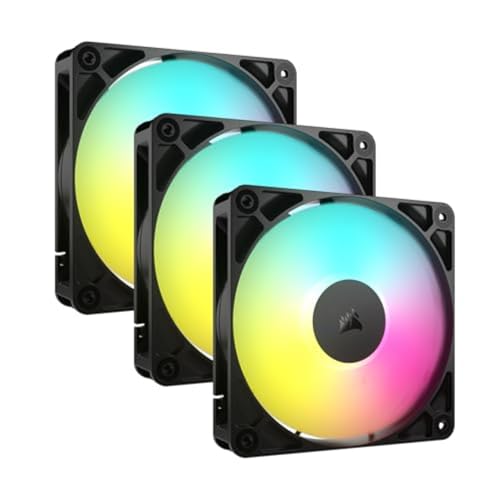

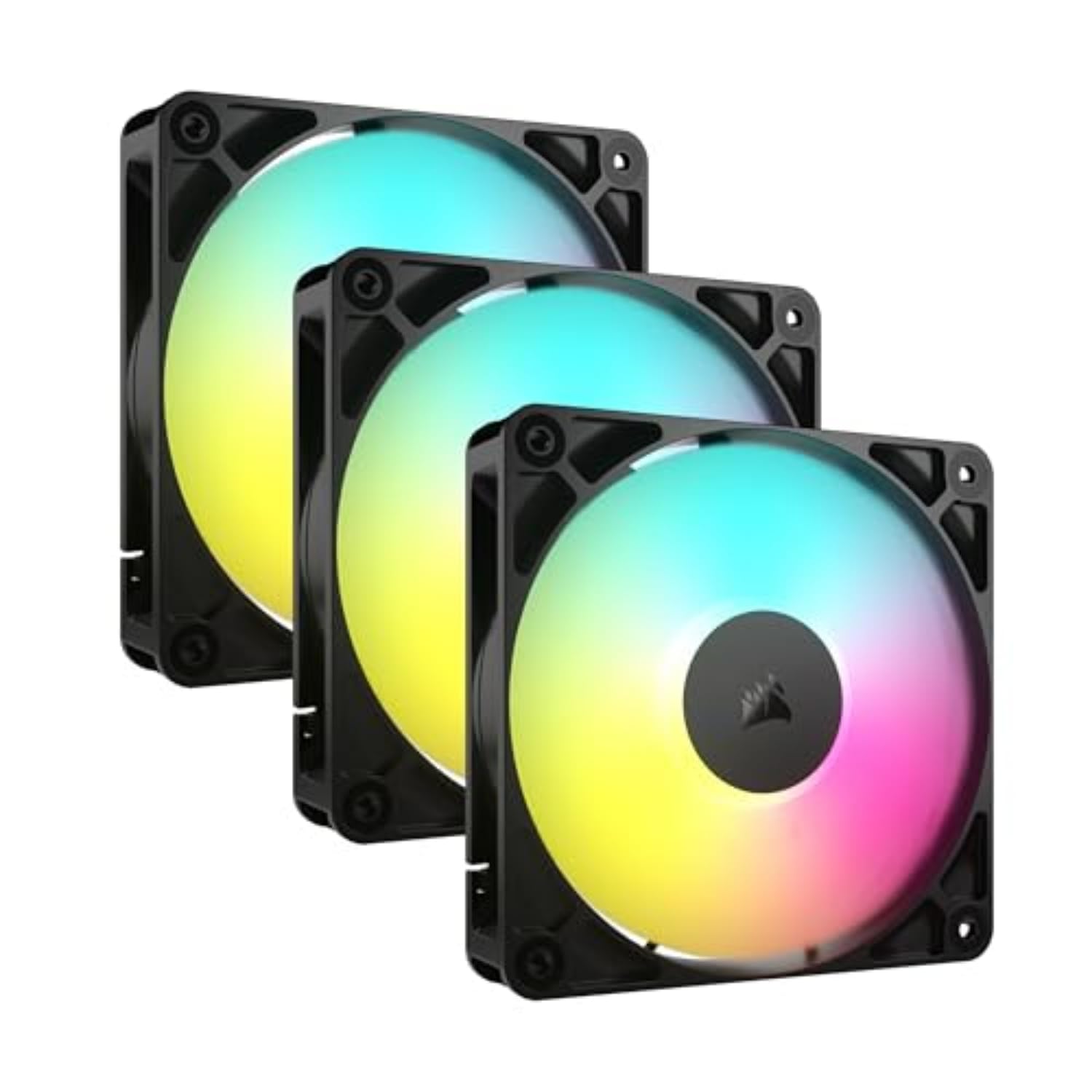

🌬️ Light up your build, cool like a pro — silence and style in perfect harmony!
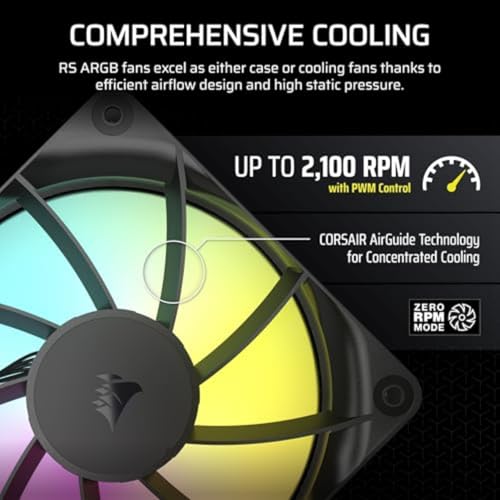
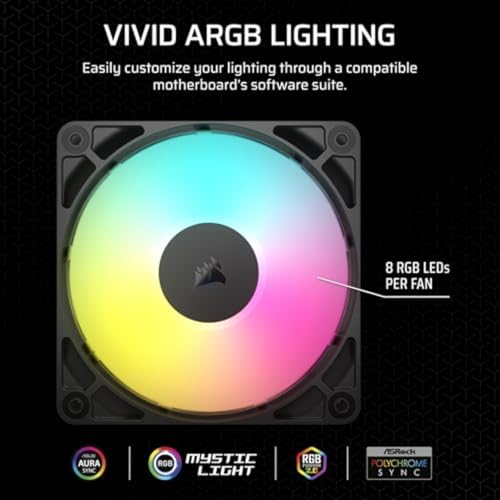
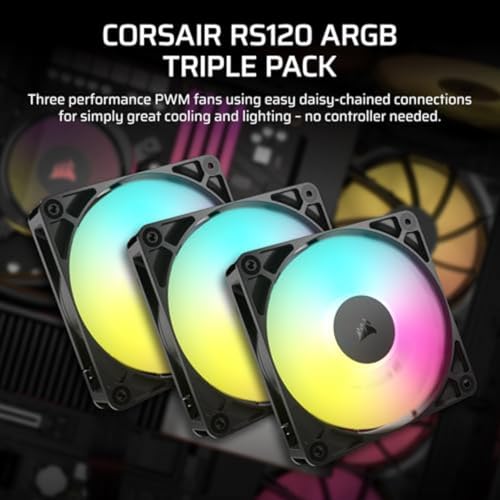
The CORSAIR RS120 ARGB PWM Triple Pack features three 120mm fans with 8 addressable RGB LEDs each, delivering up to 72.8 CFM airflow at 2,100 RPM. Designed for seamless daisy chain connectivity, these fans support PWM control and Zero RPM mode for silent, efficient cooling. Equipped with AirGuide technology, they focus airflow precisely to keep your PC components cool while adding vibrant, customizable lighting synced via your motherboard.






| ASIN | B0D49Q4CGM |
| Airflow | 72.8 Cubic Feet Per Minute |
| Amazon Bestseller | #4,900 in Computers ( See Top 100 in Computers ) #5 in Computer Case Fans |
| Batteries Included | No |
| Batteries Required? | No |
| Color | Black |
| Customer Reviews | 4.5 4.5 out of 5 stars (1,730) |
| Date First Available | October 17, 2024 |
| Included Components | 12 x Screws |
| Item Dimensions LxWxH | 12 x 12 x 2.5 cm |
| Item Weight | 540 g |
| Manufacturer | CORSAIR |
| Noise Level | 36 Decibels |
| Part number | CO-9050181-WW |
| Product Dimensions | 12 x 12 x 2.5 cm; 539.77 g |
| Size | RS120 Triple pack |
| Voltage | 5 Volts |
| Wattage | 2 W |
名**シ
リア排熱用に購入しました。 ARGBの色合いも良く、動作音も控えめで満足しています。
B**R
Stylish quiet and good performance
Easy to install and pretty quiet Rgb is easy to manage
C**G
デイジーチェーンなのは良いんですが線が短過ぎて裏配線しづらいのが微妙です。延長のケーブル類はちゃんと付いてきます。 理想としては、M/B→延長→裏配線で完結したいんですが各ファンの配線を裏に持ってくのが厳しいです。 それ以外は光り方なども期待通りで満足です。
Y**M
ファンが3つ付いたPCケースを買ってお手軽に光るPCを作りましたがCPUファンが普通のままだと寂しいのでこちらのファンに交換しました(クーラーはRZ400V2-WH)。写真中央が本製品です。ケースファンとして売られていますが120mmのCPUファンとしても使えました。接続はCPUファン用のコネクタがついていたのでそのまま接続し、ARGBコネクタもマザーに挿し、あとはマザーメーカー(ここではAsrock)の光らせるソフトで調整するだけだったのでお手軽でした。値段も手頃で簡単に電飾が追加できて満足しています。メーカーも様々ありますが信頼できるCORSAIRだったのが選んだ決め手でした。光らせるつもりでCPUクーラーを買うなら最初から光るクーラーが良いのですが後付けでも綺麗に光ったので満足です。ただCPUクーラー用途ですとファンに防振ゴムがなく少し密着が緩いです気になる人は対策が必要です
A**ー
良い商品です 1000円台の商品を買って、ちょっとうるさかったり 白色がうまく出なかったりと値段相応の不安が出ることがあります この商品にはありません
秋**乃
空冷なので天面にファンは必要ないのですがCPUファンだけ光らせたら寂しかったのでセールを待って購入。 ファンの延長ケーブルとARGBの延長ケーブルがそれぞれ2本ずつ入っており、このセットを買うだけで使い始められます。 なお延長ケーブルの長さは約60cmでした。 ファンの光り方も綺麗で良かったです。
う**ぎ
RTX5090もよく冷えます。ベンチマークでもGPU:60℃、VRAM:64℃でした。購入してよかったと思います。購入のするのに気にしたのは静圧(2.81mmH2O)です。これが効果があったのかわかりませんが、現状はよく冷えています。商品は写真では下にあるファン(3個)です。
S**S
うるさすぎ
I**C
J’ai pris des Corsair RS120-R ARGB (ventilateurs inversés / reverse) pour mon build blanc et je suis vraiment impressionné. Le gros avantage des reverse fans, c’est que tu peux garder le “beau côté” visible même quand tu les utilises en entrée d’air (intake). Résultat : c’est clean et ça fait “build showcase” direct. ✅ Points forts Esthétique (gros point fort) : sur mes photos, on voit clairement que le rendu est ultra propre. Les fans reverse permettent d’avoir un côté visible “fini” au lieu du côté avec les supports habituellement visibles sur un intake. ARGB très beau : lumière uniforme, couleurs vives, ça ressort super bien dans un boîtier blanc. Le rendu est vraiment “premium”. PWM = contrôle facile : tu peux ajuster la vitesse selon le besoin (silence au repos / plus de débit en charge). Très pratique. Airflow solide : en vrai, ça souffle bien et ça aide à garder la tour bien ventilée (surtout quand tu en mets 3 ensemble comme sur ma config). ⚠️ Petits points à savoir Plus de câbles / gestion : comme souvent avec du ARGB + PWM, ça fait vite un paquet de fils à organiser (rien de dramatique, mais faut le prévoir). Reverse = attention au sens du flux d’air : c’est justement l’intérêt du produit, mais il faut quand même vérifier ton orientation (intake/exhaust) pour que tout soit cohérent. 📸 Photos à l’appui Sur mes photos, on voit les 3 RS120-R en colonne avec un RGB très propre, et surtout l’avantage des reverse fans : le côté “beau” reste visible, même en configuration intake. ✅ Conclusion Si tu veux un setup propre visuellement, avec un RGB qui pop et une ventilation efficace, les Corsair RS120-R ARGB reverse sont un excellent choix. C’est exactement le genre de ventilateurs que tu prends quand tu veux un PC qui refroidit bien et qui a l’air “high-end”.
A**Y
Die Lüfter sind in diesem Preissegment Extrem gut. Die Lautstärke bleibt durch den den hohen Luftdurchsatz leise. Einzig die Beleuchtung kann mit den teureren Link Lüftern aus dem selben Hause nicht ganz mithalten was aber nichts heißt.
S**.
Bought for sons first build mostly for the rgb lighting. They do the job of keeping the air flowing and fairly quiet too.
F**I
ممتازة جدا سرعتها عالية وممتازة للتهوية
A**M
Decent fans. RGB colours are quite nice, not too bright. Air flow is also good, default speeds are a bit loud. Do need to adjust them via mobo or otherwise have decreased temps in my mid tower case by a fair amount. RTX 5070ti idle before at 40 degrees down to 29 degrees C. Cpu idle 31 degrees down to 27 degrees. RTX full power was at 72-76 degrees depending on game, with fans installed now down to 64 degrees C. Internal case temps dropped a considerable amount too, about 10 degree drop overall. The cable length is disappointing, could do with more length and more of a insert to place cables which aren't used. Bought a separate PWM Fan controller to connect all together. Probably get more out of them if stuck on full speed but the sound isn't worth it. Pricing was ok due to black friday deals. Installation was ok, was a bit annoying as I can have 2 120mm fans on the top, then the other had was used at bottom front panel. Luckily cables provided just about reached, they wouldn't without my additional fan controller. Just a FYI for all who do not place all fans together in a true daisy chain. Update: bought another set of 3 RGB white to complete the aesthetics. I was thinking adding the other 3 fans would be more audible but nope, exactly the same & still quiet enough. Pushes more air through and dropped ambient temps another degree and highest temps also by 2 degrees. The daisy chaining was still a pain in the rear. Luckily I've got a bunch of extender cables just incase & to help the addition of future fans to add later down the line. Overall, currently benching the machine. Cpu temps have dropped by about 10 degrees underload, idling at 32 degrees. Motherboard idles at 30 deg rather than 49. GPU dropped from 65-76 down to 57 deg C underload, idle dropped to from 40 down to 24 degrees w/ fans at low RPM on the gpu itself. Ambient case temperature has dropped from 68 down to 52 degrees. The machine is now cool inside at max load. Much happier, but the gripe remains about daisy chaining. Used SignalRGB to override all colours and working well.
Trustpilot
4 days ago
2 months ago