Some deliveries may take a little longer than usual due to regional shipping conditions.

DOWNLOAD THE APP


Customer Services
Copyright © 2025 Desertcart Holdings Limited
DOWNLOAD THE APP

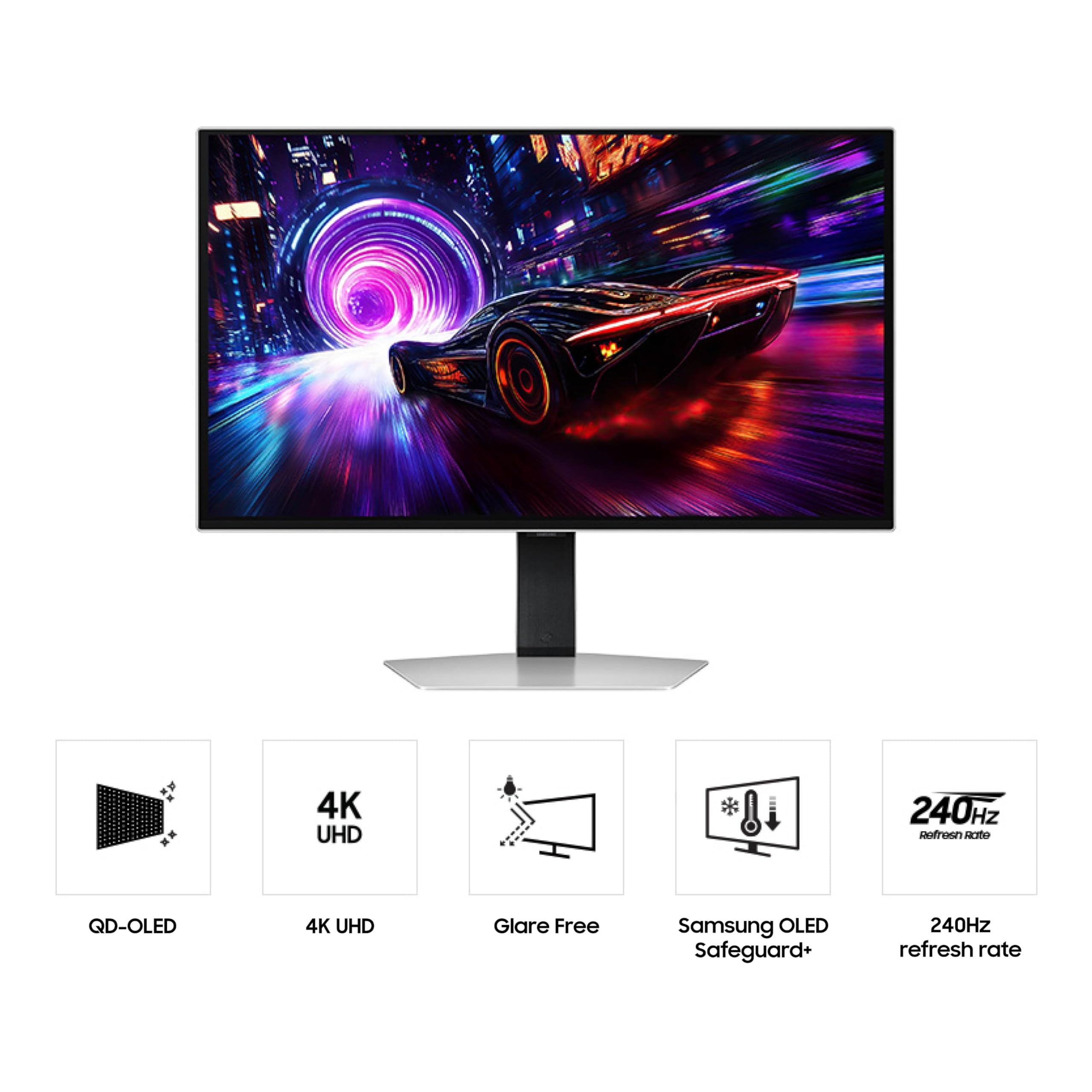
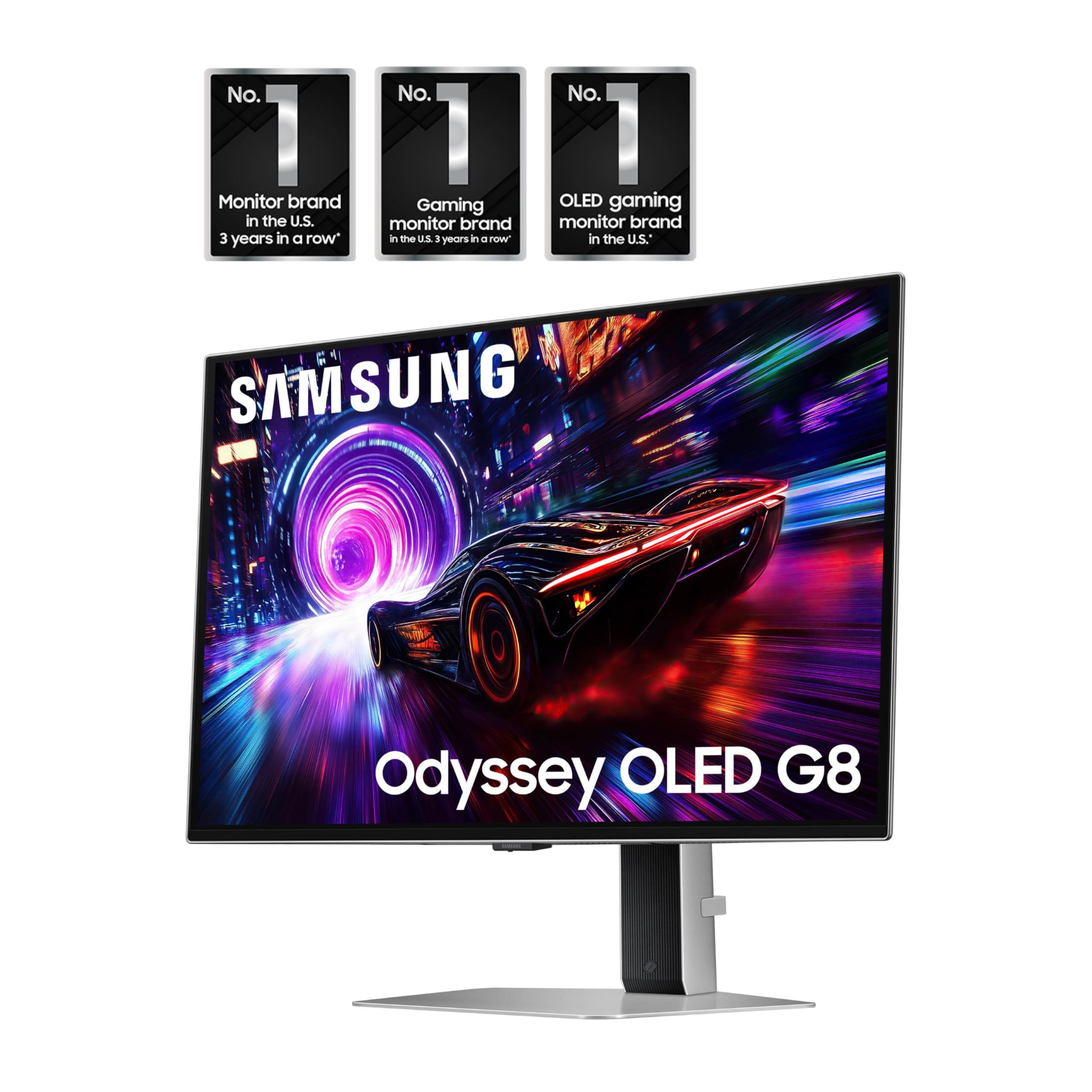
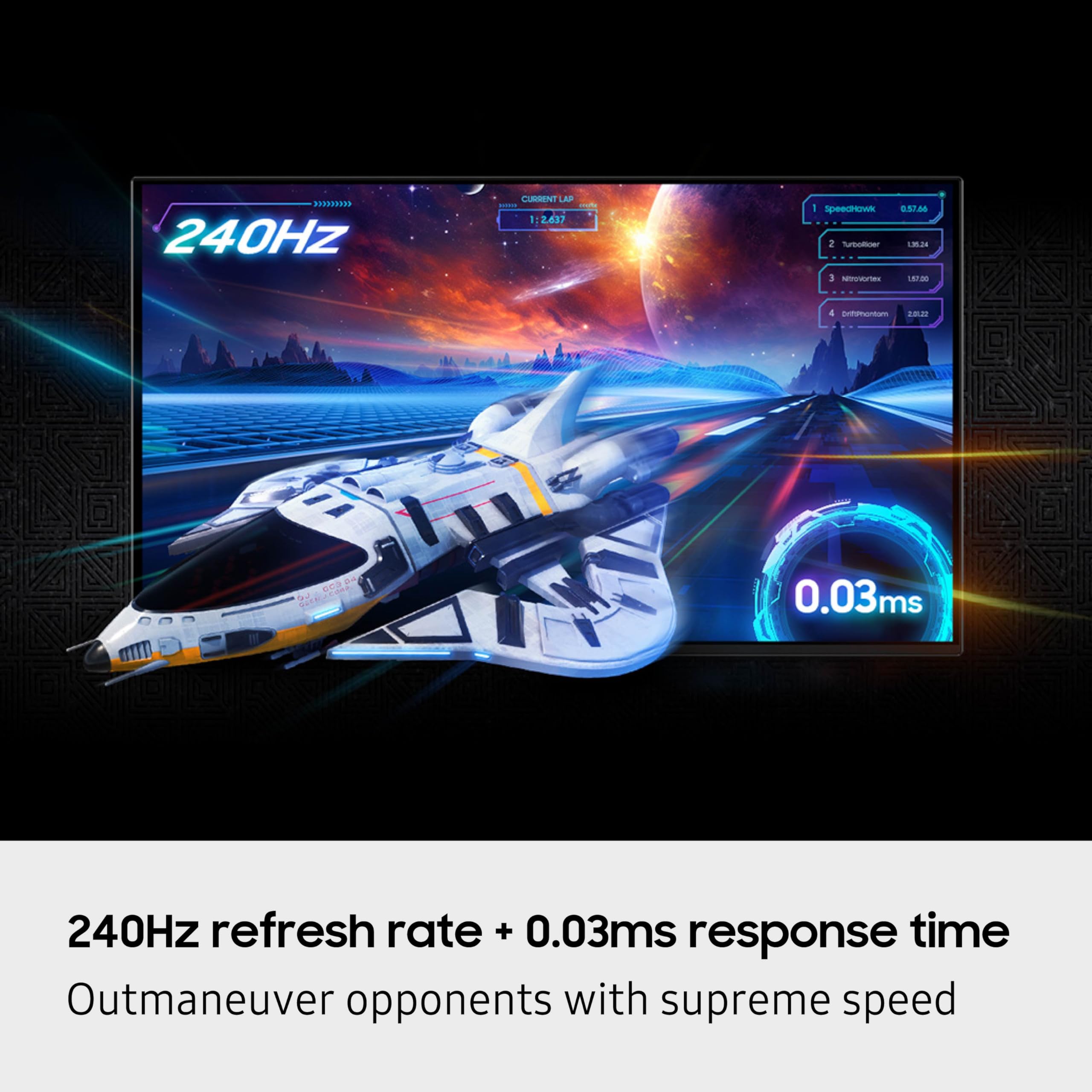
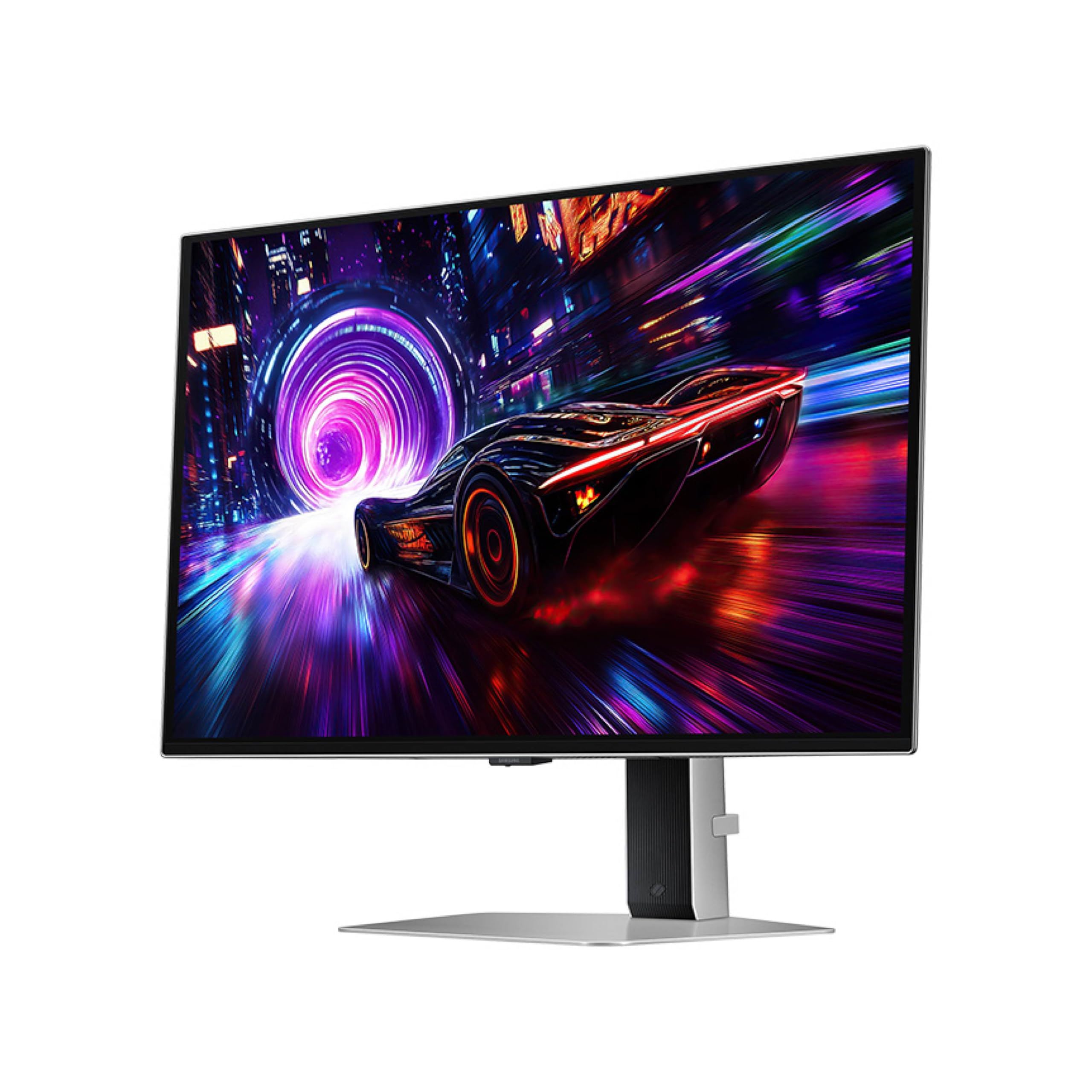
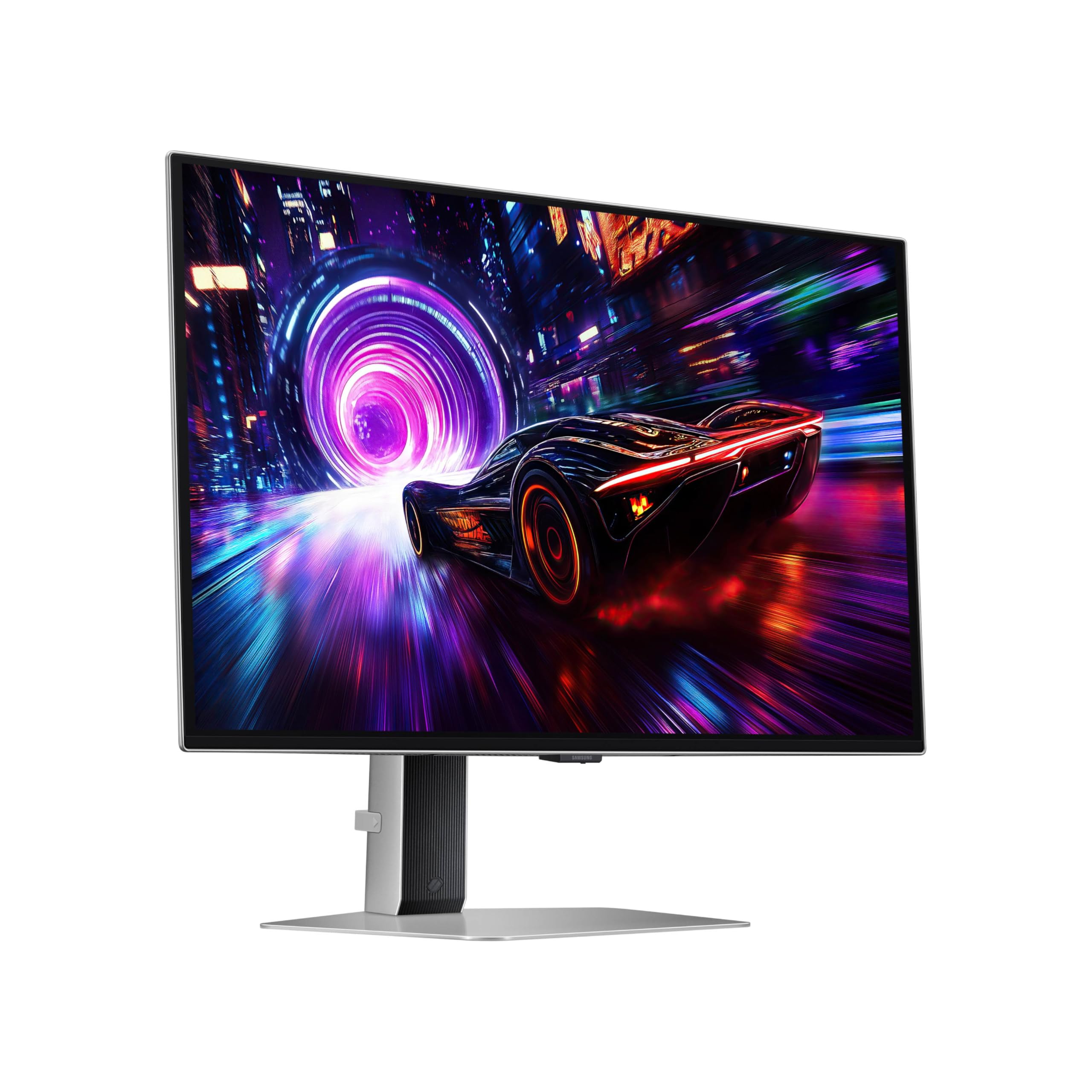
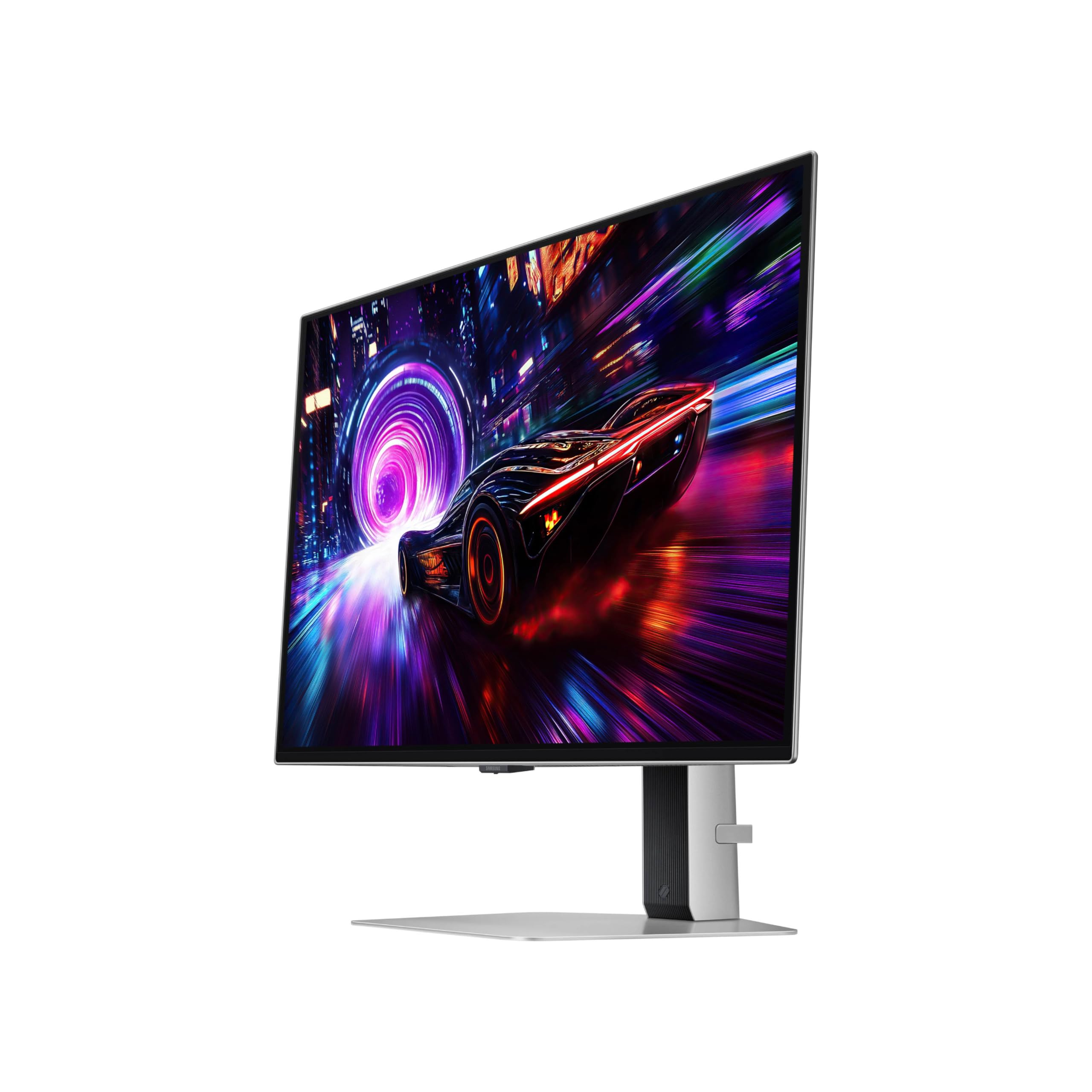
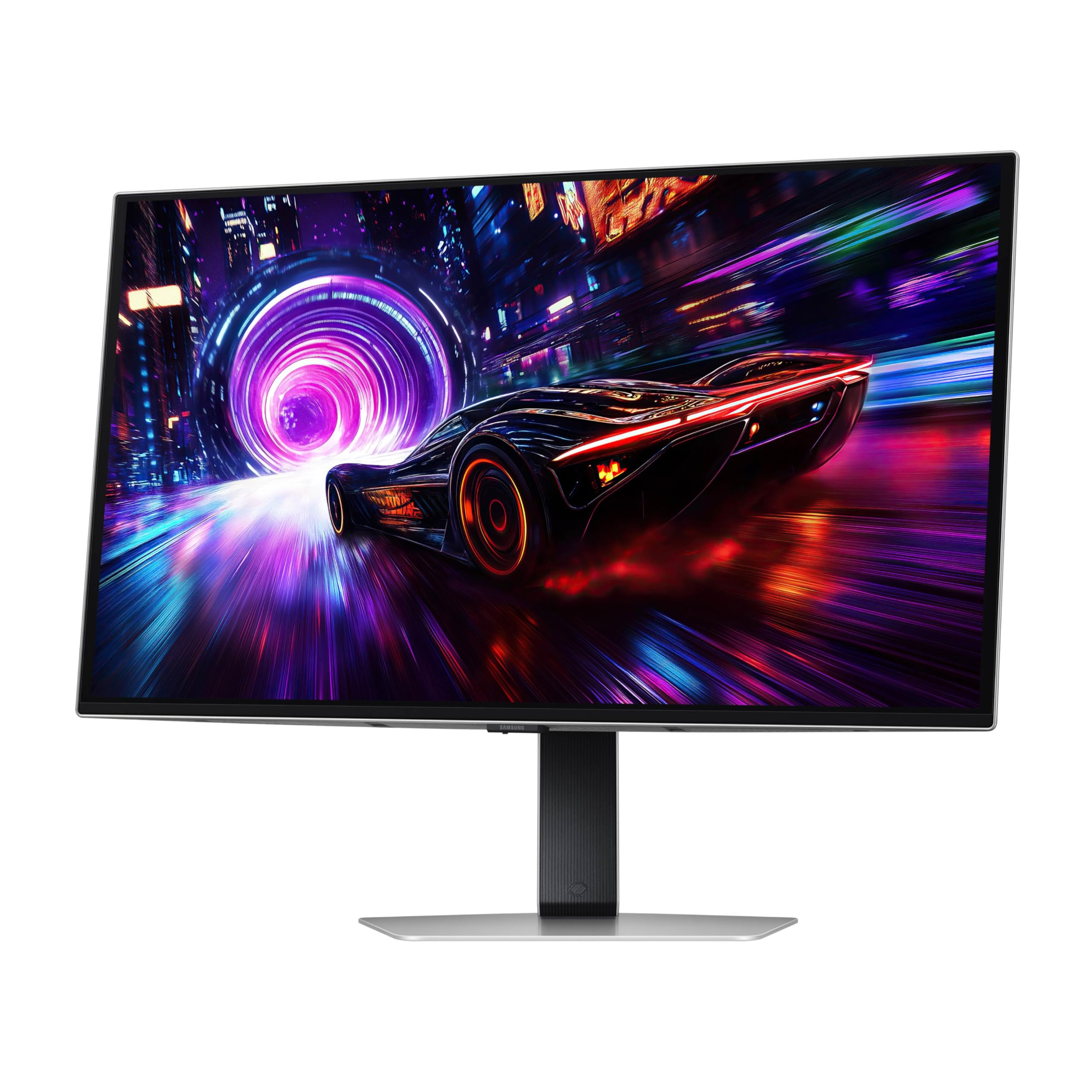
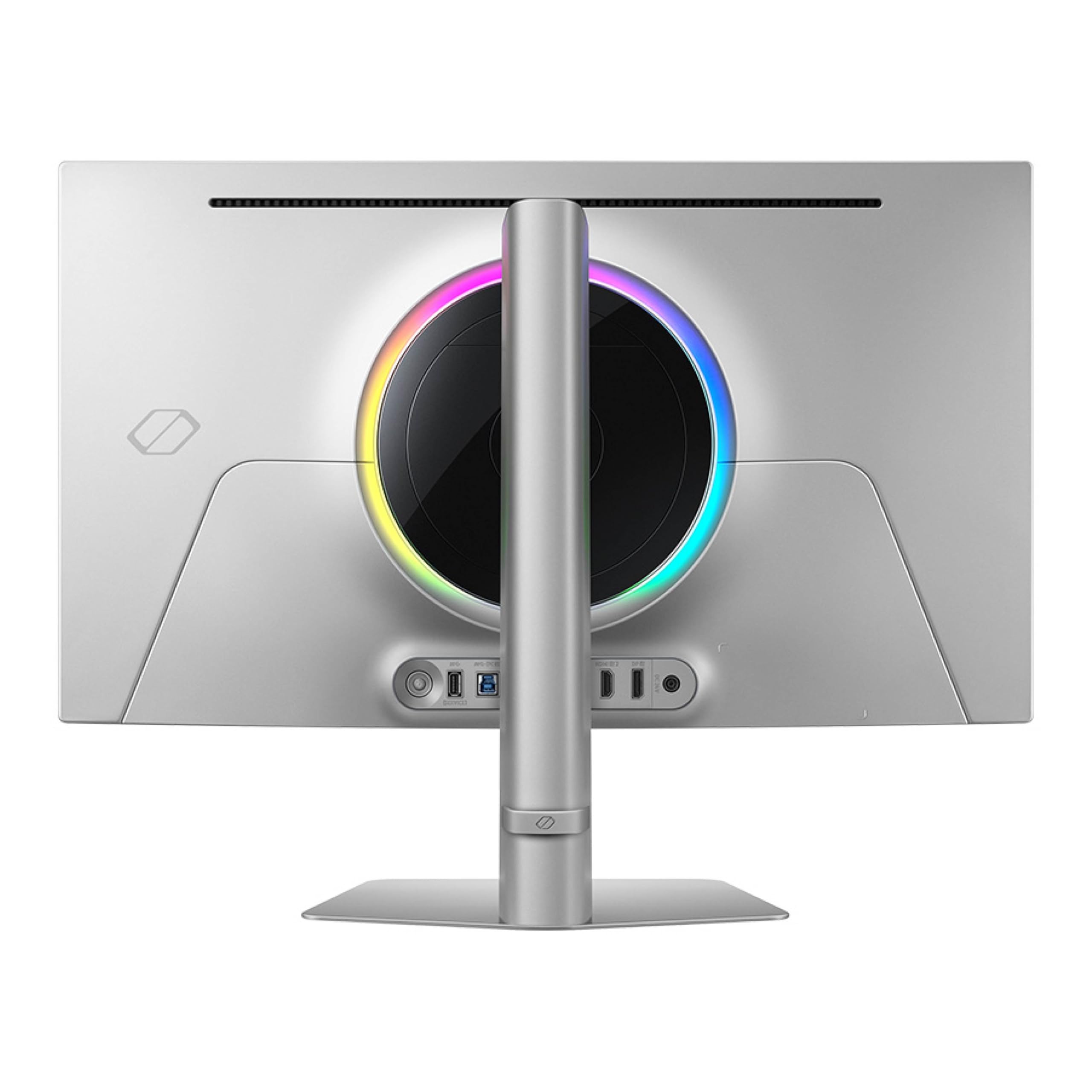
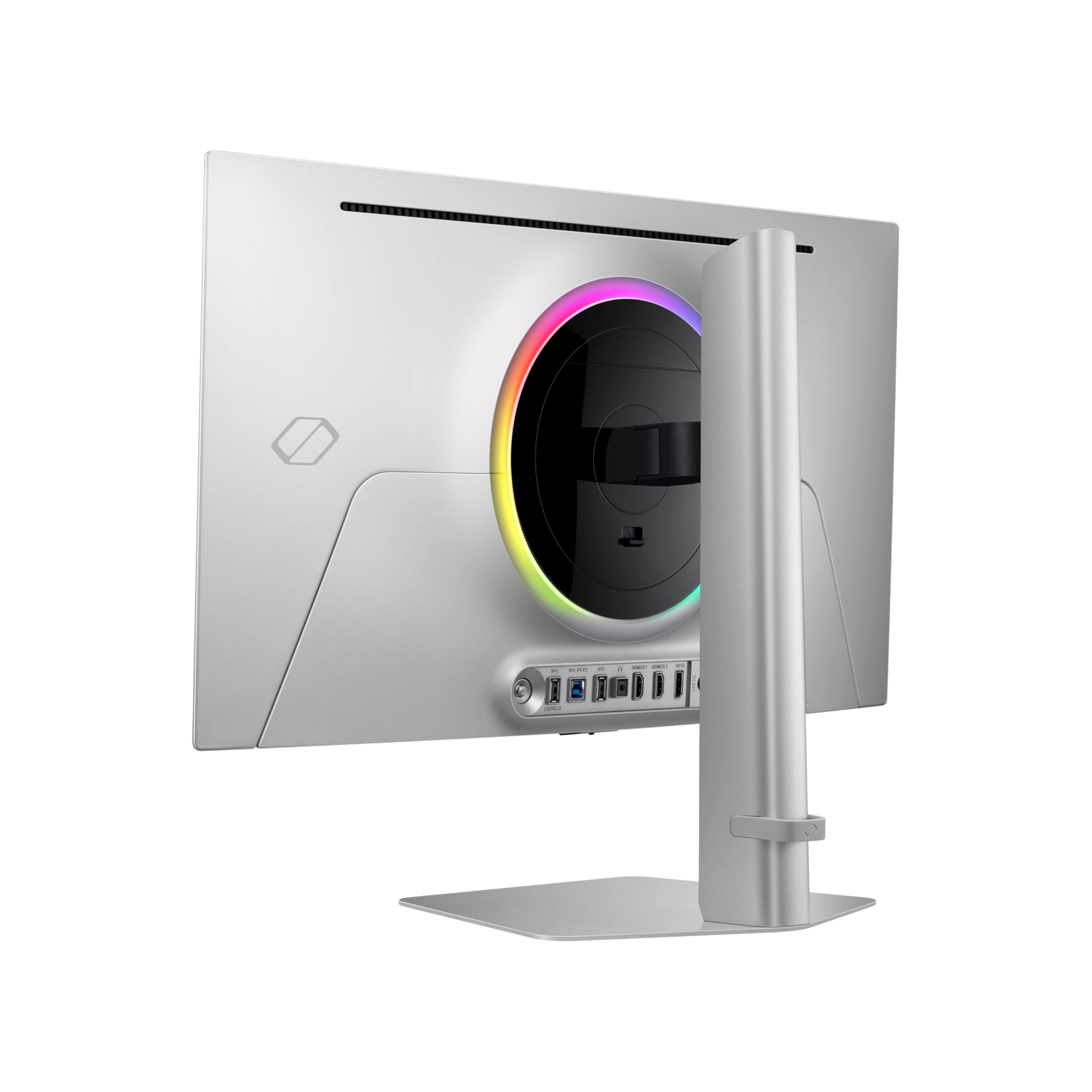
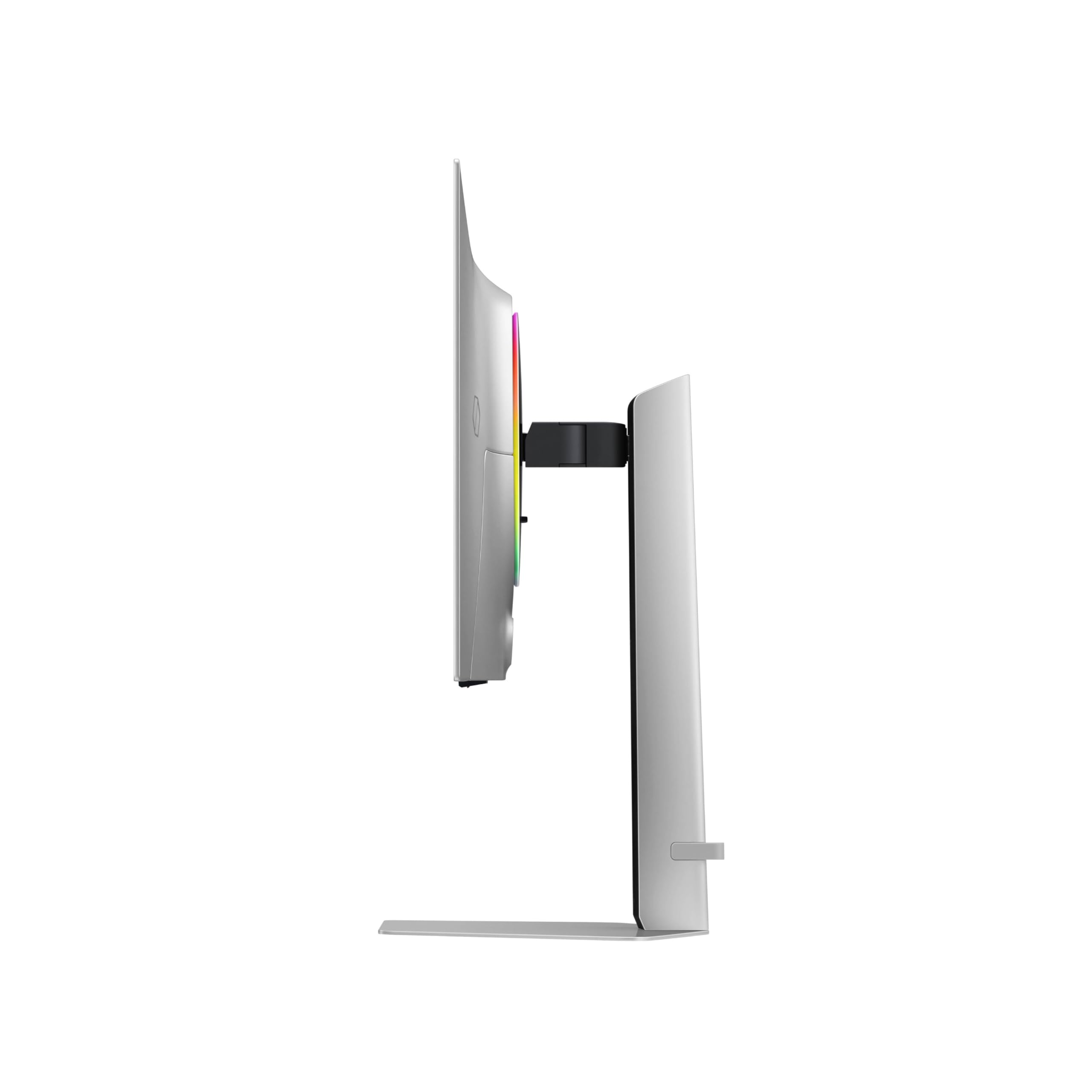
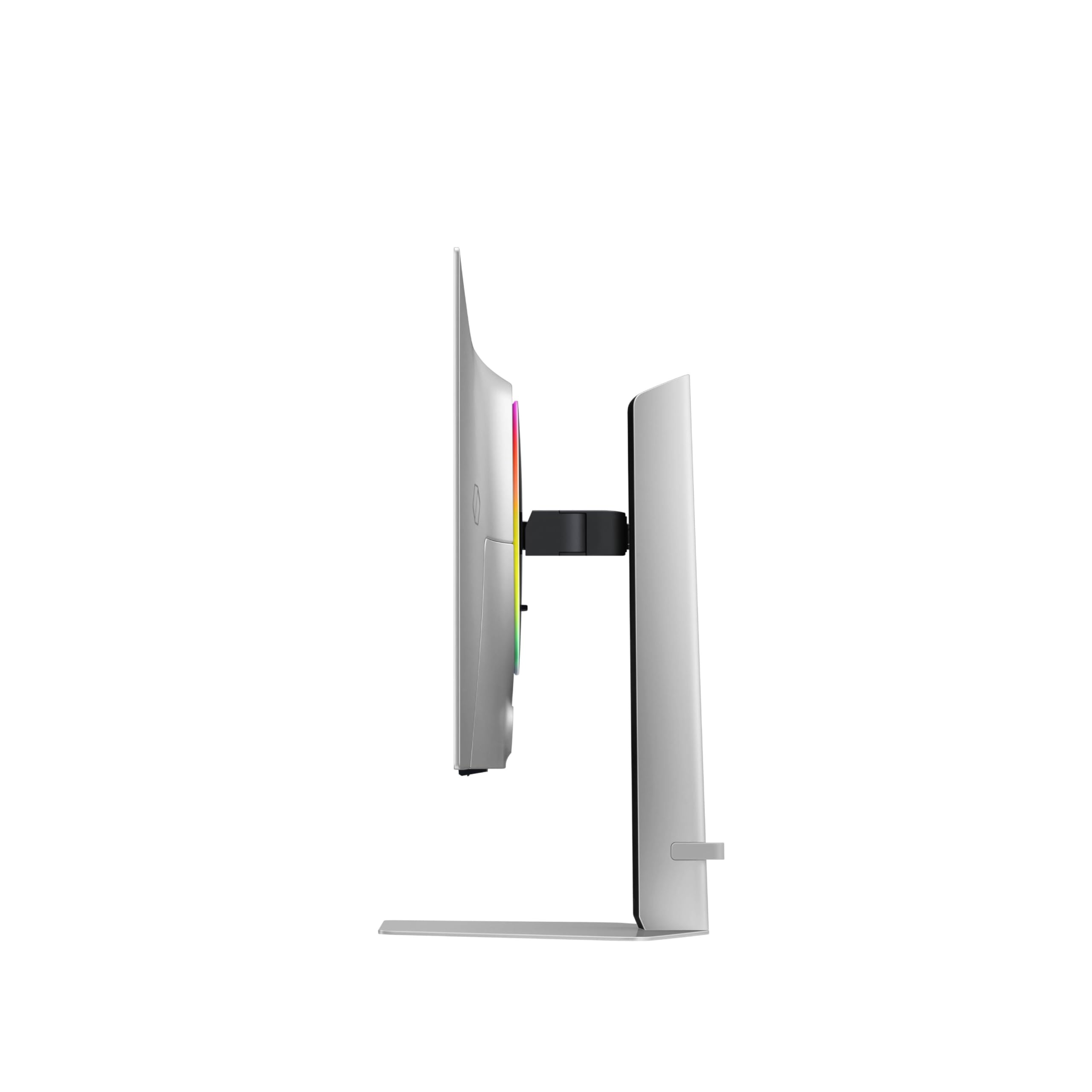
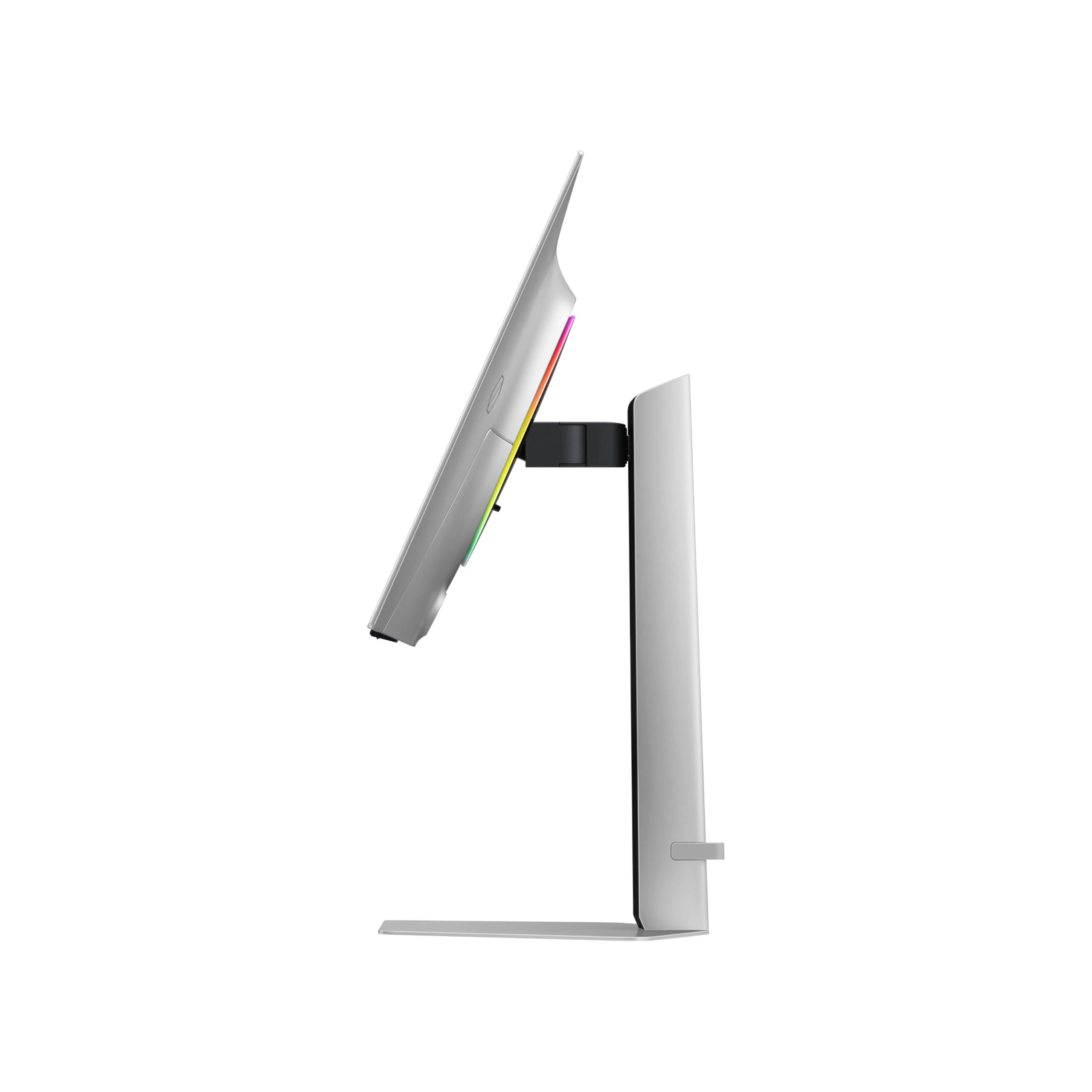
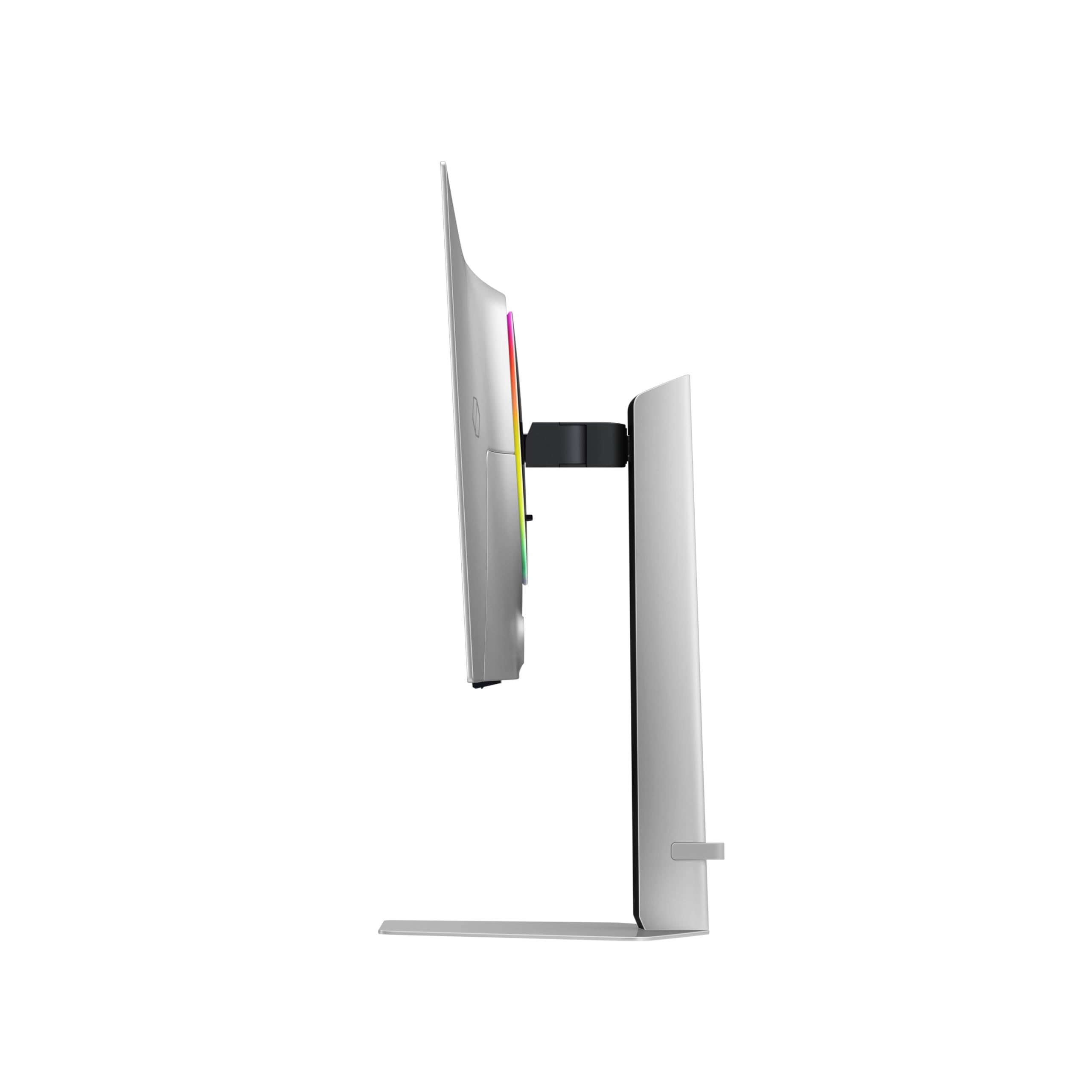
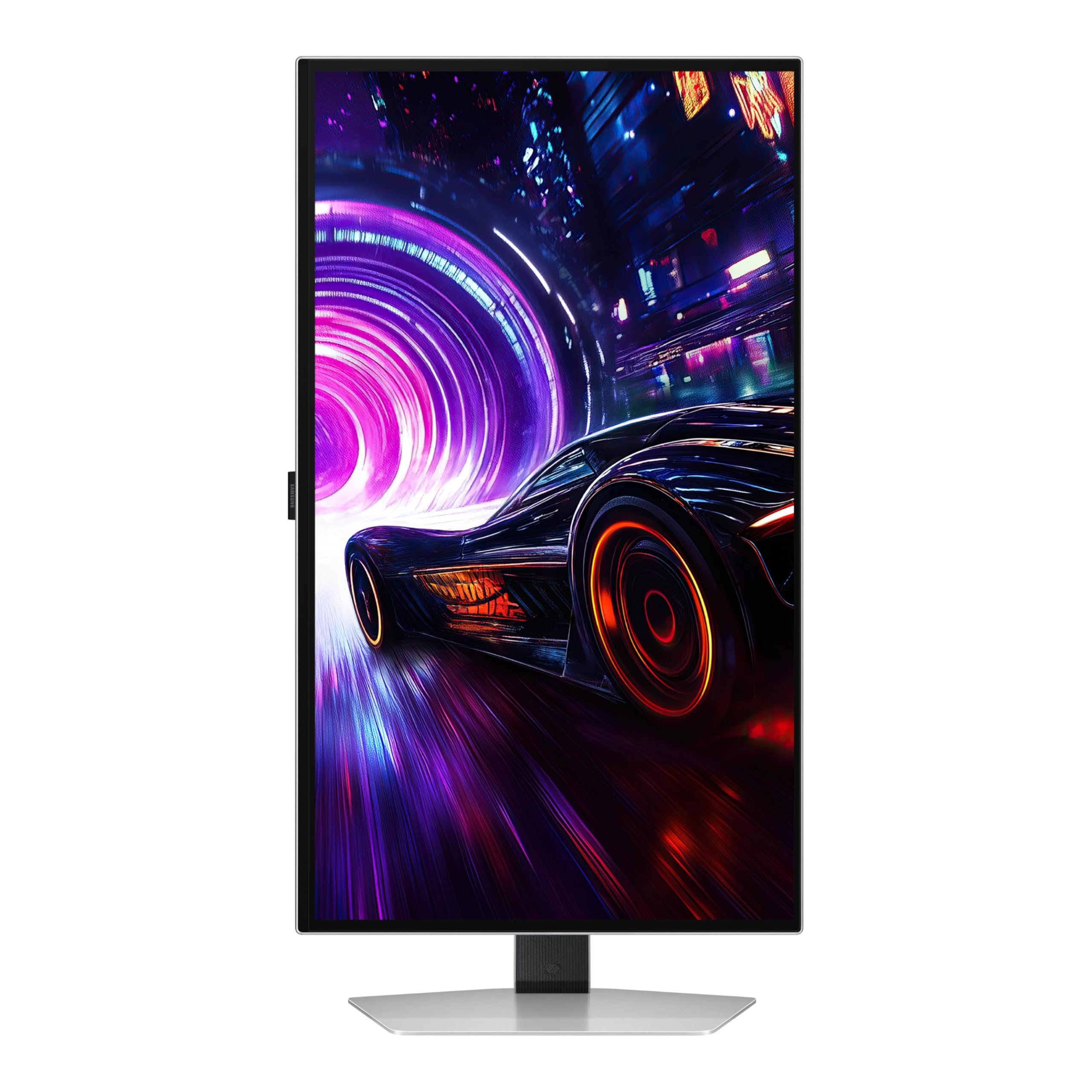
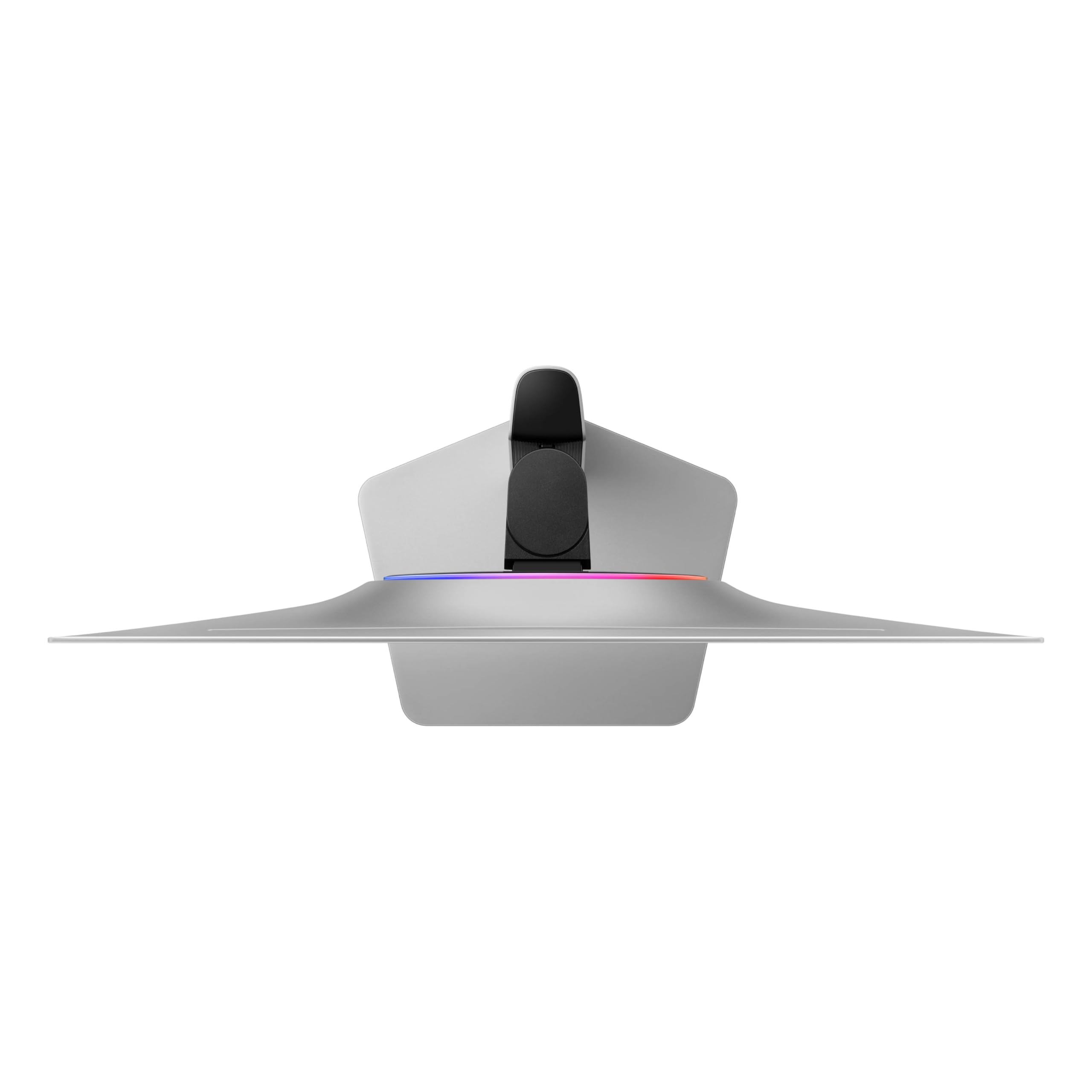
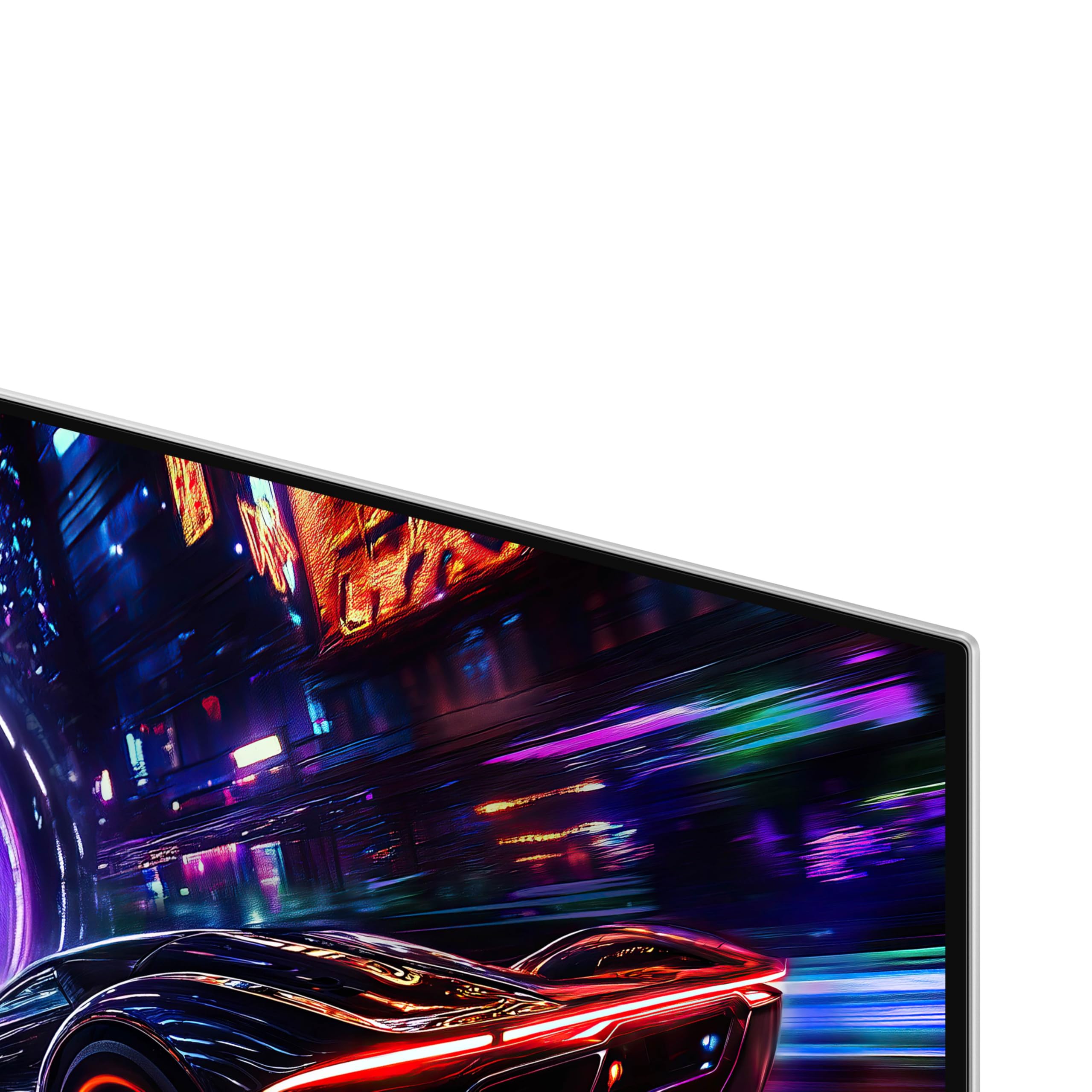
🎮 Elevate your game with the ultimate 4K speed and color powerhouse!
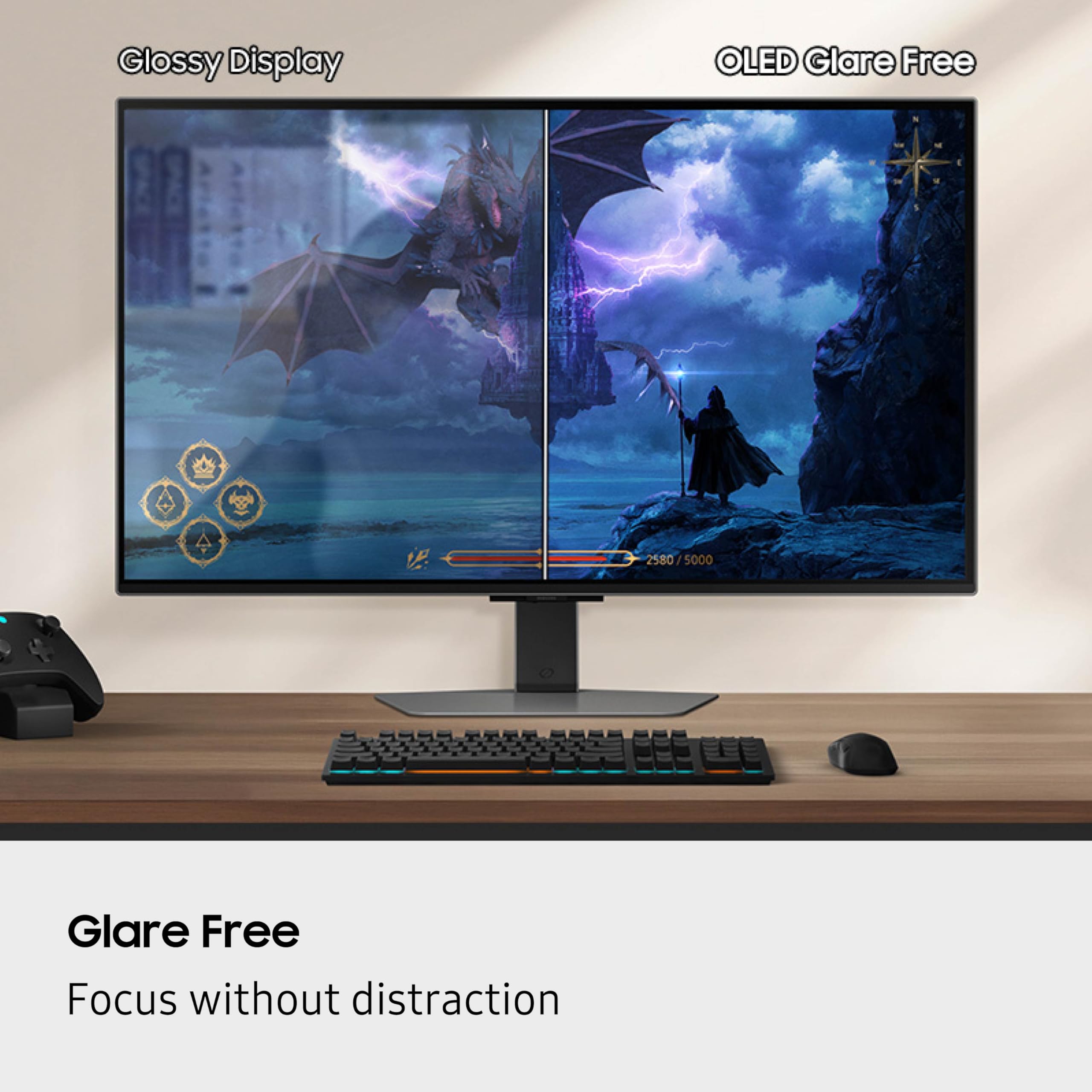
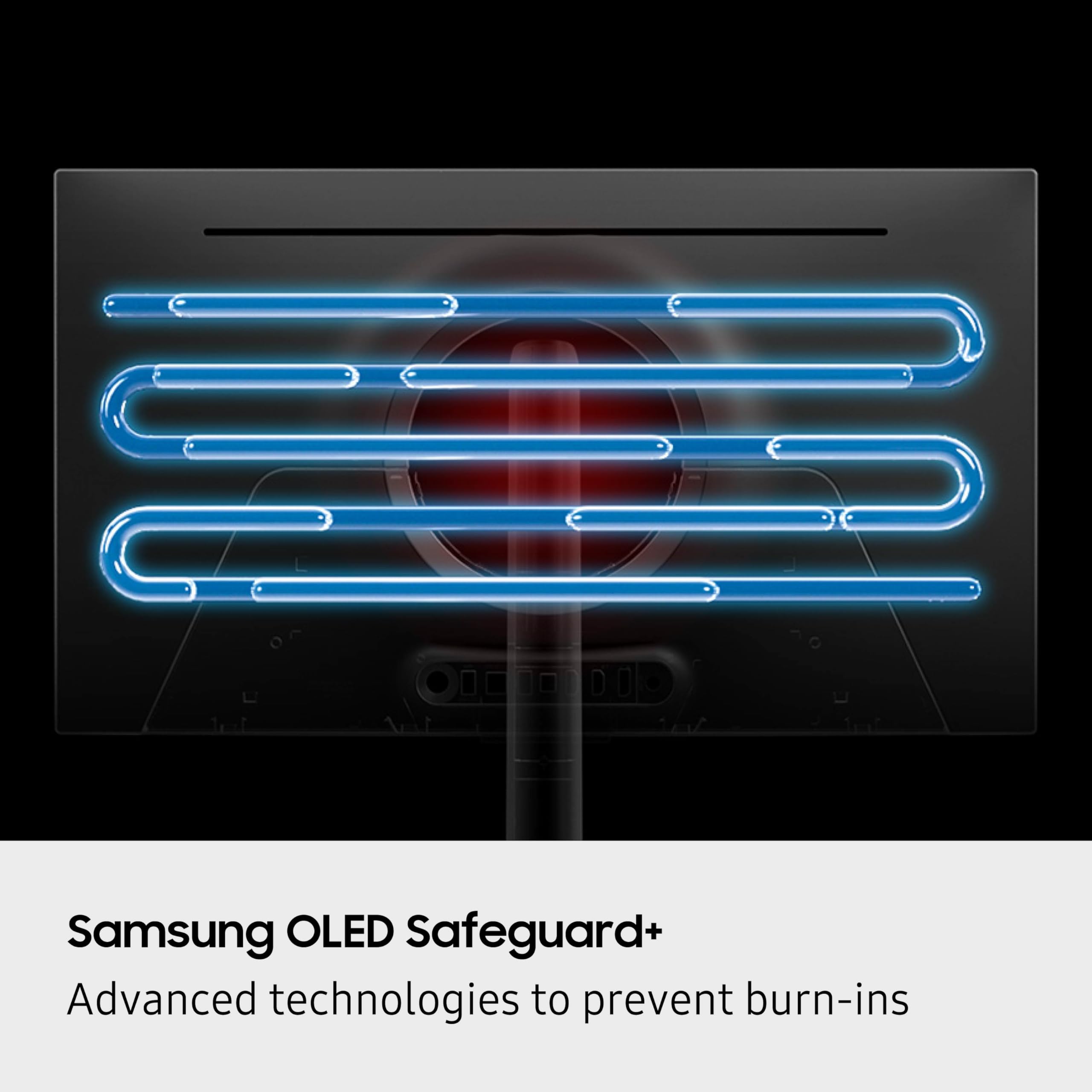
The Samsung 27-inch Odyssey QD-OLED G8 is a cutting-edge 4K gaming monitor featuring a 166 PPI QD-OLED panel, 240Hz refresh rate, and an ultra-fast 0.03ms response time. It boasts VESA DisplayHDR True Black 400 for superior contrast, advanced glare reduction, and a pioneering Pulsating Heat Pipe cooling system to prevent overheating and burn-ins. With AMD FreeSync Premium Pro, G-Sync compatibility, and immersive CoreSync lighting, it delivers a seamless, visually stunning, and comfortable gaming experience tailored for professionals and enthusiasts alike.
















| ASIN | B0DVM3BJHK |
| Best Sellers Rank | #14,784 in Electronics ( See Top 100 in Electronics ) #411 in Computer Monitors |
| Brand | Samsung |
| Color | Black |
| Customer Reviews | 4.2 4.2 out of 5 stars (187) |
| Date First Available | April 8, 2025 |
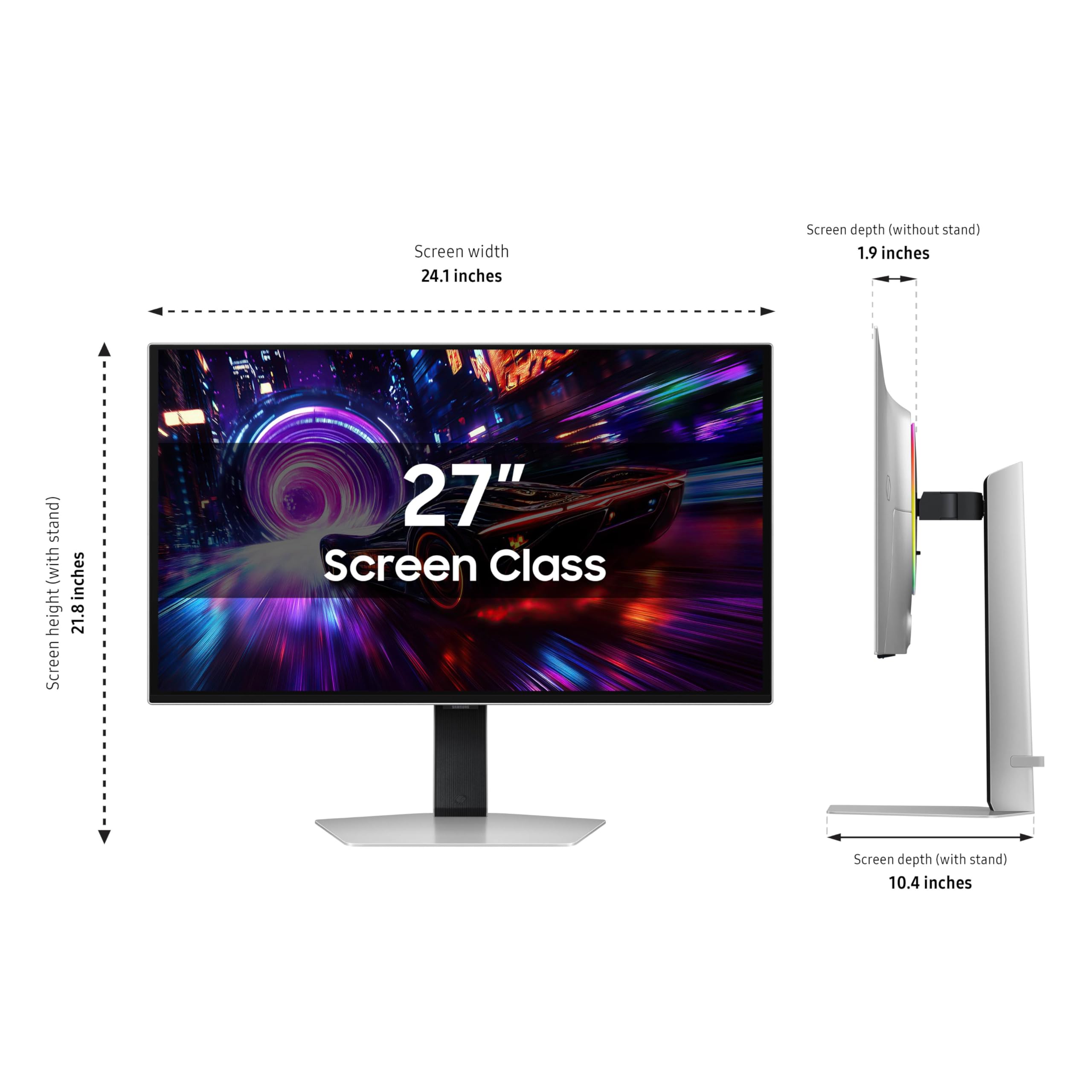
| Item Dimensions LxWxH | 10.37 x 24.08 x 21.82 inches |
| Item Weight | 15.21 pounds |
| Item model number | LS27FG810SNXZA |
| Manufacturer | Samsung |
| Max Screen Resolution | 3840 x 2160 Pixels |
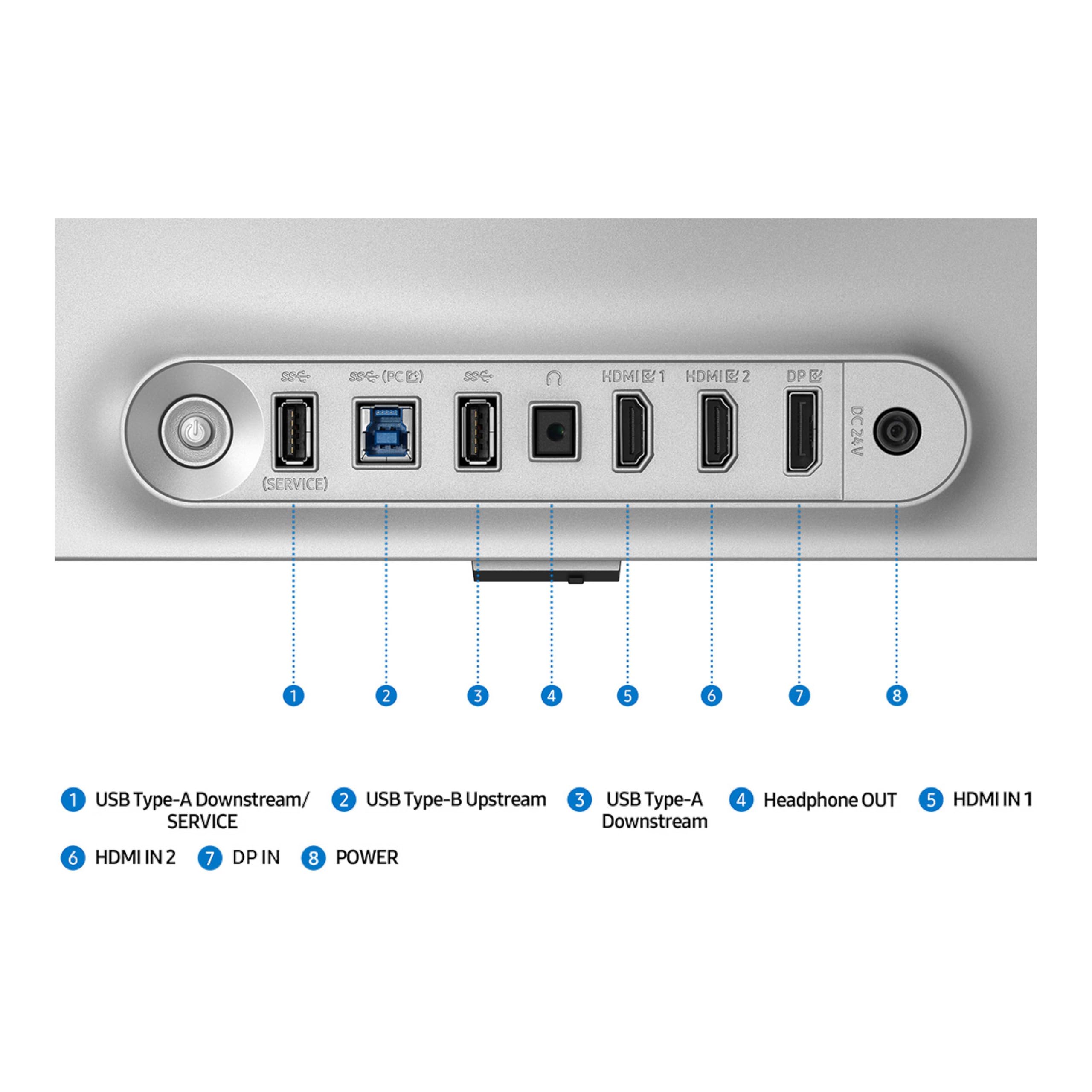
| Number of USB 2.0 Ports | 1 |
| Number of USB 3.0 Ports | 2 |
| Product Dimensions | 10.37 x 24.08 x 21.82 inches |
| Screen Resolution | 3840x2160 |
| Series | G81SF |
| Standing screen display size | 27 Inches |
| Voltage | 240 Volts |
D**S
Excellent monitor
After calibrating, the display is beautiful with vibrant colors and deep blacks with no blooming. Text is nice and crisp. I don’t game but do a lot of RAW image and 4K video processing and it works great. The stand is sturdy and is readily adjustable. Refresh rate 120 Hz on my desktop, no issues. I am really happy with this monitor, more so in that I got it at an excellent sale price.
D**N
Excellent, Well Rounded Monitor.
This is a near excellent monitor. The quality of the stand and screen is excellent. The monitor looks great out of the box, with little configuration needed. The monitor does provide the advertised 240Hz refresh rate and resolution as advertised. If you are not getting the correct resolution and refresh rate, the issue is likely the cable you are using. This monitor performs well in light environments, and has a great anti-glare coating. Some people may find the screen to be too “matte” and would prefer a more glossy coating from another brand.
A**S
Review 27inch Samsung Odyssey QD-OLED G8
Got it on sale and couldn’t be happier. Best monitor I’ve ever owned. Definitely worth the money if you’re trying to get the highest quality for your money. HDR is excellent and OLED colors are vibrant and crisp. The advertised 240hz is spot on and no screen tearing at all.
M**.
Good oled, good price.
Arrived as expected. Clean, new. Works just fine (right now) but this is Samsung tech we are talking about. So if any issues it would be with them now. Quality - Oled Picture control - easy Color accuracy - near perfect Bright in dark rooms. Easy to use I bright rooms.
E**Y
DO NOT BUY!
I bought this monitor and it broke after 3-4 months. The power/menu button in the back actually split in half! I contacted Samsung and they said it was "physical damage" outside the warranty. They invited me to pay to ship it to them and pay to have it repaired. I refused and bought a similar monitor from another vendor. I think this product is a scam where: 1. You pay Samsung ~ $1,000 for a monitor they KNOW has poor build quality 2. The monitor breaks 3. Samsung informs you the break is outside the warranty terms 4. Samsung makes more money off of a repair Don't fall for this scam!
N**R
A few oddities
First off, the picture quality is stunning coming from an Acer Predator 27 inch 1440P monitor. The colors are much richer. The blacks are definitely jet black. Two things that bother me. The warranty is supposed to be 3 years but the included paperwork says 1 year. After looking online it seems to be an issue. Hopefully I can register my monitor on the Samsung website and it will recognize the 3 year warranty. The mini joystick button on the back of the monitor for settings is a pain. If you don't push it squarely in the middle it registers an up or down or left or right movement. It's very finicky. IMPORTANT: If you are going from a 1080P or 1440P monitor to any 4K monitor, you may need to replace your power supply in your PC with a higher wattage one. I didn't stop to think about that. The good people at Tom's Hardware brought it to my attention. A 4K monitor will push your graphics card way higher in wattage consumption. I have a 4090 GPU which is capable of pulling over 400 watts and bursts of 600 or so watts. My current PSU is only 850 watts. After factoring the CPU wattage and other components I was already at the bare minimum. With my 1440P monitor, the GPU was only drawing less than 200 watts. This 4K monitor is probably going to draw max wattage. It was suggested to buy a minimum 1200 watt or preferably a 1600 watt power supply. I went with the 1600 watt. They are expensive! Glad I got a good deal on the monitor at $899. Now my beef with that. The day I got my delivery I saw the Samsung site is selling this monitor for $799. You can't win sometimes.
V**E
Great for simple scenarios, and impossible for others...
First off, if you are using 1 or 2 of these on an Nvidia video card, then this is an awesome monitor. Gorgeous picture, blur-free movement. -1/2 star for lack of speakers. If you are using this as a single monitor on a desktop, the lack of speakers is unfortunate. But if you plan on running triples (let's say for a race sim or flight sim rig), and you are using an NVidia card, then stay far away from these. In fact, choose your monitor wisely. Here's the deal... High resolution/high refresh/10 bit color/HDR demand a lot of bandwidth to push all that data from the computer to the monitor. There simply was not enough bandwidth before DP1.4. Actually there still isn't enough bandwidth in v1.4, so they introduced Display Stream Compression (DSC) to compress the stream in the video card, reducing to 1/3, and then decompressing it in the monitor. The problem is that Nvidia uses extra resources to support DSC - the equivalent of another monitor output. So a single DSC monitor counts as 2 outputs. And that means 2 DSC monitors max out all RTX cards. No triples at all possible with these monitors with DSC. To make matters worse, output streams that do not require DSC (because they fit uncompressed in DP1.4) still negotiate DSC on this monitor! So even if you manually set 4k@120Hz, you are still using DSC. Set 1024x768? Still using DSC and maxed out with 2 of these. I've confirmed that last year's model (G80SD) does not set DSC with modes that don't require it. This appears to be a bug in their firmware. Some other monitor makers add an option for "Disable DSC". Not Samsung. Raised a ticket with Samsung, specifically "How do I use 3 of these with a RTX4k?" Escalated to next level techs, and still waiting for an answer. -2.5 stars for this, since this is my scenario and it just doesn't work. Sadly returning these and getting 3 monitors that work properly.
J**H
Yes
Stunning monitor. All the settings are easy to look up. Pretty much a plug and play monitor. 240 hz on 4k is really something. It has an auto off feature for people who are sketchy about oleds, and it runs it's own maintenance when unused. Very cool. Upgraded from 1080p 240 hz. Def worth it. 😎
M**K
I'm absolutely blown away by the Samsung 32-inch OLED gaming monitor (2025 version). The visual quality is simply stunning – the clarity, colors, details, and sharpness are on another level compared to anything I've used before. The blacks are pitch black, delivering true OLED performance that transforms the gaming experience entirely. I recently replayed Dead Space Remake on this monitor, and it genuinely feels like a completely new game. The inky blacks make the horror atmosphere incredibly immersive and terrifying again, exactly as the developers intended. The smoothness of game play is like silk, with zero motion blur or ghosting to distract from the action. Witcher 3 has been another revelation on this display – running at 4K ultra settings with an average of 100 fps, I've never experienced gaming like this before. Every detail in the lush environments pops with vibrant, accurate colors, and the high refresh rate makes combat and exploration buttery smooth. Beyond the exceptional picture quality, Samsung nailed the design and ergonomics too. The stand offers excellent adjustability, making it easy to find the perfect viewing angle, while the sleek aesthetic and thin bezels give it a premium, modern look that complements any setup. This monitor has completely redefined what I expect from a gaming display, and I couldn't be happier with the upgrade.
K**P
I was torn between the Samsung 32" Odyssey QD-OLED (LS32FG810SNXZA) and the comparable MSI model, ultimately choosing the Samsung for just $50 more. During the Black Friday 2025 sale, I managed to snag it for $950 CAD—an absolute steal considering it quickly jumped back to its regular $1700 price tag. I connected this monitor with a well-reviewed Amazon Basics DisplayPort 1.4 Cable at the following link: https://www.amazon.ca/dp/B08FBH4H9X, and it runs 4K @ 240Hz flawlessly. This monitor is a stunner in every way. Performance is breathtaking, with games and movies coming to life with incredible vibrancy and depth. Even the text is rendered perfectly. The design is equally impressive: a super-thin bezel, a full metal back, a minimal input module, and tasteful rear LED lighting that isn’t over the top. The included articulating stand is so gorgeous that it feels like a shame to have it mounted on my monitor arm, but that speaks to its quality. My setup is in a usually dark room, but even with all the lights on, the matte screen handles glare perfectly with no loss to picture quality. The on-screen menu is also simple and intuitive to navigate. I have not used the included cables as I needed longer ones, but the monitor does come with both a 5-foot 8K DP and a 6-foot high-speed HDMI cable, which seem to be of very good quality. Samsung's limited warranty on this product here in Canada is 3 years, but at checkout, I added an Asurion 2-year warranty for $62 for extra peace of mind, because frankly, after using it, I don’t think I could go back. An exceptional monitor and a phenomenal purchase.
A**M
First of all, this monitor has very solid build quality while being very thin (thinner than any monitor of this caliber) : build is mostly aluminum so handle it with care to avoid accidental scratches and all. I love the simplistic look of this monitor despite being a gaming oriented product : you wont see exaggerated gamer's design with crazy RGB lighting. Its a very minimalistic look and it might look a bit boring but, the quality of this display is certainly up there with competition. I am using it for my consoles only so I will never go anything beyond 120HZ : so its already an overkill for my setup. Because of the slick design and minimalistic look, this monitor is perfect for those who have limited space or a medium-small desk like myself. Ports are also very easy to locate so really convenient if you have to plug & unplug devices constantly. Finally, this monitor stand is no longer that wobbly plastic stand : its a sturdy metal stand that will barely budge and you wont worry about this thing fell off. However, there is one thing that might be a deal breaker : this monitor has a matte display , not a glossy one like majority of the OLED monitors and you can definitely tell the sacrifice and difference when you are comparing it to a glossy display like Alienware AW3225QF : color isnt as vibrant as a glossy panel and strangely enough, this monitor does not have speaker unlike many other Odyssey models Samsung has. Matte display meaning that cleaning will be a lot easier than its competitors, imo, not a major deal breaker unless you are comparing a highend OLED panel side by side. I have purchases this on early Black Friday sale. For the 1100CAD, I think this is a bargain because of the overall positive side. However, with its normal price of 1700CAD, I cant really suggest this product because the one I use for comparison, Alienware AW3225QF, is often on sale for 1100 CAD as well and that one has a glossy display and far more vibrant color and in my opinion. Finally, I can suggest this when it is on sale but think twice about the matte display.
S**M
The monitor itself is fantastic except the screen is very "grainy" or "noisy" (like having oil smeared onto a screen) which from my quick research seems to be a problem for QD OLED monitors with matte surface. It's not noticeable on dark colours but it's extremely distracting on lighter colours. This isn't a problem for viewing text in dark mode or gaming, however in images with large areas of light colours, it just looks very dirty. It might be that I need to be used to it but right now it just ruins it for me.
S**S
Absolutely love this monitor and would definitely buy again if I had the money for another
Trustpilot
1 week ago
3 weeks ago