
DOWNLOAD THE APP


Customer Services
Copyright © 2025 Desertcart Holdings Limited
DOWNLOAD THE APP
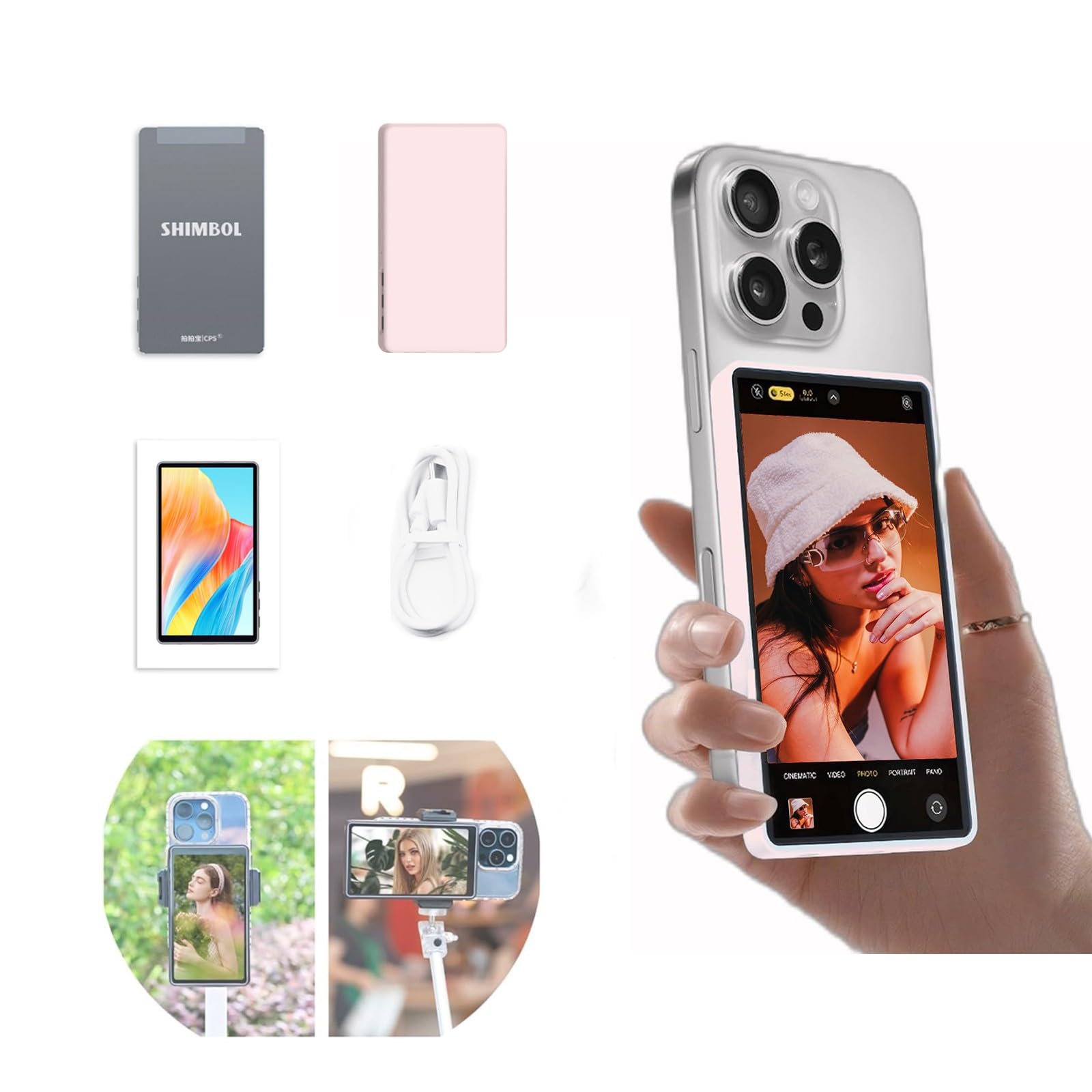
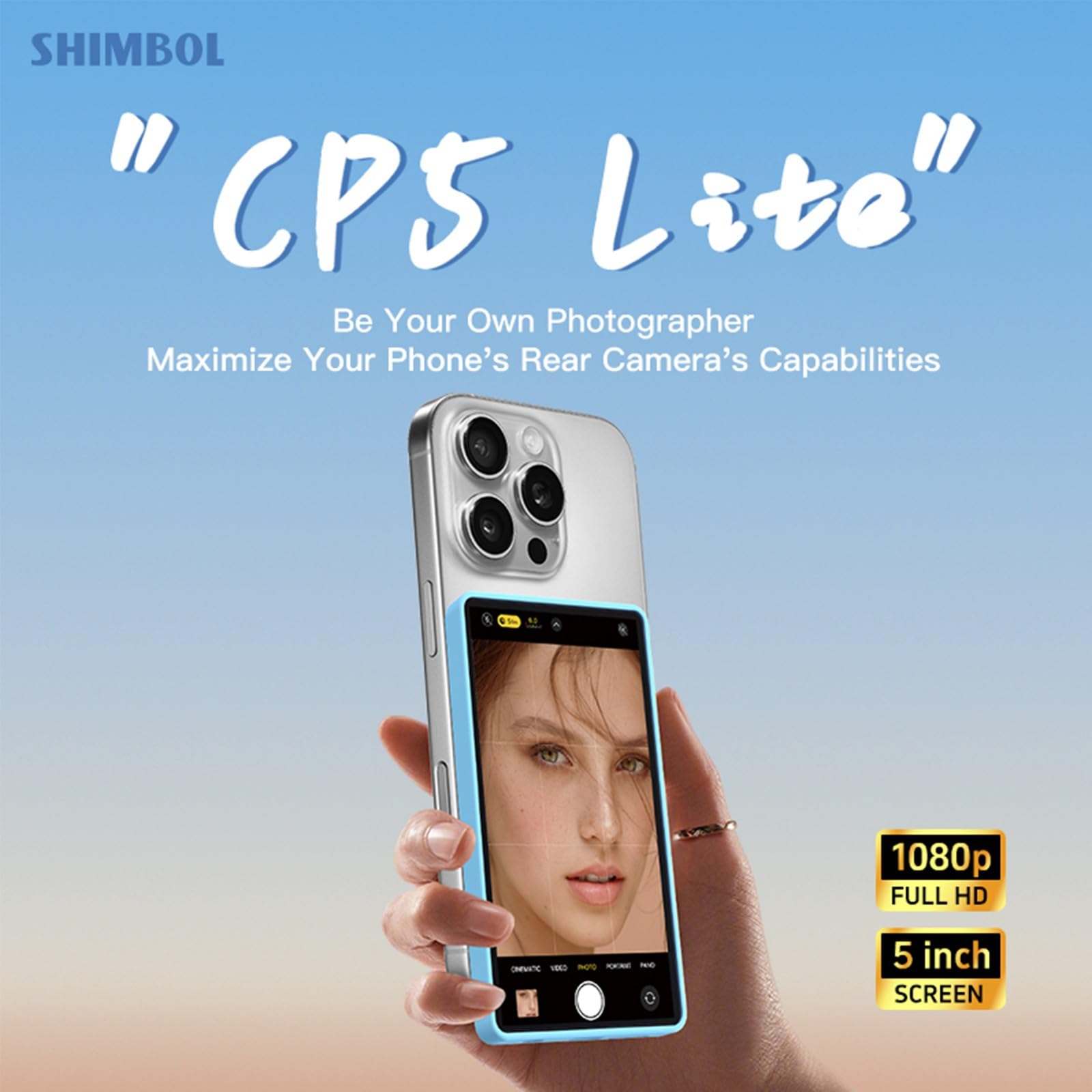

🎥 Elevate your selfie game with crystal clarity and wireless freedom!
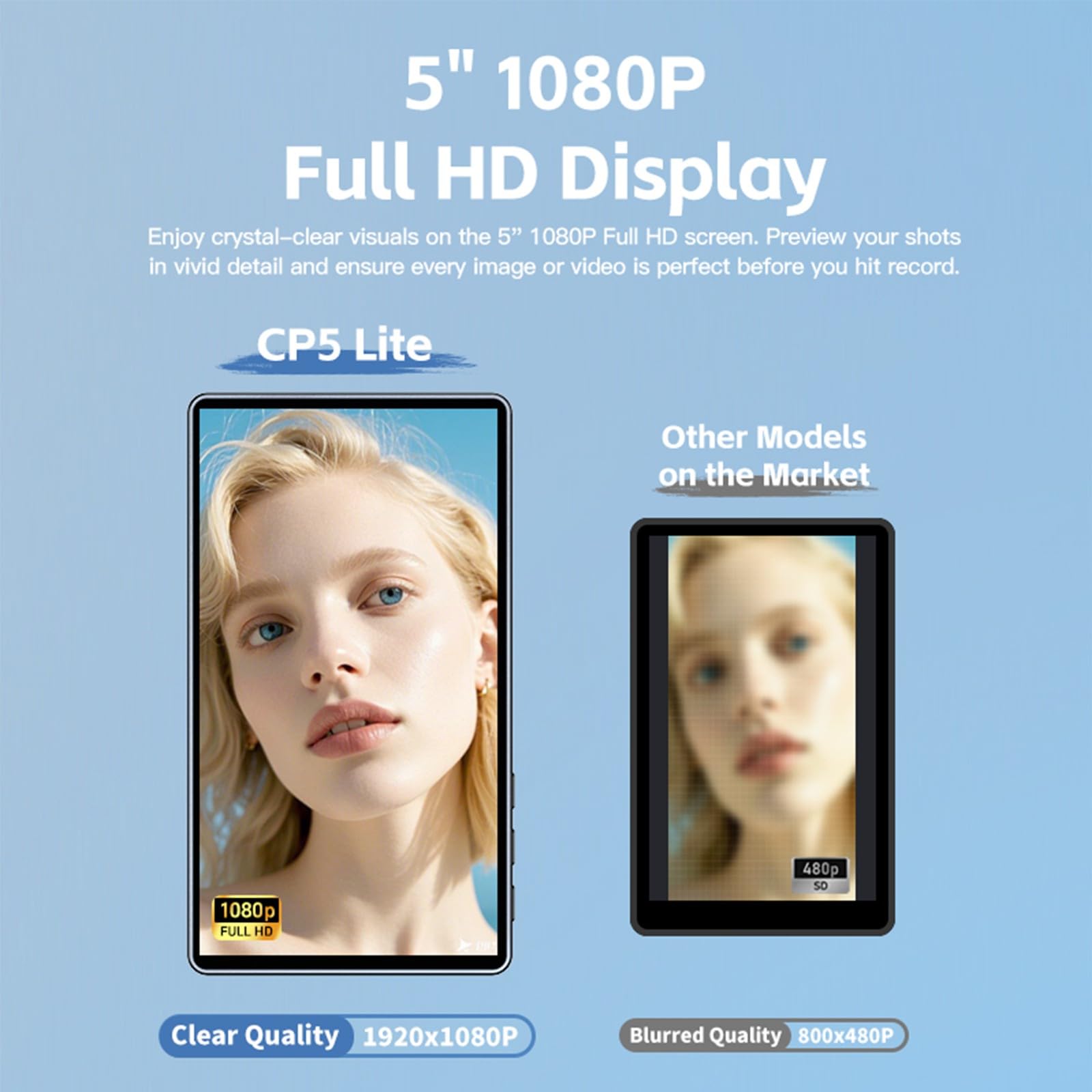
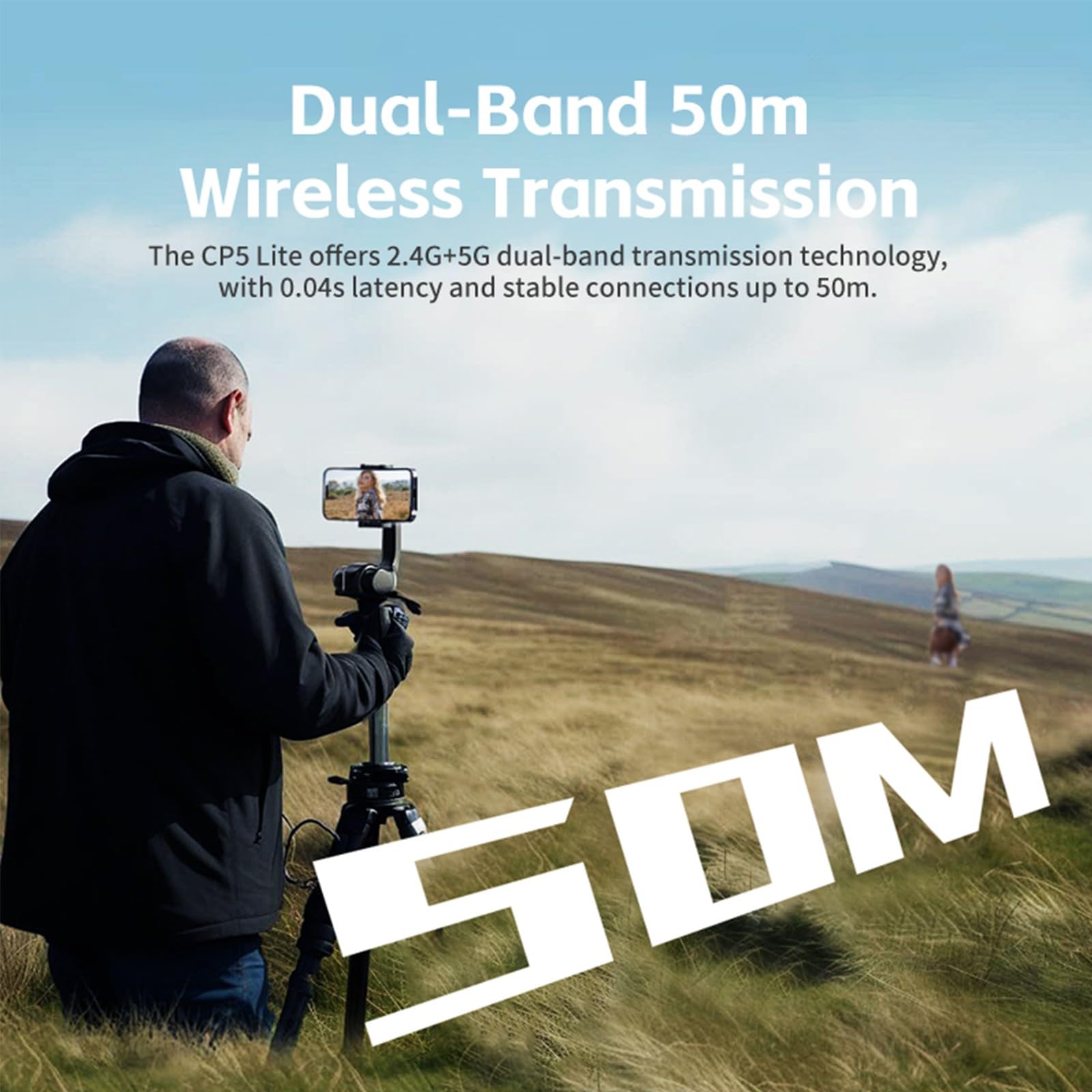
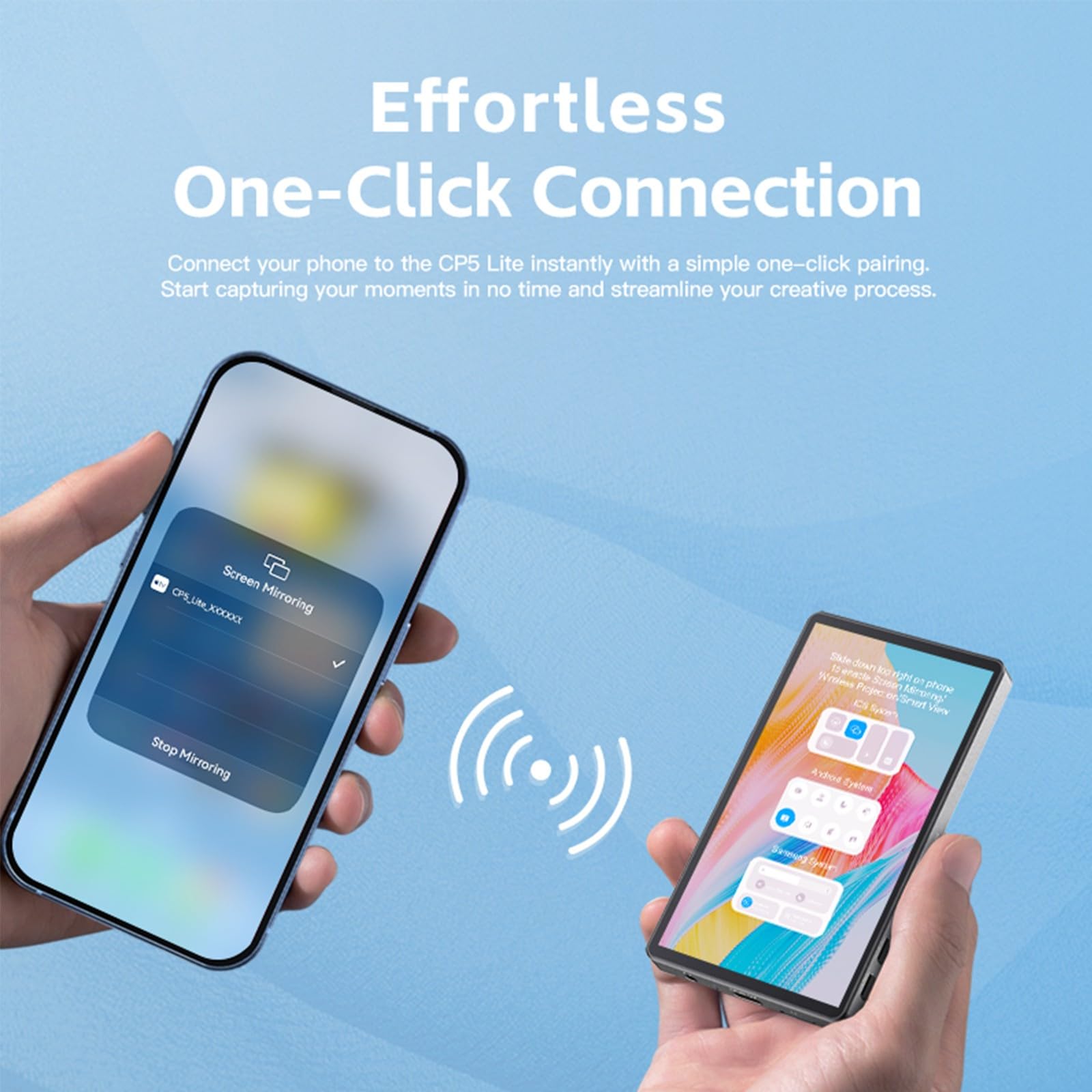
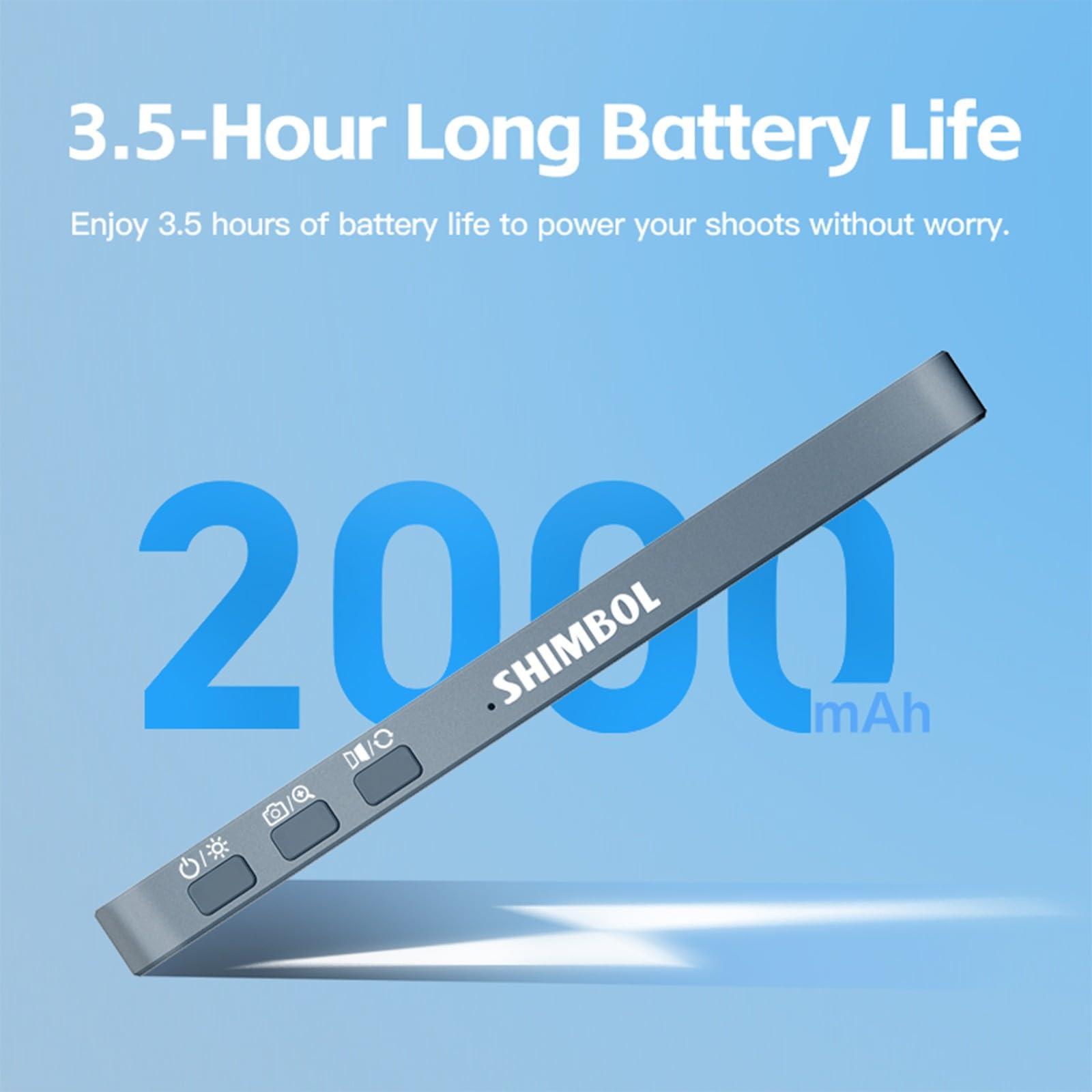
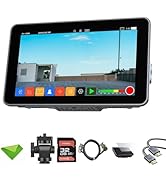
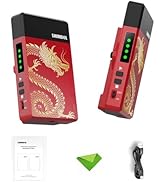
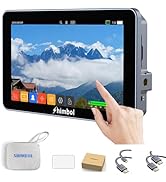
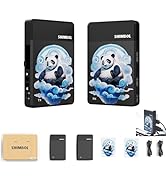
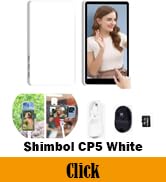
The CP5 Lite Vlog Selfie Monitor Screen is a sleek 5-inch 1080P Full HD display designed for iPhone users who demand flawless selfies, vlogs, and live streams. Featuring dual-band 50m wireless transmission with ultra-low latency, a magnetic pink case for stylish protection, and a Bluetooth remote shutter for flexible shooting, it streamlines your creative process with effortless one-click connection and up to 3.5 hours of battery life. Perfect for solo creators who want to see themselves clearly and capture every moment with confidence.






| ASIN | B0DTDWRM56 |
| Batteries | 1 Nonstandard Battery batteries required. |
| Best Sellers Rank | #201,048 in Cell Phones & Accessories ( See Top 100 in Cell Phones & Accessories ) #386 in Cell Phone Photo & Video Kits |
| Brand Name | Shimbol |
| Color Name | CP5 Lite Pink |
| Customer Reviews | 3.9 3.9 out of 5 stars (27) |
| Date First Available | January 18, 2025 |
| Item Weight | 7 ounces |
| Item model number | CP5 Lite |
| Product Dimensions | 5.12 x 2.36 x 1.18 inches |
| Special Features | Dual-Band 50m Wireless Transmission, One-Click Connection |
J**S
Very good for now, with a better version in the works
Previously, I was disappointed that this was missing the remote for starting video. However, I learned that this was not available for this version but is in an upcoming version. For reason, I am more pleased with what I have, though I would prefer the upcoming version with remote start for video. As far as the video mirroring, it does what I need and that’s to make sure when I’m in the shot. Very helpful for solo recording.
J**E
Great product however…
It’s a good device for recording when you can’t see your phones front screen but the device is really slow when recording with an apple phone it just flat out doesn’t work recording at 120fps. It’s slow with 60 frames. They want you to use a special app for recording with an apple phone which is really annoying to use. Anyways it’s good for pictures more than videos.
M**S
Too much delay
Too much delay when you record video
I**A
Anda bien aun no le encontramos usa
A**.
Love to use it as a second screen!
Overall this portable screen that's meant to be used as a screen for the back-facing camera is amazing! Not only for that but for literally everything else too. It essentially mirrors your phone screen on it giving you 2 ways to see the content on your phone. That means I can play content and leave my phone charging but bring the screen elsewhere around the house and keep watching. It's also super easy to set up and use! The lag is virtually nonexistent but if you do go far enough or behind enough walls it will start to lag a bit. It functions great for its intended use and the screen quality is very good which is a bit plus. I just have 2 things I hope they can add or improve later on. 1 is the touchscreen. It would help a ton to just be able to interact with the phone through the touch screen for both camera reasons and also content. And 2 I also hope that they add some sort of speakers to it as well. That way you and a buddy can watch something together or if you would want to play a video on the screen and leave your phone in another location (charging for example). Overall this is an amazing second screen for camera use but it could be an amazing product overall if they introduce some speakers and a touchscreen. 4/5
P**O
Can’t connect to my iPhone 17 Pro Max
On my iPhone 15 ProMax it worked well, but I cannot connect it to my iP17PM doing everything I’m supposed to do 👎🏻
U**Y
Great quality piece of equipment for an even better price now!
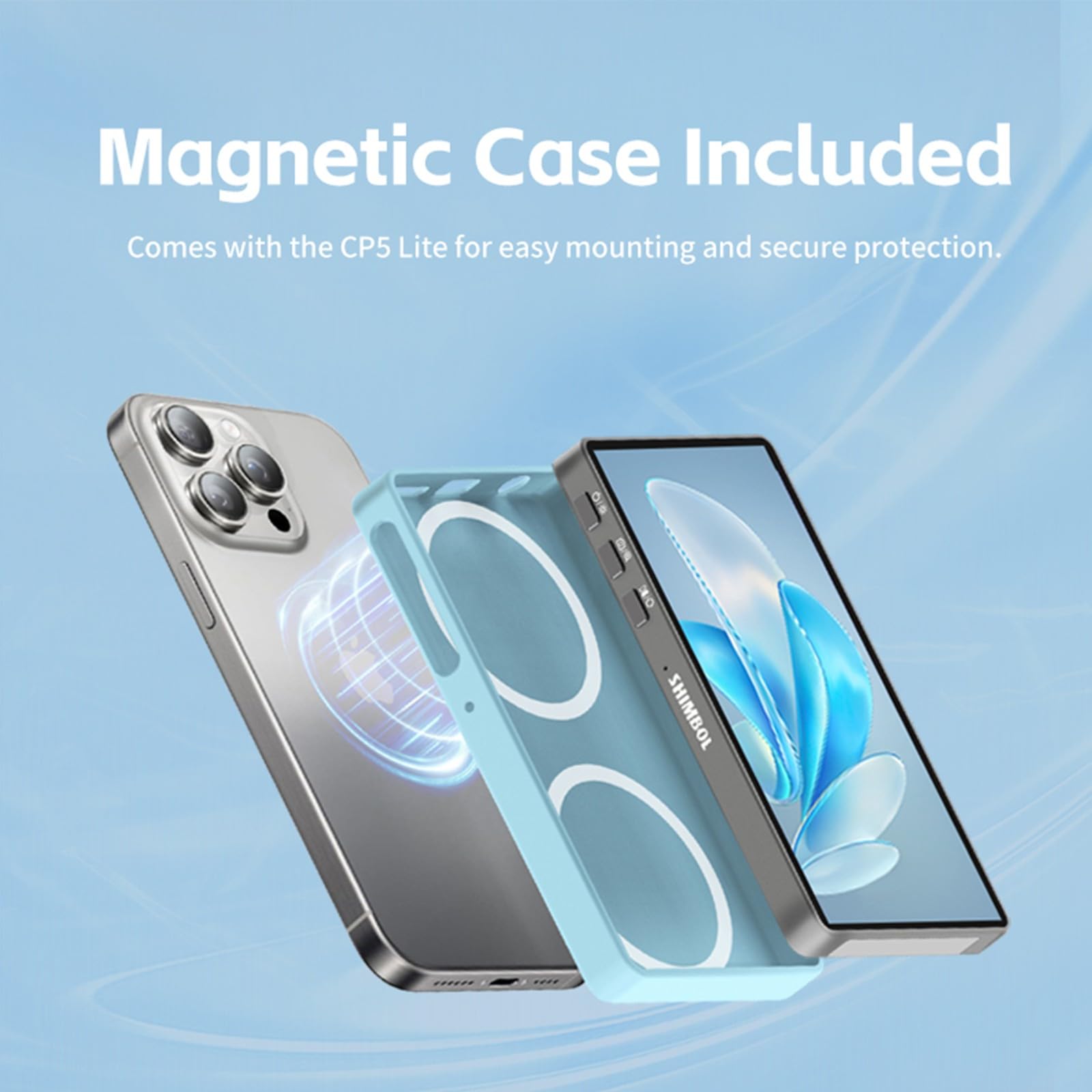
First you should know that a newer model is out now. For that reason, I took off one star. If having the newest shiny toy is that important, then this is not for you. What’s missing here is basically the interaction aspect meaning you can’t control anything by touching the screen. That’s really the only bad news. Some reviewers have stated they wished it came with a remote control. It doesn’t need one for it specifically, just take any remote you have for your phone from tripods etc. and use that. The remote is for the phone, not the CP5 Lite so when you click your phone photo or video it works just fine. You can also get the remote through the Bluetooth connection on the Shimble. Now for all the reasons you would want to purchase this. First, because we are all cost conscious, I’m going to let you know that this was $69.99 when I purchased it but because there is a newer model out, they have lowered it, a lot. I thought it was a great deal when I bought it, now it’s even better deal at $58.65. The new ones are $99.00 and the only real difference is you dont have a touch screen. I love it for these reasons: 1) Because it’s a really quality piece of equipment that does what it’s meant to do, really well. 2) It offers both 2.4G & 5G Dual-Band transmission. 3) It's so user friendly to get started! Pairing takes 10 seconds. (Charge it before you try to pair it as I had some issues pairing until I decided to charge it and then it paired really easily.) 4) The picture quality on this is really clear and beautiful. 5) It has 3 side buttons that work the brightness (3 different resolutions), photo and video on and off and the last button reverses the photo (so you don’t have to see things backwards in videos!! I love this last one as I noticed in all my videos that the words were written backwards!) 6) It has a microphone place on the bottom and if it’s not in use, I would tell you to cover the hole some how as it’s large enough for dust etc. to enter the electronics and you want to avoid this. I just put a small piece of paper over it. 7) It comes with a cool magnetic silicon case. When I attached it to the back of my IPhone 15 Pro Max, only the top ring held tightly. The lower ring wasn’t really magnetized as there is only one magnet on the phone. I think they place two on the cover here so you could turn it sideways? 8) I got the cute Pink color and love it : ) 9) It has this nice big 5” screen. 10) The battery life is 3.5 hours and while I haven’t tested that yet it seems like a sufficient amount of time for most activities you may need it for and then just recharge it with the cable it comes with (or any universal C cable). It took me about 60 minutes to do the initial full charge. It’s great for setting up shots and seeing how the shot looks when you have the camera turned toward you. You can take this Shimble with you as you walk away from the camera (up to 50m max) and set up your shot simply by looking at this screen. It mirrors the back of your camera and allows you to set up the perfect selfie! For videos it has 1080p and Full HD. You can also use this to watch your pod casts or videos while the phone is charging. I played with it and shot the video attached here on it. I think it’s a perfect accompaniment to the iPhone, especially when traveling and trying to set up the perfect shot. For the difference of a touch control screen, it's almost a 50% discount, honestly, this Shimble CP5 Lite is perfect!!
き**こ
▼ 接続性 製品の電源を入れると接続用画面が表示されます。 iPhoneの場合はQRコードをスキャンしてモニタのWiFiネットワークに参加します。 AndroidはQRコードを使わないで、スマホの方から接続する必要があります。 機種ごとに接続するための機能の名前が異なるので、スマホのメニューから「キャスト」、「スクリーンミラーリング」、「ワイヤレスディスプレイ」のような単語で検索して接続します。 接続が確立されればスペック通り50m程離れても問題ありませんでした。 ▼ 動作確認機種 - 動作した機種 Sharp AQUOS R2 SH-03K Sharp AQUOS Sense 4 Lite Xiaomi Mi8 Xiaomi Mi11 Lite 5G - 動作しなかった機種 Sharp AQUOS Sense 8 (キャスト機能はありますが、本製品がリストに出ませんでした) ▼ 画質 低遅延で非常に良いです。 遅延は両方の画面を見ているとちょっと遅れているな、と感じるくらいです。 ▼ 発熱 画面のキャストはスマホ側は結構発熱します。 これは画面をリアルタイムでエンコードし伝送するために、CPU,GPU,Wifiモジュールに高負荷をかけるためです。 常時使うのはスマホ側の負担が大きそうです。 ▼ ファームウェアのアップデート方法 届いた製品は1.7.8、最新版は1.8.0がオンラインからダウンロードできました。 CP5 lite--Upgrade via data cableとしてダウンロードしたファイルを展開するとファームウェア、ドライバ、更新ソフトウェア、マニュアルが出てきます。 ただ、マニュアルファイルは破損していて、中身が読めませんでした。 私が行ったやり方は以下のとおりです。(要Windows PC、自己責任で) 1. HiChip16xxUSB.infファイルを右クリックして、インストールを選択する (要管理者権限) 2. 電源の切れた本製品をPCと接続する 3. SHIMBOLProgrammer.exeを起動する 4. 本製品の電源スイッチを押すと、SHIMBOLProgrammerのDevice StatusがConnectedに変わる 5. Firmware Selectからcp5_lite-V1.8.0.binを選択し、STARTボタンを押す 6. 本製品が再起動したら完了 一度ステップ4までいくと、ファームウェアを書き込まないと元の状態に戻らない事があります。 黒い画面でボタンを押しても反応しない状態になってしまいます。 その場合は、PCに接続すると電源ボタンを押さなくてもConnectedになるので、同じファームウェアを書き込んでください。 私の場合はそれで正常に起動できるようになりました。 1.8.0にしてもSharp AQUOS Sense 8は接続できませんでしたので、特に必要がなければアップデートする必要はないと思います。
F**1
Mit gefällt das Display. Ich würde mir zwar wünschen, dass es per MagSafe am iPhone hält, aber das ist nur ein kleines Manko, denn ansonsten tut das Display genau, was es soll. Es lässt sich sehr leicht koppeln. Nach dem Anschalten sieht man die WLAN-Daten, die man dann am Handy suchen kann. Nach dem "einloggen" in das WLAN des Displays kann man dann einfach den Monitor "sharen"- so ähnlich wie bei der AppleTV-Box. Jetzt sieht man, was man durch z.B. die Weitwinkelkamera aufnimmt, die es ja leider nicht auf der Frontseite des iPhones gibt. Daher ist das Display äußerst nützlich- auch natürlich für Vlogger. Deshalb klare Kaufempfehlung!
S**T
Vorab: Das Smarthone sollte einen integrierten Magsafe Magneten haben für eine sinnvolle Nutzung. Der Bildschirm spiegelt einfach den Smartphone Bildschirm (er enthält keinen eigenen Rekorder). Die Selfi-Kameras bei Smartphones werden zwar von Generation zu Generation besser, hinken aber trotzdem bei Qualität und Funktionsumfang deutlich hinten den verbauten Hauptkameras (Nightmode, Tele, Ultraweitwinkel, usw.) hinterher. Um beim Filmen ohne Kameramann die Hauptkameras nutzen zu können, ist dieser Selfie-Bildschirm ein hervorrandes, prakisches Zubehör. Per Magnet ist der Bildschirm im Handumdrehen angebracht, die Verbindung erfolgt nach erstem Setup in wenige Sekunden. Und schon kann man seine Fotos/Videos wie gewohnt auf dem Bildschirm überwachen, mit der qualitativ viel besseren Hauptkamera des Phones - es macht einen großen Unterschied, vor allem, wenn man die Aufnahmen für Social Media Content nutzen möchte. Fazit Günstiges, praktisches Zubehör für die Momente, wenn kein zusätzlicher Kameramann verfügbar ist
R**M
Ist okay
E**N
It's ok, a bit annoying having to sit there and connect to bluetooth, wifi and then screen share. It works good, but i do tend to leave it on the bench more than using due to how long it takes to set it up. As a content creator having something that just connected would be better.
Trustpilot
5 days ago
2 weeks ago