
DOWNLOAD THE APP


Customer Services
Copyright © 2025 Desertcart Holdings Limited
DOWNLOAD THE APP




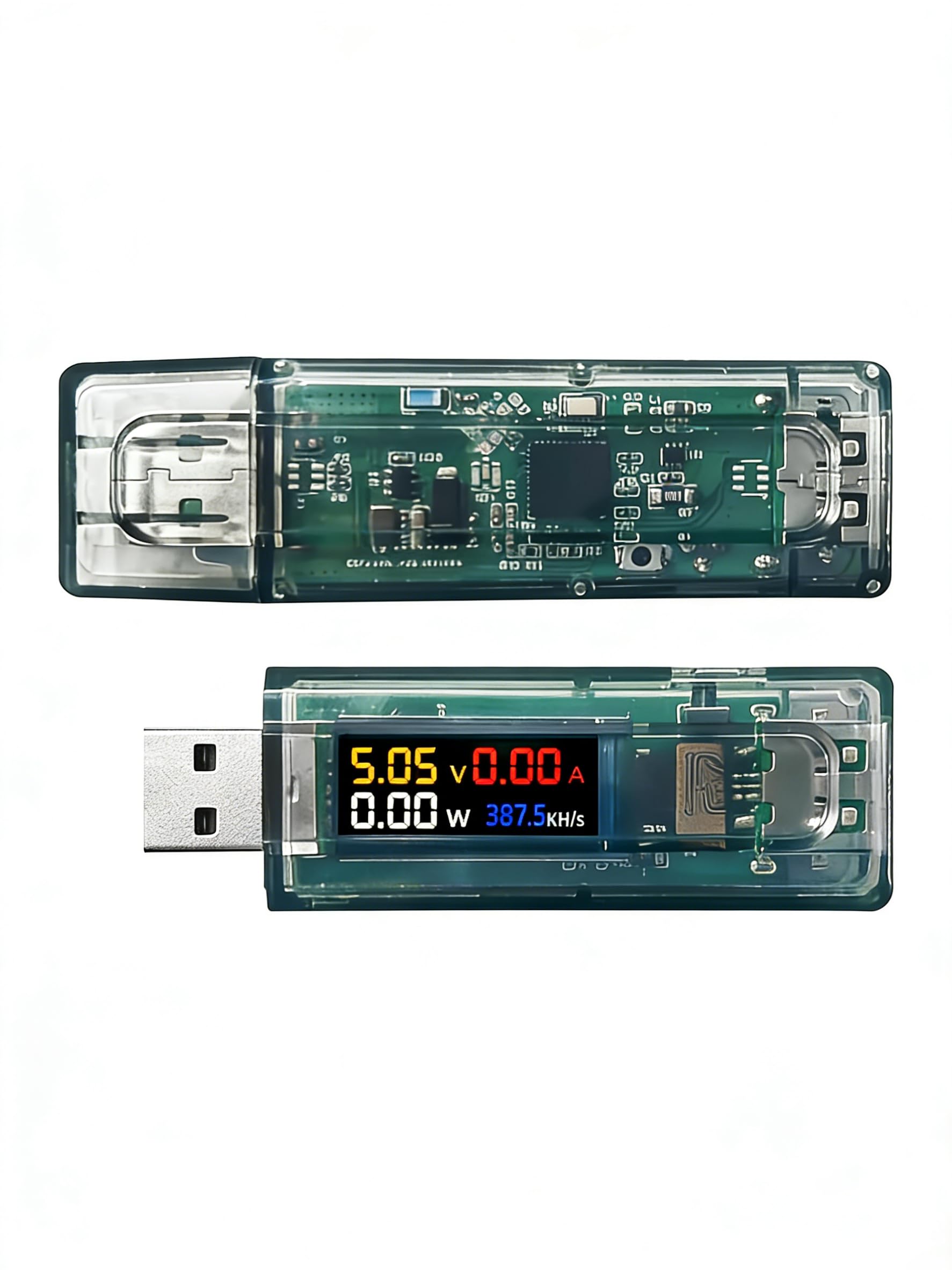
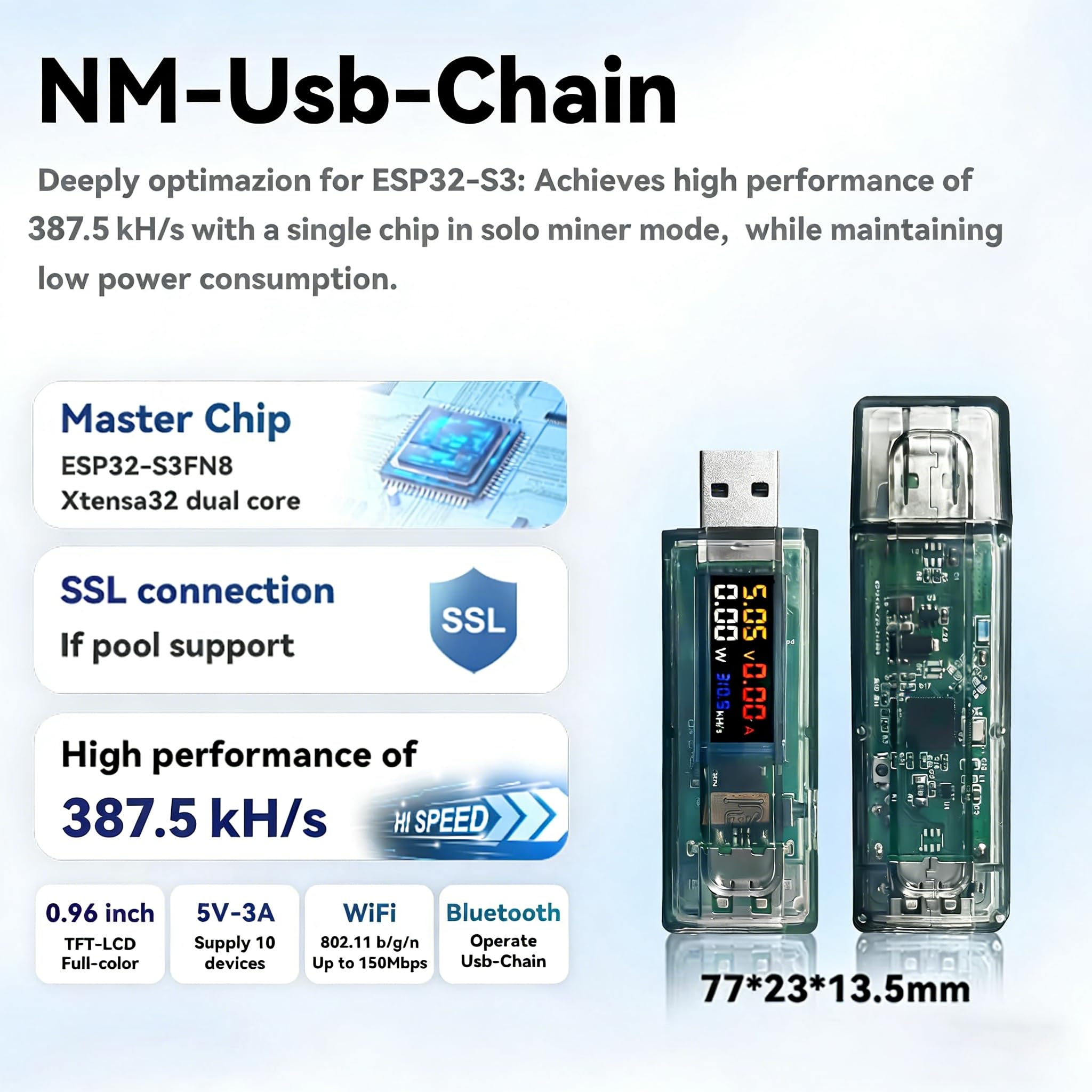
🚀 Unlock your crypto edge with Lucky Miner’s sleek, smart solo miner!
The Lucky Miner Official ESP32-S3 USB Solo Miner delivers a solid 308KH/s hash rate with ultra-low power consumption. Featuring a 1.14-inch full-color TFT-LCD for real-time monitoring and an advanced cooling system, it’s designed for efficient, quiet solo mining. Its versatile power options and WiFi connectivity make it a compact powerhouse for professional crypto enthusiasts seeking reliable, on-the-go mining performance.


| ASIN | B0DPM4JW3K |
| Best Sellers Rank | #136,279 in Computers ( See Top 100 in Computers ) #2,080 in Single-Board Computers |
| Item model number | DL-78-1 |
| Manufacturer | HELTEC AUTOMATION |
| Product Dimensions | 7.7 x 2.3 x 1.35 cm; 30 g |
R**N
They don’t even mind anything whatsoever they don’t provide a good platform for you to change it or adjust settings without resetting the device completely and then putting everything back in and even if you do have the right addresses and all that stuff it doesn’t let you go between it, your phone settings or web, web addresses without having to log right back in to it every time to adjust anything I will never buy a product from this company ever again. I’ve already salvaged chips and components for my own project, I repeat to all would be buyers of this product never ever ever ever ever ever ever ever buy it. It’s a waste of your money, even though they will refund you without having to have you ship the product back, which is the only good side to this Purchase. I will never ever buy it again or go through this company again.
J**Y
As described but does emitt a hi high frequency sound constantly
P**7
Set up in just a few minutes. Works perfectly as described. Mining away!
M**R
Just received, not started using yet, BUT this posting says 310KH/s, but box says 120kH/s????
J**.
After millions of visits to reedit, chatgpt troubleshooting, shouting at the gateway login in screen for the device, and about 4 gallons of tears I finally figured out how to get this thing to actually work. 1.stratum+tcp://public-pool.io:21496 <----never works, you will get to about 80-86% connection progress and get stuck on pool connection and never connect in. 2. Your wifi info you put in did save even though when you go back to the info section of the gateway page for the device shows nothing. Rule of thumb is that if you make it to a pool connection stage that means it has accepted your wifi info and connected to the internet otherwise you would be able to attempt the pool connection 3.Use the NM ESP Flash tool, to get your computer to recognize the device hold down the little button WHILE you plug it into usb, you will know you did it right because the screen will just show black and a new COM device will show up when you go to update the firmware with the tool, for me it was COM3. 4. Use firmware version 1.1.01, i prefer this version because it wont just say "Pool Connect" for the status and will actually say "Pool Connect <pool name> 5. MOST IMPORTANT USE stratum+tcp://pool.tazmining.ch:33333 it connected instantly for me and is running 100% stable. 6.Dont really pay attention to the provided instructions they are really incorrect. And don't worry about that license nonsense you see either you don't need it just follow my instructions. 7.Don't leave the password field blank in the gateway for the pool use "x" without the quotes and no space before or after 8.Plug it in and let it work Update: So i have come to understand the operations of these devices a little better. I have found out how to get them functionally operating and have mine going with a uptime currently around 32 hours. If you want to view your stats connect to the same network the device, then punch into a web browser the device IP that your screen displays. I just downloaded a the "NM Controller" software that essentially does the same thing except in a program not a webpage. The wepage looks exactly like the one in the images they provided.My ip was like 192.168.1.27 or something like that, it will be a diffrent ip then the one you used at the wifi configuration page incase you cant read the screen. On a final note, you dont have to use the tazming pool either just search on google for a "Lotto Miner Pool" i switched my pool to stratum+tcp://ss.antminer.com:3343 or port 3333 I THINK just look it up and see what you like. Also ask chatgpt for recommended pools as it was a life saver because im well versed in python but C is a lanuage as ancient as sumarian culture thats annoying. Oh also, if you want to make your own antminer it's super duper easy just buy a esp32-s3 and you can essentially use the firmware tool website to dump on the info. Personally i had chatgpt write up a firmware thats custom with my own wificonfig page and coded to be pinned out for a esp32-s3 and had it put in some coding for a ssd1306 display to show the same kind of information on the device. Just tell it to be sure to add the "stratum protocols" for mining which is just basically the part on how in connects to the pool and such. After that check your new webserver and screen. Depending in your pool aswell you might be able to hop on their website and see all the miners currently in the same pool and your device name should popup or wallet or matching stats. Its kind of neat to verify its actually working that way. Cheers prospectors!
Trustpilot
2 weeks ago
4 days ago