

Desert Online General Trading LLC
Dubai, United Arab Emirates
Desert Online General Trading LLC
Dubai, United Arab Emirates


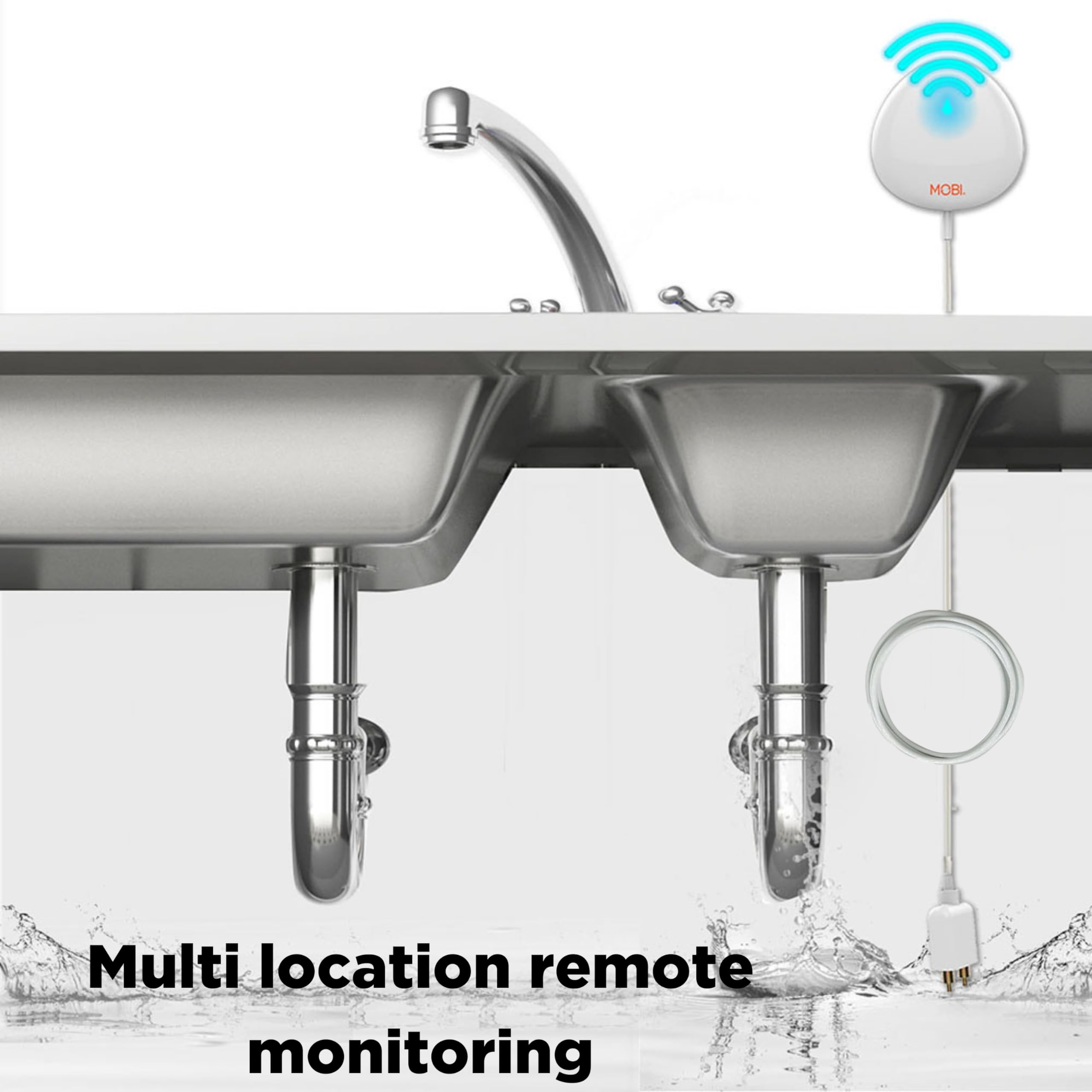


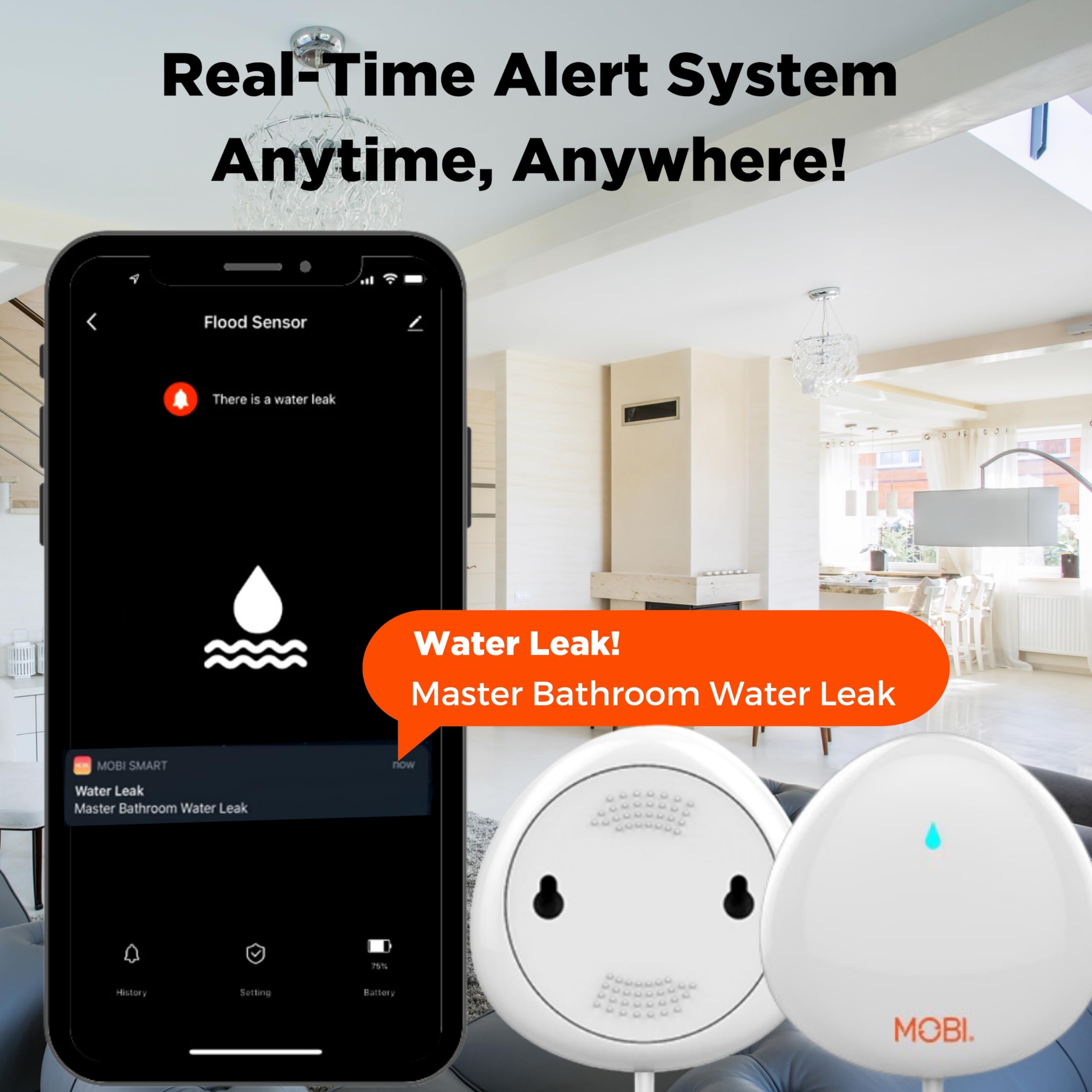
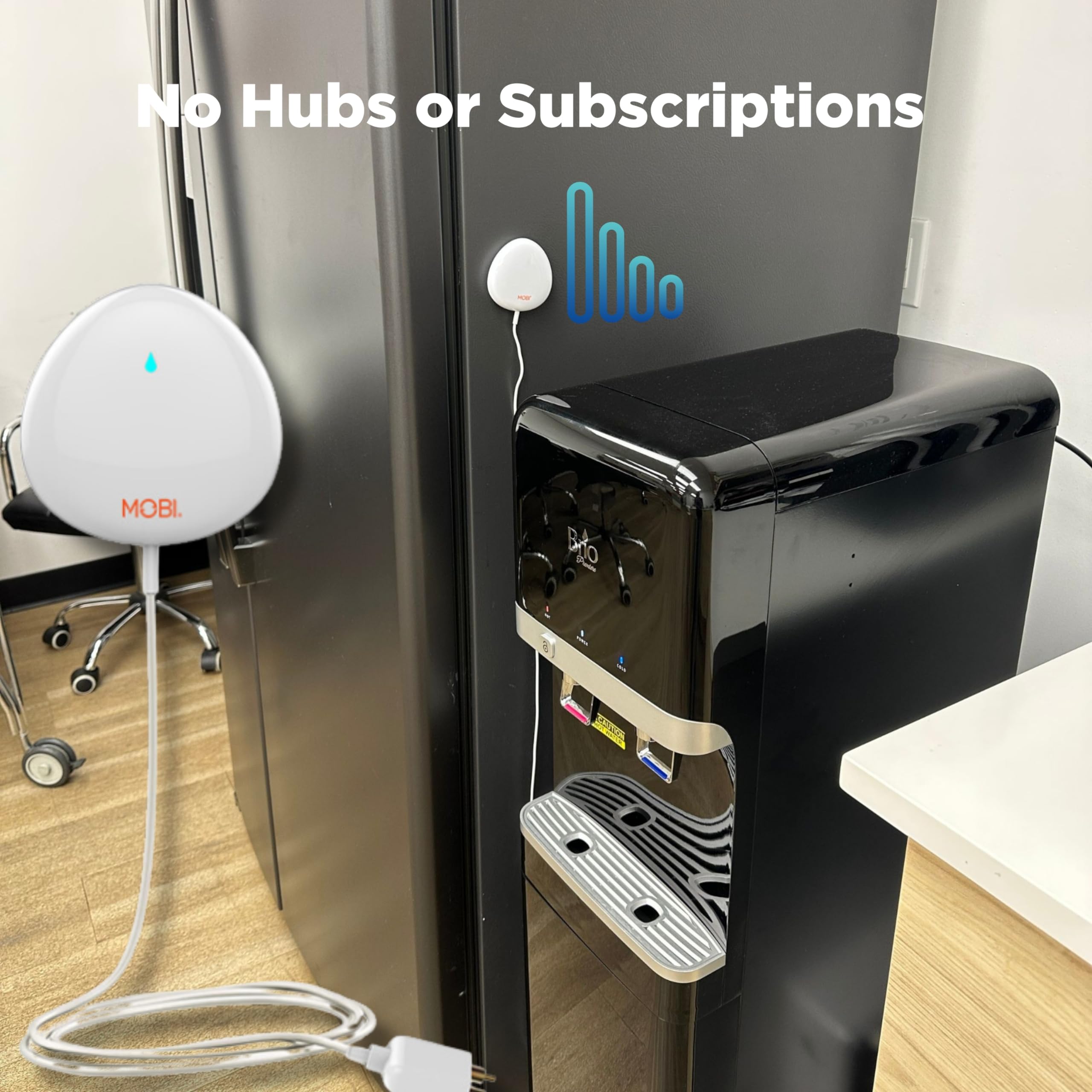

💧 Stay Dry, Stay Smart! Your property’s best friend against leaks.
The MOBI Smart Home 2.4GHz WiFi Water Leak Sensor is a cutting-edge device designed to protect your property from water damage. With 24/7 monitoring, real-time notifications via the MOBI Smart App, and a long-lasting battery, this sensor is perfect for any area at risk of leaks. Its compatibility with 2.4GHz Wi-Fi ensures easy integration into your smart home ecosystem, making it an essential tool for proactive property management.
E**O
Regular
Depende de para que lo utilices; lo recomendaría si el área a cubrir suele estar completamente seca y no es propensa a recibir salpicaduras (por muy pequeñas que sean). Si no es el caso, estará sonando todo el tiempo, no es posible desactivarlo a través de la app y yo no he logrado que me notifique fuera de la casa a pesar de que esta conectado a la red. Es barato, pero para mi necesidad específica (notificar si la lluvia pasa de cierta altura en un garage techado) tal vez buscaría otra alternativa.
J**Y
After one year: exactly what I wanted
I have been using this for about a year near my sump and it's been absolutely perfect: every time I test it (every couple of months) it sends notification to my phone. Simple setup. Thank you for providing such an inexpensive and useful device!
D**S
Works as expected once you clear the installation hurdles
The unit will only work on a 2.4GHz WiFi network. My network uses one SSID and auto-senses and uses the best network (2.4 or 5 GHz) based on the distance from the router and the device. The sensor would not configure in this config. I had to create a separate 2.4GHz network and connect my iPhone to this network to see and configure the sensor. After configuring the sensor I was able to move my phone back to my normal network. The sensor does send alerts to my phone in this config.
D**.
If you have an Eero you can set this up easily!
This leak detector works great and is easy to set up. I read reviews here that said people were having trouble setting this up because their router was a 5 GHz router. It is true, this device only works on 2.4 GHz.I have an Eero set up. My eero works on both 2.4 AND 5 GHz. You can set this device up if you have an eero. Here is how you do it:1. Go to your eero app settings.2. Near the bottom you will see “troubleshooting. “ Press on troubleshooting.3. At the top of troubleshooting you will see, “my device won’t connect. “ Press this.4. Now you will see, “my device is 2.4 GHz only. “. Press this.5. At the bottom you will see a blue tab that says “temporarily pause 5 GHz.” Press this.You can now easily install your Mobi devices. When you are finished installing them, go back and press “cancel.” If you forget to press cancel, don’t worry, it is on a 15 minute timer, and at the end of 15 minutes your eero will revert back to both 2.4 and 5 GHz.I only have the Mobi water/leak detectors, but I assume this will work on all Mobi products, if you have an Eero. Hope this helps.
M**N
Need to know and need to test
I tested 2 devices:1. No alert when batteries are removed for hours. APP shows 100% battery.2. No alert when sensor operates at half voltage. APP shows 100% battery. Sensor connects to network but does not respond to water.3. No indication that device is offline and not working after batteries were removed, or at half voltage.4. No network status to indicate device is offline. Sensor appears to be online when it is not.5. Alerts Did Work. Devices detected water and sent alerts to phone when phone was NOT connected to wifi network. Had to uninstall and reinstall the APP.I was preparing to return the devices but in my research, i could not find one that appears any better.Will test on a regular basis.
Trustpilot
1 month ago
2 weeks ago