Some deliveries may take a little longer than usual due to regional shipping conditions.

DOWNLOAD THE APP


Customer Services
Copyright © 2025 Desertcart Holdings Limited
DOWNLOAD THE APP
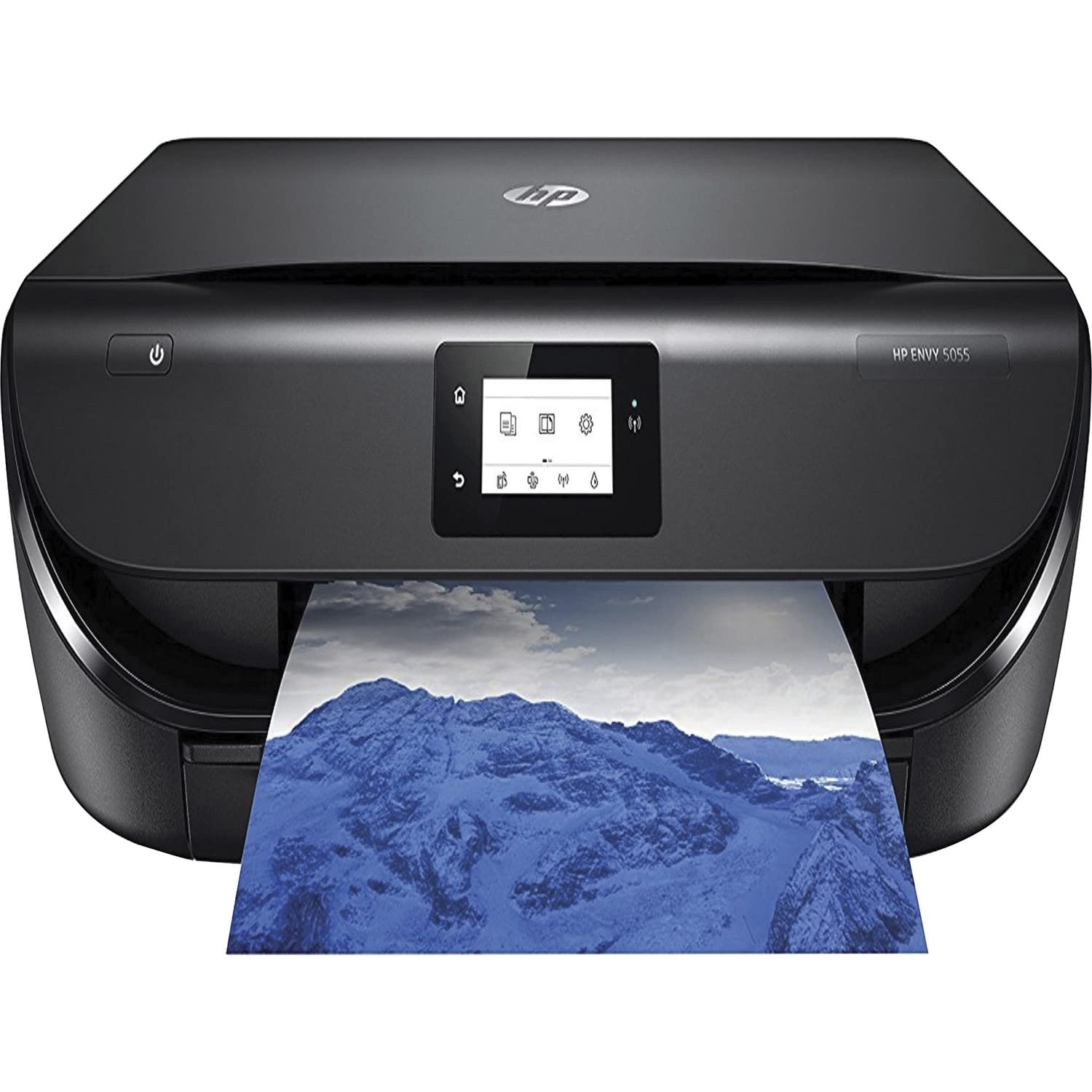
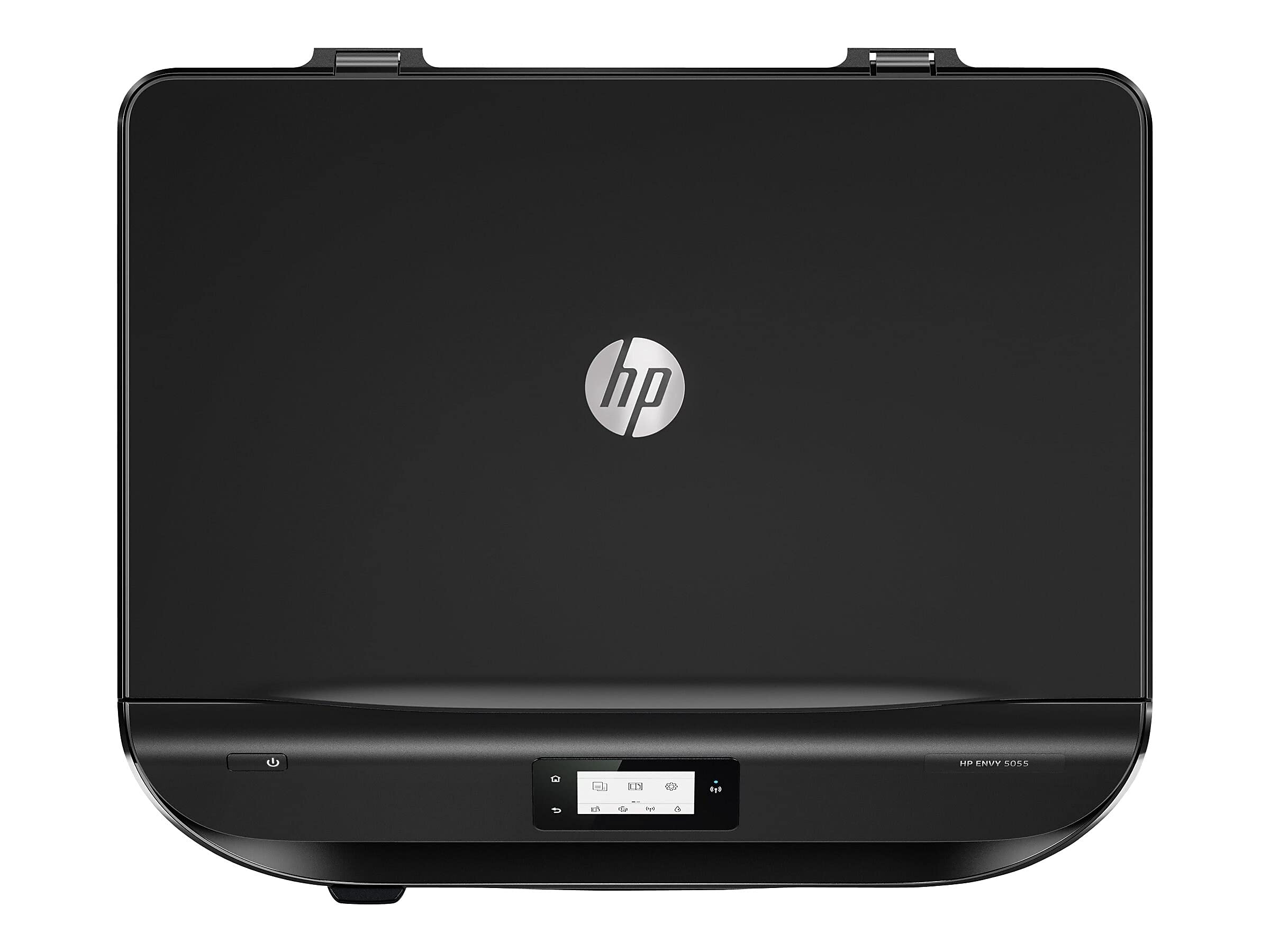
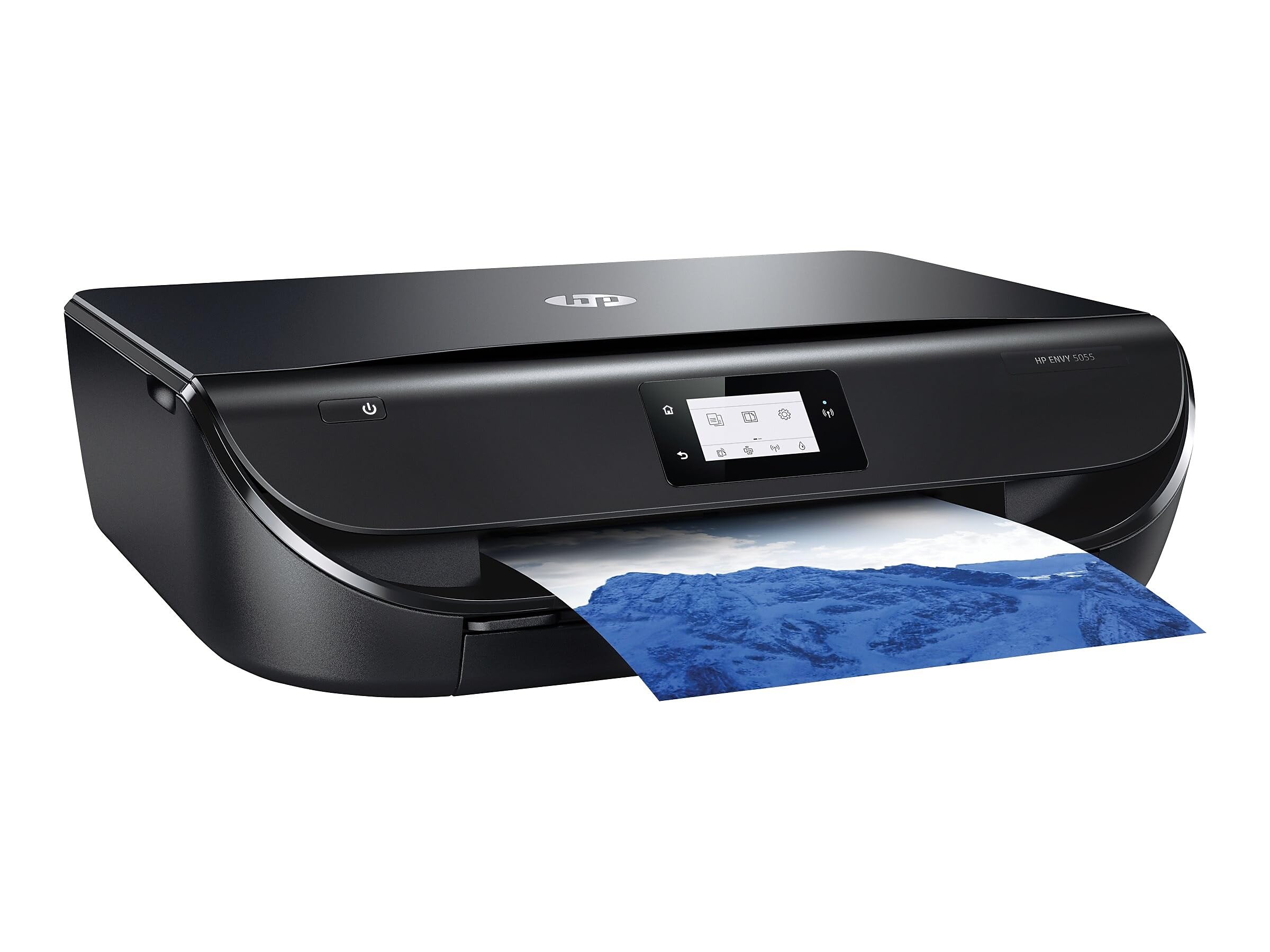
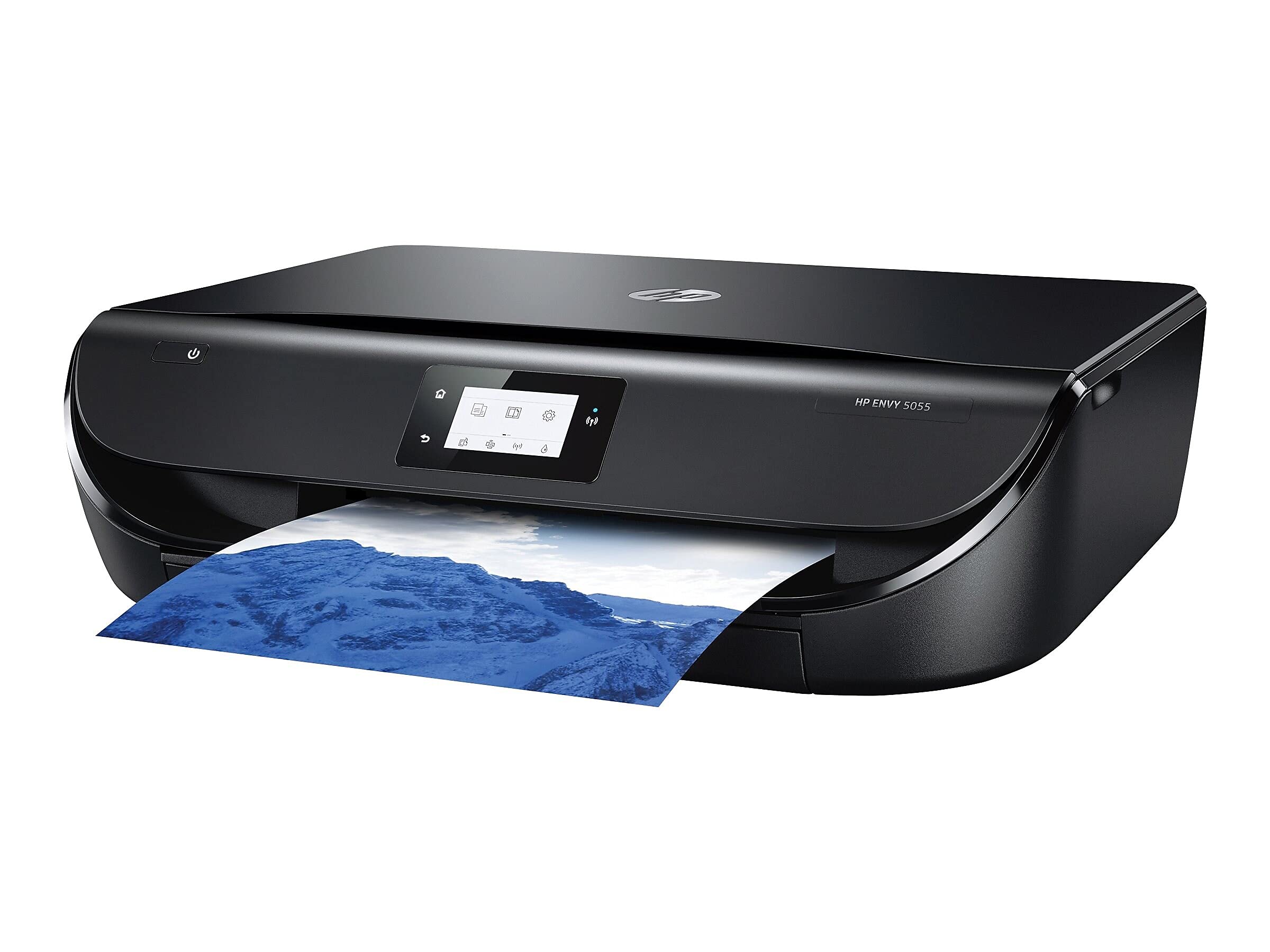
🖨️ Elevate your home office with smart, vibrant, and wireless printing — don’t get left behind!
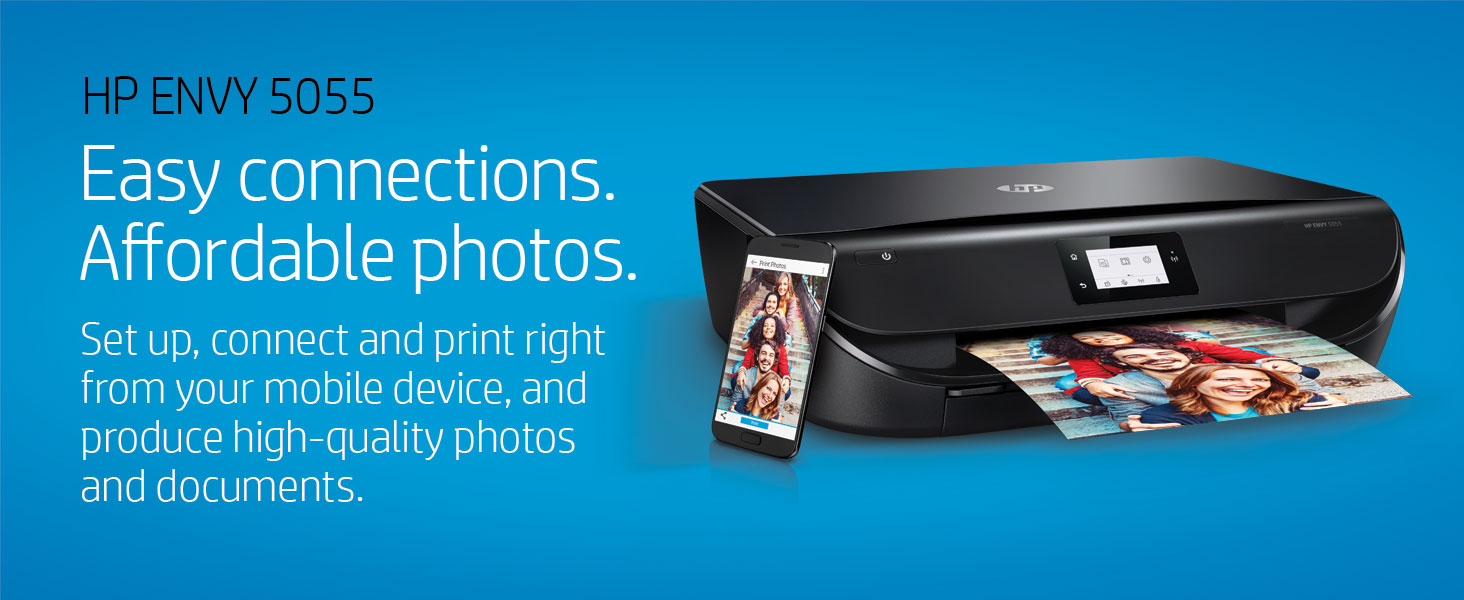
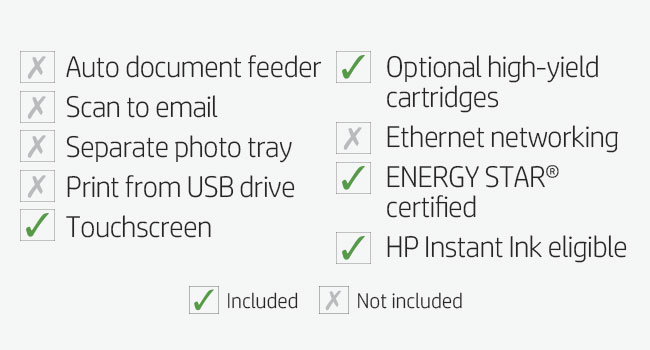
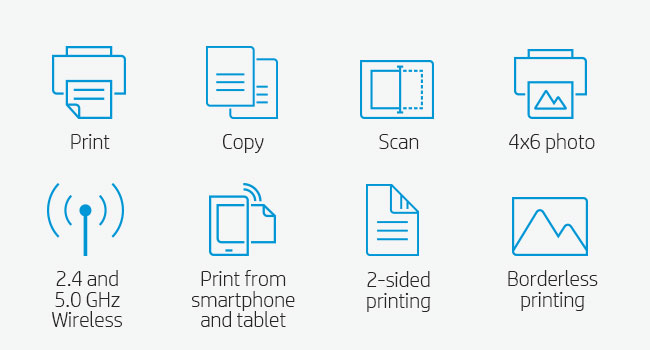
The HP Envy 5055 is a versatile wireless all-in-one inkjet printer designed for home use, offering high-quality borderless photo printing at up to 7 ppm in color and 10 ppm in black. It supports seamless printing and scanning from multiple devices via the HP Smart app, includes Alexa voice control, and features automatic duplex printing. With Instant Ink subscription compatibility, it ensures hassle-free ink management, making it perfect for creative and productive households.





| ASIN | B0799D4T89 |
| Additional Printer functions | Copy, Scan |
| Best Sellers Rank | #44,433 in Electronics ( See Top 100 in Electronics ) #84 in Portable Photo Printers |
| Color Depth | 24 bpp |
| Compatible Devices | "Camera", Smartphones |
| Control Method | Voice |
| Controller Type | Amazon Alexa, Vera |
| Customer Reviews | 4.4 4.4 out of 5 stars (21,023) |
| Date First Available | March 31, 2018 |
| Dual-sided printing | Yes |
| Duplex | Automatic |
| Global Trade Identification Number | 00192018045767 |
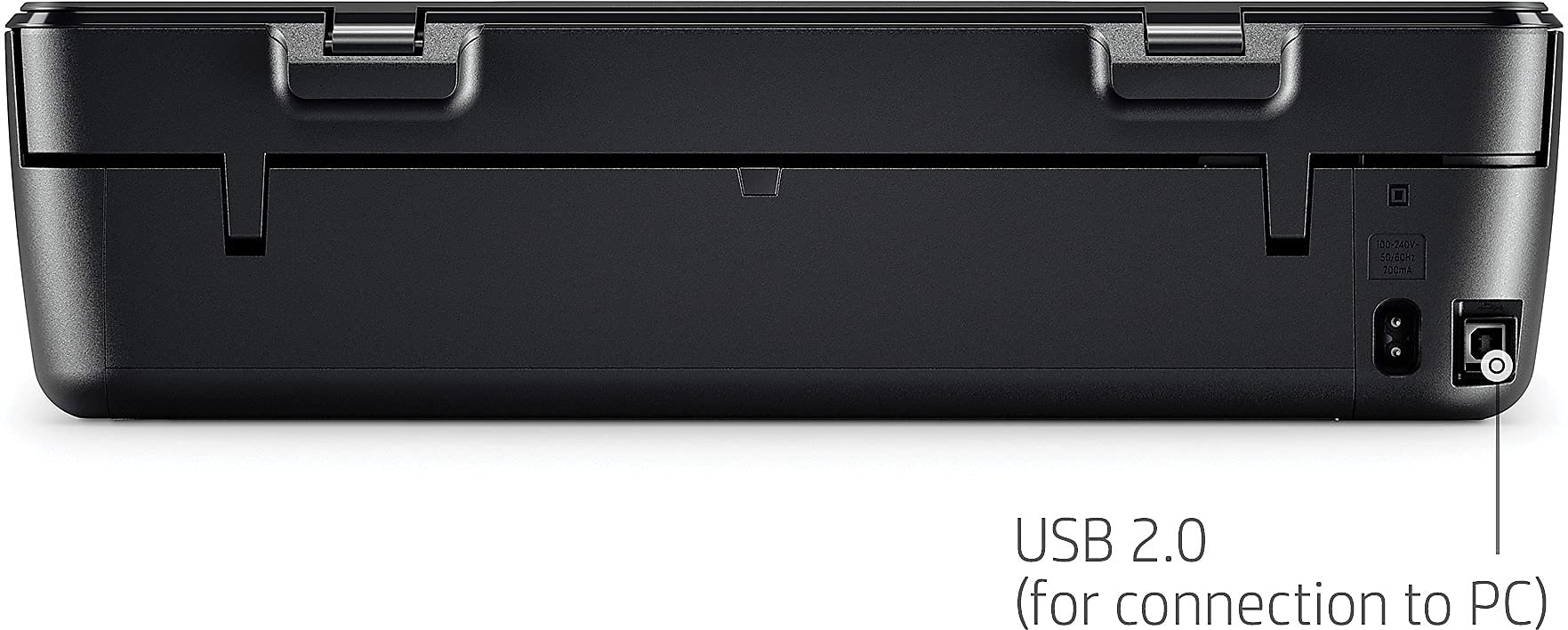
| Hardware Interface | USB 2.0 |
| Included Components | HP 65 Setup Black Instant Ink Ready Cartridge (~120 pages), HP 65 Setup Tri-color Instant Ink Ready Cartridge (~100 pages), Ink Caution Flyer, Instant Ink Flyer, M2U85A HP ENVY 5055 All-in-One Printer, Power Cord, Setup Guide |
| Ink Color | Black, Cyan, Magenta, Yellow |
| Is Discontinued By Manufacturer | No |
| Item Weight | 11.9 pounds |
| Item model number | 5055 |
| Manufacturer | HP |
| Max Input Sheet Capacity | 100 |
| Max copy resolution black-white | 600 x 300 dpi |
| Max copy resolution color | 600 x 300 dpi |
| Maximum Black and White Print Resolution | 1200 dpi |
| Maximum Color Print Resolution | 4800 x 1200 dpi |
| Maximum Media Size | 8.5 x 14 inch |
| Memory Storage Capacity | 256 MB |
| Model Series | ENVY |
| Number of Trays | 1 |
| Number of USB 2 Ports | 1 |
| Power Consumption | 3.75 Watts |
| Print media | Card stock, Envelopes, Labels, Paper (plain) |
| Printer Ink Type | Dye-based (color), Pigment-based (black) |
| Processor Count | 1 |
| Product Dimensions | 14.4"D x 17.5"W x 5"H |
| Scanner Type | Flatbed |
| Sheet Size | 3 x 5 to 8.5 x 14, Letter, Legal, Envelope |
| Supported Media Sizes | 4 x 6 inches |
| Total USB Ports | 1 |
| UPC | 193905578757 192018045774 |
| Warranty Type | limited warranty |
| Wattage | 3.75 watts |
S**L
Easy installation, good prints.
I just installed this and am giving it a provisional five stars because of the ease of installation, the quality of the prints and the $69 price. I might revisit this review if problems crop up later. But set up was incredibly easy and I was printing wirelessly from my iMac and iPhone within an hour. If fact, if I hadn't walked away while the drivers were downloading, it could have gone quicker. This installation was done on a late 2009 iMac running High Sierra. Basically, you just plug in the printer and turn it on. Remove the tape on the paper tray and a small piece of protective cardboard from inside the printer. Then go to HP's install site at 123.hp.com. (You can also do part of this directly from the printer if you want, but I think it's easier on the computer). The install program will prompt you on how to properly install the ink and paper. There are helpful videos. The only thing that tripped me up was when it came time to generate a test print for the scanner. The install prompt said to click "ok" on the printer's tiny touch screen. But all I could see on the screen were prompts for my country and language. But, even though you will have already answered those on the website, answer them again on your printer's touch screen, and then you'll get to the "ok" prompt. Once you're done, you still will have to tell your iMac - and I assume PC - that you have a new printer. That was easy. The iMac saw it and I just made it the new default printer. On my iPhone I downloaded the HP Smart app from the Apple App Store. It was easy to print photos from my library. I did get a little confused when I was setting up to print email. It said it would send me a pin to complete the process and never did. Yet, when I checked my iPhone it saw the printer and printed out an email. Go figure. Maybe these instructions were for an older model. Two other things: You will come to one of those privacy agreements at the end of the set up. Make sure you read them. I opted out of letting them monitor my printer or sending me updates. Also, I did not sign up for HP's instant ink program. It didn't look like it would save me that much money, given both the privacy and flexibility I'd be giving up. The cheapest plan is $3 a month -- $36 a year -- and allows you 100 pages a month. My printing needs are light, but there are times I might go over 100 a month. And replacement cartridges are $27 on Amazon. It just didn't make budget sense and it's allowing a backdoor into some of your most private documents. HP might not care, but a hacker might. Hope this helps!
J**.
Superb Printer & Instant Ink is a Great Bonus!
My HP Office Jet which I have had for several years or more bit the dust. I looked and researched many printers and decided on the HP Envy. I did not need a fax component so was glad when the HP Envy showed up as a basic home printer minus the fax. You can scan and copy. I am glad to say, this printer fits my needs. It prints and produces good quality. I do not normally print photos, however, with the use of Instant Ink which I signed up for, I might start doing that now since I am being charged per page and not by ink use. Yes, I am quite happy with Instant Ink. I received two months free of up to 300 pages per month along with buying a $5 pre-paid card which also will be deducted once the two months runs out. Sweet deal, I say. I can check my printing status just by going to the HP Instant Ink website. How cool is that? My wife and I have not been printing much lately, however, that might change by having the Instant Ink program. In the past, I would try to print in black and white to conserve color toner. Now, I am free to blast off and use color or black and white. The HP Envy has a quiet mode which I have tried and it is indeed quieter than the normal mode. Nice feature to have if you are printing in the early morning hours and want to keep the noise level down a bit. I am connected via WiFi and have not experienced any connection issues. Set up took about 5-10 minutes. Make sure you have the WiFi password and you are good to go. I don't know what to say about those who have left negative reviews. This HP Envy works like a charm and having the Instant Ink is a great bonus! I bought this printer on my own. There was no company endorsement or any of those shenanigans. My review is my own and not because I got a printer for free.
N**S
The instant ink program is a total nightmare
This is a great printer when you have ink. The ink it is shipped with worked beautifully. My Instant ink replacement came & neither cartridge worked. I spent hours on the community page finding out that this is a common problem (long long thread) and went through all the fixes except take part of printer out and wash it in dishwashing liquid! do not do. 1 hour in the community help, 2.5 hours waiting for and going through chat - everything on my end correct. Sending one color & 1 black replacement. Ordered Feb 22 told I would receive by March 1st. Got March 2nd - kind of a long wait only to find that they had sent 2 color cartridges! So chat support AGAIN. They'll send out yet another replacement black ink which will take 8-10 days!! I have established that I have no black ink, am printing legal documents, have wasted hours & hours etc. They are happy to send it expedited delivery & I get to pay for it. After yet more time waiting for a supervisor they sent me one black ink cartridge 'expedited delivery "free of charge'. Insert new cartridge sent from HP, get message "you have installed a non HP cartridge" So, not knowing whether to cry or drink - I am back on the HP support chat. Explain issue. Their comment "you have a non-HP cartridge installed that will interfere with accurate supply on your instant ink program" AGAIN - 'NO, I did NOT buy the cartridge, HP sent me the cartridge from your inventory - your records must show this was shipped" SUPPORT Finally "they sent you the wrong cartridge the one you have is a retail cartridge not instant ink" so the score is 3 out of 3 screwed up black ink replacements, hours on forums and chats & essentially a 2 week wait for ink. If this replacement cartridge is actually the right one and works I'll faint. Replacing the right ink is basic customer service - supply what customer ordered and paid in advance for. This is baseline. EPIC FAIL 3/3 HP chat - another hour. Will send another cartridge (hopefully a black one that works) and you'll get it on the 15th. Unless I would like to pay $4. for expedited shipping! If you are on the HP instant ink plan you can't buy a cartridge to tide you over as they won't work. You can print only with 1 color cartridge as black but that's not sustainable if you are printing legal documents during WFH - its too frustrating for a very simple plan that you pay for monthly in advance, where you get the ink you need to do your work. My plan should work after I ever get a black ink that works - we will see.
H**E
Bought it to make stickers and it works well and prints nice colour photos on my sticker sheets. I’ve been using it for a couple weeks now, a couple times a day and it has not jammed once! Very easy to set up and use, and the Bluetooth feature is very useful. It’s cheap and does the job very well. I would like to note that you get what you pay for because I do occasionally see streaks on my photos but it’s usually when it’s a bigger photo.
R**P
When the quarantine started and I was cut off from my usual print shop--I was caught between ordering this or a laser printer as I intend to use it for quite a lot of printing for my online shop. But, the price of this one pulled me in-- and I'm glad it did! It's way better than what I expected! I've had a bit of a bad track record with HP printers crapping out on me pretty quickly after purchasing it- but, I've spent the last week putting this one through it's paces and it's been a dream! Nice quality prints, really well aligned, and relatively fast at printing even set to high quality. I wasn't expecting an economy printer like this to have a borderless option, so that was pretty fun to discover too! (Though the alignment is a litttttle bit off on it, it depends on how straight you load the paper. But, since I wasn't even expecting it to have the option I was still pretty happy!) Overall, super impressed! From a print pro-- take my word this is a great budget buy!
A**R
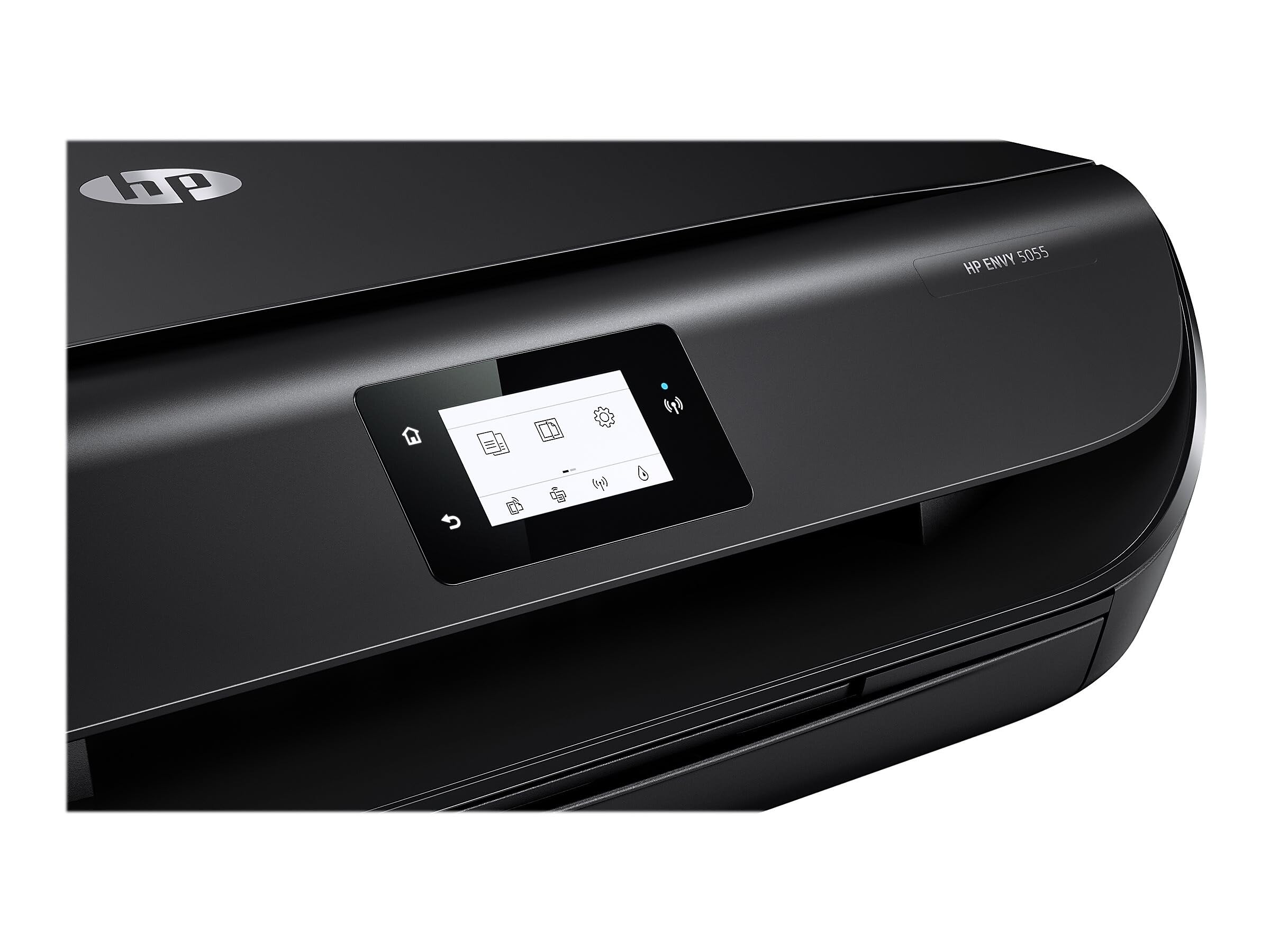
I used to have a Brother brand printer. It updated one day, and then never worked correctly again (saying it wanted to connect through an app and never working with wifi properly). I spent too many hours trying to get it to work and put it to rest by smashing it with my foot into a hundred pieces. Then I bought the simplest, cheapest HP printer I could. I print about once or twice a month, so I just wanted something that would work when I need it. It set up easily and connected to my ipad immediately. It says to download an HP app, but you DO NOT need it. It says to go to some HP website to set up the printer, but you DO NOT need to. It says to consider signing up for an ink subscription, but you DO NOT need to. I am glad that despite the printer industry trying to drum up balony business with ink subscriptions that it will still work as normal without one. It asked me if I wanted to update the printer, and I said NO and turned off updates and it still works (since I feel that these companies will use “updates” to make their older models perform horribly so you need to buy a new one. Did I mention my Brother brand printer worked perfectly until I updated it one day, and then it completely sucked?) The touch screen is a bit lacking. It is tiny and doesn’t even have a keyboard (it converts itself to that old school T9 thing everyone had on cellphones in 2008... where you need to press each button 1-3 times to get the correct letter to pop up). It is okay, but they obviously saved money here. It doesn’t look like it has a “feeder” system to feed multiple pages into it to copy or scan them. So I guess you would need to do them one by one on the glass scanner surface. But, I very rarely use that feature. The power cord is fairly short, but still worked for my setup (only just). Did I mention setup was easy and my ipad connected to it right away (through wifi) to print a page... unlike my old Brother printer ...rest in piece(s). I haven’t messed with the wifi, but my ipad is connected to a 5ghz network on my router, and I connected the printer to my 2.4 ghz network... and they still immediately found each other. Hmm. I wonder if it was really the wifi or some other technology since they were side by each... I am not 100% sure. Also, the ipad didn’t give me an option to print in only black and white, so it came out in colour. Not sure what’s up with that. The actual print quality is acceptable, but not great. Perfectly fine for my purposes.
A**L
Wow! J'adore cette imprimante! Elle prend peu d'espace avec le papier caché à l'intérieur, elle est hyper simple à installer, elle se connecte rapidement avec mon téléphone ou ma tablette, l'application HP Smart est vraiment efficace et bien pensée, elle imprime rapidement (c'est lent pour l'impression couleur mais le résultat est de bonne qualité) et le scan est fantastique! De plus, leur service à la clientèle est absolument excellent. Et avec le service HP Insta Ink, c'est le bonheur! Je n'aurai plus jamais peur de manquer d'encre ni à me casser la tête pour en acheter. En plus, avec le service de base, l'encre ne coûte rien du tout. On peut adapter le forfait à tout moment selon nos besoins et, si on choisi un forfait plus élevé, le coût d'impression par copie est ridiculement bas et imprimer en couleur ne coûte même pas plus cher que d'imprimer en noir et blanc!!!! Bravo!
S**B
This is a great printer. It was super easy to set up, connects every time to multiple devices and the print quality is pretty decent. I bought this to print out any notices that I write for tenants, but I’ve also printed off full manuals/checklist as well as etickets! I love the compact design, it blends well with my decor. As you can see I don’t have a desk (don’t even have an office for that matter). So it’s actually sitting on my dresser. I was worried it would be an eyesore...but it’s really not! I also love the hp ink program! In today’s busy lifestyle this is such a saviour! The ink is affordable and super easy to swap out. My 8 year old can do it.
Trustpilot
2 days ago
2 months ago