

Desert Online General Trading LLC
Dubai, United Arab Emirates
Desert Online General Trading LLC
Dubai, United Arab Emirates
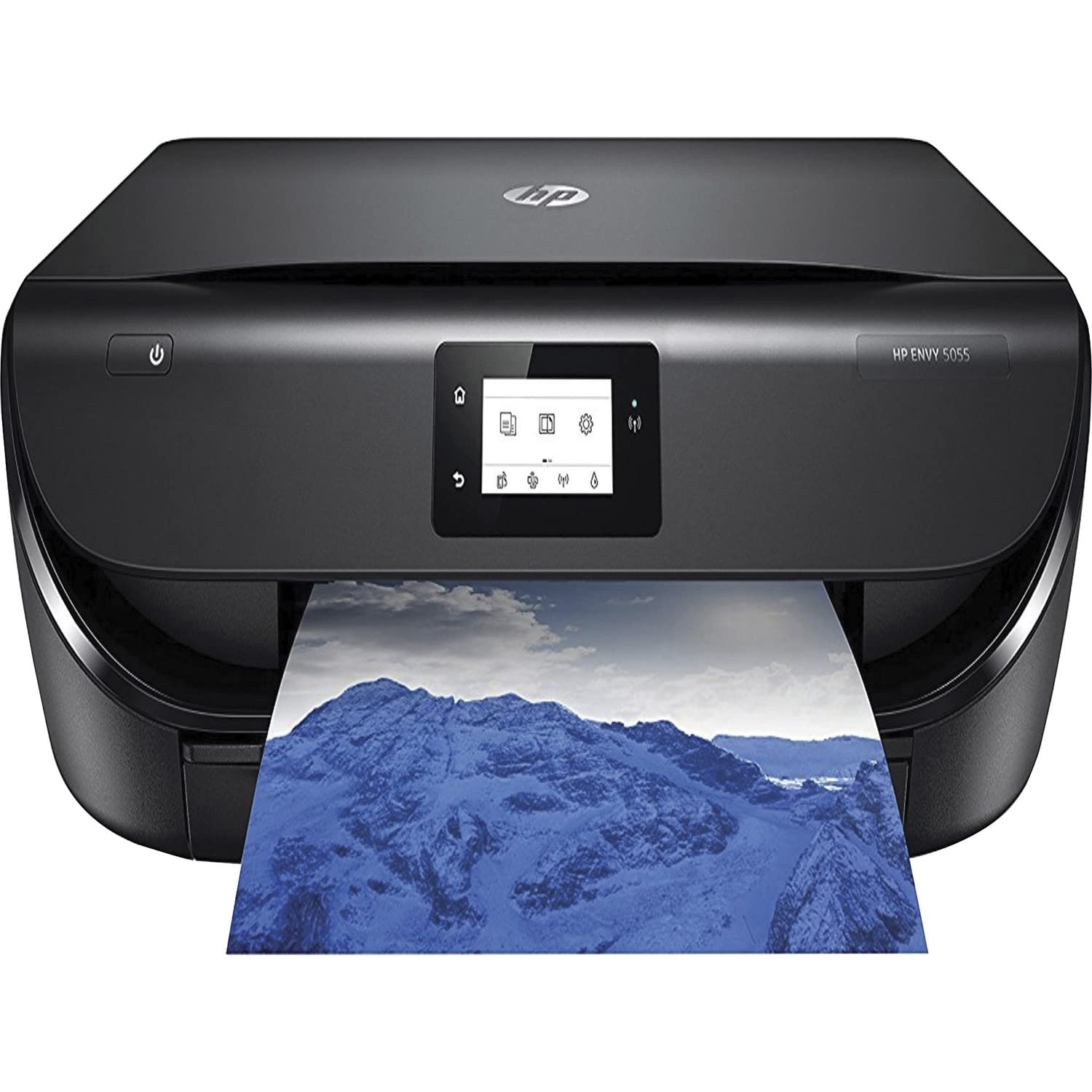
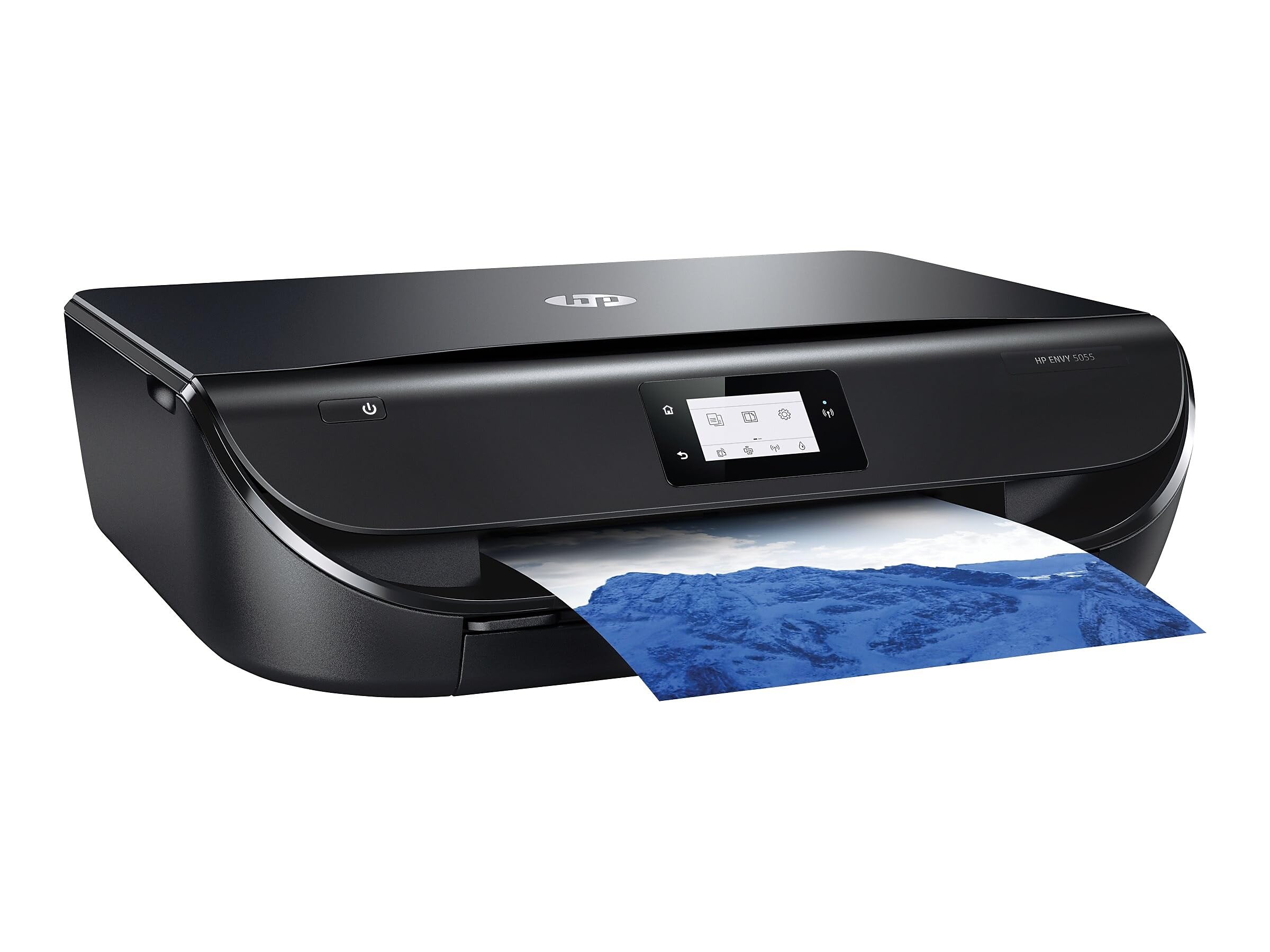
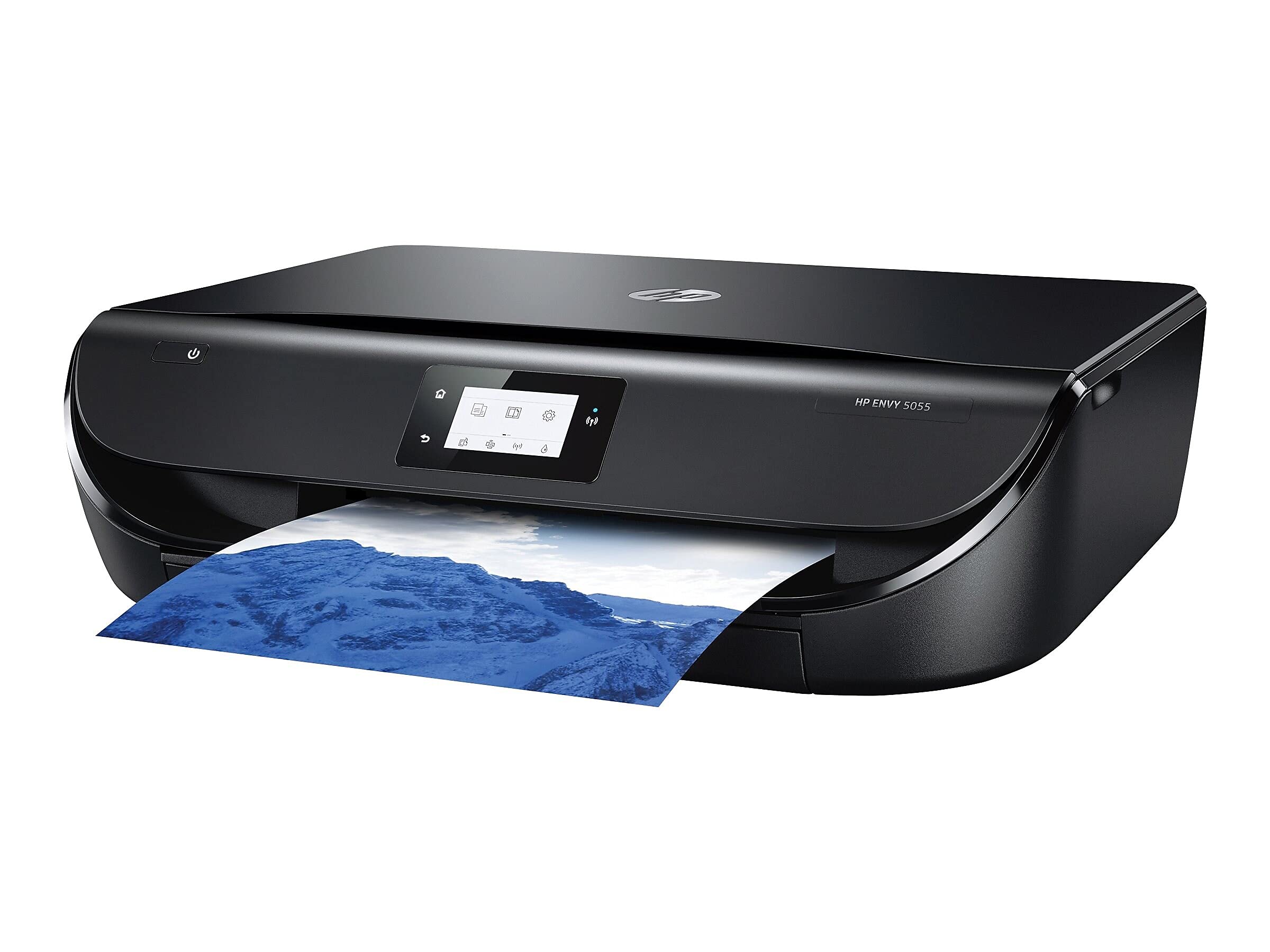
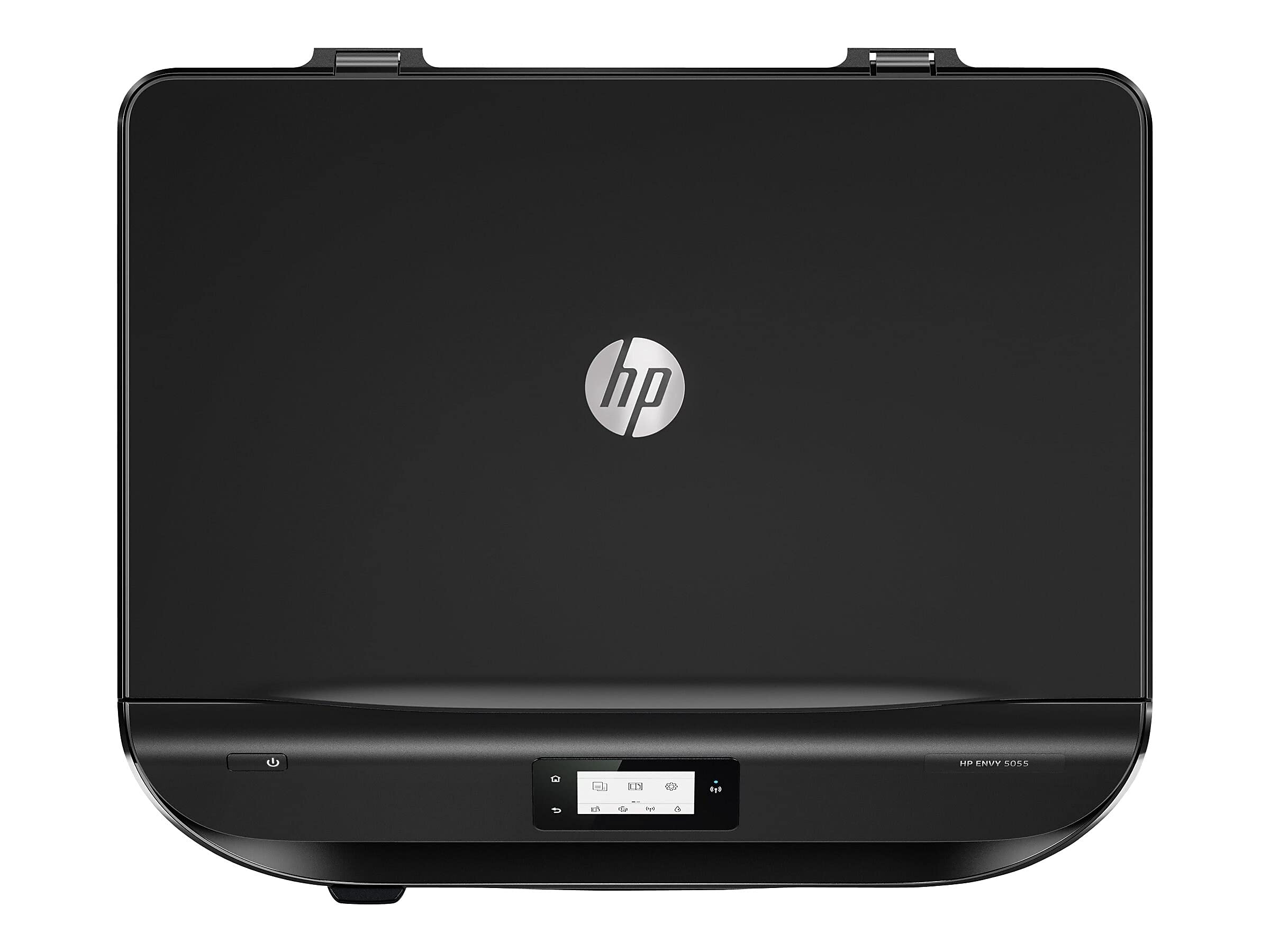
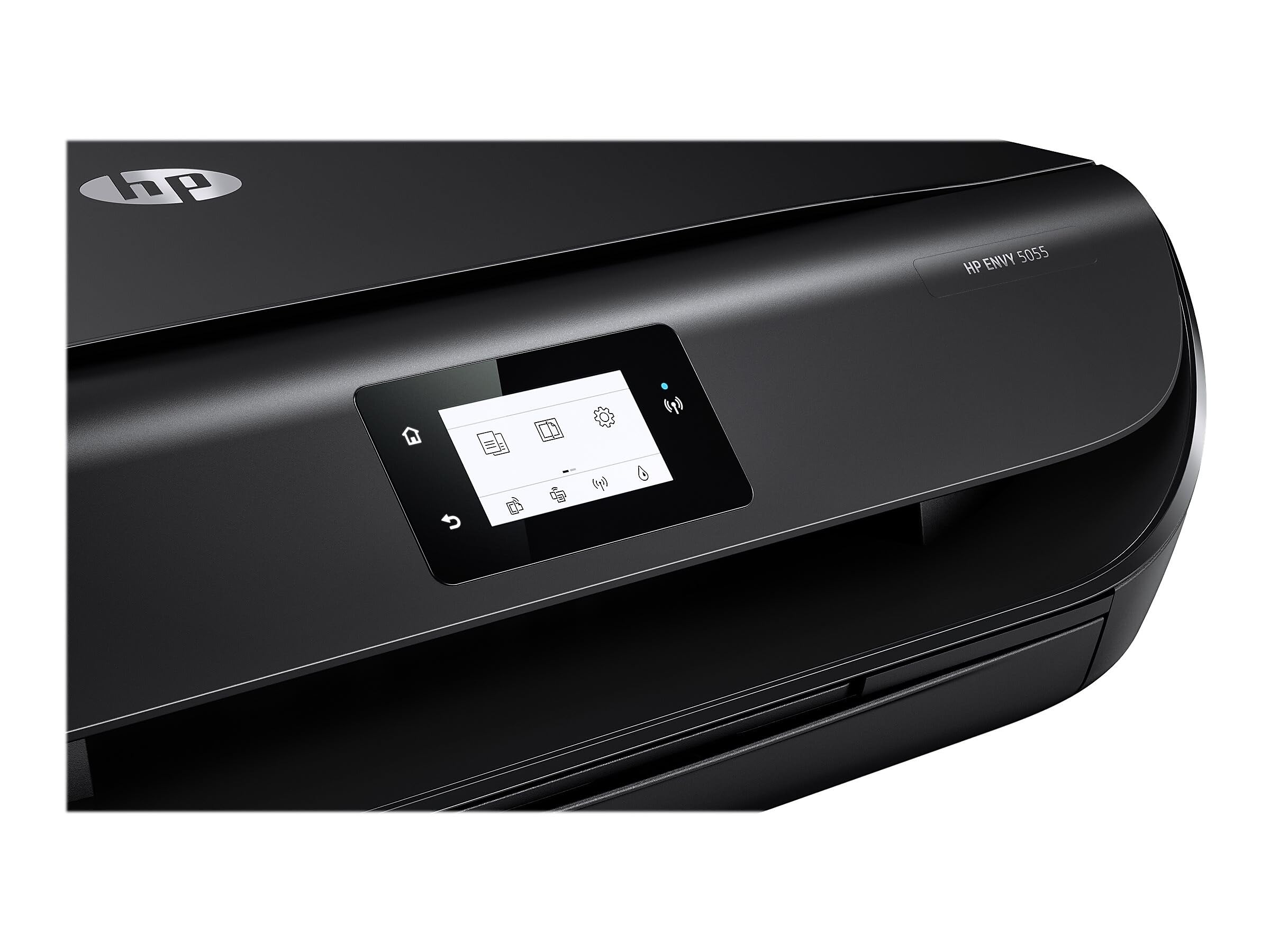
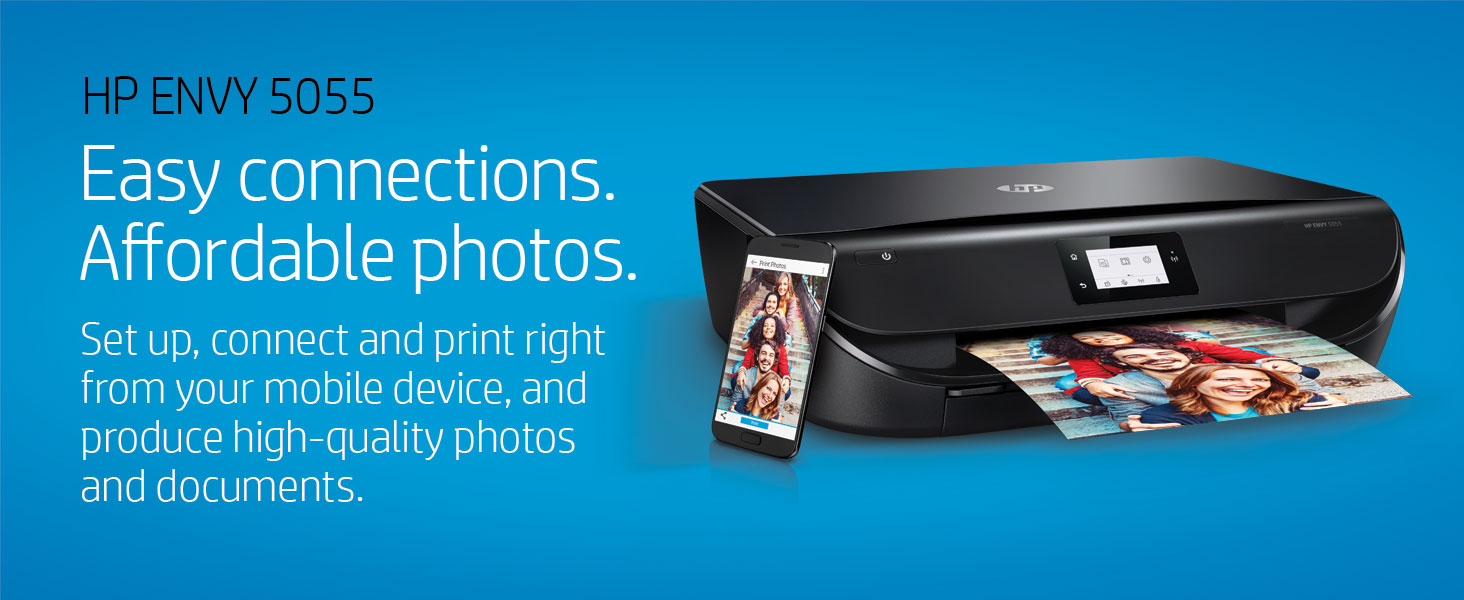
🖨️ Elevate your home office with smart, vibrant printing that keeps you connected and creative!
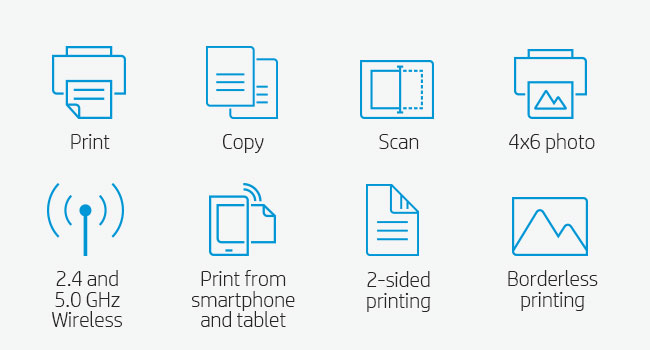
The HP ENVY 5055 is a sleek all-in-one inkjet printer designed for busy households and professionals. It offers wireless printing and scanning with Wi-Fi and Bluetooth, supports voice commands through Alexa, and delivers crisp color prints at up to 10 pages per minute. With borderless photo printing, automatic duplexing, and cloud connectivity via the HP Smart app, it combines convenience, quality, and eco-conscious features in a compact design.


| Output sheet capacity | 25 hojas |
| Paper Size | 3 x 5 to 8.5 x 14, Letter, Legal, Envelope |
| Media Size Maximum | 8.5 x 14 inch |
| Maximum Sheet Capacity | 100 |
| Color | Black |
| Wattage | 3.75 watts |
| Is Electric | Yes |
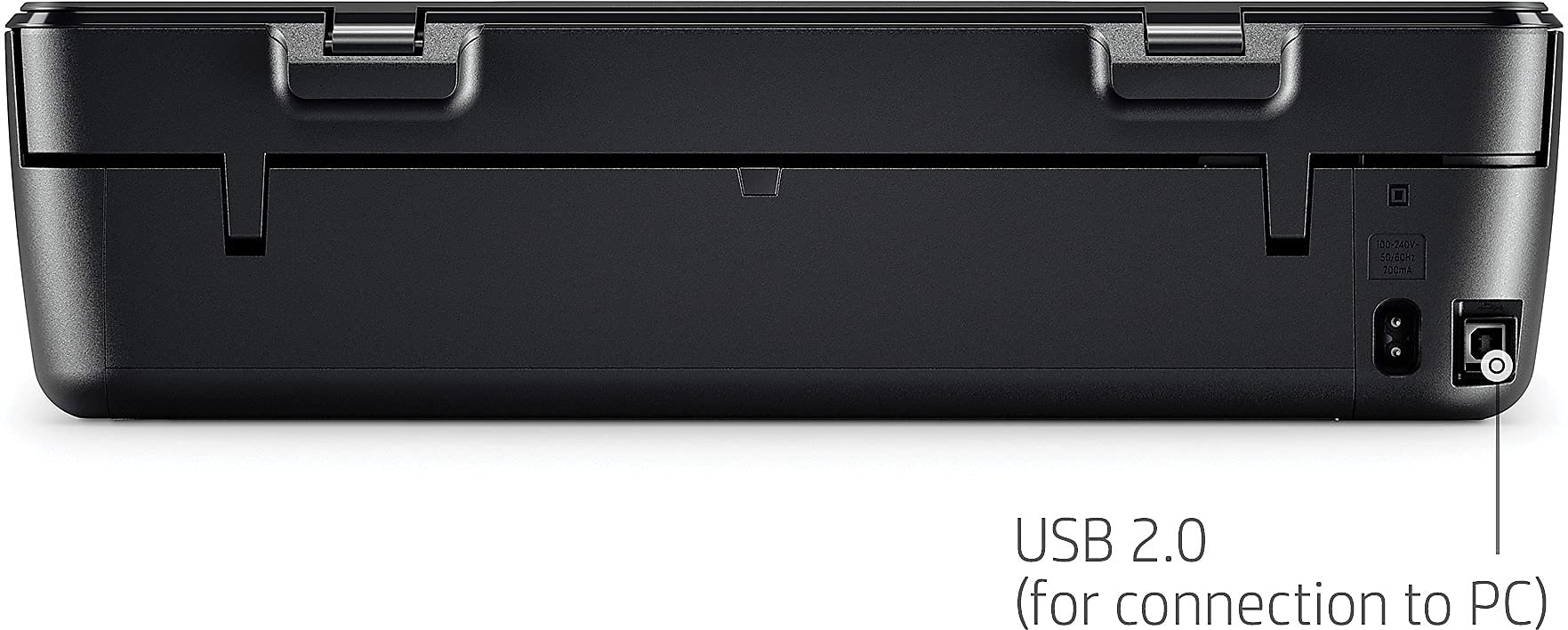
| Total Usb Ports | 1 |
| Printer Connectivity Type | Bluetooth, Wi-Fi |
| Total USB 2.0 Ports | 1 |
| Hardware Connectivity | USB 2.0 |
| Control Method | Voice |
| Maximum Copy Speed Black and White | 20 ppm |
| Processor Count | 1 |
| Resolution | 1200 x 1200 |
| Print media | Envelopes, Paper (plain), Glossy photo paper |
| Scanner Type | Flatbed |
| Controller Type | Vera, Amazon Alexa |
| Item Dimensions D x W x H | 14.4"D x 17.5"W x 5"H |
| Item Weight | 11.93 Pounds |
| Display Type | LCD |
| Compatible Devices | Smartphones, "Camera" |
| Printer Type | Inkjet |
| Additional Printer Functions | Copy, Scan |
| Printer Output Type | Color |
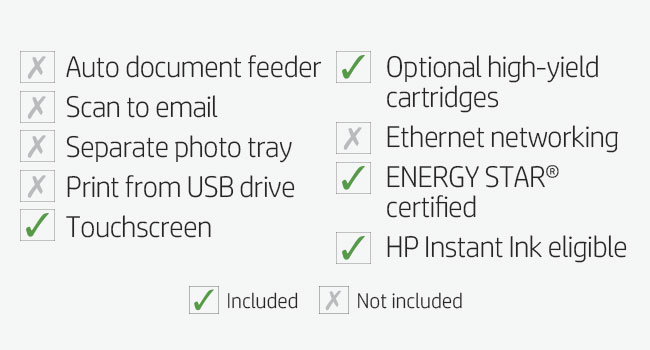
| Additional Features | Auto-Duplex, Touchscreen, ENERGY STAR Certified, Network-Ready, HP Instant Ink Eligible, Cloud Print Enabled, Optional HP High-Yield Cartridges |
| Color Pages per Minute | 10 ppm |
| B&W Pages per Minute | 7 ppm |
| Duplex | Automatic |
| Dual-sided printing | Yes |
S**L
Easy installation, good prints.
I just installed this and am giving it a provisional five stars because of the ease of installation, the quality of the prints and the $69 price. I might revisit this review if problems crop up later. But set up was incredibly easy and I was printing wirelessly from my iMac and iPhone within an hour. If fact, if I hadn't walked away while the drivers were downloading, it could have gone quicker.This installation was done on a late 2009 iMac running High Sierra. Basically, you just plug in the printer and turn it on. Remove the tape on the paper tray and a small piece of protective cardboard from inside the printer. Then go to HP's install site at 123.hp.com. (You can also do part of this directly from the printer if you want, but I think it's easier on the computer).The install program will prompt you on how to properly install the ink and paper. There are helpful videos. The only thing that tripped me up was when it came time to generate a test print for the scanner. The install prompt said to click "ok" on the printer's tiny touch screen. But all I could see on the screen were prompts for my country and language. But, even though you will have already answered those on the website, answer them again on your printer's touch screen, and then you'll get to the "ok" prompt.Once you're done, you still will have to tell your iMac - and I assume PC - that you have a new printer. That was easy. The iMac saw it and I just made it the new default printer.On my iPhone I downloaded the HP Smart app from the Apple App Store. It was easy to print photos from my library. I did get a little confused when I was setting up to print email. It said it would send me a pin to complete the process and never did. Yet, when I checked my iPhone it saw the printer and printed out an email. Go figure. Maybe these instructions were for an older model.Two other things: You will come to one of those privacy agreements at the end of the set up. Make sure you read them. I opted out of letting them monitor my printer or sending me updates. Also, I did not sign up for HP's instant ink program. It didn't look like it would save me that much money, given both the privacy and flexibility I'd be giving up. The cheapest plan is $3 a month -- $36 a year -- and allows you 100 pages a month. My printing needs are light, but there are times I might go over 100 a month. And replacement cartridges are $27 on Amazon. It just didn't make budget sense and it's allowing a backdoor into some of your most private documents. HP might not care, but a hacker might.Hope this helps!
J**.
Superb Printer & Instant Ink is a Great Bonus!
My HP Office Jet which I have had for several years or more bit the dust.I looked and researched many printers and decided on the HP Envy.I did not need a fax component so was glad when the HP Envy showed up as a basic home printer minus the fax.You can scan and copy.I am glad to say, this printer fits my needs. It prints and produces good quality.I do not normally print photos, however, with the use of Instant Ink which I signed up for, I might start doing that now since I am being charged per page and not by ink use.Yes, I am quite happy with Instant Ink. I received two months free of up to 300 pages per month along with buying a $5 pre-paid card which also will be deducted once the two months runs out. Sweet deal, I say. I can check my printing status just by going to the HP Instant Ink website. How cool is that? My wife and I have not been printing much lately, however, that might change by having the Instant Ink program. In the past, I would try to print in black and white to conserve color toner. Now, I am free to blast off and use color or black and white.The HP Envy has a quiet mode which I have tried and it is indeed quieter than the normal mode. Nice feature to have if you are printing in the early morning hours and want to keep the noise level down a bit.I am connected via WiFi and have not experienced any connection issues. Set up took about 5-10 minutes.Make sure you have the WiFi password and you are good to go.I don't know what to say about those who have left negative reviews. This HP Envy works like a charm and having the Instant Ink is a great bonus!I bought this printer on my own. There was no company endorsement or any of those shenanigans.My review is my own and not because I got a printer for free.
H**K
Great printer, scanner for the price
With kids being at home, needed a simple not too expensive printer, scanner for printing their homework's and my occasional needs. This one came quickly and setup was easy. It looks well made and actually looks quite nice on my book shelf. The printer quality is actually quite decent for the price. I have used the printer now for 2-mo and the scanner and copier work well. So, no complaint at all. Some reviewers were not happy with the “optional” requirement to sign up for ink with hp (hpsmart)-where they give you a printing allowance/mo for a small fee and in turn ship you cartridges. I’m not a heavy user but so far I have printed about 100+ sheets and the cartridge is about half done. I did signup for the cartridge monthly plan (first 4mo after) where I pay $2.99/mo and am allowed to print 50sheets/mo and in turn HP will keep sending me the cartridge as and when needed. Simple math is that this costs around $36/yr for 600sheets. Not too bad considering the cartridges for this printer cost ~$30. Anyways, the plan can be cancelled anytime. For the cost, this is an excellent basic printer, scanner and works fine for my home printing needs.
Trustpilot
3 weeks ago
1 month ago