
DOWNLOAD THE APP


Customer Services
Copyright © 2025 Desertcart Holdings Limited
DOWNLOAD THE APP
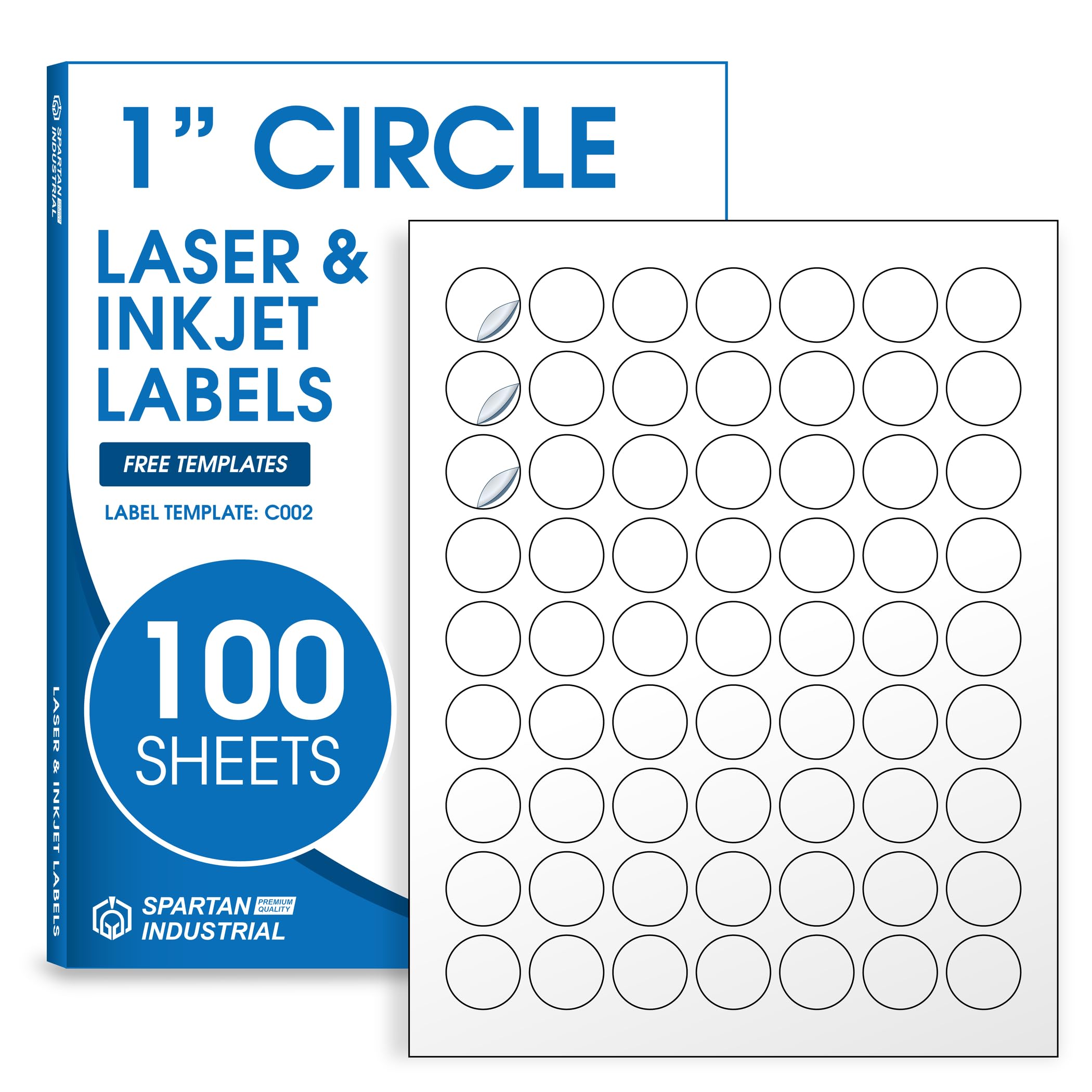


🏷️ Stick with the best: Labels that mean business and style.
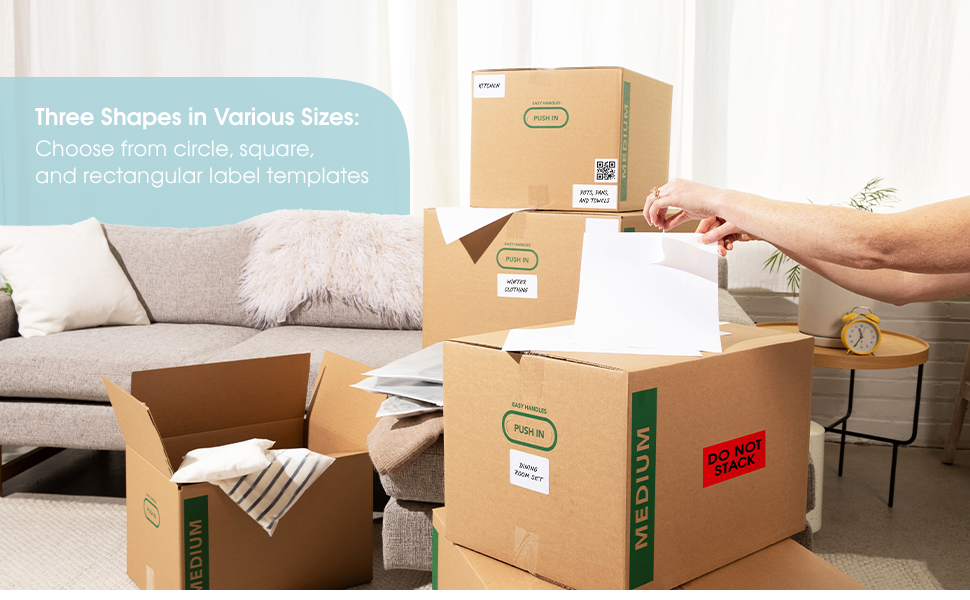
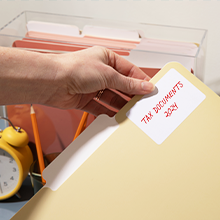
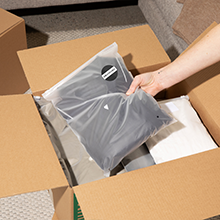
Spartan Industrial’s 1" Circle Printable Labels offer 6,300 matte white, smudge-proof, and fade-resistant stickers across 100 sheets. Compatible with most inkjet and laser printers, these versatile labels feature a writable surface and permanent adhesive that sticks reliably to plastic, glass, paper, and more—ideal for professional-grade product labeling, pricing, and custom tagging.




| Manufacturer | SHIPPD |
| Brand | SPARTAN INDUSTRIAL |
| Item Weight | 2.29 pounds |
| Package Dimensions | 11.3 x 8.7 x 0.75 inches |
| Item model number | SI-LABEL-LS |
| Shape | Round |
| Material Type | Paper |
| Number of Items | 100 |
| Size | 1" Circle |
| Manufacturer Part Number | SI-LABEL-LS |
K**S
Great quality- easy template!
These are perfect!! Will be buying more shapes and sizes. I used to cut my bag tags out by hand- lame, I know, but started it once and never thought to change to a pre-cut template. Saves so much money, they look nice, and save so much time.
C**F
Know what you're getting into...
Read the reviews, so I knew I was going to have some trouble with the template and spacing of the labels. I spent maybe 30 minutes testing the spacing with practice prints. Once I got that all figured out it was smooth sailing! They're decent quality for the price, and there are SO MANY!
B**
Great!
I use these stickers for my canning labels and they are very easy to print on and they wash off easy with water. Great stickers for the price!
M**.
Terrible alignment & template
These do not work with Online Labels (like another reviewers said) nor with their own template. I use Google Docs and the template isn't compatible with that apparently. I reached out to customer service on their chat option that pops up as soon as you navigate to the site, at my wits end, and they a) took a really long time to acknowledge me- like hours, while in the middle of a project, b) said I needed to save it as a PDF, and c) oh, it doesn't work with Docs.The template is a sheet with circles on it. If you create an image on Canva, it saves the design as a circle with a larger square around it (the square isn't visible). But you can't put a square over a circle on the sheet without losing the circle. I had to reduce the transparency to zero, assign the circle inside the template circle, then bring the transparency back up to 100 before printing. For EACH label on the sheet. Then it still printed off center. Not worth the savings of these, ordering the big name brand with easy to use template that actually print correctly.
J**C
Great Value and Quality
These printable labels by Spartan Industrial are a great addition to my home office. They're ideal for labeling packages and products. I bought different sizes, and they work perfectly with my laser printer. The available sizes are versatile for various labeling and creating stickers. The labels peel off its backing paper easily. Adhesion is good to paper, plastic and cardboard. Shipping was fast.
I**C
OK Labels but difficult to properly align
Pretty standard as far as the quality. The labels are very difficult line up...I never did get them aligned properly even with the template. Although there were a ton of labels in the box, I wasted so many trying to print properly. Very frustrating. I wouldn't purchase again only because of the alignment issues.
C**A
Great labels, difficult to print correctly
It took me hours to get these to print aligned correctly, but I finally got them to print using MS Publisher. I downloaded the template from the manufacturer's site, but it was problematic. It took me a few hours and many attempts to get these aligned properly, but now it works. I made the circles slightly smaller than 2" (1.95). Top/bottom margins are 3/8". Left/right margins are 0.16". I filled in the circles with black so I could print on regular paper and put behind the label paper to see how far off the alignment was and made the adjustments. I've attached a sample. I printed 1 row of labels. Next time I need labels, I will delete the top row, add the labels that I need and put in the same sheet and print. This way I don't waste labels. Giving 4 stars for all of the work I had to do to make this WORK!! :)
B**S
I like it
Love this
Trustpilot
3 days ago
2 weeks ago