Desert Online General Trading LLC
Dubai, United Arab Emirates
Desert Online General Trading LLC
Dubai, United Arab Emirates


🔌 Connect & Conquer: Elevate your display game!
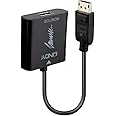
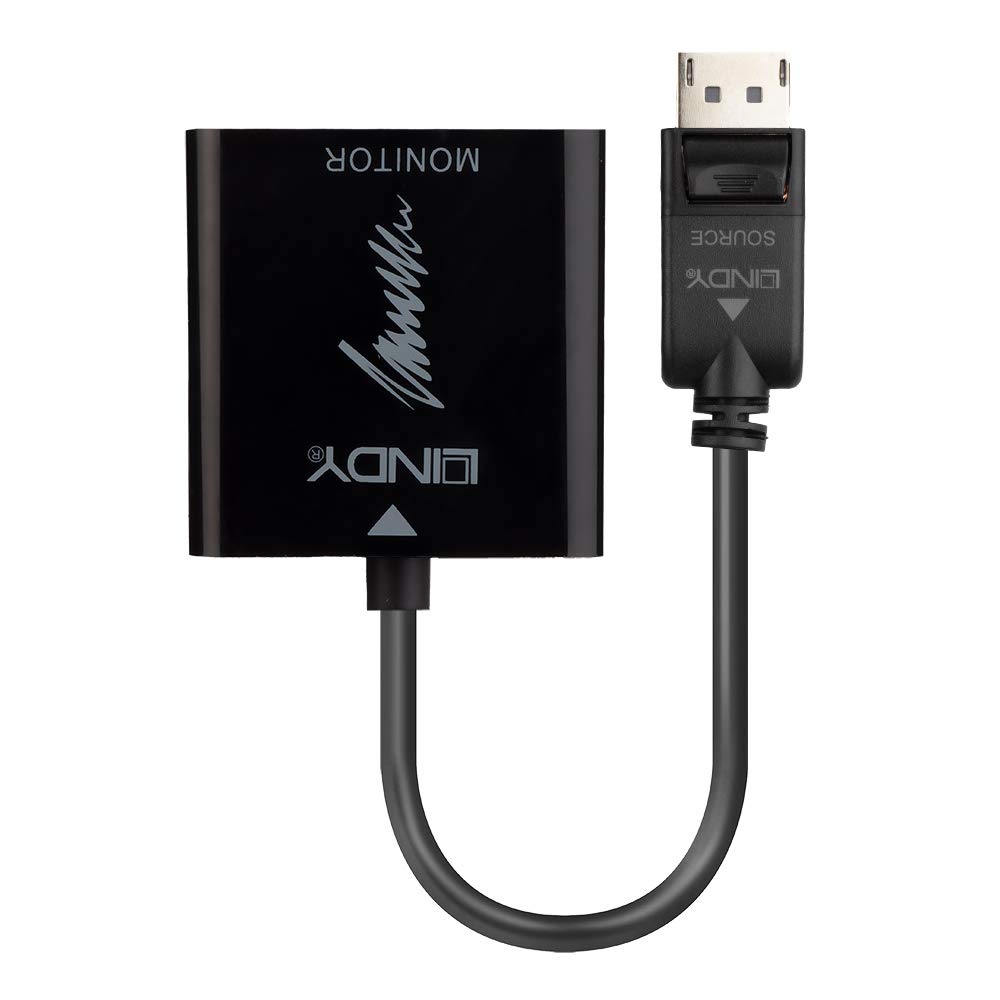
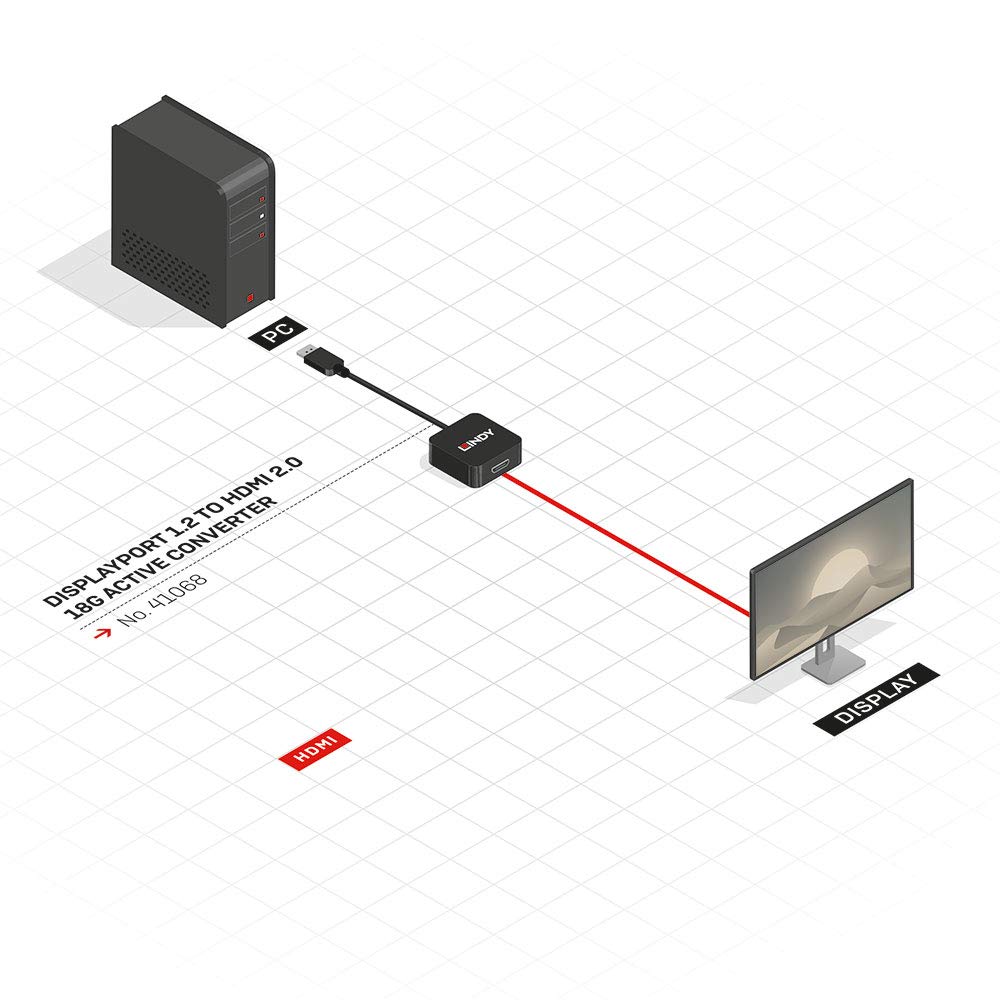
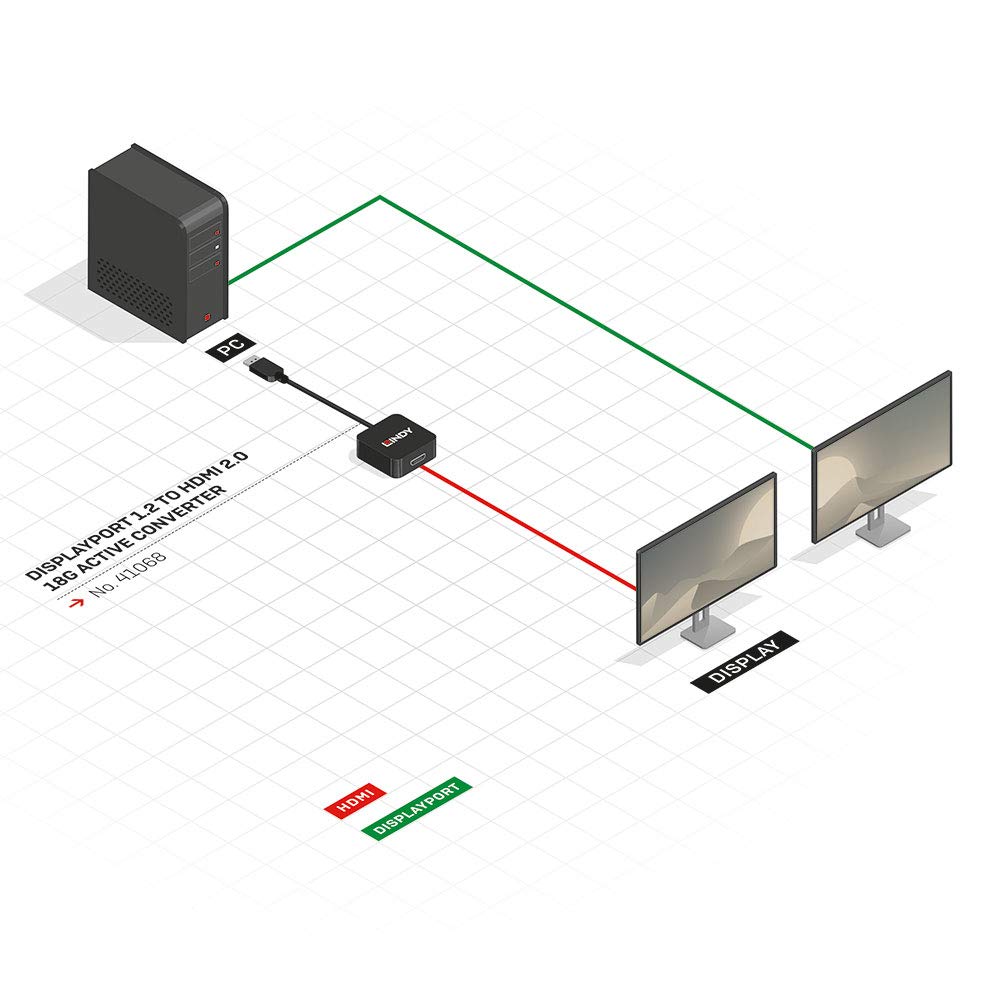
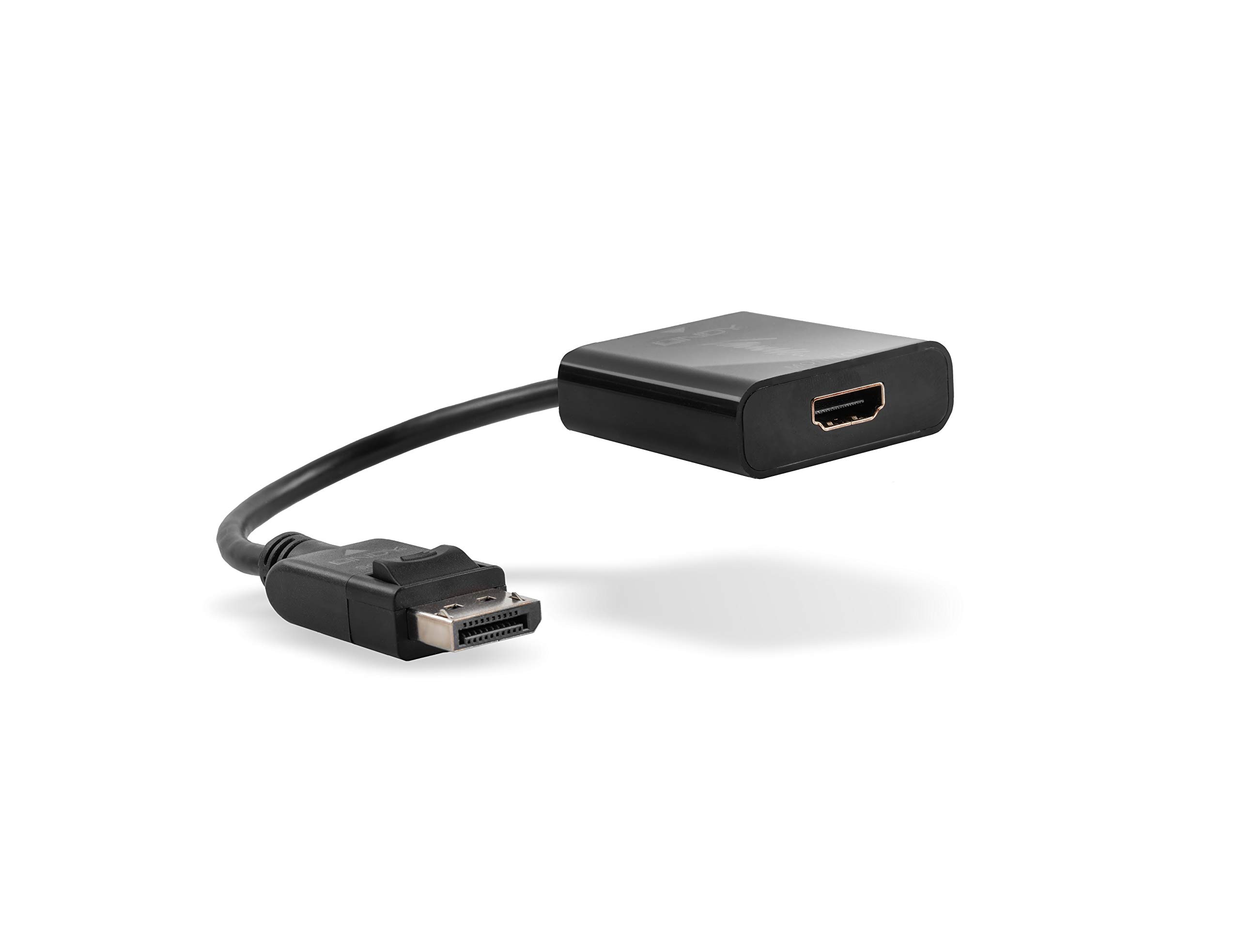
The LINDY 41068 DisplayPort 1.2 to HDMI 2.0 18G Active Converter allows you to connect your DisplayPort computer to an HDMI 4K display, supporting resolutions up to Ultra HD 4K at 60Hz. This active adapter is compatible with AMD Eyefinity, NVIDIA Surround, and Intel Collage, and it supports both audio and video in mirroring or extended desktop modes, all backed by a 2-year warranty.
H**S
Actually does what it's supposed to. 4k@60hz
I bought this to free up the only hdmi port on my 2080ti as it was needed for my oculus rift. Yes, it does produce the stated 4k@60hz but will not just work out of the box, there are a few settings you need to change first in the nvidia control panel like changing to Ypbpr output. If you do not do this before you plug it in you will either get no picture at all or a heavily distorted, unusable one. If anyone is having these issuses please comment and i will post the exact settings. One more minor issue, and this is more than likely due to not having the the settings exact, there is a very occasional white flicker in the bottom left of the screen. This probaby occurs once or twice a day so I can definatly live with it. On the whole, I am very with this adaptor. Its the only one I have tried to date that actually performs the stated 4k@60hz. All others only manage 4k@30hz.
G**C
Be wary if you have a 3440x1440 or high refresh rate monitor
EDIT: although my original comments accurately reflect my experience it turns out to be more complicated in that I happened to try the adapter on another motherboard with an old Sapphire HD7750 graphics card, also HDMI 1.4 and connected to the same monitor - and it worked perfectly at 3440x1440 both at 60 and 100Hz. So the caveat remains but it is probably more likely to work than I originally thought. However you could still find that a particular combination of motherboard/GPU/monitor and resolution refuses to give a steady, noise free image.Does not like 3440x1440 at all, video is noisy (noticeable only on very dark backgrounds but noise is, nonetheless present), blanks out randomly for a few seconds every now and then and sometimes becomes glitchy and unstable.I'll give it two stars on the off chance that it functions correctly at other resolutions - 2560x1080 @ 60Hz looked OK as did 4k60 (as far as I can tell), 2560x1080@100Hz was poor though. Having treated myself to an ultra-wide monitor, I bought it specifically to overcome the restrictions of HDMI 1.4 on my file and media server which is stuck with Intel integrated graphics - I can get 2560x1080 directly out of the HDMI without using this gadget (so where is the point?) but I can't get 3440x1440 to drive the monitor at full resolution without using display port natively - which means an active converter not just passive adapter. I thought this was just the thing, but apparently not.So, be careful if you have a high resolution or high refresh rate monitor.
A**.
Perfect! Works exactly as described!
Works perfectly! Exactly as advertised!It will convert a full-size DisplayPort 1.2 port on a graphics card or other video output into an HDMI 2.0 port, capable of full 4K 60Hz @ 4:4:4 or full-range RGB.Be aware though that the adapter is not bi-directional, meaning it can convert a DisplayPort 1.2 output to connect it to an HDMI 2.0 display but it can't convert an HDMI 2.0 output to connect to a DisplayPort 1.2 display.It doesn't require any additional power source even though it's an active adapter, as I'm sure it only needs a minuscule amount, and the power provided as standard over DisplayPort 1.2 is more than enough to power it.Do take note of the following though:1) The DisplayPort output device (graphics card, onboard video etc.) you connect this adapter to must be at least DisplayPort 1.2 to support 4K 60Hz.2) The HDMI device at the other end (4K TV etc.) must have an HDMI 2.0 input port. You may think this is obvious, but some people have been caught out by this in the past as not all 4K displays do have an HDMI 2.0 port, especially the early 4K displays to make it to the market, and budget brands/models - so do confirm this in the display specifications!3) Finally, the HDMI cable you use to connect the adapter to the display has to be capable of carrying enough bandwidth to meet HDMI 2.0 standards and not all of them are up to it, at least not reliably. Older, cheaply made, or longer cables may give you issues. Some older HDMI cables are capable, especially if they are high quality with good shielding, but results vary with older cables.If all three of these conditions are met, then this adapter will do exactly what it claims to! Apart from the Club3D version of this adapter, there actually aren't many of them on the market. So thanks LINDY, exactly what I needed!
N**D
Solves two problems at once :)
As with most LINDY products this is well built and does exactly what it is advertised for. I needed an adaptor to not only convert my Display port to HDMI (to get 4k at 60Hz on an Intel UHD 630) but also produce a 'keep alive' signal to stop Windows messing up my desktop every time my monitor went into standby or sleep. After consulting LINDY tech support I purchased this and it did exactly that.The other upside is that it enabled a load more features on my LG 32UL500 monitor as it is now connected to the HDMI port so a bonus win for me as well.Highly recommended for anoyone suffering with Display Port Hot Un-Plug issues.
M**O
Port flexibility
Works lovely up to 4k 60 picture is good sound is good freed up hdmi from my gpu for vr great.
Z**A
Does NOT support 4K@60Hz
This equipment does not support 4K@60 contrary to the description. Tested with multiple cables on a setup reliabily running on 4K@60 over the same HDMI cable. I just needed a second HDMI port, but it does not work.
A**R
Well designed and functional
works as it should
U**B
Excellent Product from Excellent supplier.
DisplayPort from Dell to LG OLED TV displaying at full resolution (3840 x 2160).Excellent comunication with seller.
Trustpilot
1 month ago
1 week ago