
DOWNLOAD THE APP


Customer Services
Copyright © 2025 Desertcart Holdings Limited
DOWNLOAD THE APP
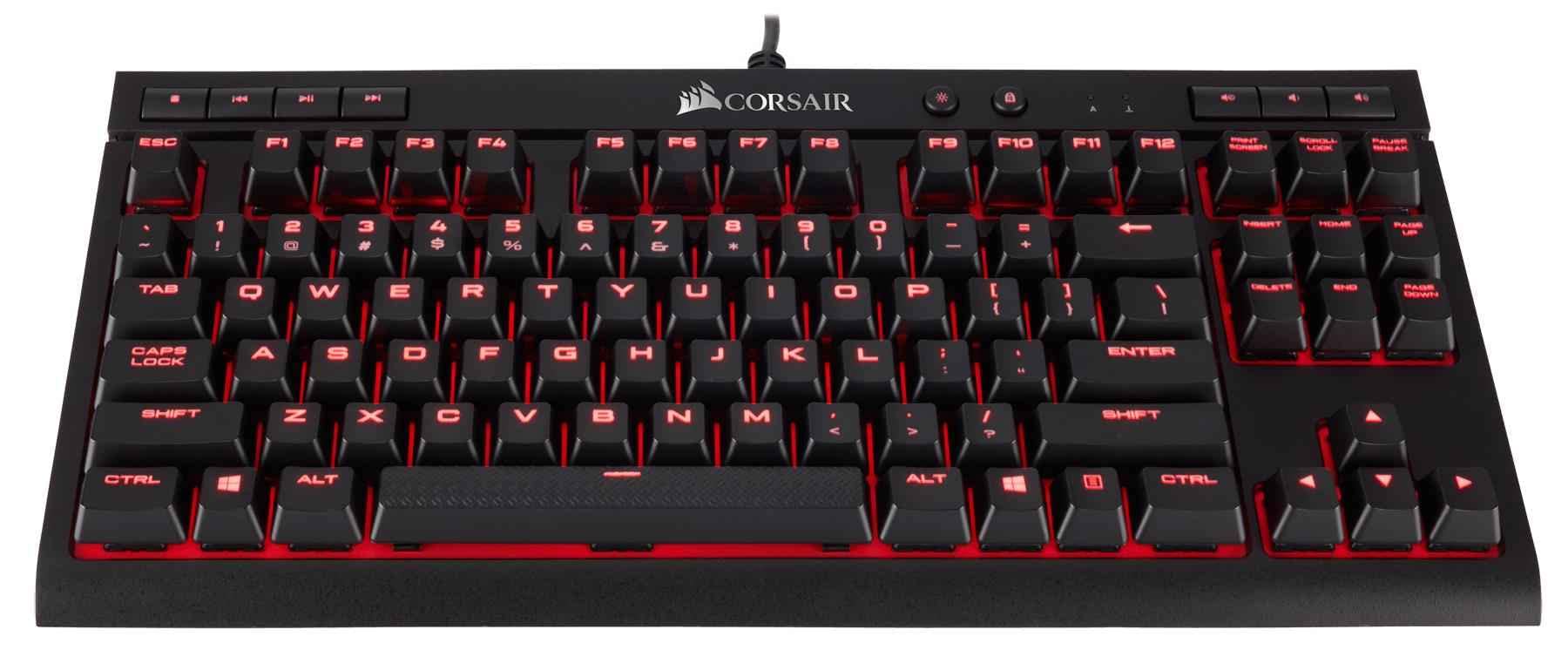
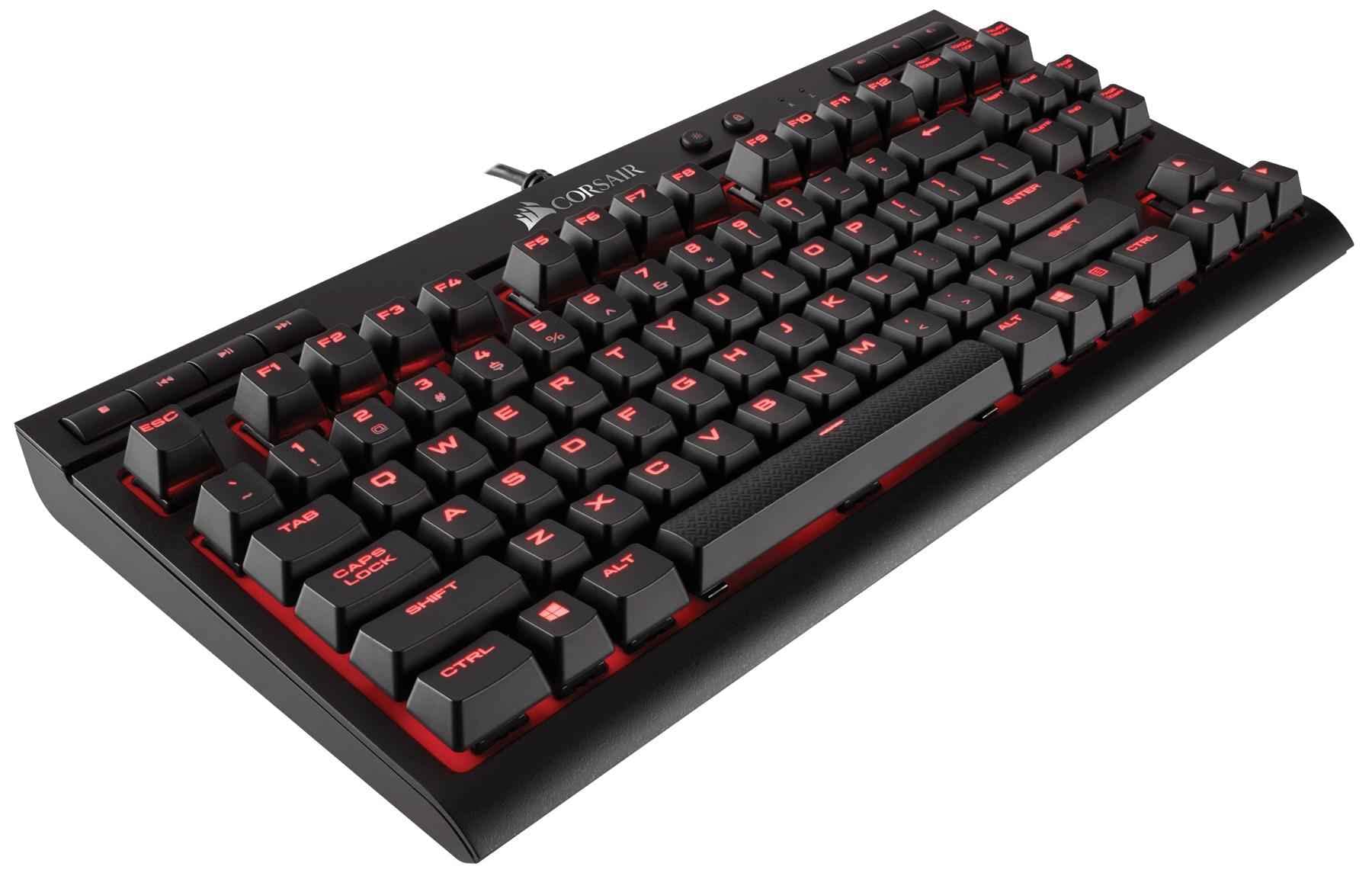
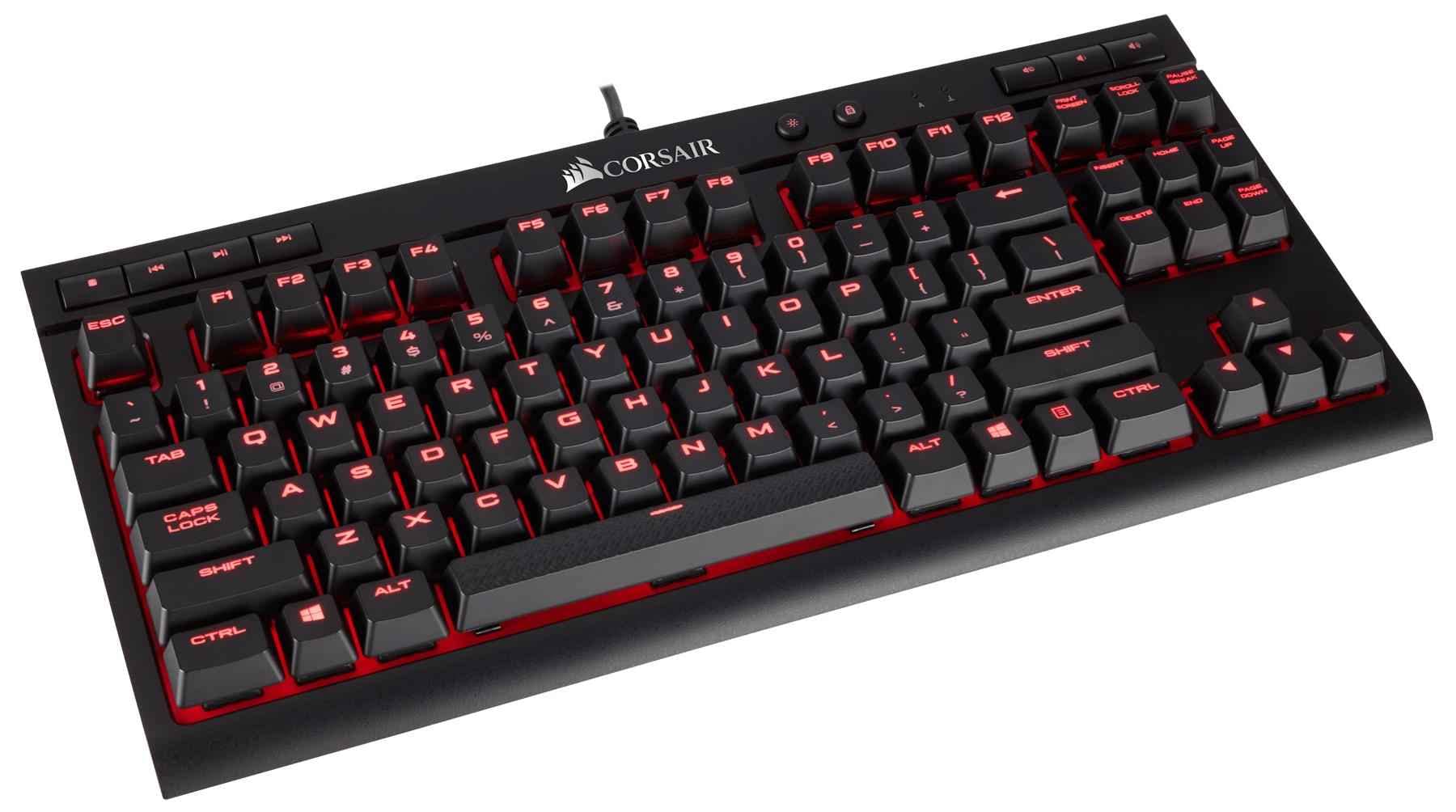
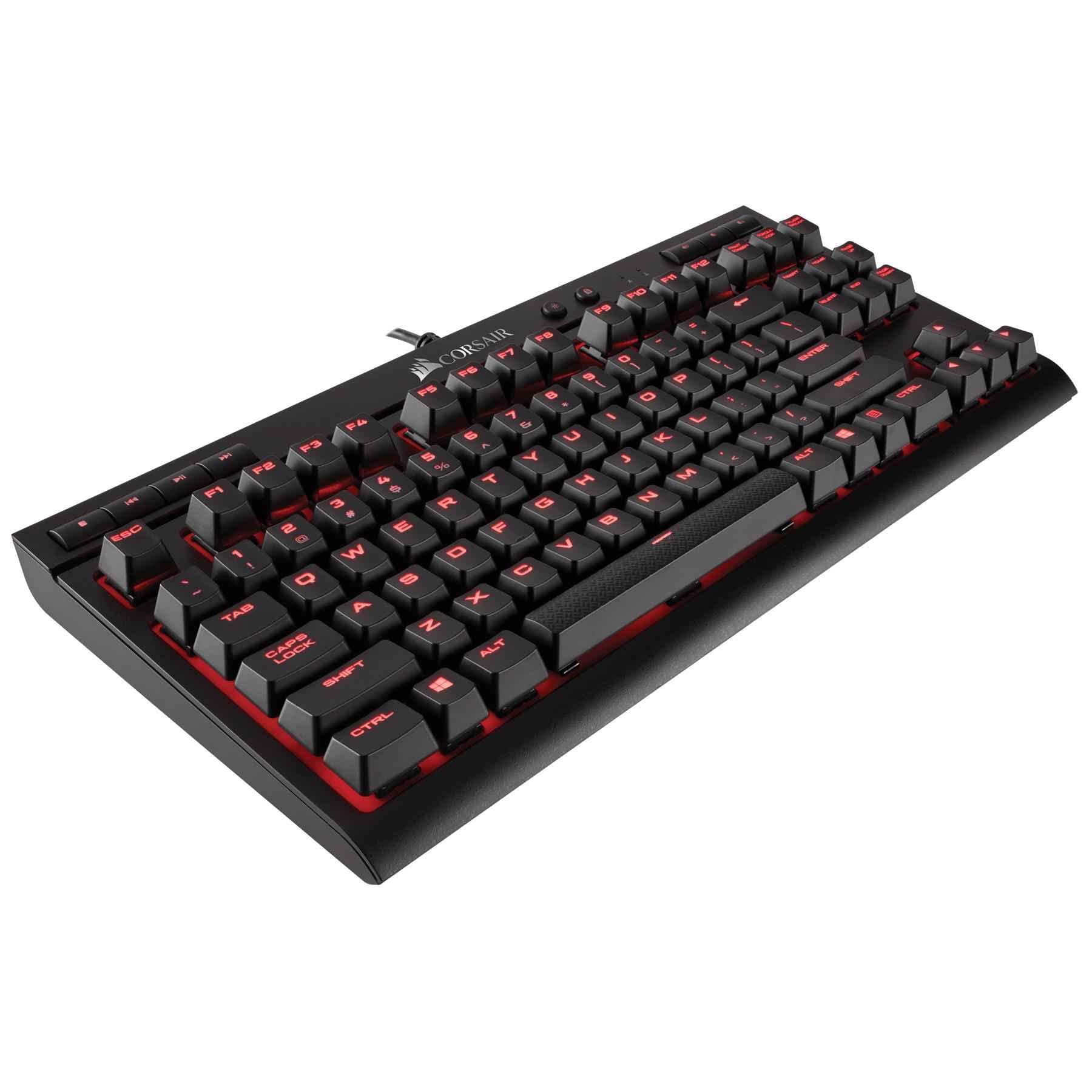
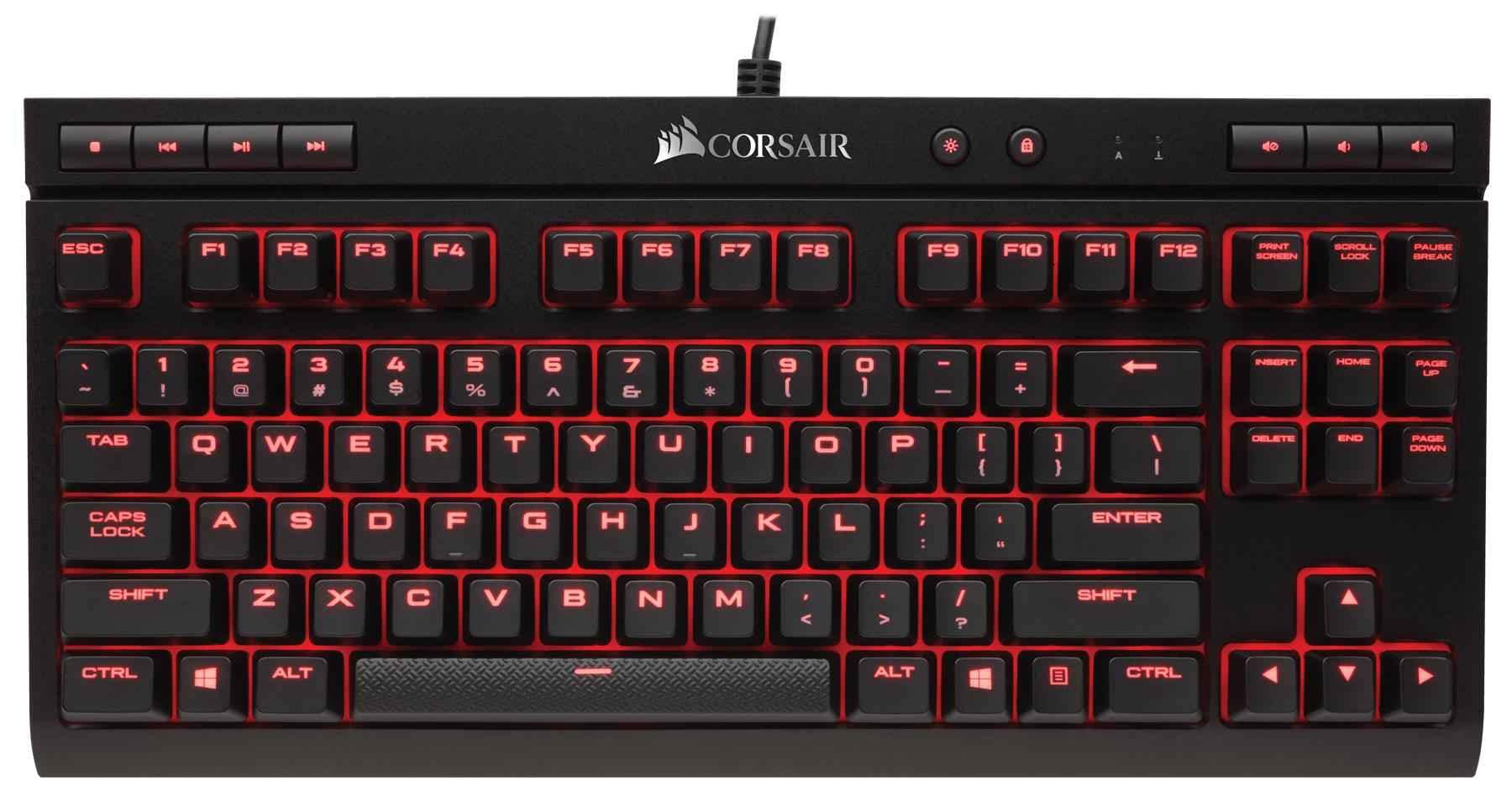
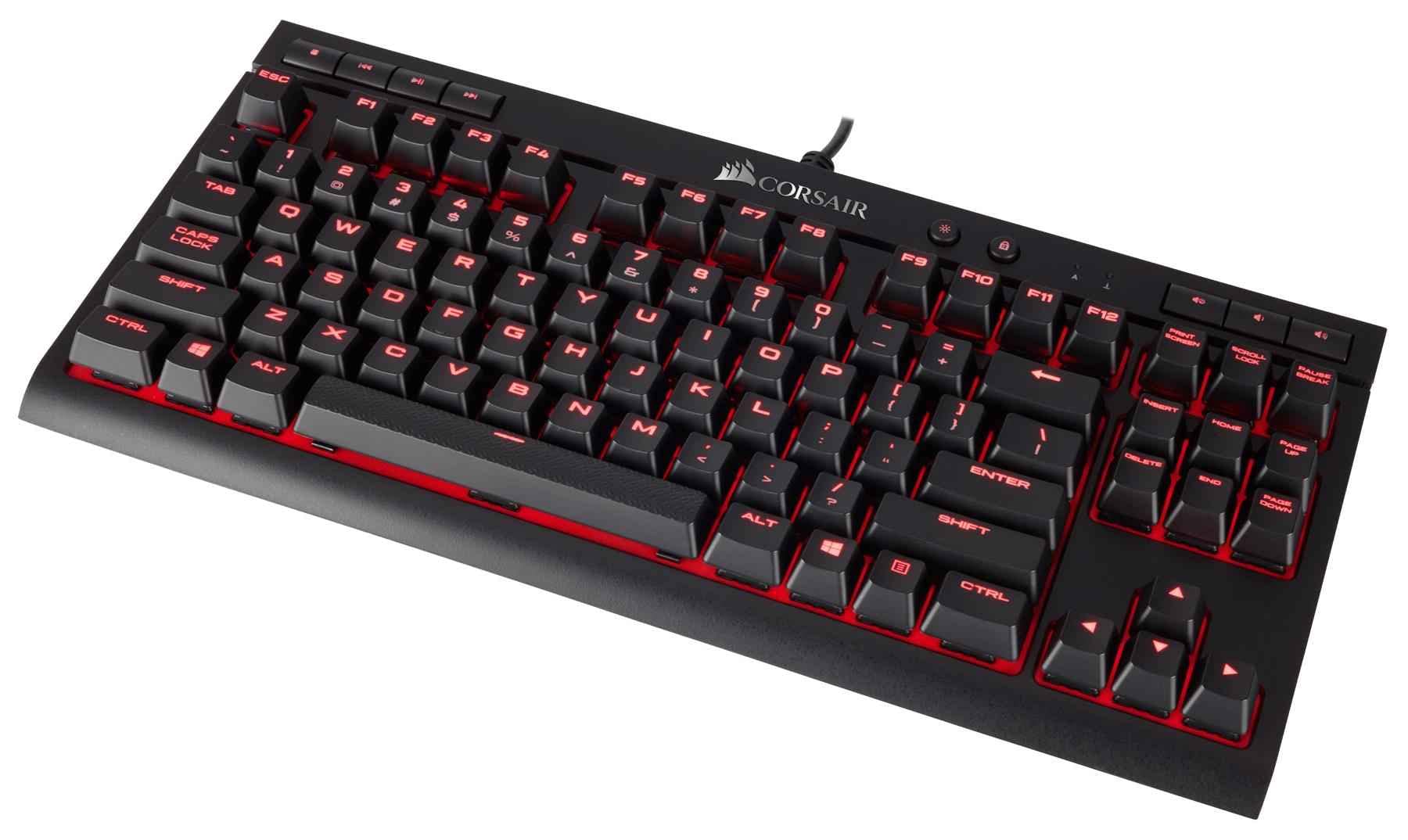
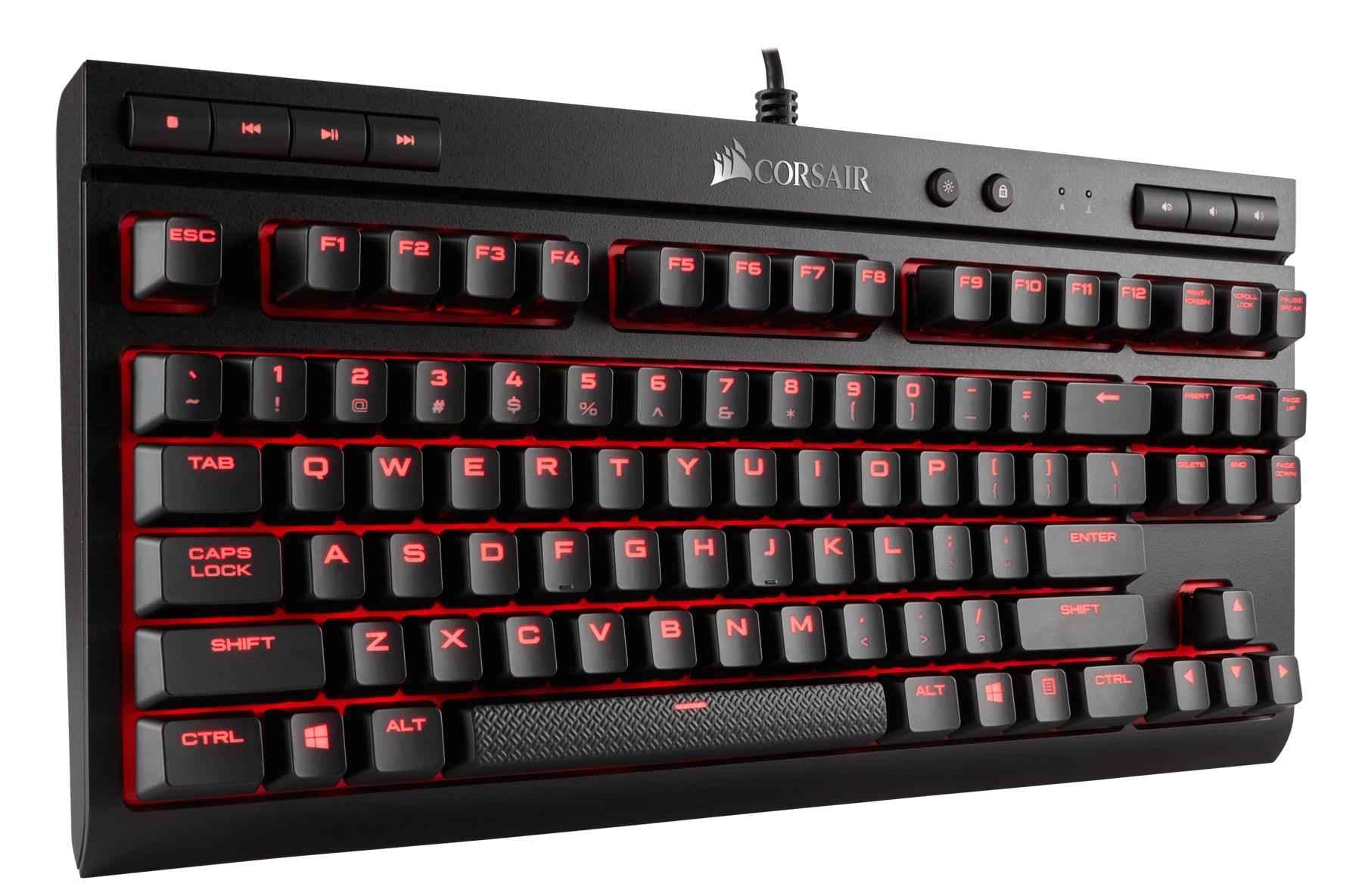
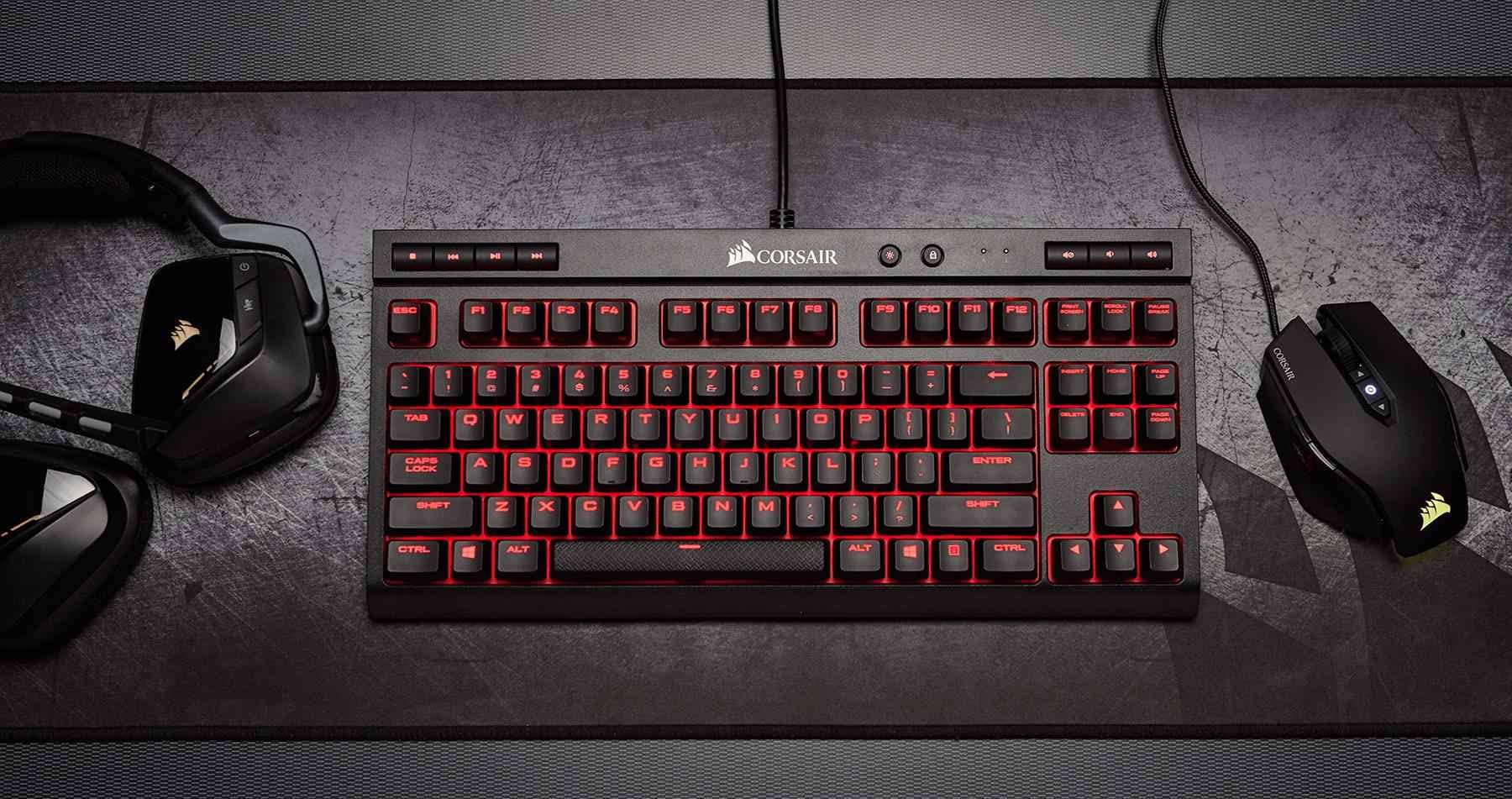

⌨️ Elevate your workspace with precision and style — don’t just type, dominate.
The Corsair K63 UK Mechanical Keyboard features 100% Cherry MX Red switches with gold contacts for fast, accurate key presses, paired with per-key red LED backlighting and a compact tenkeyless design. Engineered for professionals and gamers seeking a durable, high-performance keyboard that maximizes desk space and delivers satisfying tactile feedback, it connects via wired USB for lag-free, reliable use. Ideal for coding marathons and focused productivity, this keyboard blends robust build quality with sleek, minimalist aesthetics.


| ASIN | B06XQ5G9ZZ |
| Are Batteries Included | No |
| Best Sellers Rank | 17,416 in PC & Video Games ( See Top 100 in PC & Video Games ) 690 in PC Gaming Keyboards |
| Brand | Corsair |
| Colour | Black |
| Customer Reviews | 4.5 4.5 out of 5 stars (1,007) |
| Date First Available | 17 Mar. 2017 |
| Guaranteed software updates until | unknown |
| Item Weight | 1.12 kg |
| Item model number | CH-9115020-UK |
| Manufacturer | Corsair |
| Operating System | Windows |
| Power Source | USB |
| Product Dimensions | 36.5 x 17.1 x 4.1 cm; 1.12 kg |
| Series | K63 |
L**E
Massive productivity boost for coders
Quite simply the best keyboard I've ever owned. I work off a Macbook Pro, and lately the 'e' key has jammed to the point where I need to slam it several times (hard) before it knows who's boss. Having to re-write every sentence three times got old fast, but writing code was especially tedious, where every character counts. Rather than suffer the downtime of a Mac repair (the keyboard issue is a known and unfortunately common problem), I decided to hook up an external keyboard and monitor and use the laptop more as a desktop. At first, I used an old wireless keyboard I had lying around from years back, that I bought in a kit with a mouse for about £20. The keys were flimsy and my typing accuracy left a lot to be desired. Apparently the test for a good keyboard is pressing the edge of the 'space bar' and if it only dips at the end you press, it's naff. This one was very much naff. Seeking a bit of nostalgia for the old days where keyboards sounded like keyboards, I decided to punt for a mechanical one, and settled on the K63 due to both the Corsair brand and the right balance of price. There's a ton of different models available and I wasn't totally sure what the difference was (I'm still not, to be honest.) So I went for something that wasn't totally the cheapest, but also wasn't an insanely high-end model intended for gaming. This keyboard would solely be used for bashing out heavy-duty code for 8-10+ hours a day, so I wanted something 'pro' that wouldn't light up all the colours of the rainbow or that I could play 'snake' on (apparently you can get ones that do!) In short, this keyboard is simply awesome. Every keystroke connects, and gives a deeply satisfying 'thud' and finger feedback. I can FLY through sentences like they're nothing, and when I look back at the screen, I'm amazed at the accuracy I've been able to achieve. Very rarely have I plugged in and a keyboard before and immediately felt right at home with it, but I did with this. Literally within 5 mins of opening the box, my productivity went up. No joke. I was also happy to find that the keyboard is WIRED. Call me eager, but I obviously didn't read the description, and based on YouTube reviews on keyboards I'd watched, I only saw the wireless K63 available. I wasn't looking forward to having to change batteries every day or two, so I was very pleasantly surprised when I opened the box to find it wired! Probably obvious to anyone that bothers to read the description, but for an eager skimmer like me it was a nice surprise. There are only two minor issues with this keyboard that aren't really issued at all, more like features: 1. Keystrokes are LOUD. Unpacking it and using it in the living room on the first night was enough to cause a barney with my better half. Apparently it got in the way of her telly after a hard day of slaving away! That was quickly rectified by being 'moved on' to an outside garage to use as my office. Fine by me! Now I can type as loud as I want. Seriously though, if you're thinking of using this in an office or any type of shared space, make sure you either have a door separating you and other humans, or colleagues with less sensitive dispositions. It is a mechanical keyboard, after all. 2. It's intended for use with Windows, so expect a Windows key. This might be obvious, but as a Mac user, the layout is ever so slightly different. Setting the Mac to 'British - PC' in System Preferences kind of worked. The Windows key is now a Mac Command key, but it and a couple of other keys are slightly out of place and don't map quite perfectly to the assigned keys. This hasn't gotten in the way of using the keyboard and can probably be tweaked further, but just a heads-up for Mac users. Overall, a pretty perfect keyboard. Oh yeah, I also wrote this review using it and (get me!) without looking down at the keys once. If I've made a bunch of spelling errors, you can blame me and my poor spelling. If I happen to have got the words mostly right, then consider that my best testimony. Great keyboard-- I'll make the £70 I spent on it back in productivity gains 100x over, I'm sure of it.
E**S
Excellent quality, would recommend buying it!
Excellent quality for the money! Hands down one of the most comfortable keyboards to use. It feels very sturdy and overall excellently built, the keys have very minimal play (like very minimal - understandable knowing that they are removable) and they feel like quality item to be used. I love the Cherry MX Red feedback when typing, it does sound very mechanical similar to a type writer which is quiet enjoyable experience in my opinion. This said though, it’s not the quietest keyboard out there so if you’re looking for a quiet keyboard this may not be the best choice for you. For me personally I very much enjoy using it & the noise doesn’t bother me at all, in fact it makes the experience more enjoyable. There are 3 brightness levels to adjust, the red backlight does have a ‘bleed effect’ which just makes this keyboard so cool. In terms of the responsiveness of this keyboard I would say that it’s very responsive and keys must not need to be fully pressed in to be recognised which I found pretty good. You can probably tell by now how much I like this keyboard, I think it’s one of the best keyboards available at this price point.
M**E
Tactile Typing
A great improvement over the 'average' keyboards. It may look like some other, cheaper keyboards, but it acts and feels entirely different. Pros: The red background does make a subtle difference and makes the keys stand out from each other. If, like me, you have to look down at the keys, then that difference is good. * Key travel to "action" is only about two millimetres, but it doesn't "click"; only click is when key hits base, and that is not too loud, but just a pleasant and solid sound. * The Base is heavy, so no slipping. * There are 4 light settings, Off, dim, bright and "What the...!" ... slightly glaring. I find dim to medium is alright, but would prefer something in-between. * Spacebar is positive even if hit lightly at end. Cons: A palm-rest would be nice, as would a slightly larger Left Shift and smaller CAPS LOCK (who uses this?) But that is as much the English QWERTY layout's fault, not Corsair! Summary: A very nice keyboard to use, with far less "fumble fingered" errors than I would normally get from others. The indented keys, red backdrop, red light all help me to hit the right keys and it's only when I really try to type faster than I can that I get errors (Wow! I didn't get any there!) The 'Cherry Red' key switches are smooth, positive and a delight to use for typing. Not used for gaming, but I dare say it would be a good response. One of the major issues I've had with cheaper Chinese keyboards and other EU Keyboards is "bounce"; e.g. hitting a key and getting repeats, like "Merggger", which is annoying. But not with Corsair/Cherry. Hence a very fair 4 out of 5. Would I recommend? Yes.
H**E
Insane response
Had this for so long now and it still works like new. Absolutely mint keys can swop um out to cherrys if you like i did.
A**R
Great keyboard - Feels good to the touch and very portable
Not only did this product arrive before it was so supposed to, it met all my expectations! The keys feel great to the touch, not too loud, but loud enough to have that mechanical sound we all know and love. Plus, since its Cherry MX Red you can press it ever so slightly if you want to be quieter, and it won't make a sound while still registering the key stroke. It's really small for a keyboard, meaning it's easily portable, and if you don't mind not having a number pad then this keyboard is right for you! The seperate media keys mean you don't have to press the FN or ALT key, which is great, and there's a lot of lighting effects to play with on the Corsair software. There's also the function to disable the windows key (plus so key combinations on the Corsair software) which is useful as well.
A**7
Estoy muy contento con el teclado. Buena calidad de los materiales. Las teclas son muy cómodas y el ruido no es excesivo. Puedes cambiar los efectos de luz con el software CUE o puedes apagar la luz con un botón incorporado.
R**E
Seemed a bit bright at first use but I am now used to it and love it.
M**O
Ovviamente gli switch Cherry mx Red sono fantastici, sia da sentire che da utilizzare. A livello estetico è bella, l'unica cosa che può non piacere è il fatto che i led sono solo di colore rosso. Anche il software Corsair è fatto molto bene e la tastiera ha dei tasti multimediali molto comodi. In sostanza, vale il suo prezzo.
O**T
Mycket bra ! Snabb leverans och perfekt produkt
R**L
Très bon produit , je recommande
Trustpilot
1 month ago
2 weeks ago