We remain fully operational. Our teams are working around the clock to ensure your deliveries continue safely.

DOWNLOAD THE APP


Customer Services
Copyright © 2025 Desertcart Holdings Limited
DOWNLOAD THE APP
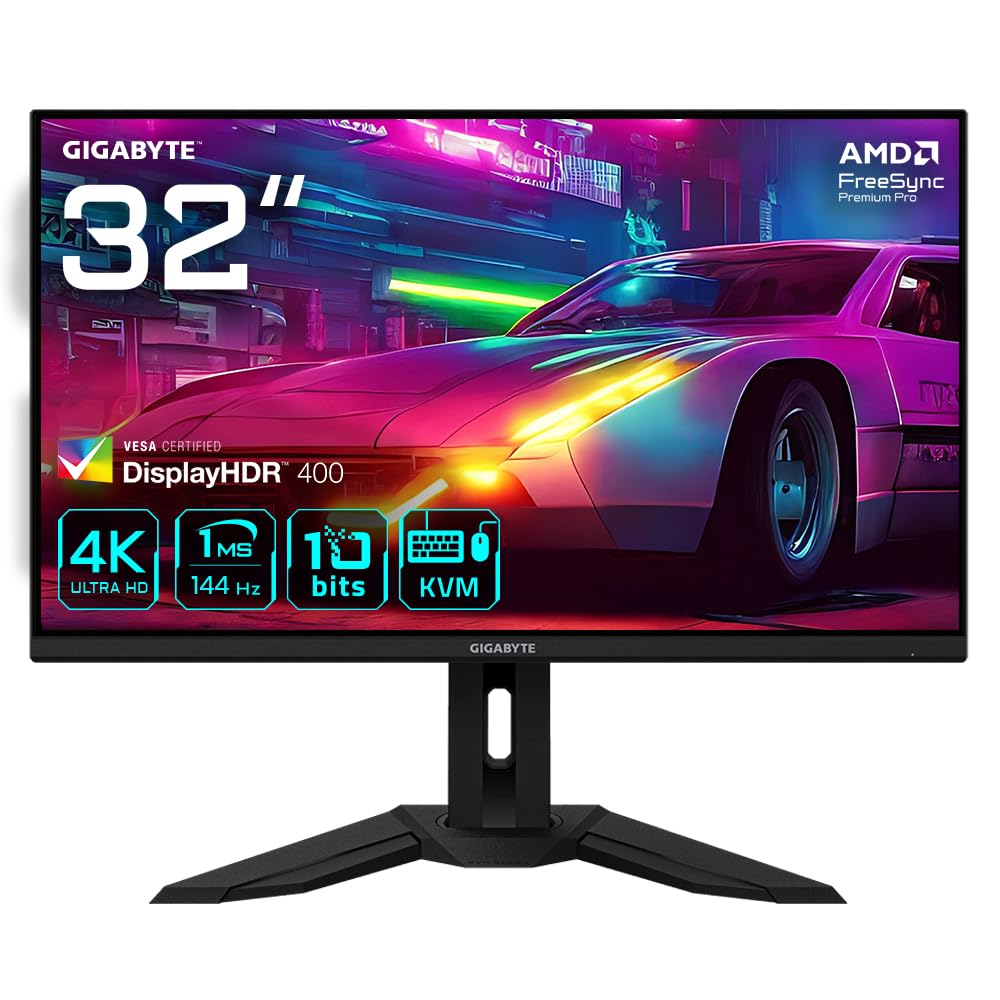





🎮 Elevate your game and workspace with 4K speed and style — don’t just play, dominate!
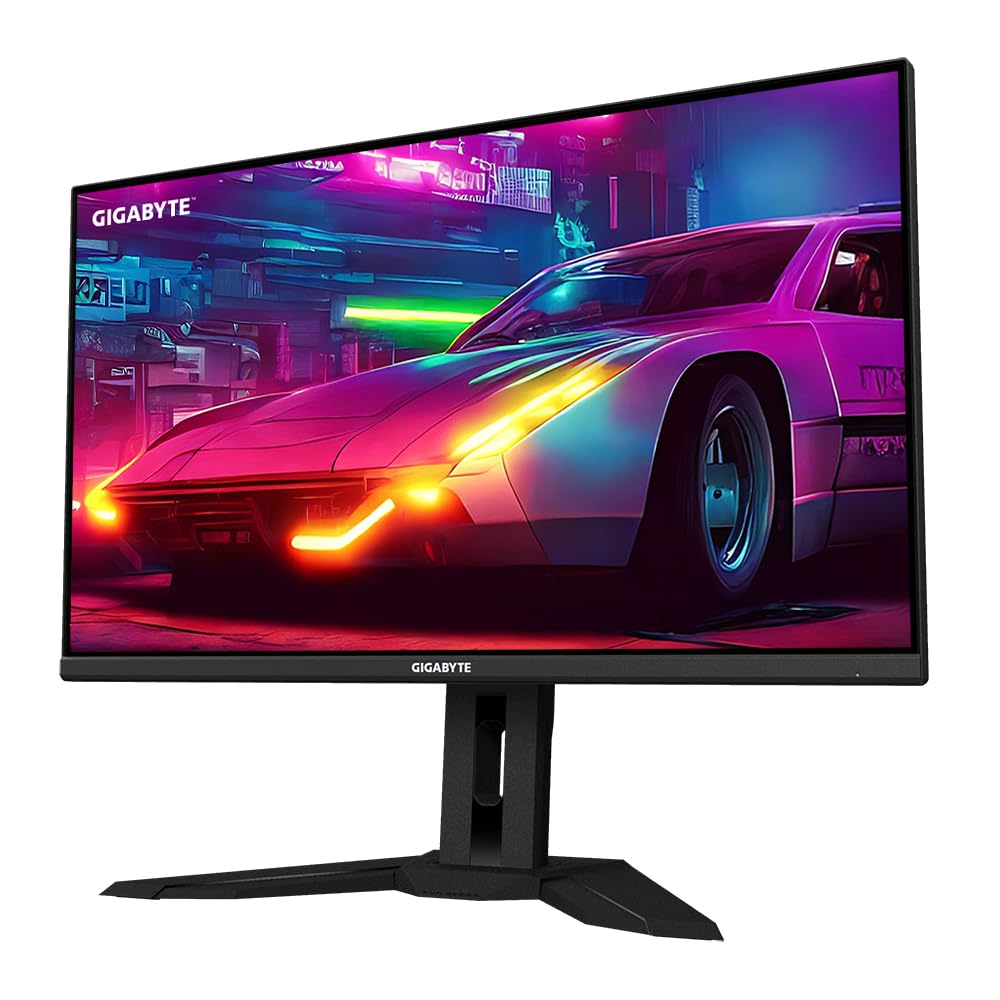
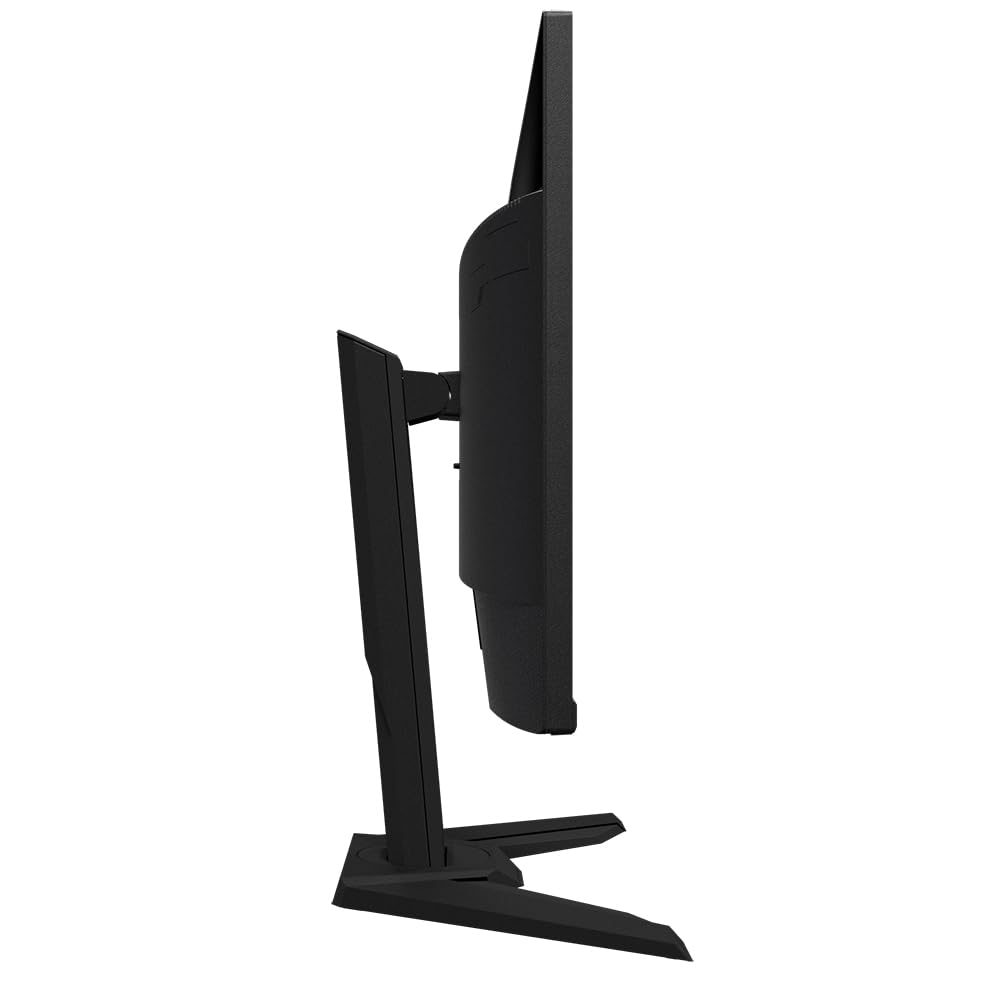
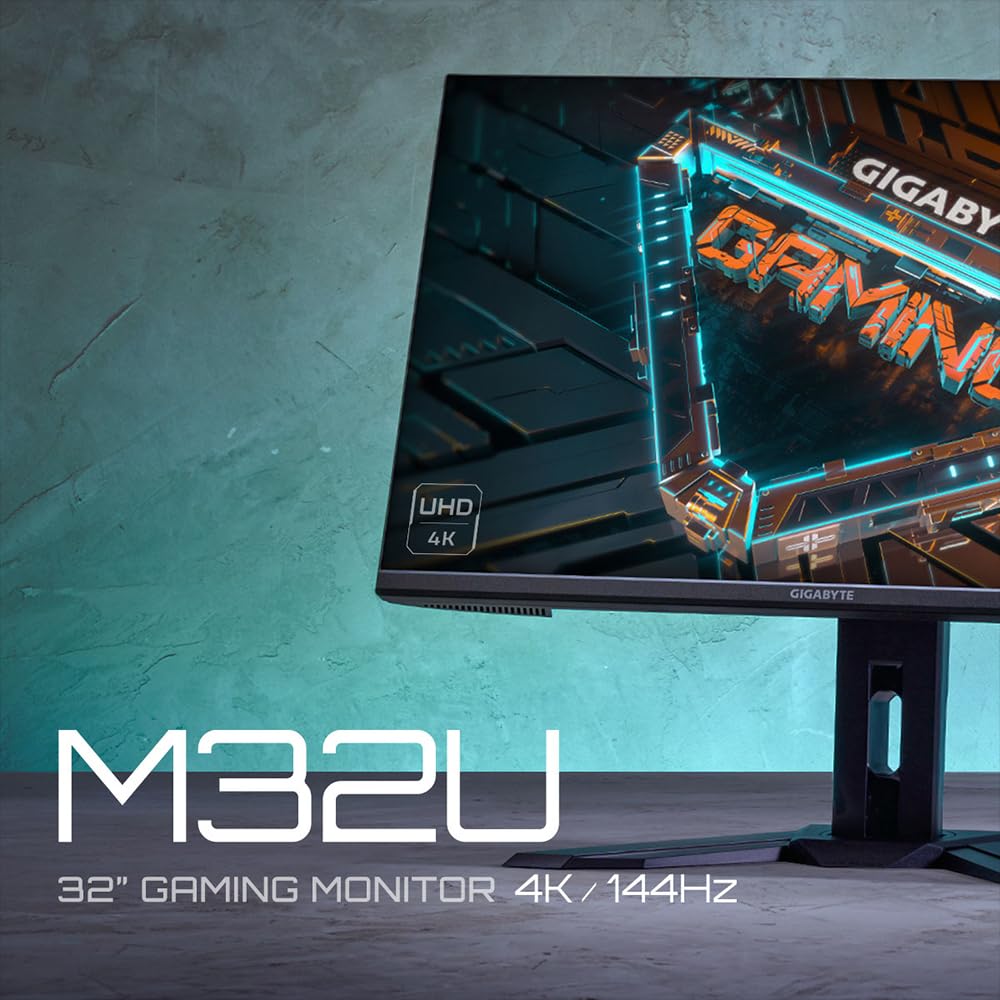
The Gigabyte M32U is a 31.5-inch 4K UHD gaming monitor featuring a SuperSpeed IPS panel with 144Hz refresh rate and 1ms response time. It supports HDMI 2.1 for 4K/120Hz console gaming, AMD FreeSync Premium Pro for smooth visuals, and DisplayHDR400 for enhanced color and contrast. Designed with ergonomic adjustments and a professional look, it’s ideal for gamers and professionals seeking future-proof, high-performance display technology.


| ASIN | B09HL425SN |
| Are Batteries Included | No |
| Batteries | 1 Lithium Ion batteries required. |
| Best Sellers Rank | 37,386 in Computers & Accessories ( See Top 100 in Computers & Accessories ) 668 in Monitors |
| Brand | Gigabyte |
| Colour | Black |
| Customer Reviews | 4.3 4.3 out of 5 stars (865) |
| Date First Available | 13 Sept. 2021 |
| Guaranteed software updates until | unknown |
| Item Weight | 10.4 kg |
| Item model number | M32U EK |
| Lithium Battery Energy Content | 2 Kilowatt Hours |
| Lithium Battery Packaging | Batteries packed with equipment |
| Lithium Battery Weight | 2 Grams |
| Manufacturer | Gigabyte |
| Number Of Lithium Ion Cells | 5 |
| Number of HDMI Ports | 2 |
| Number of Lithium Metal Cells | 5 |
| Number of USB 3.0 Ports | 1 |
| Processor Count | 1 |
| Product Dimensions | 24.5 x 71.6 x 58.6 cm; 10.35 kg |
| Resolution | 3840 x 2160 Pixels |
| Screen Resolution | 3840x2160 pixels |
| Series | M32U-EK |
| Standing screen display size | 31.5 Inches |
| Voltage | 240 Volts |
T**E
The Gigabyte M28U is an excellent 4k panel for price point!
Use: Multi purpose, office, entertainment/gaming. 4k. After doing a lot of research on 4k monitors I settled on the M28U and the panel colour, image and build quality is excellent. If you want a HDR10 panel, then you’ll have to pay HDR10 money at silly prices and if you want all singing dancing then go for an OLED but again you’ll be paying silly prices for a while. Prices will eventually start to come down in a few years but if you need a 4k monitor now, then I would recommend the Gigabyte M28U for the price point. It’s not priced much more than a good 1440p gaming monitor and I find that the 28” is ample and actually feels a lot bigger. I sometimes find myself having to sit back a little so I can appreciate the display. With no screen tearing or image blurring or any dead pixels, the panel also comes with a good manufacturers warranty. The monitor is really easy to assemble out of the box and HDMI 2.1 cable is included. The sound from the speakers is adequate and quite surprisingly loud so you can place the volume on a lower setting. For the sound buffs out there, a headset or external speaker system, you’ll probably rig up anyway but not entirely necessary right away, if you don’t have all the kit yet. If you’re debating to stick with 1440p for gaming or move to 4k, I made the choice to move up and go with the form factors and future proof somewhat, with the HDMI 2.1 connectivity and better resolution. 144 Mhz is ample for gaming, especially with current gaming consoles in mind but also ample for gaming on PC. The panel has AMD Freesync and this runs perfectly and with no issues with HDR calibrations. It would be nice to have a remote but not a dealbreaker. The setup menu system is easy to navigate and user friendly, with nothing really much more required than offered. The monitor has a nice cable tidy and looks professional in an office environment or as part of a gaming rig, with no garish illumination, if you want to keep things looking tidy and low key. The stand is good and sturdy, easy to adjust but with no swivel option but you can tilt to your liking. The swivel would be nice but not a deal breaker. Gigabyte also do the bar/stand version of this monitor, but I find the standard stand is fine and doesn’t take up too much space on a desk. The connections at the back are clearly marked and the back of the panel looks impressive, not that you’ll really see it. The amount of ports as per specifications are ample but if you need more just get a hub or adapters as and when required, they’re cheap enough peripherals to buy and include so you can have whatever setup you run or require. The only quirk but again not a dealbreaker, is when powering off it’s easy to access the menu when trying to hold and power off the panel but once you get used to using the panel, it’s not really an issue. With this monitor you can set it up for what’s right for you and I found only very little tweaking necessary. If you’re torn between getting the M28U or the M32U, bigger is not always best. Think about the distance you’ll be sitting and the size of the room you’re using. The M28U is more than adequate for a small/medium sized office, study or bedroom. If you’re wanting to use in a larger space, like a living room and will be sitting well back then I would recommend the M32U or upward panel size's. If you’re thinking of curved or wide screen, this is fine for more immersion but you need to consider compatibility with aspect ratios, when streaming or using apps. You may invest and spend a lot more and have a lot of dead screen. Think about functionality and what you’ll be mainly using the panel for. Curved is good for immersion but not so good if you’re streaming movies with friends. I hope this review helps you decide on what type of monitor you will go for. Happy panel hunting!
H**R
Gigabyte M32U
I purchased 2 of these 32 inch monitors for a dual monitor setup and so far I have not had any issues they are great fast moving monitors running at 144 hz at 4k and picture quality is fantastic. I have been using these in Windows 11, video and games and in all scenarios they are working very well. My GPU comes with software that allows me to span the display across both monitors at the same time whilst playing a game the size of the display across 2 monitors whilst playing a game is insane. For mixed use they are great and would recommend anyone using these as they are a solid choice for any purpose. This monitor also come with a KVM built in, I have cabled it up for operation but I not used this part so I can't comment on the KVM and comes with built in speakers but they are not great, if you have 5.1 separate speakers keep using them. The stand is strong and comes with long feet which I would have prefered if the feet were shorter but the stand allows for movement of the monitor but once set then it is static. The supplied cables, Power, USB Hub Cable, DisplayPort all too short I had to buy all replacement cables that are 3m to reach where I need them to be, you may be ok if you only need shorter cables. Overall good value for money I purchased 2 of these when I saw an offer was good enough to buy 2.
A**R
The best allr-ound monitor on the market, especially for KVM switching
It's a superb monitor. The do-all of monitors. Fantastic for gaming and office work, such as design and development. The KVM was essential for me as I work mostly from a Mac that I connect to with USB-C, and then I have a decent PC connected via DisplayPort. And at one press of a button, I can switch between the two devices. A really nice solution that I use every day. It would be possible to use the same keyboard and mouse for the devices as well, but I prefer having two keyboards, one for PC gaming and one for Mac use. And with the pointer device, I have a decent gaming mouse for the PC and a Magic Trackpad for the Mac side. It's really as near to perfect as you can get tbh. The only issue I have had is with my Elgato Camlink 4k having issues switching between KVM devices. I always have to turn the monitor off and then on for the Camlink to start working on the Mac after having switched from the PC. A minor issue, but one I wish could be fixed, might not even have anything to do with the monitor, but who knows. I would still buy another in a heartbeat. Best monitor ever.
M**S
The best monitor for business and pleasure?
If you are looking for a monitor that will be great for work and gaming then look no further – this is the best all-in-one I have used to date. Specs wise, the monitor has support for all modern connect types including USB-C, which is a game changer for MacBook users. For work, I connect a MacBook Pro via USB-C which supports 4K video output and power delivery to charge the laptop. The image quality is fantastic and built in speakers are a nice addition, albeit not the best for daily use. For gaming, the monitor supports my PS5 at 4K resolution with 120hz refresh rate (game dependent) which feels smooth and responsive. Unfortunately, my particular unit developed a light bleed issue (as pictured) after a month of use which may be a one-off or a common durability concern – only time will tell. Overall a product that is well worth the investment if you value an all-in-one setup like myself.
H**H
Very nice monitor
lovely 4k and can clearly see the difference in image quality over my del 27" work display. Worth the money
J**R
Much better than the Odyssey I ordered before it. You just need to take some time to get the colors right.
Z**M
Der Gigabyte M32U ist schlichtweg überragend! Bildqualität, Schärfe und Farbdarstellung sind auf absolutem Top-Niveau – egal ob fürs Gaming, Arbeiten oder Mediengenuss. Die 4K-Auflösung in Kombination mit 144 Hz sorgt für ein gestochen scharfes, flüssiges Erlebnis, das man nicht mehr missen möchte. Auch die Anschlussvielfalt (inkl. USB-C) und das durchdachte OSD-Menü überzeugen auf ganzer Linie. Einmal eingerichtet, will man nie wieder zurück. Für mich ganz klar: 6 von 5 Sternen – wenn es denn möglich wäre!
N**A
This was my first monitor purchase! Pros. 144hz 28 Inch 4K HDR KVM Cons. None that I can think of
A**O
Vale i soldi spesi
S**N
Efter att första leveransen försvunnit fungerade det som det skulle med den nya beställningen.
Trustpilot
2 weeks ago
5 days ago