We remain fully operational. Our teams are working around the clock to ensure your deliveries continue safely.

DOWNLOAD THE APP


Customer Services
Copyright © 2025 Desertcart Holdings Limited
DOWNLOAD THE APP



❄️ Cool your rig, light your style — dominate every frame!
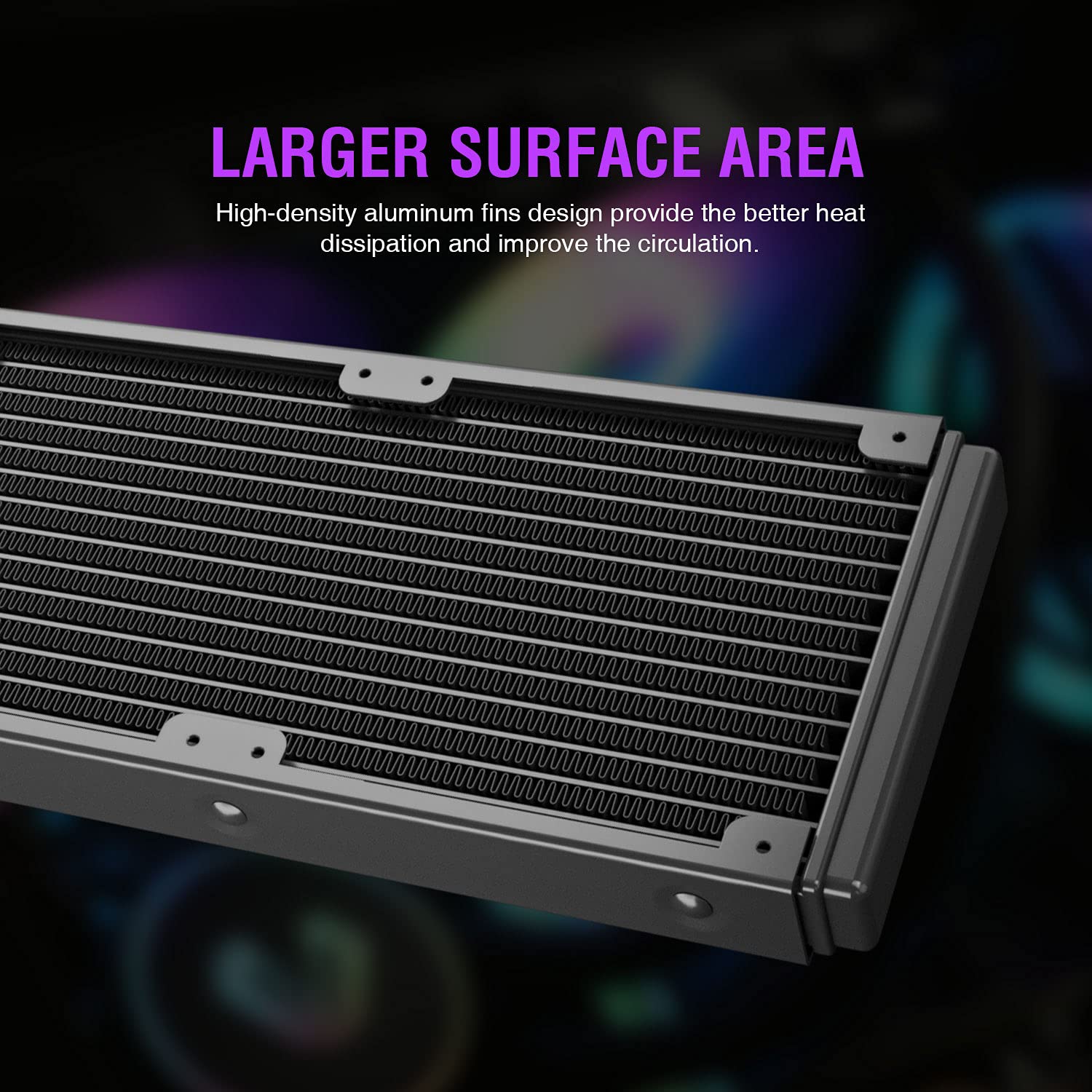
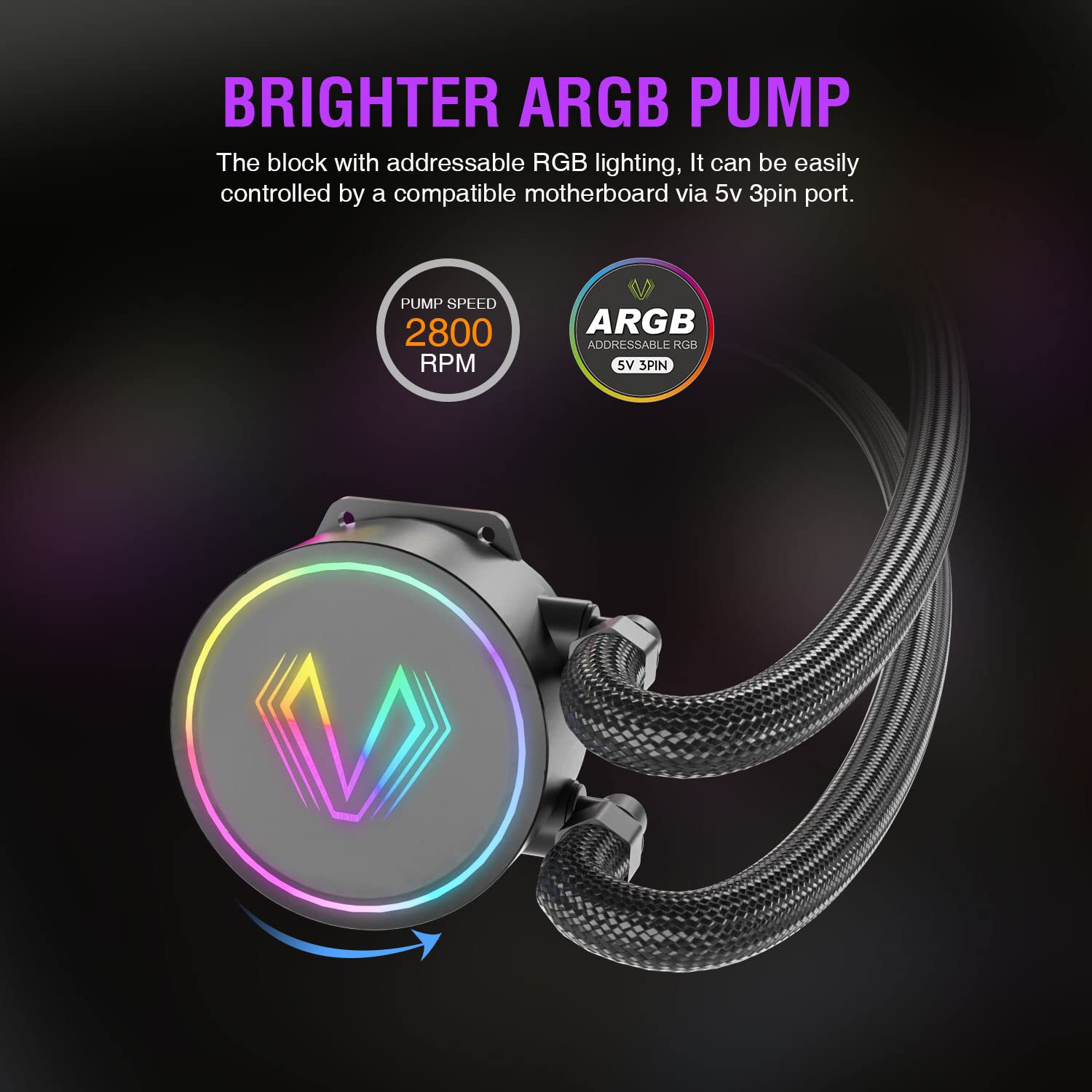
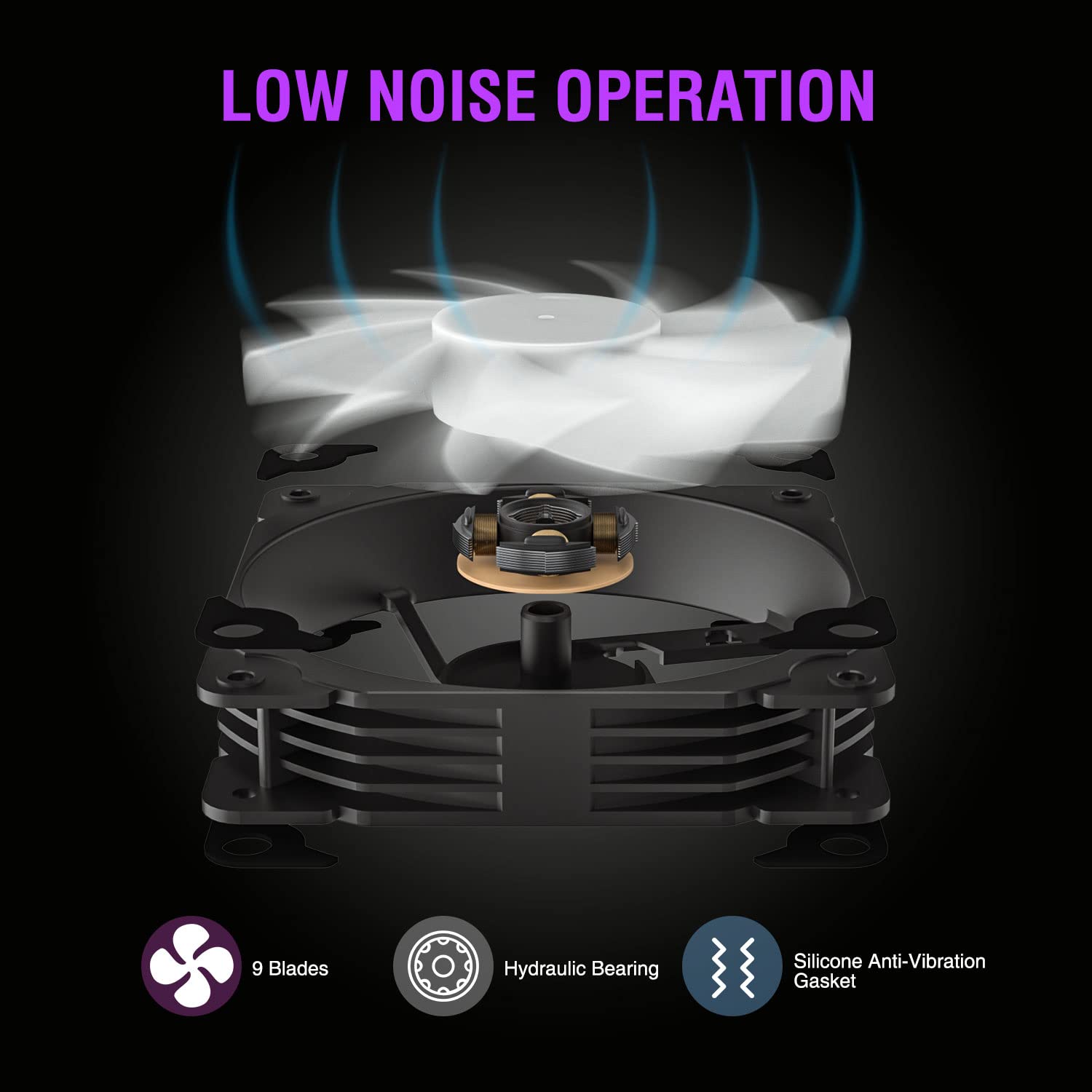
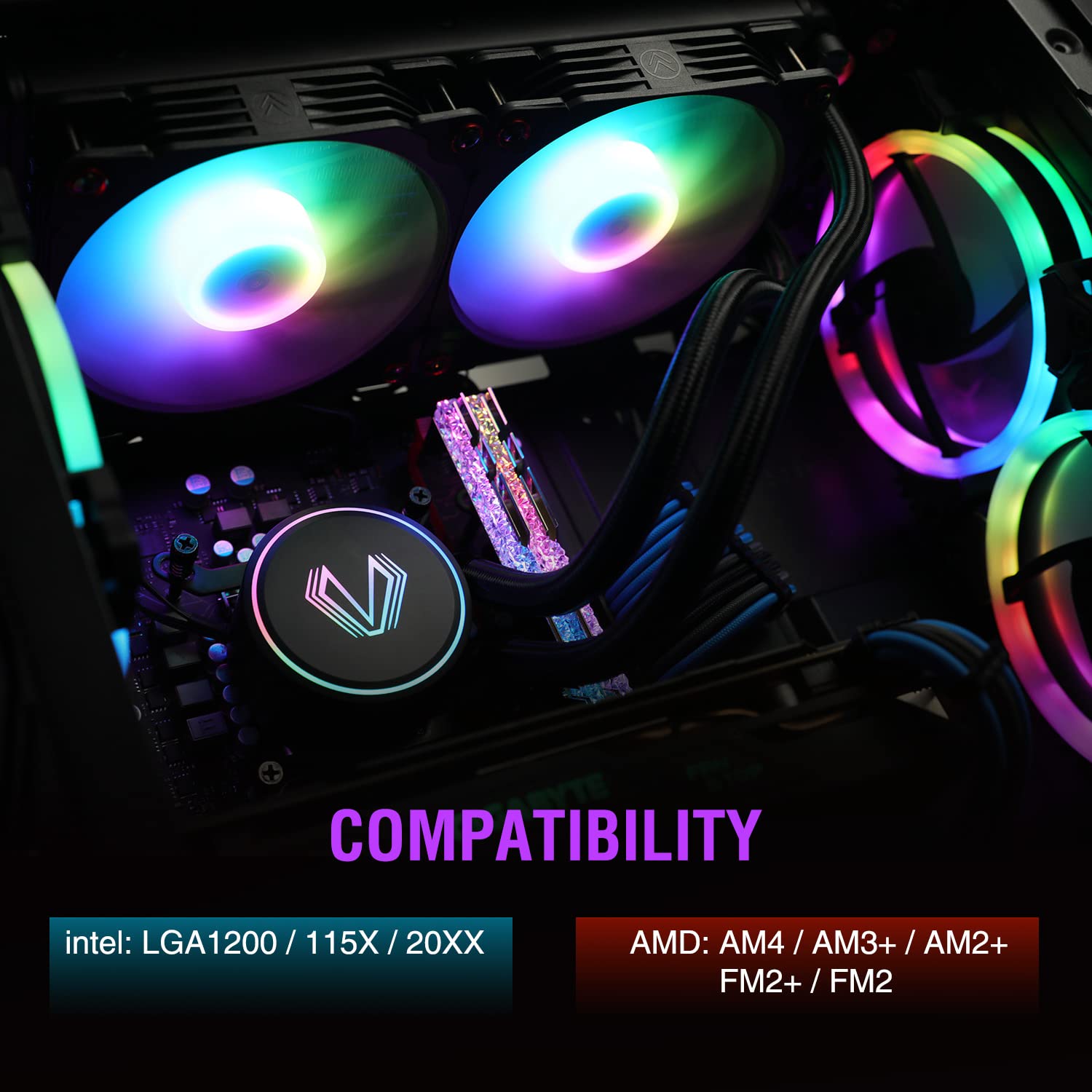
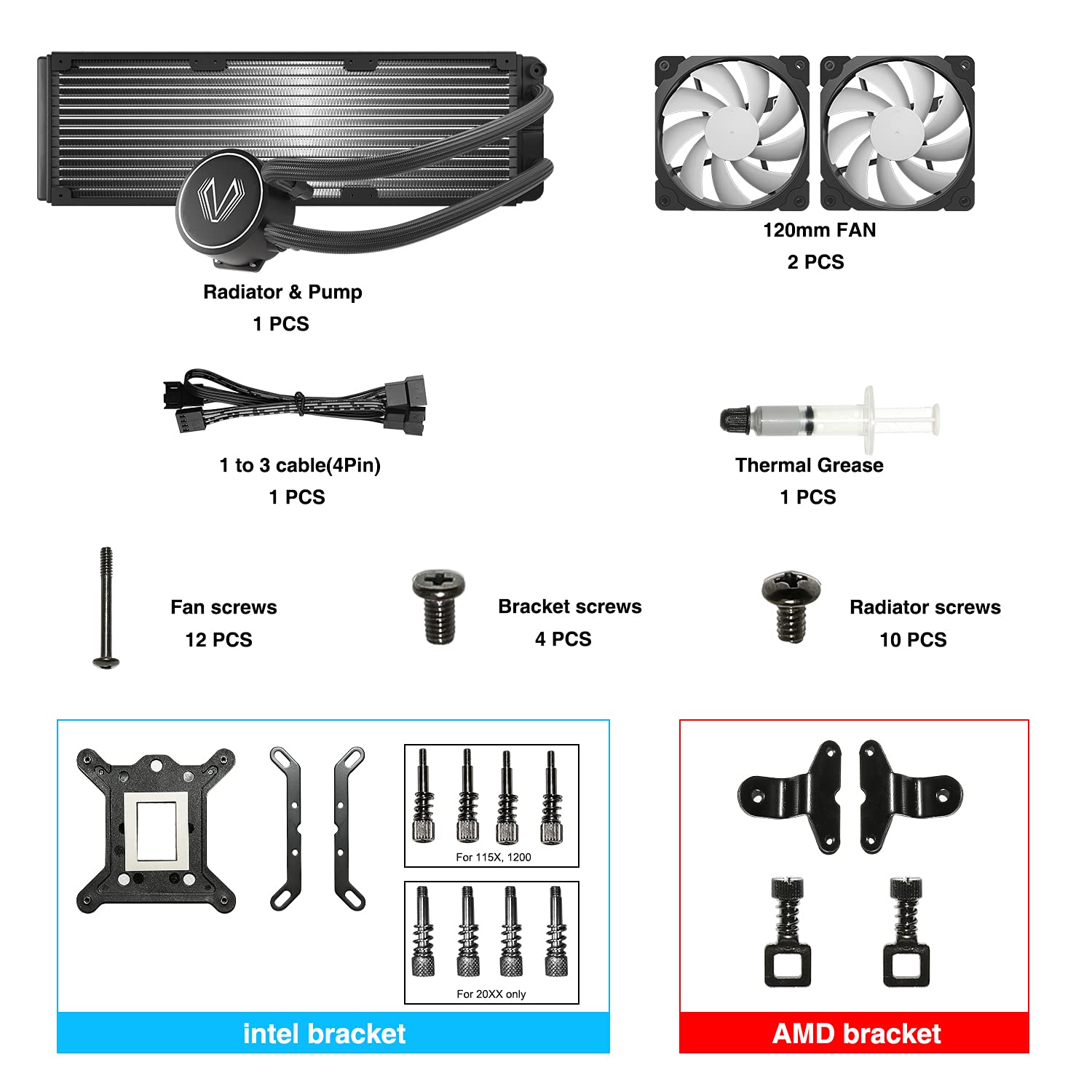
The Vetroo V240 is a sleek all-in-one liquid CPU cooler featuring a large 240mm radiator and dual 120mm PWM fans with speeds from 800 to 2800 RPM. Its spraying type copper base enhances heat transfer, while addressable RGB lighting syncs with compatible motherboards for customizable aesthetics. Compatible with a broad range of Intel and AMD sockets, it delivers efficient cooling and stylish flair for high-performance PC builds.
| Brand | Vetroo |
| Product Dimensions | 45.97 x 25.4 x 13.97 cm; 1.76 kg |
| Manufacturer reference | VT-AIO-V240-BK |
| Manufacturer | Vetroo |
| Colour | V240 Black |
| Voltage | 12 Volts |
| Are Batteries Included | No |
| Item Weight | 1.76 kg |
| Guaranteed software updates until | unknown |
I**T
A great quality AIO liquid cooler for a lower price than the alternatives
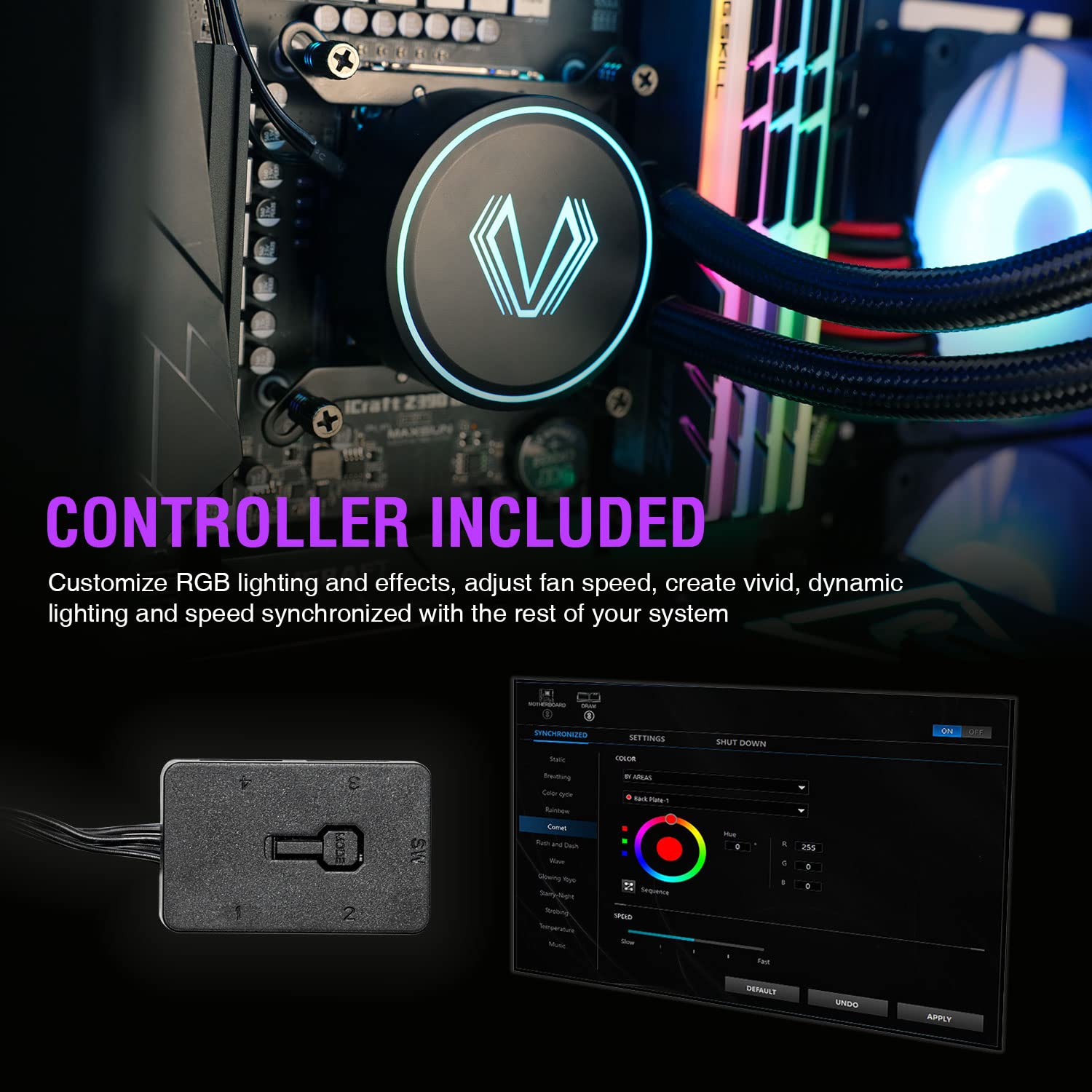
I wasn't sure what to expect when ordering this. I hadn't heard of Vetroo before, and at the time there were no other reviews on Amazon for this product. if you're unsure about it, I'd recommend looking at further reviews on YouTube.This cooler is much better than I'd hoped it would be. It does a decent job at keeping the CPU at a lower temperature than the stock cooler I had before. The RGB lights as well are very pretty, that I've shown in the photos.So for the RGB feature, it comes with a controller that you can plug in via a SATA power connector, or into a 3 pin RGB connector on your motherboard. The controller has a magnet on it, so it's easy no place anywhere in the case with no screws required. There are 4 spots to attach 3 pin RGB cables. I went for the 240mm version of this product so have only used 3, I expect if you chose the 360mm version the extra fan will plug in there. The one big downside with the whole product is that to change the lights, you can press the button on the controller to change the lighting mode. This is a bit awkward though for a button inside your pc case. Instead I'd recommend using the alternative option. You're able to use the cable for the 'reset' button on your pc and plug it into the controller. This does mean you can't restart your computer with that button, but if you don't need to do that often, it's much easier being able to press a button on the front IO of my pc to change the lighting modes.The fans themselves are decent enough. Like all fans they're quite loud at full speed, but they can unfortunately be the biggest noise producer in the system at a middle sort of speed as well. I'd consider trying out different fan speeds to find a good balance for noise. I've never used an AIO before this one, so I can't compare the sound of the pump to others, but the pump does make a lesser but still noticeable amount of noise.I've been using this All-In-One for a few days and I've only had minor issues. It was very easy to install on my AMD system and it looks fantastic. If you're looking at a 'budget' AIO, this is the one to go for and I'm very satisfied with my purchase.
J**R
Easy to install, silent, and great cooling
Just received this, and I have to say it is excellent. Only took 20 minutes to install as it is very simple and clear on how to install. Looks aesthetically great, fans are very silent, and temperatures for my pc have never been better, 5/5 definitely the best for this price tag.
T**H
Very good, looks good and quite quiet
I used this cooler after the fan on my aftermarket cooler broke and was well worth the money, i pain in the arse to cable manage and set up but that seems to be a me problem.
C**N
Great cooler for the price.
I bought this cooler about 3 weeks ago for my Ryzen 5 2600, because due to the area I think 55 degrees on idle with optimal airflow is pretty high for a CPU. Installation was pretty straightforward, but I was missing the brackets for the AM4 socket. I ordered some, and after that it was a piece of cake. The pump is silent unless you really put your ear near it to listen, so are the fans unless you ramp them up. It brought my idle temps from 55 degrees idle and 65 while gaming down to 35 degrees idle and a maximum of 42-44 degrees while gaming. The RGB lights integrate really well with my ASRock B450M Steel Legend's ARGB controller. They are vivid, bright and smooth. Just be aware when you plug it in set the LED count to 12 in your software.
J**Y
Great budget AIO
The last time I built a pc that had liquid cooling there were reservoirs, clear pipes and a higher than zero chance of frying everything! This was easy! Instructions easy to follow, plenty of YouTube videos if you get stuck, and it looks kinda awesome!Finding it extremely quiet, and never really hear the fans having to ramp up!Installed on a tenth gen core i5 but comes with fittings for other motherboard/CPU combos, great value for money!
N**E
Good budget AIO
Since I've used this I've seen no issues upto now, the noise isn't too quite but it's not so loud that you want to reconsider using a basic fan. The only issue I had was with the instructions as they were heavily unclear on which way the AM4 fasteners needed to go and how to install the fans onto the radiator itself, which almost lead to me damaging them. Only thing I could say to improve that issue is to include a link or QR code within the instruction manual that takes you to a YouTube tutorial. Other than that it's a nice AIO that keeps the temps low enough for gaming and daily tasks.
S**N
Best on the market !!
Probably one of the best products on the market. It’s got a really low noise level that it’s inaudible. It keeps my temps extremely low with amazing performance compared to other coolers I have used. It’s really easy to install only taking a few minutes.I would definitely recommend this product to anyone looking for a cooler.
A**R
Good value product
Use it for few weeks. Working so far which is quite important. No problems with installation. All accessory included. Drop CPU temperature about 15-20 ' compare to original AMD cooler.
Trustpilot
1 month ago
2 days ago