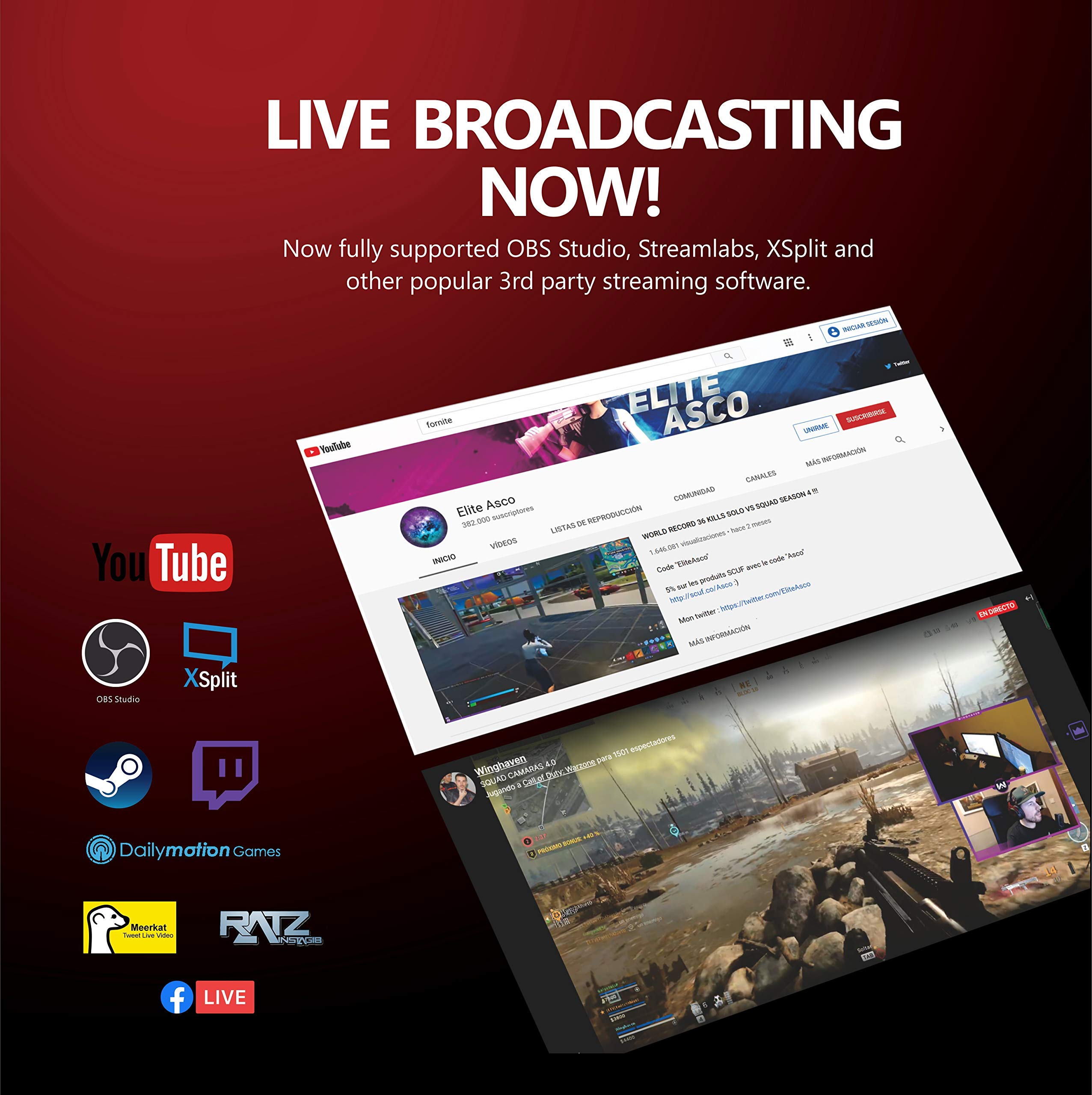

Capture the Moment! 🎬
The CAM NOVA Video Capture Card is a high-performance device that allows you to connect your DSLR, camcorder, or action camera to your PC or Mac for seamless live streaming and recording. With 4K60Hz input and 1080p output, it ensures high-definition quality for all your video needs. The plug-and-play design makes it easy to use with popular applications like OBS and Zoom, while 24-hour technical support guarantees a hassle-free experience.






| Brand | UCEC |
| Series | CAM NOVA |
| Item model number | UCEC |
| Operating System | Mac,Windows 7 |
| Item Weight | 5.9 ounces |
| Package Dimensions | 5.31 x 4.92 x 1.54 inches |
| Manufacturer | UCEC |
| ASIN | B08S3VHG9P |
| Date First Available | January 18, 2021 |
T**S
PLUG AND STREAM - Capture on the Go..
The media could not be loaded. This capture device works smoothly and it's so easy to take and go. The retail price less than Elgato's 4k Cam Live and with the same specs or very near. You can see the stream video quality on the 1st. photo - AWESOME capture device. I've read other reviews of this Cam Nova not having audio,croopy video, unable to DSLR streaming etc. Not sure how they installed, but you can view on my YouTube (TBwellss) or Twitch (TBwellss). To see how well this device works.(Not plugging my channels) just as a reference. The selling point to this device that it's portable with good video and audio content, but your device port must support 3.0. My laptop didn't support this device it read (Dish error) but if you're looking to Plug,Stream and Go and still have money in your pocket afterwards. Where it is Cam Nova.
B**.
Much better than those cheap ones…
While this is still classified as “cheap” HDMI capture card when compared to the Elgato 4K or for that way overpriced Magwell one…it stands up much better than the $15 garbage ones that have a reputation of losing video and/or audio after a day or two of working.I have been using the CAM Nova almost daily since it arrived and it has done very very well. I use it in place of my Elgato 4K. I wanted to try this because it had good reviews and was very affordable.Money well spent!
N**H
This is NOT capable of 1080p60hz, but it is 720p60
It's completely false advertising on their part for the 1080p60hz. The "card" barely can do 720p60hz because of it's color banding. If you use this to capture certain games that have high-density colors or in general extreme motion (I'll say Super Mario Maker 2 for example) you WILL get frame-drops and it WILL run below 30FPS even on the 720p setting.Aside from those flaws, this is a great capture card for the price paid. I never expected it to have as good latency as it does, and trust me I am a latency goblin. I don't believe there's a much better bang for your buck entry to video capture out there, but it does come with the price of being bare minimum quality.I don't necessarily recommend it, however. Buyer beware, yet if you can't afford better it's a suitable option as long as you keep it's flaws in mind.
A**C
Get this and save $100
Got this as an alternative to the similar device that’s in the $100 range. I’ve used both products and this one works side by side with the more expensive one. I’ve use it on the same input devices and it works great. I now mostly use it for and old GoPro I use for a webcam for a desktop computer for zooms. Only had it for a few months so hopefully it lasts but so far so good. Don’t spend a ton of money, get this and you’ll get the same quality.
M**R
Very poor performance. Grainy, and LOADS of Noise at low light.
I got this product to replace my Elgato Camlink 4k paired with my Sony A6000 w/ the Sigma f1.4 16mm for work. So I can give the Elgato Camlink 4k to my wife's vlog/business/personal use because per the question I submitted, it looks like the Canon EOS M200 doesn't output 1080p60 with this video capture card. The Elgato Camlink 4k does, the Canon EOS M200 does it automatically compared to the Sony.At first use, I was happy with the purchase. The video capture card looks clear during my video conference in Zoom, Teams, and Slack. During the typical 9 AM - 5 PM California summer hours. However, the first international meeting using the device. So low light environment and only using "basic/cheap" video lights during the call. My co-workers across the Pacific noticed that my video quality is poor. Grainy, noisy, and very blurry.I checked my software settings if the hardware acceleration was turned off and if my video drivers were crashing. I did the typical poor performance troubleshooting after the meeting. No issue was found, so the next step is the product itself. I plugged the Camlink 4k and did a test call to my co-worker. It was clear, and I noticed I was clear too (when you enter a meeting you get to see yourself at full screen). So I installed OBS, and Discord on my work machine because both software hates cheap video capture devices. Right away I noticed the grainy, noise video quality that my co-worker saw of me. Replugged the Camlink 4k, NIGHT & DAY difference, I look clear AF. Returning this product as I need a device to perform in any conditions, not just with ambient lighting.So my advice to you and if you have an entry-level setup like me. Skip this and go get the Elgato Camlink 4k for 1080p60 or if you are after 1080p30 or less get the generic $15 USB video capture devices, they're good too.My setup;Work: Elgato Camlink 4k (new one on the way as of this writing) and the Sony A6000 w/ Sigma f1.4 16mm.Personal: Elgato Camlink 4k and the Sony A6000 w/ Sigma f1.4 16mm.Camera settings. FHD 60FPS. 1/125. F1.4. Saturation, Sharpness & Contrast at +1. Auto-ISO. 4100k.My wife's setup;Elgato Camlink 4k and the Canon EOS M200 w/ Sigma f1.4 16mm.Camera settings*: 1/125. F1.4. Saturation, Sharpness & Contrast at +1. Color-Tone at 0. Auto-ISO. 4100k.*Note: Canon EOS M200 and the Elgato Camlink 4k automatically picked FHD 60FPS during streaming/recording/conferencing.
B**E
Cheap and Useable
I used this to watch movies and record videos off of my ps4 and Xbox. I struggled at first to use it but it's simple once you know. Just have OBS downloaded and click the camera button when you add a new source.
S**E
I was good while it last.
I honestly loved this product.I used it for my DSLR camera to work as a webcam and it was a fantastic way to do it. I did gete 1080p and 60fps doing this, I do not know why other people did not get the same results but I guess speed limit, maybe.Thing is it did not last that much. It started to run hot and eventually showed green flashes. Now it does not work at all. All it does is raise its temperature but the DSLR won't show up. Pity, it was definitely great value if not for this. I will have to look elsewhere for my next purchase.
P**Y
1080p @ 60 FPS
I am writing this review because I have seen several reviews from here and YT about this thing being 1080 @ 30 FPS.The one I got is 1080 @ 60 FPS. It says so on the box and OBS confirms this. Also, I want to point out it comes with an HDMI to HDMI cable and an HDMI to Mini HDMI cable.I did opt for the lighter, thinner HDMI cable to put less strain on the Mini HDMI port on my DSLR.
Trustpilot
1 week ago
1 month ago