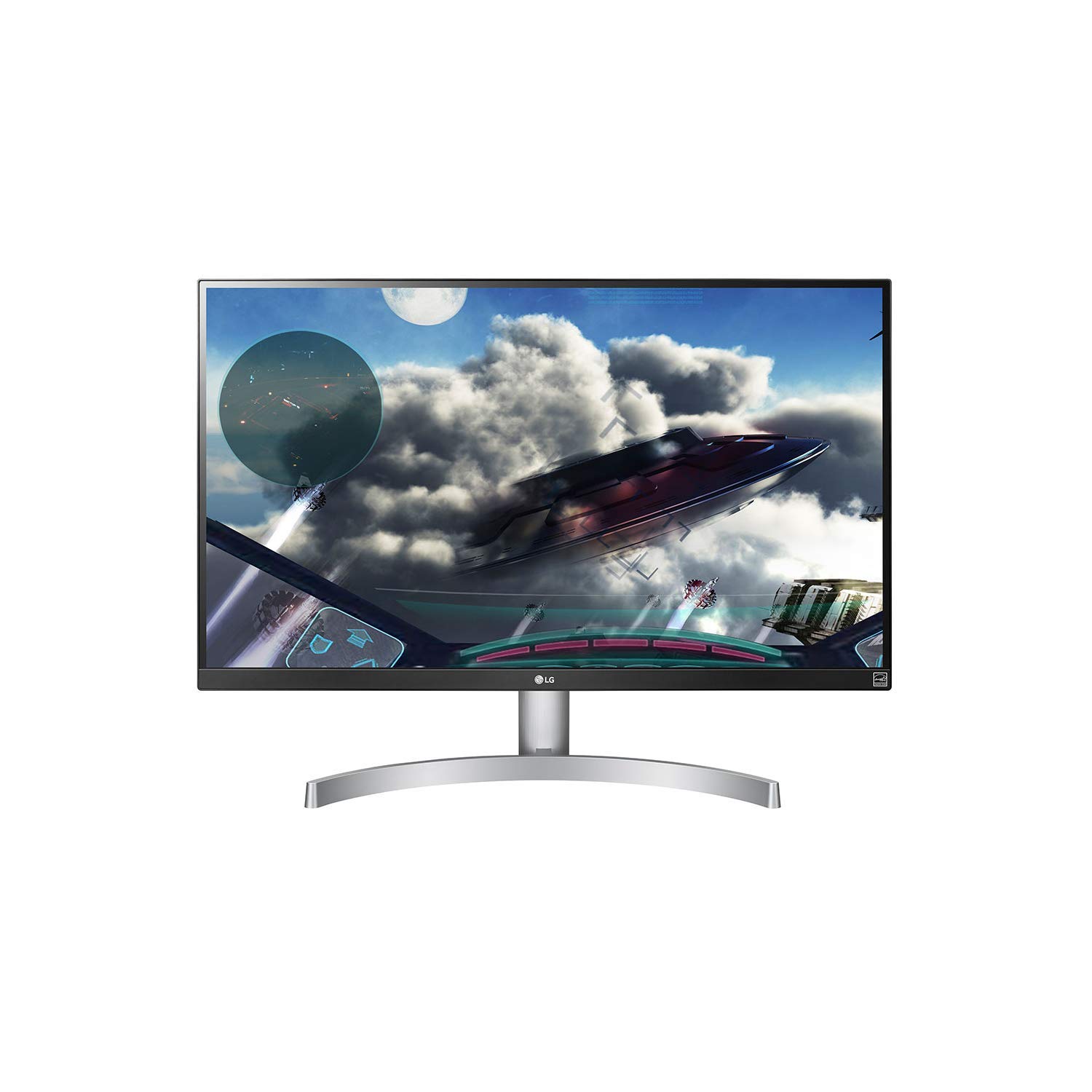
✨ Elevate your workspace with 4K brilliance and color that commands attention! 🖥️
The LG UHD 27UL600 is a 27-inch 4K UHD IPS LED monitor featuring a 3840x2160 resolution, VESA DisplayHDR 400 certification, and 99% sRGB color gamut for exceptional color accuracy. Its virtually borderless design and Radeon FreeSync technology provide an immersive and smooth visual experience, ideal for professionals seeking sharp text clarity and vibrant media playback. Equipped with dual HDMI ports and eye-friendly display modes, it’s a versatile choice for creative work, software development, and casual entertainment.


| ASIN | B07R9M25CT |
| Are Batteries Included | No |
| Brand | LG |
| Colour | Black |
| Customer Reviews | 4.5 4.5 out of 5 stars (200) |
| Date First Available | 27 April 2019 |
| Guaranteed software updates until | unknown |
| Item Weight | 5.21 kg |
| Item model number | 27UL600-W.AEK |
| Manufacturer | LG Electronics |
| Number of HDMI Ports | 2 |
| Package Dimensions | 68.9 x 44.79 x 14.9 cm; 5.21 kg |
| Resolution | 3840 x 2160 Pixels |
| Screen Resolution | 3840x2160 |
| Series | 27'' Class 4K UHD IPS LED Monitor with VESA Display HDR 400 (27'' Diagonal) |
| Standing screen display size | 27 Inches |
C**N
Simply amazing
I bought the 27UL600 as a second display for my 16in MBP, & to say I'm happy with it is a massive understatement. I was quite concerned about the issues other people had faced with this monitor (backlight issues seem to be a common issue), but mine arrived with no issues. The panel itself is incredibly crisp & bright, with pretty accurate colours - if you're a creative who needs screen real estate when working in NLE's or other professional tools, this is a great monitor. The matte finish & thin bezels are also nice touches, and the included silver stand blends nicely with overpriced fruit computers. If you're a hardcore gamer it's probably best to invest in a monitor with a higher hertz rate & response time, but if you're a casual with some GPU power under your belt this panel's a worthwhile investment. Oh, and there's just something oddly amusing about having to zoom Word documents to 500% just to see them from a distance :)
A**R
Highly recommended for Software Engineers (Perfect & Sharp Text viewing) Also very good for movies.
I am a software developer (not a gamer) and after 10 months of use I can highly recommend this monitor to any developer. (who are looking for a 4K monitor or don't like/prefer the wide or curved monitors) Brightness and picture modes are very well designed and texts are so sharp (I can say this is the sharpest I have ever seen including new Samsung 34" WQHD monitor of my friend) During work, I use Reader mode, which is the best mode for my eyes and sharp text viewing. I also use this monitor for watching movies and I can say that Vivid, HDREffect and Cinema modes are perfect for watching Youtube, Netflix, Prime TV etc. Also keep in mind that, this monitor supports HDCP 2.2 and some more expensive monitors in the market do not support HDCP 2.2. Pros: 4K high quality picture Sharp text viewing Built-in Reader picture mode Built-in HDREffect picture mode 2 HDMI ports HDCP 2.2 support Cons: No thunderbolt or type-c port No built-in speaker (if you are looking for it, in a monitor) Height not adjustable
E**N
Great value
Pros: - Cheap. - Great look, the white + black combination is marvelous. - The joystick is surprisingly ergonomic for navigating through menus, much better than the usual buttons. Cons: - No fast way to adjust brightness, it takes 4 clicks through the menus to get there. It's very easy to change the volume though, but who needs that on a *monitor*?! - The backlight bleed is quite visible on dark backgrounds.
S**N
4k Monitor Bargain of 2020
Well when I seen this monitor reduced to £250.00 I spent a good couple hours reading reviews and everyone pretty much praised it and now I've set the monitor up with G/Sync I 100% understand why... The Monitor in 4K is brilliant and looks really nice out the Box. Colours pop really nice and 4k content looks amazing. Pro Great Colours out the Box. Nvidia G/sync works from the Nvidia Control menu. ( Select Freesync in Monitor settings menu to FAST first ) Also you need to make sure Vsync is selected in the Nvidia Control panel to ON. The menu you change settings has to be the easiest I've ever used on any monitor , So easy to change settings , you have about 10 different picture and Video modes to pick from but I found the custom one looked the best right out the box. Compared to my old ASUS IPS id say the colours where pretty much the same & I've been using that for the past 5 years to edit Photos in lightroom and ~Photoshop. Windows 10 upscales Text to 150% and works really well. All and all once the monitor is setup the Screen is gorgeous to watch movies on and play games. Note : To get Sound you need to connect Headphone to Headphone connector from Monitor to PC ! The only Way to Use G/Sync is to use Display port to Display port. HDMI does not work for that option. For £250 this Screen is a bargain and I really cant say anything bad about it. Ok it doesnt have onboard sound but no one uses that in this day and age anyway and most people will just connect the monitor up to a speaker setup or Receiver . Also to get Amazon Fire Stick to work you need to Plug it direct in to the Monitor or Use 4K Receiver.
J**B
Great upgrade monitor from 1080p to 4k
A few weeks back I purchased a LG 27UL600, which was my first 4K monitor and my initial thought was the clarity moving from a 1080 to 4K was much better than I had imagined. A few weeks back I had booked a new eye test to check my glasses prescription, but when I had the old 1080 and new 4K monotor next to each other, I cancelled the eye test, as the text on the new screen was so sharp. Huge difference!. Next came a slight issue - for about a week I was getting some intermittent flashing on the screen, at first I thought there was some issue either with the monitor or with the graphics card, as it was the first time I had used the 4k Display ports. The issue was fixed a few days later when Geforce updated the drivers !. I was then so impressed with the display which I use for 3D CAD modelling and photo editing that I decided to get a 2nd LG 27UL600 so now have 2 side by side. I may put the 2nd monitor on an arm so I have one landscape and one portrait, but will see how I get on over the next few weeks. What is apparent that the 4K seems to offer so much screen space that 2 of these, seems more like 4 of my old 1080 monitor. I have bought LG products in the past: TVs and TV HD recorder (remember those days) and they were well made and lasted well, so I'm hopeful that these monitors perform for many years too
T**7
Refresh rate
This is displayed as 144hz in the description but is actually 60hz. I bought this monitor quite a while ago and now I have a console capable of running higher frames I’m locked at 60. Rough
Trustpilot
5 days ago
1 month ago