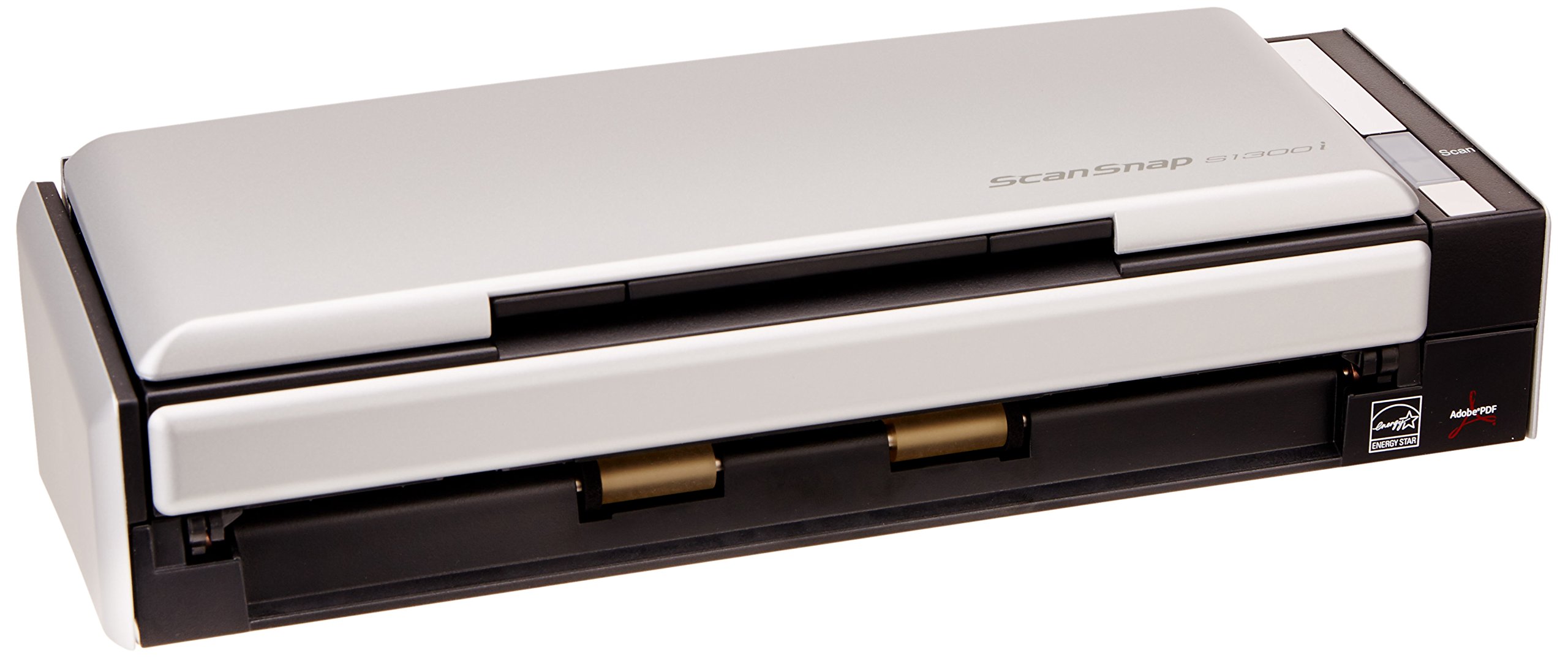
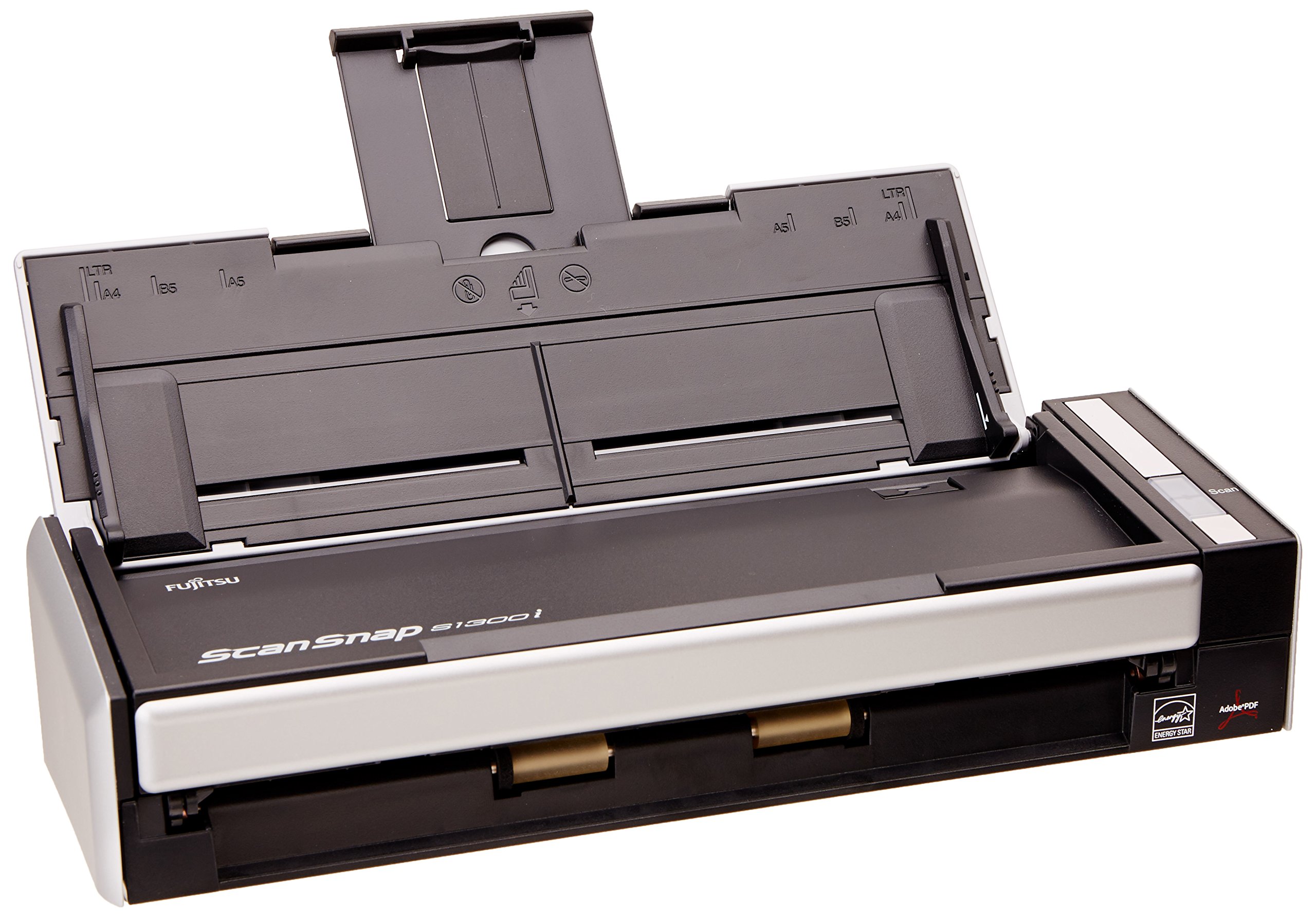
📠 Elevate your desk game: Scan smarter, faster, and paperless with Fujitsu’s ScanSnap S1300i Deluxe!
The Fujitsu ScanSnap S1300i Deluxe Bundle is a compact, portable document scanner designed for busy professionals who demand speed and efficiency. It scans double-sided pages at up to 12 ppm, supports a 10-page automatic feeder, and integrates directly with popular cloud services for instant access. Intelligent features like auto skew correction and blank page removal ensure professional-quality scans, while USB bus power enables true mobility. Included Rack2-Filer software transforms your digital filing into intuitive, easy-to-navigate e-binders, making this scanner an essential tool for the modern paperless office.
| Manufacturer | FUJITSU |
| Brand | Fujitsu |
| Item Weight | 4.8 pounds |
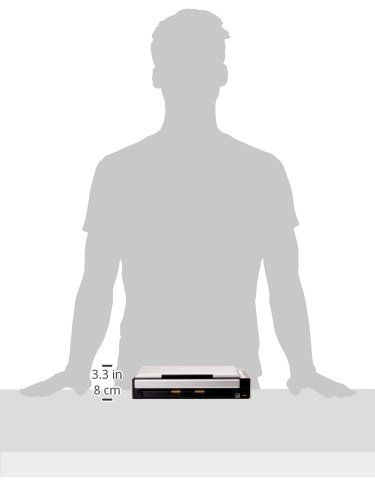
| Product Dimensions | 15.7 x 7.7 x 5.4 inches |
| Item model number | PA03643-B015 |
| Is Discontinued By Manufacturer | No |
| Color | Silver |
| Number of Items | 1 |
| Sheet Size | Legal |
| Manufacturer Part Number | PA03643-B015 |
A**C
Great for Attorney to E-File at courthouse
I purchased this b/c my state just started to E-File all Court documents.I'm a public defender so I have lots of clients, paperwork and cattle-call (simultaneous) hearings.It's great b/c I've set up my laptop and the scanner right in the courtroom to file paperwork my clients signed while the judge has other defendants/attorneys before the bench. It's fast and quiet enough that I don't disrupt the judge. It's faster than my HP scanner printer to scan and save to my computer for E-filing. I literally put the pages in and hit one button. It scans (in short seconds) to the desktop folder I created, automatically sets it up to be renamed for saving, and I can efile right from there using the secured Court Wi-Fi. Since I don't have to walk across the Courthouse from Courtroom to scanner room and back again, I'm faster and don't have a judge ticked off waiting!I don't have to stand in line for the 2-3 Courthouse scanners, so I save time. Plus the Courthouse scanners tend to go off-line... all the time...I also find it better to use than the one office scanner for six office attorneys trying to file 15+ written arraignments, each, for the same hearing, plus the two secretaries and investigator needing the included printer,copier,fax.It does correct the placement of my paperwork so the Court Clerks don't reject my filing (which means I don't blow deadlines) for incorrectly scanned documents. And I've tested this by turning pages of a 4 page guilty plea document upside down and "tail" first. It will scan a double-sided document to single sided PDF to save paper and avoid the Clerks rejecting the filing! The scanner also corrects any papers that fed in at a skewed angle to make them look straight. I've had the Courthouse auto doc feed scan (and save) the documents at a 15-45 degree angle!Just be careful b/c if your pen bleeds through, the scanner will pick up the back-side of the paper as a separate page.I haven't tried using the laptop as a power source yet, so I can't comment if that slows it down. I also haven't used the Rack 2 File program yet, either. If that affects my rating, I will update this. I also haven't tried to scan photos for hearings or trial yet. I will have to see what that quality will be.It's also not a bad weight so I can put in in my rolling briefcase aka file cabinet with my laptop and physical files and work from anywhere.It was worth the cost to me. I would highly recommend this for any attorney to use whether from the Office, Courthouse, Home, etc.
G**G
Excellent Tool for the Job
As a teacher, I find my home inundated with paper unless I'm scrupulous about managing it. I bought the Scansnap 1300i Deluxe in an effort to decrease the amount of paper I need to keep, and the product performs as advertised. Set-up was quick and easy (I'm running Windows 8 on a Dell XPS One 27) and the duplex scans were easily managed in the ScanSnap Organizer software, a Windows Explorer-type file system that sits in your My Documents folder. You can leave the scans there, but also quickly save them to several cloud services (I use Google Drive, Dropbox, and Evernote, but more options exist). With the 'deluxe' version, you also get the Rack2Filer Smart system, which is a sort of skeuomorphic replication of your scans--a bookshelf in which you can create binders in order to arrange and read your scans as if they were pages in a book. This may be a tad gimmicky, but many people find the visual metaphor helpful in organizing and retrieving scans.I'm very happy with the product; my only problem--and this is probably the result of my not reading the description carefully enough--is that many of the documents I need to scan are fairly long (30 to 50 pages or more). Since the feeder takes only 10 or so pages at a time and then closes the scan, long documents end up in five or six separate PDF files, which can theoretically be combined into a singe file, though I can't seem to make that happen. And in any event, they still read seamlessly as a single document in a 'binder' in the Rack2Filer system.Bottom line: buy it. It's fast, the duplex scans are clear, and you can save and back up to the cloud quickly and easily. As a bonus, the scanner is about the size of a desk-model 3-hole-punch, so it doesn't use much of your precious desktop real estate.
N**0
Love it totally worth it and don't forget their receipt software.
Amazing, took me months to decide which scanner to get, but I got this one with the software bundle because I wanted to have all the features.Document scanning = perfect if you want to scan home office to personal use. It is slow if you are doing masses of paper. I had a backlog of papers (medical, personal, legal) that all needed scanned, but I knew after I caught up I wouldn't be scanning but a few a day. This is perfect for this as it takes up little to no space and is more than capable of scanning a page after page, I even took stacks of 10 and kept adding to it as it went through them and did large quantities without issue.Card scanning = works great on thinner soft cards, full heavy plastic cards do scan but I tend to have to push them down a bit so it can grab onto them. My wife had about 200 business size cards she didn't want to part with, took me about 20 minutes to scan them in with this (It was fun, especially to get rid of them after)Receipt scanning = Okay, this is just a hard thing to do overall anyway, but it does it and does it well. I'm not saying its not the most annoying thing to scan, but I've found due to paper differences in thickness and length, it's best to hand feed them if they are not the same length, I set it to keep scanning so if I fall behind or something happens it prompts me if I want to keep scanning. I can do a month of personal receipts in 15 minutes which is pretty good. The do have software for receipts I think I had to email and request it or do a huge online request with serial/model/registration, but their software is really good, and you can import old receipts you scanned before having the software, if you keep up on scanning it really does a good job tracking your purchases and after helping it know what each item or store name looks like it works very well, at least for me I don't mind correcting small things because let's face it a receipt left in a purse sometimes is hard to work with.
G**.
Two Stars
does not work with quickbokks scanner app. no twain
J**N
couldn't figure it out
i returned it. i couldn't figure out how to get it to scan. AND, i want it to scan to my OWN pc, not a cloud etc.
Trustpilot
2 weeks ago
2 days ago