📱 Elevate Your Workspace with Touchscreen Magic!
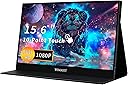
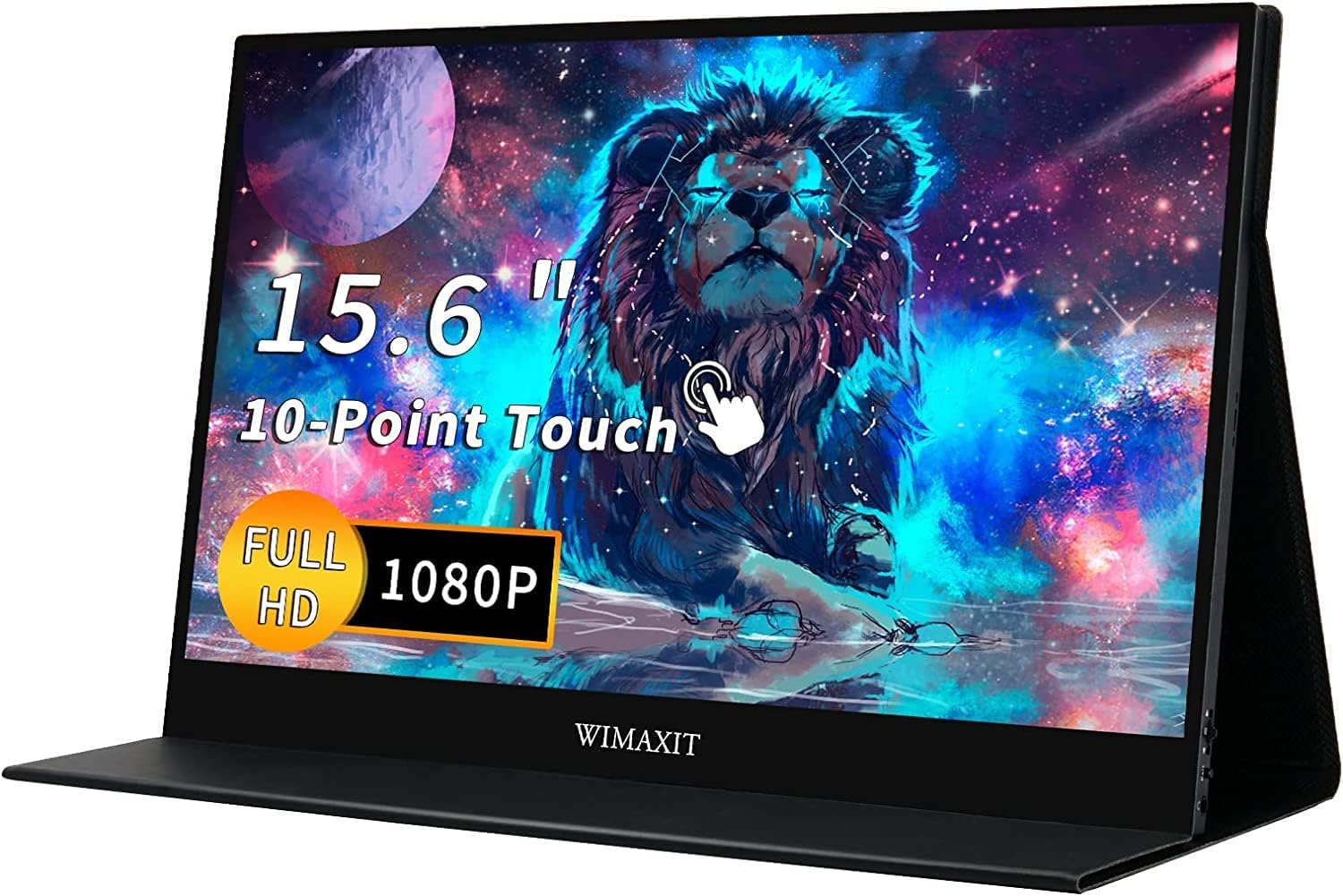
The WIMAXIT 15.6-inch Portable Touch Screen Monitor is a versatile and compact display solution designed for professionals on the go. With a stunning 1920x1080 resolution, seamless USB-C connectivity, and built-in speakers, it enhances productivity and entertainment without the clutter of multiple cables.


| ASIN | B07J53B7NS |
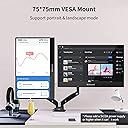
| Additional Features | Portable with vesa |
| Aspect Ratio | 16:9 |
| Brand | WIMAXIT |
| Brightness | 250 lm |
| Color | Black |
| Connectivity Technology | HDMI, USB |
| Contrast Ratio | 800:1 |
| Customer Reviews | 4.2 out of 5 stars 101 Reviews |
| Display Resolution Maximum | 1920 x 1080 |
| Display Technology | LCD |
| Display Type | LED |
| Hardware Connectivity | HDMI, USB, USB 3.0, USB Type C |
| Image Contrast Ratio | 800:1 |
| Item Dimensions D x W x H | 0.35"D x 8.82"W x 0.35"H |
| Item Weight | 4 pounds |
| Manufacturer | WIMAXIT |
| Model Name | M1560CTV2 |
| Model Number | M1560CTV2 |
| Mounting Type | Desk Mount |
| Native Resolution | 1920x1080 |
| Refresh Rate | 60 hertz |
| Resolution | FHD 1080p |
| Response Time | 15 milliseconds |
| Screen Finish | Matte |
| Screen Size | 15.6 inches |
| Screen Surface Description | Matte |
| Shape | Rectangular prism |
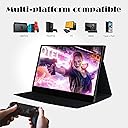
| Specific Uses For Product | Office,Gaming |
| Total Number of HDMI Ports | 1 |
| UPC | 756244140216 |
| Unit Count | 1 Count |
| Viewing Angle | 85 degrees |
J**P
It is a quality portable monitor but pricy
Just received it an hour ago. The packing box is very light, I was afraid that it contains a wrong item but upon opening it, it is the right monitor I ordered. Surprise! The picture quality is great, I like the matte finish. There is no dead pixel or scratches. Connected it to my XPS 15 2 in 1 and it works right away with one single Type C cable. The accessories are very luxury. Quality cables are included. The screen is not very bright. In my office, when my laptop is at dial one the screen has to crank all the way up to 9 and still a bit dark. The touch was not functioning correctly in the beginning. When I touch the portable monitor, it scrolls my main screen. I have to open a command prompt, enter "control /name Microsoft.TabletPCSettings", and follow the instruction to configure it correctly. The bezel is very narrow, like 3mm thing, thinner than my XPS!! The only drawback is cost, with the money I paid for it, I can purchase a 4K desktop monitor already. However, I cannot bring my desktop monitor with me when I am out. If only if they can lower the price a bit.
J**I
Great image quality and clean professional design
I've never heard of this brand before, still can't find much on WIMAXIT in Google outside of Amazon or Ebay. However, I've been really impressed with it so far. I got it in replacement of a HP U160 that I've had for for nearly 6 years. It held up to my numerous travels and the screen was finally starting to show lines in the image. The vinyl was also worn but I wasn't overly concerned with it until the lines appeared. The overall design of the WIMAXIT is nicer than the U160 it's replacing. Monitor to monitor, it's just over .25" thinner. With the cover, it's just slightly less than .25" thinner. The width is an inch less and about a half inch less in length, so overall, when the WIMAXIT is layed on top, it is obviously smaller. The cover is of a fabric like texture that looks as though it will last and wraps around similar to a resume portfolio. That same cover doubles as the stand like the U160 which is what I was looking for. Video quality is nice as well, although I would like to be able to brighten the screen more since I look at it at an angle, it's decent to work with. Having the USB-C as the video and power is ideal and works well with my HP Spectre. Overall I'm stoked and with design and quality for a brand that I'm unfamiliar with, so I'm happy for the only 2 reviews that were here that helped me decide on it.
R**S
Outrageously good value, a great multi-tasker and an excellent display
I bought this display mainly to use out on my deck with my work laptop and happy to say after tweaking the display settings to max out brightness, contrast and beef up the color temp to 9300k it's plenty bright enough for me to work as long as it's not in direct sunlight. Only downside so far is that I have to connect to my laptop with both USB and HDMI in order for it work instead of just USB. I can easily live with that because of everything else this display can do. I'm able to use it with my gaming PC, work laptop, PS4 and Nintendo Switch (I recommend using the Nintendo Power Brick instead of the included one for power). The display comes with all the cables you'll need, a USB power adapter, a screen protector, and microfiber cloth which demonstrates a keen respect for customer needs. The cover isn't bad either and keeps the display protected when not in use. It's also super portable, easily fitting in my backpack. Worth every penny!
J**C
Great product
I was a little hesitant about buying this product because it wasn't a brand that I knew but it has been great. My wife needed a portable monitor for programming on the go with her surface book 2. I chose this product because a single c-cable is enough to power the monitor and establish the connection with the laptop. An extra HDMI is not needed for this laptop connection. The product does come with an HDMI port. I have used it to play on my ps4. Because the product can be powered by a c-cable I connected a c-cable to the ps4's USB port so I was able to power the monitor and connect establish a video connection through the HDMI. This means the plug for the ps4 is enough to power everything and the monitor does not need an extra power source. The monitor in my opinion is light weight. I like the case that it comes with. The 1080p display is great. I will be buying more of this product in the future
D**Y
an ok screen
The screen works well with my computer, Surface Pro 1. I have it connected using HDMI. USB 2.0 is not enough to power the screen. So I have to power it separately. Unfortunately I do not get to use the touch feature of the screen. I have also connected this screen to my Samsung S9 plus. Samsung DeX initiates when connected but only runs at 640x800 resolution using the provided USB-C to USB-C cable. The Samsung S9 plus does not have enough power to power the screen by itself, so it requires that the screen be powered by another source using the provided USB-A to USB-C cable. I have ordered a USB-C to HDMI converter to see if that fixes the resolution issue. But that will then affect me being able to use the touch screen feature again.
K**N
My review for use with Nintendo Switch
I ordered this to take on deployments/tdy travel for use with my Nintendo Switch and Xbox OneX. I have no intention of trying to use this on a plane or in an airport. I initially had problems using this with the Nintendo Switch, however it definitely DOES work with the Switch using only USB-C cables. You have to use either the original Nintendo Power supply or some other higher voltage/wattage power supply than the one that comes with the screen itself. The screen's power supply doesn't produce the juice to put the switch into dock mode so it didn't output video for me. Here is how I got it to work: Plug either the original Nintendo Switch power supply or an expensive battery pack capable of USB-C PD charging (like for a laptop) into the top usb-c port, and then connect the switch via a good quality USB-C to USB-C cable into the lower port. Sometimes I have to disco and reconnect the switch's cable to get it to pop up on the screen. The touch input doesn't work with the switch, at least not with mine. I have 2 USB-C PD battery packs, only one of them works. The one that works puts out 15VDC at 3A and cost me $125, the one that doesn't work is smaller/much cheaper and only puts out 15VDC at 1.2A, the stock Nintendo supply puts out 15VDC at 2.6A. (at least that's the rating printed on them) This stuff only matters if trying to use the switch without using the dock and HDMI cable. It works fine with the Xbox One X; I can power up just the Xbox and its front USB connection provides enough power to run the screen. I think the Xbox is HDMI only so I'm glad it has that port on there. The touchscreen worked perfectly with my LG Gram laptop and my laptop was able to power the screen via just the USB-C port on it. It doesn't get nearly as bright as the LG Gram screen, unfortunately. The screen with the cover weighs 2.13lbs according to my postal scale. The menu buttons are fiddly and a PITA to use honestly. Build quality is good, no problems with that so far. The cover is just ok. I upgraded my review from 3 to 5 stars because I was using the lower power charger that came with the screen and things weren't working properly with the Switch.
I**K
Doesn't work for Samsung Dex on One Cable
The title of this product is misleading. I ordered this and thought it will power touch, video and power all in one cable but this product is same as other monitors. The others works with video + power but requires separate cable i.e power for touch but this one requires separate cable for power but works touch + video on one cable. When i connect my S10+ the screen was flickering and when i connected the power source then it worked fine. Also the touch is just ok... not too good. Edit: after contacting the manufacturer, i showed them above video, they just stopped replying. I asked Amazon help, and they were able to make a return request.
O**S
Solid. A tad expensive BUT, it does the job.
I'm working on a dual configuration. For MAC, unless you have a third party software to properly map it, it COULD work as a tablet, but a second display works amazingly, very crisp. For Windows the story changes! Just Amazing. It really becomes a tablet. I bought a 10ft charging cable + a 10ft type c display cable and I can walk around with a full tablet! (main motivator of purchase). Also, if you have a Samsung note 8 or 9, you will have DEX as soon as you plug it. So overall happy as $h#t.
A**R
A little heavier and thicker than expected, but good value.
A good price for a reliable usb-powered portable 15-inch monitor with a touchscreen. I'm satisfied.
J**I
Funciona
Funciona bien para el propósito de un segundo monitor y que sea portátil. Estoy contento con el.
K**E
High quality!
Absolutely perfect. No complaints.
J**A
Please Read for: Washed Out Color Fix
Update: The HDR colors were too vibrant in some scenarios, so I returned it back to auto and adjusted some other settings for a compromise: Temperature: 6500, Game Mode: Performance Mode, Brightness: 90. YMMV I tried an Asus portable monitor first, and it was an average experience, but I exchanged for this one because of touch screen. This monitor is very well made, better than the Asus is every way (and I'm normally an Asus fan). The reason I wanted to write a review though is because at first, the picture on this Wimaxit monitor was dull, washed out, and not bright enough. I fiddled with max brightness and every picture setting/preset I could, and nothing would make it that much better. In the end, all I had to do was to go into the Advanced settings and toggle the "Ultra HDR Mode" from "Auto" to "On", and BAM, instantly fixed. Honestly, night and day difference. Toggle it back and forth and see the difference. Amazing experience once you toggle this setting. Because this isn't default, my brightness rating is 3/5. After the toggle it's 5/5.
G**S
The best
Work well, so far
Trustpilot
3 weeks ago
2 months ago