Buy anything from 5,000+ international stores. One checkout price. No surprise fees. Join 2M+ shoppers on Desertcart.
Desertcart purchases this item on your behalf and handles shipping, customs, and support to USA.
🚀 Unlock your digital kingdom with UGREEN NAS DH2300 — storage that works as hard as you do!
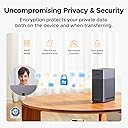
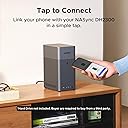
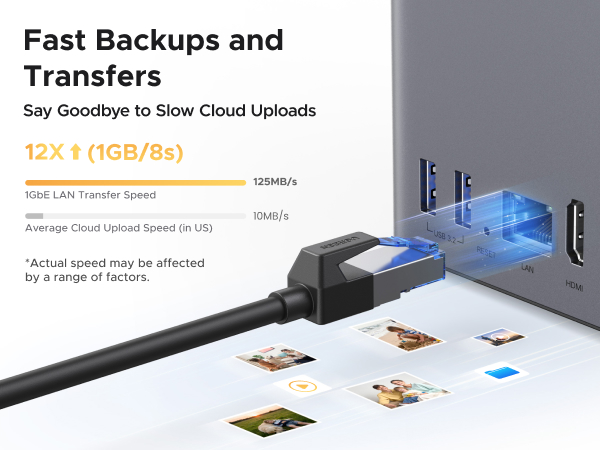
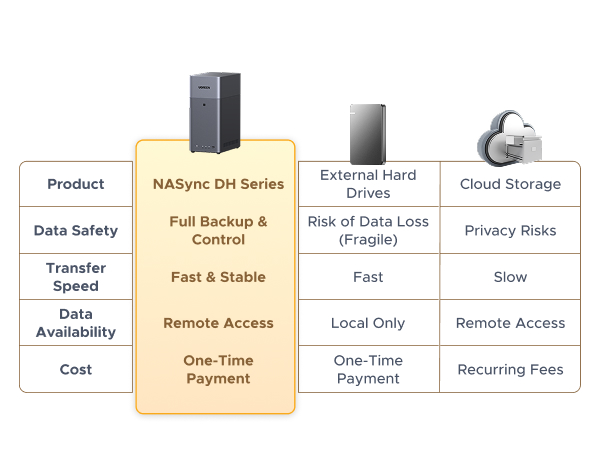
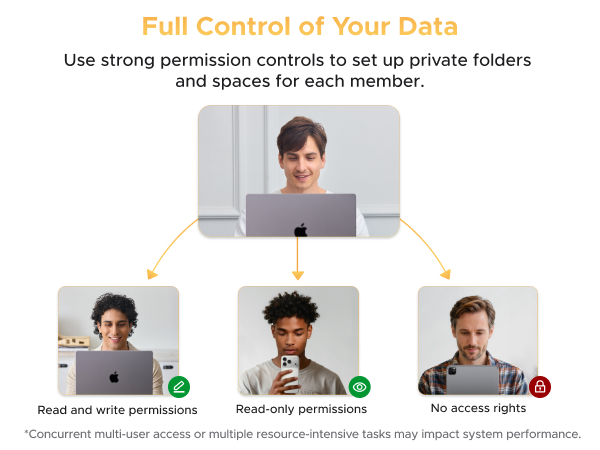
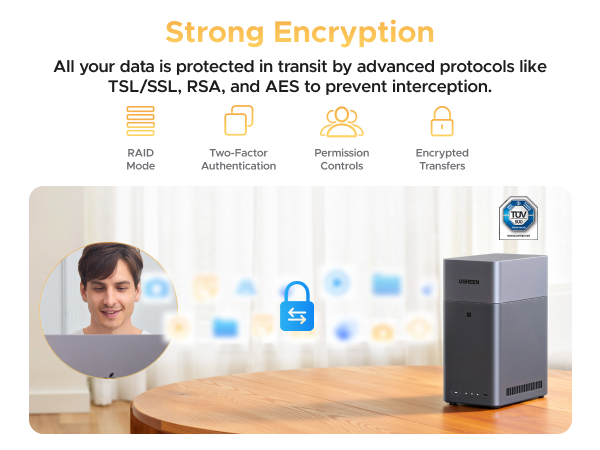
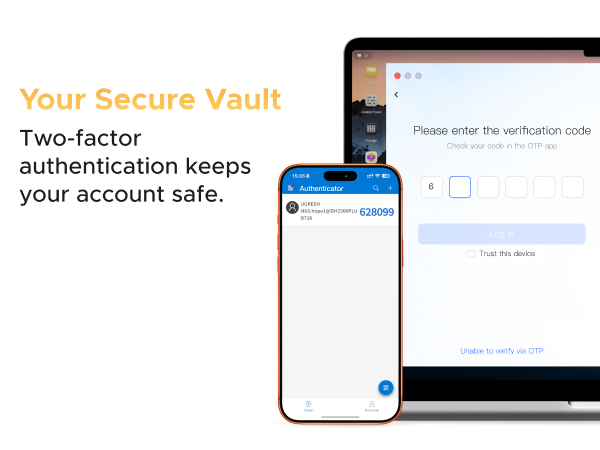
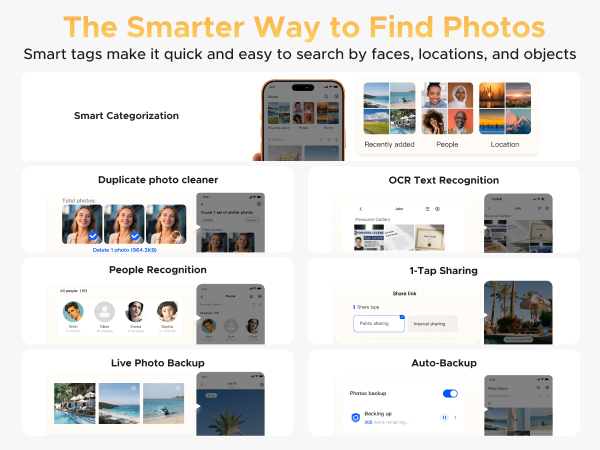
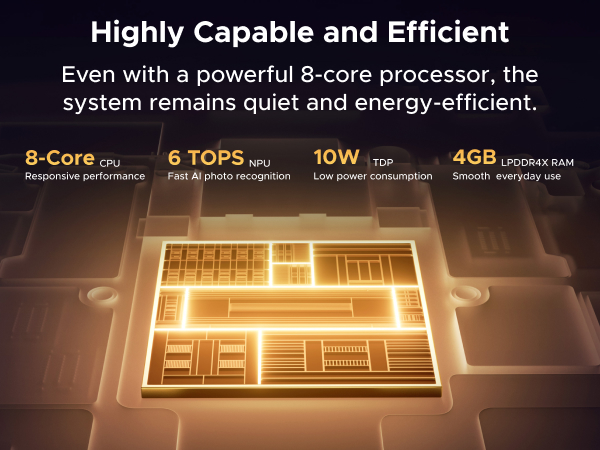
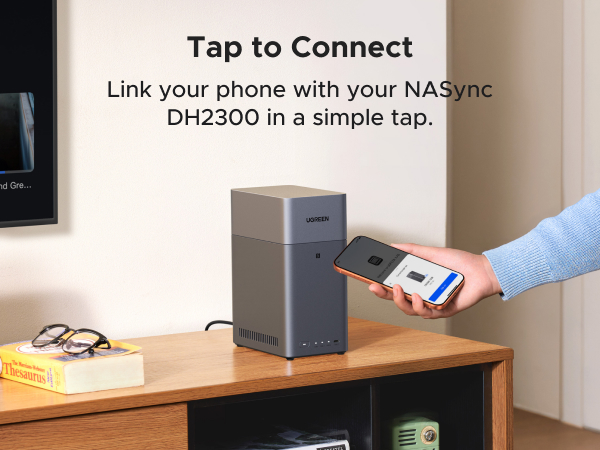
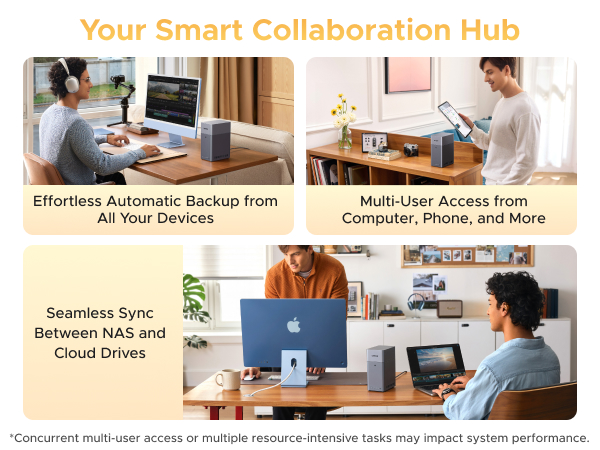
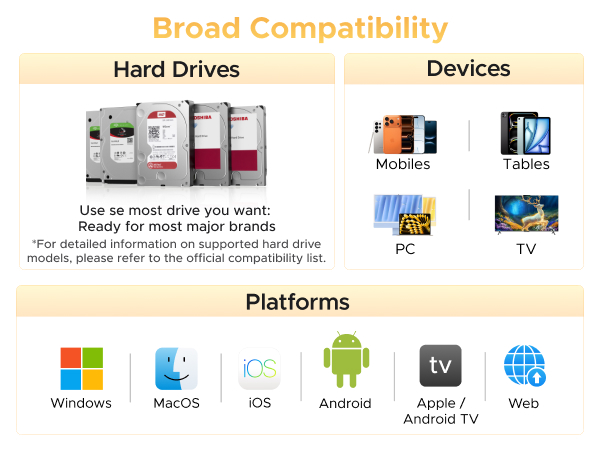
The UGREEN NAS DH2300 is a beginner-friendly 2-bay desktop network-attached storage device designed for personal and small business use. Supporting up to 60TB of HDD storage (drives sold separately), it delivers fast file transfers up to 125MB/s and cross-platform compatibility with Windows, macOS, iOS, and Android. Featuring AI-driven photo organization and robust multi-layered security certified by TÜV SÜD, it offers a cost-effective, private alternative to recurring cloud storage fees. Lightweight and compact, it’s ideal for users seeking intuitive, high-capacity, and secure local storage.


| ASIN | B0FNWHSPXF |
| Additional Features | ほこりに強い。, 耐衝撃, 防塵。 |
| Brand | UGREEN |
| Built-In Media | NASync DH2300 x 1。, イーサネットケーブル (CAT 7) x 1。, ネジとドライバー x 1。, ユーザーマニュアル x 1。, 電源アダプター (DC12V/6A) x 1。 |
| Color | グレー |
| Compatible Devices | スマートフォン, スマートフォン。, タブレット。, テレビ。, デスクトップ, ノートパソコン |
| Connectivity Technology | SATA。 |
| Customer Package Type | スタンダード パッケージング |
| Customer Reviews | 4.6 4.6 out of 5 stars (446) |
| Data Transfer Rate | 125 Megabytes Per Second |
| Digital Storage Capacity | 64 TB |
| Enclosure Material | プラスチック |
| Form Factor | 3.5インチ |
| Hard Disk Description | ソリッドステートドライブ |
| Hard Disk Form Factor | 3.5 Inches |
| Hard Disk Interface | USB 1.1 |
| Hard Disk Rotational Speed | 7200.0 |
| Hard-Drive Size | 64 TB |
| Hardware Connectivity | ATA |
| Hardware Platform | Mac, Mac。, PC, PC。, 窓。 |
| Installation Type | 内蔵ハードドライブ |
| Manufacturer | UGREEN GROUP LIMITED |
| Media Speed | 125 |
| Mfr Part Number | DH2300, 2-Bay |
| Model Name | DH2300, 2-Bay| Diskless |
| Model Number | DH2300,2-Bay (Diskless) |
| Number of Items | 1 |
| Read Speed | 125 Megabytes Per Second |
| Specific Uses For Product | パーソナル |
M**Y
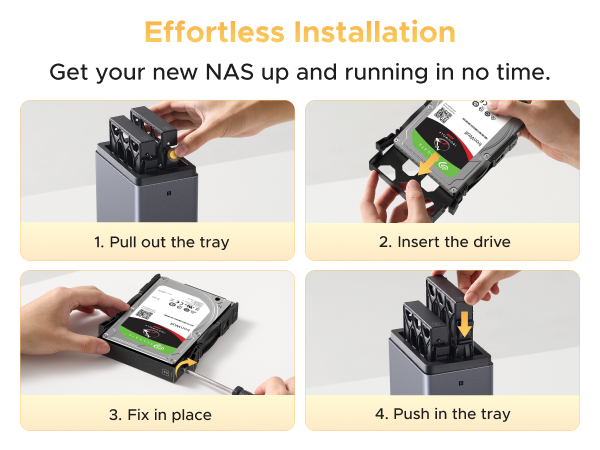
Quick update: I have had this up and running for a while now. For a true cloud service, running Tailscale VPN is a must. Once configured, it works great. I had problems connecting my work computer (after easily connecting my Android device and various other computers). The AzureAD posed a challenge but CHATGPT worked it out for me. All is well now. I am loving the access to the same files I had on Google Drive, but I also connected an external SSD (1TB) drive via USB and it picked it up immediately. On my android devices, I use Cx File Explorer and that is hands-down a great file explorer app (not just for cloud use). I am still loving my set up now. I have been seeing "NAS" all over the place and never gave it another thought. Until recently. I just happened to see a brief mention of doing your own cloud service. That caught my attention (and never really put the two together). I have been a "techie" since 1979 (Commodore PET w/cassette tape drive era) and always been able to hold my own. So, I investigated further into doing my own cloud. Everything I read led me to the UGREEN. And Wow! Rightly so. First and foremost, super easy to get up and running. Tons of software that comes with it to get you up and running (Five stars for the product, 3.5 or 4 for follow through on some simple tasks with the software). I have it mostly figured out now, but again, I have a little tech in my blood stream. I purchased the 2300 unit, 2 WD solid state hard drives (120GB each), and a user recommended battery back up made for the UGREEN line. Perfect set up. Easy to get up and running. First the 2300 itself. You will need a dedicated ethernet line. You can do wireless, but not recommended. The unit comes with two empty bays with pop in trays (very easy to get in and out) and screws for securing both 3.5" and 5.5" drives (the SSDs are 3.5" and fit perfectly). The top of the device is magnetic so it comes off easily (too easily?) to get to the trays. Other than that, you pop the drives in and plug it in. I added the UPS back up, so the cool thing is that it plugs in via USB. The main power from the 2300 plugs into the UPS, then the UPS powers the 2300. A simple ethernet connection and that is all. You go online to the UGREEN given site and it finds your device and helps you configure it. There are multiple options here, so do a little research before going too far. The interface is really clean and easily works with Windows 11 (it is compatible with few others as well). I also downloaded the app for my phone from Google Play (Apple as their version as well). Some of the things you may want are not as straight forward as I would have liked, but in the end, I can share files anywhere I am with it. This was my goal and I can now get rid of my Google Drive paid account (I am keeping the free 15GB portion). The total set up was $380 and I plan learning a lot more of the other capabilities. Final notes: This thing is fast. I transferred a couple large photos from my phone to the drive just to see and watched them almost immediately populate on the drive. Many say the 2300 is noisy. That is the furthest thing from the truth. I am guessing they installed traditional HDD that make a racket in the mostly hollow 2300 casing. The 2300 is dead silent in my set up. The photos attempt to show the set up process and the final configuration. It sits small where I needed it to do so, only 8.5" tall. The batter back up is immediately to the left in the final set up photo.
D**Y
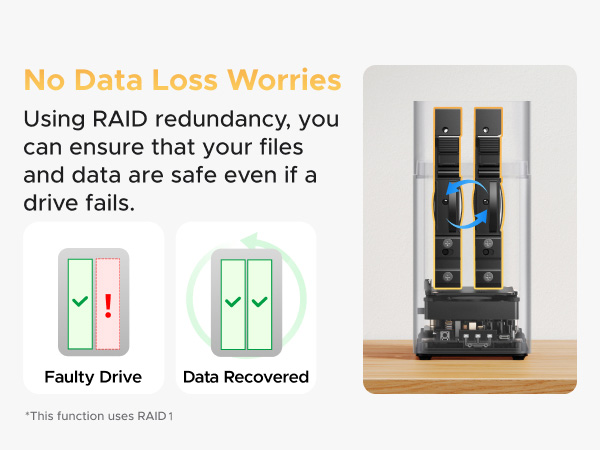
Great NAS system for beginners. Fairly easy to setup (lots of "how to" videos on YouTube). Long-term reliability remains to be seen, but so far everything looks promising. I installed 2 x 2TB SATA SSD's with RAID 1 configuration and everything works as expected. I can access my NAS storage using UGREEN NAS web interface, Windows 11 file manager (need to setup network access - YouTube video shows how) and from my mobile phone. So far, so good...
L**F
Funciona muy bien, la instalación de los discos duros es simple y sencilla. El entorno es fácil de entender y los tutoriales así como las guías te llevan paso a paso para configurarlo. Es importante contar con un cuenta de ugreen para poder compartir a través de internet.
I**L
Al principio no se entiende como se debe configurar pero investigando lo entiendes después esta perfecto para escuchar música mas con Plexamp y para copias de seguridad funciona muy bien
J**G
I picked this up on sale and honestly wish I’d done it sooner. The setup was incredibly easy, and navigating through both the mobile and desktop apps feels very intuitive—everything just works as expected. Why I Chose This Over a Custom Build: I was debating whether to get the larger 4-bay version or even go for a fully custom PC build for a home NAS. However, considering current PC hardware prices, this sub-$200 price point was hard to beat. It turns out this 2-bay model is more than enough for what I need. What's in the Box: The package includes all the hardware required to get started, like the screws and a screwdriver for HDD/SSD installation, along with an extra Ethernet cable and power cord. Performance & Stability: I’ve had it running for a few days now, and the operating system (which has a very clean, macOS-like feel) has been rock solid. It provides plenty of bandwidth to stream content directly to my phone. I moved 50GB of FLAC music from my PC to the NAS, which freed up my local drive and allowed me to access my library from anywhere. The Noise Factor (Pro-Tip) One downside is that the NAS chassis doesn't isolate noise very well. If you are using enterprise-grade drives (like I am), you will definitely hear them "crunching" or vibrating. To fix this, I had to use acoustic foam to keep it quiet enough for a shared living space. Final Verdict: Overall, this is a great NAS that is incredibly easy to set up. I highly recommend it to anyone looking for an affordable way to store their data and stream content without a monthly subscription.
Trustpilot
1 month ago
1 week ago