🔒 Elevate your security game with panoramic precision and vibrant night vision!
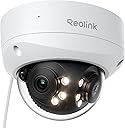
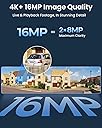
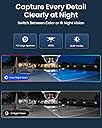
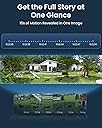
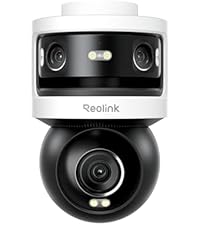
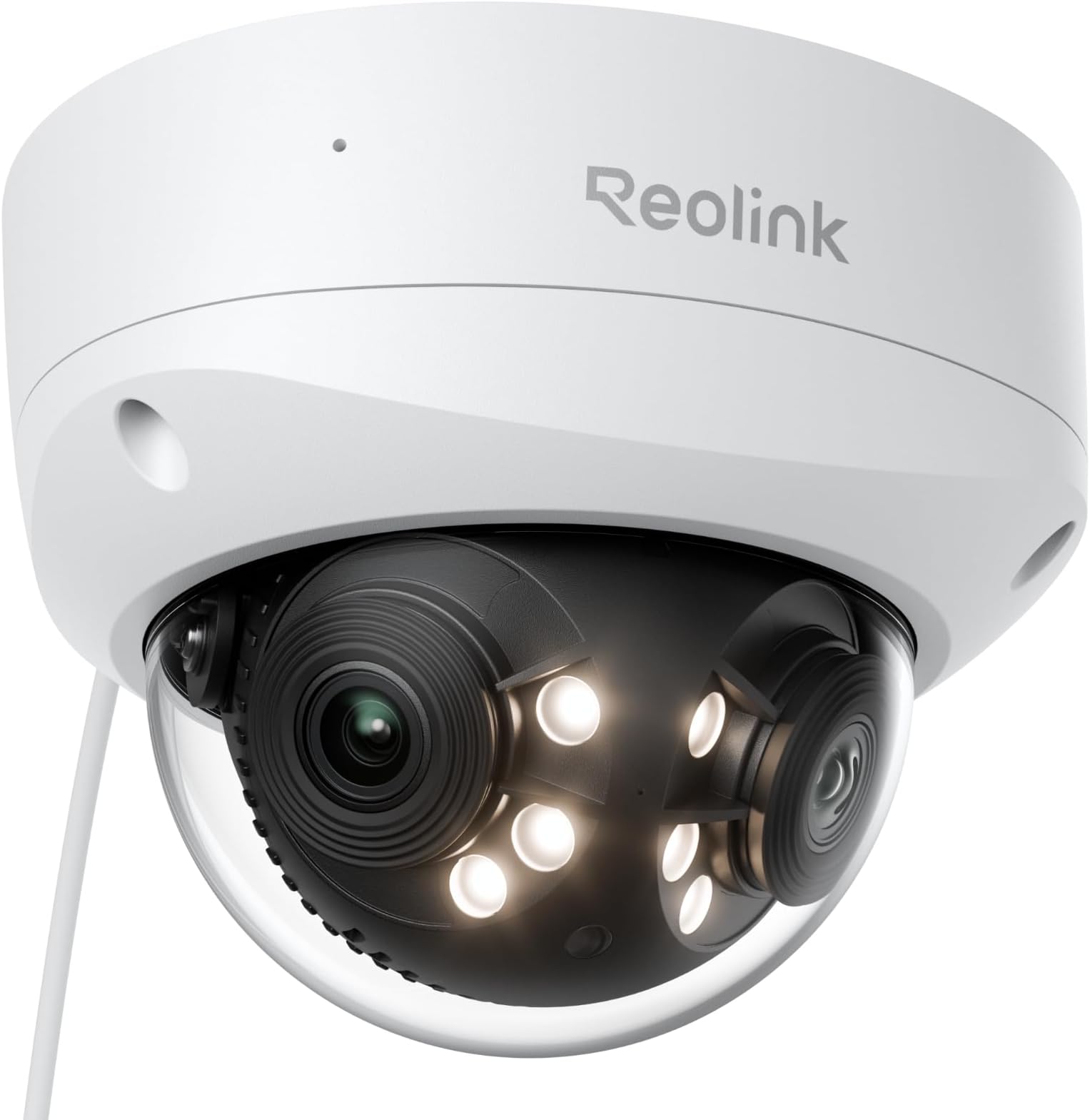
The REOLINK Duo 3V PoE is a cutting-edge 16MP UHD dual-lens security camera offering a 180° panoramic view ideal for wall mounting. It features advanced person, vehicle, and animal detection, F1.6 aperture color night vision, and two-way audio. Powered via PoE for streamlined installation, it supports dual video streams and customizable image stitching through the Reolink app, delivering professional-grade surveillance with vivid clarity day and night.


| ASIN | B0D2VYSMM1 |
| Antenna Location | Outdoor Security |
| Are Batteries Required | No |
| Brand | REOLINK |
| Built-In Media | Camera Body |
| Compatible Devices | Reolink NVR |
| Compatible devices | Reolink NVR |
| Connectivity Protocol | Ethernet |
| Connectivity Technology | Ethernet |
| Connectivity technology | Ethernet |
| Controller Type | Reolink APP |
| Customer Reviews | 4.3 out of 5 stars 378 Reviews |
| Effective Still Resolution | 16 MP |
| Field Of View | 180 Degrees |
| Indoor Outdoor Usage | Outdoor |
| Indoor/outdoor use | Outdoor |
| Item Dimensions | 13.8 x 13.8 x 10 centimeters |
| Item Type Name | Security Camera |
| Manufacturer | Reolink Digital |
| Model Number | Reolink Duo 3V PoE |
| Mount Type | Ceiling Mount |
| Number of Channels | 1 |
| Number of IR LEDs | 6 |
| Number of Items | 1 |
| Other Special Features of the Product | Easy to Install |
| Photo Sensor Resolution | 16 MP |
| Power Source | Corded Electric |
| Recommended uses for product | Outdoor Security |
| Special features | Easy to Install |
| Unit Count | 1 Pack |
| Video Capture Format | MP4 |
| Video Capture Resolution | 16MP |
| Waterproof Rating | IP67 |
K**N
Highly Recommend!
Just a great camera! The huge viewing angle lets me see and record half my street at once from my porch. Recordings are in great quality as well even the night vision. I was a little wary of getting the two internal cameras to line up into one image but, was seem less out of the box, no adjustment needed for me. Love the Reolink line of cameras, have a couple others as well but this was my favorite addition!
M**N
Upgraded to 180 degree camera and can see do much more!
Easy to install and works great with Ethernet poe. Great 180 degree camera
F**R
Great product and works well,but not good for any range much over 25 feet
Very wide view of two cams in one. Very easy to install, very clear picture. Cam very well-packed with all parts included complete with pattern to install for holes to be drilled. Got it on sale at 33% off. UPDATE 6/1/2026 The Camera does well with working order, Its is truly the worst camera of all the 8 that I have installed. After 6 months of use I will take this one down and keep for a back up. Its not clear at ant distance outside,its very small in producing video,no adjaustable motion of the camera and panoramic view is horrible. I waisted my money on this . The other ones I have by Reolink are very good and work very well.
A**R
The camera has good image quality and a wide 180° field of view, but it has some major limitations.
⭐⭐⭐ The camera has good image quality and a wide 180° field of view, but it has some major limitations. There is no tracking feature, and it does not move at all, so you have to manually adjust it, which is frustrating. The display is long and narrow, which works fine on a wall but not on the ceiling. I originally mounted it on the ceiling, but the view was awkward, and I had to take it down. If you’re looking for a camera with flexibility in placement or movement, this might not be the best choice. However, if you’re okay with a fixed-position camera and only need wall mounting, it does the job well. Over all it is a good camera.
R**.
This is a pretty nice camera.
This camera works really well. It does take some fiddling to get it to work with a non-Reolink system, however. It does not have a web-based configuration interface like most cameras. You have to install the Reolink app to configure this camera in this case. That's a little annoying, but once you install the app, configuring the camera is pretty straightforward. If you have a Reolink system, then setting this camera up is probably pretty easy. I'm using this camera with an AgentDVR/Ispy system, and it works well. Reolink has versions of its app for Windows, MacOS, Android, and IOS (no Linux). If you're planning to use this camera with a Non-Reolink system, then you MUST install the app and configure the camera to get it to work. For a non-Reolink system, In the app, go to: Network-Server Settings, and enable rtsp and onvif. These protocols are not enabled by default. Non-Reolink DVR's use these protocols. If you want sound, then go to: Device-Sounds and enable audio. This setting is also off by default. One reviewer stated that the resolution is much worse than advertised. I have not seen this. The resolution is very good imo. Note that this camera has two video streams. It has a high-res stream and a low-res stream. Maybe he was connected to the low res stream by mistake? I know I've done that before. You can also configure the resolution of the two streams in the app. Maybe the resolution of the high-res stream was not configured to its highest. I don't now, but it works fine for me. Another reviewer complained that the two images aren't stitched together very well (this camera actually has two cameras, and the two images are stitched together in software). There is a slight discontinuity where the two camera images merge, but the alignment of the two camera images can be adjusted in the app. Go to: Device-Display-Advanced-Image Stitching. With a little fiddling, you can get the two images stitched together pretty seamlessly. Note that this will never be perfect, because the convergence of the two camera views depends somewhat on the distance of the object from the camera. You can get it pretty close, though. Another nice feature of this camera is that there doesn't seem to be any problem with reflections from the infrared lights onto the inside of the dome lens. With other cameras I have, this is a big problem, but I don't notice this problem at all with this camera. Night vision is good, and the built-in IR LED's do a pretty good job of illuminating things. Of course, their distance is limited (this is true for every camera I've ever worked with). Adding a separate IR flood light can make a big difference if you want to see your whole yard, for instance. Also, if you don't want the white flood-light LED's to come on at night, you need to disable those in the app. Go to: Device-Light-Spotlight.
Trustpilot
5 days ago
1 month ago