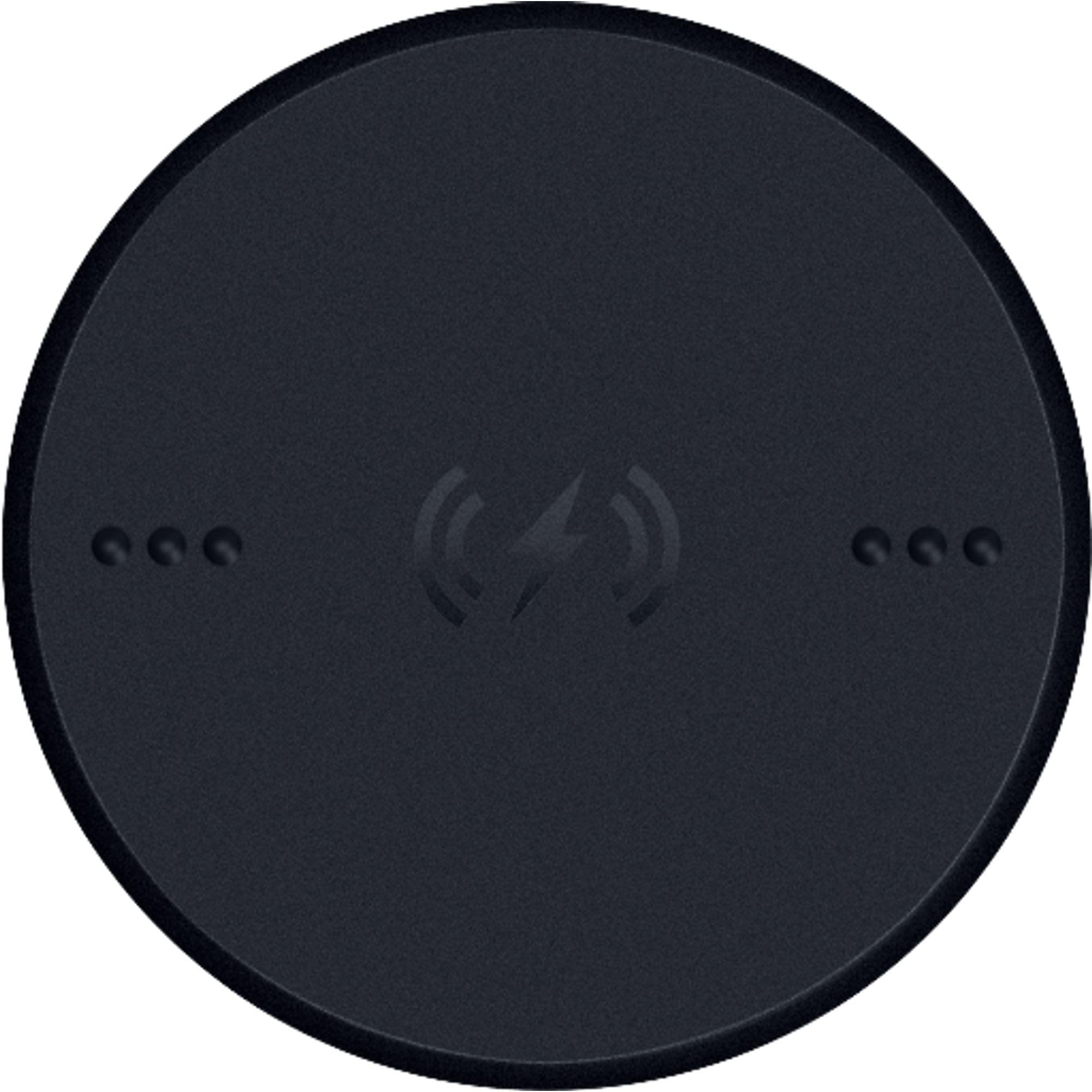
Works as intended, but it’s definitely a pain if you don’t have Razer’s specific dock or a decent charging pad. I have it installed on my mouse, but I still find myself just using a USB-C cable to charge instead. I’m using a basilisk v3 pro mouse so my experience documented will be mostly tailored around that. *Maybe if I had one of those mats that charges the mouse while it’s sitting idle, it would be more useful. If you’re not using a weighted or mounted charging pad, the magnet may lift the pad when you pick up the mouse. You also have to position the mouse just right on a pad or dock for it to actually start charging. I originally used it on an Apple MagSafe Qi charger and got tired of constantly repositioning it to find the sweet spot to get a charge everytime(it’s the only portable Qi charger I use). The only time it works well is with the one I have mounted to my desk at home. Maybe owning the official Razer charging dock would improve the experience, but creating more reliance on proprietary accessories kind of defeats the point that I purchased it for (to enable generic qi charging) Make sure you install the puck correctly by locking it in and pay attention to the direction you need to rotate it when inserting it into the slot after removing the original puck (it’s basically a rotate and lock once u line up the grooves.) If you travel a lot and need to store the USB receiver, you’ll have to remove the puck and place it back every time unless you use Bluetooth instead. Removing it can be a bit tricky: flip the mouse upside down and use two fingers (like your thumbs) to apply downward pressure on the puck and rotate it. It should pop out once it’s no longer locked. If it doesn’t, try giving the mouse light taps while upright — that usually does the trick. Charging speed is decent. not noticeably fast or slow, as expected with 15W pad compatibility. Simple enough. It looks like the original puck in design, with just the added charging capability, so don’t get them mixed up~ one has markings for the charging capability on it and metal components. The fact that this doesn’t come with the original mouse product raises some questions. I won’t speculate too much, but it’s definitely a premium add-on you have to pay for if you want to enable Qi charging on your Razer device.