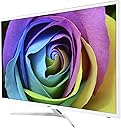
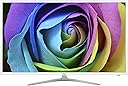
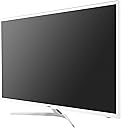
๐ Elevate your workspace with vibrant clarity and speed โ donโt just see, experience!
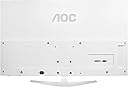
The AOC i3207VW3 is a 32-inch IPS LED monitor delivering Full HD 1920x1080 resolution with 250 cd/mยฒ brightness and a rapid 6ms response time. Featuring a dynamic 20,000,000:1 contrast ratio and versatile VGA/DVI inputs (plus included DVI-to-HDMI cable), it offers sharp, vibrant visuals ideal for professional and personal use. Energy-efficient at 38 watts and wall-mountable, itโs designed to enhance productivity and style in any modern workspace.
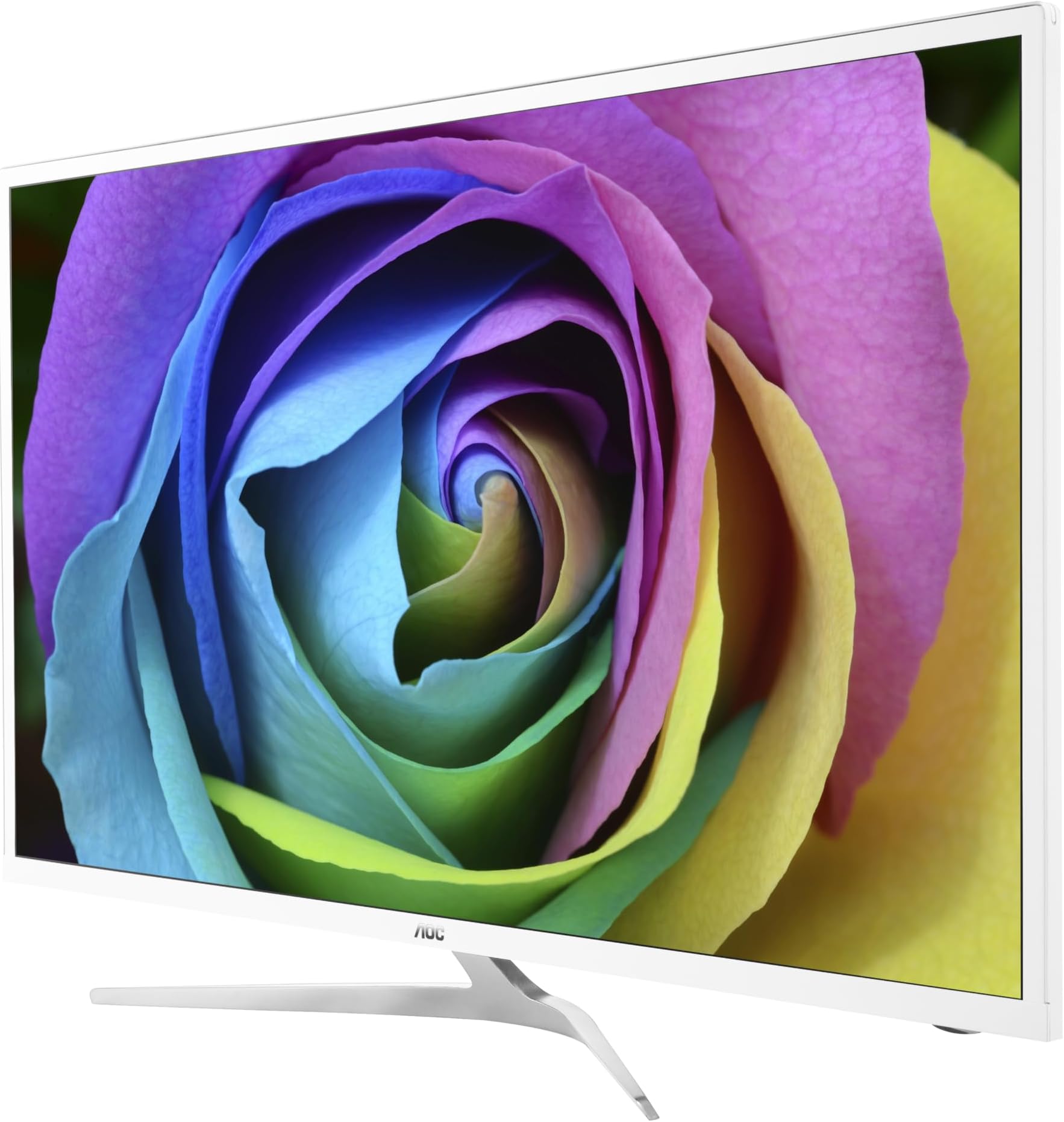


| ASIN | B01N4PPT4K |
| Additional Features | Wall Mountable |
| Aspect Ratio | 16:9 |
| Brand | AOC |
| Brightness | 250 cd/mยฒ |
| Built-In Media | 32" Monitor, DVI to HDMI Cable, Power Cord, Quick Start Guide, VGA Cable |
| Color | Black |
| Connectivity Technology | DVI, HDMI, VGA |
| Contrast Ratio | 20,000,000:1 |
| Customer Reviews | 4.3 out of 5 stars 58 Reviews |
| Display Resolution Maximum | 1920 x 1080 Pixels |
| Display Technology | LED |
| Display Type | LED |
| Global Trade Identification Number | 00685417716289 |
| Hardware Connectivity | HDMI, VGA |
| Has Color Screen | Yes |
| Image Contrast Ratio | 20,000,000:1 |
| Item Type Name | AOC i3207VW3 32-Inch IPS LED-Lit Monitor, 1920x1080 Res, 250cd/m2 Brightness, 6ms, 20:1M DCR, VGA/DVI |
| Item Weight | 14.77 Pounds |
| Manufacturer | Envision Peripherals |
| Model Name | Touch |
| Model Number | i3207VW3 |
| Mounting Type | VESA Mountable |
| Native Resolution | 1920x1080 |
| Number of Component Outputs | 2 |
| Refresh Rate | 60 Hz |
| Resolution | FHD 1080p |
| Response Time | 6 Milliseconds |
| Screen Finish | Glossy |
| Screen Size | 32 Inches |
| Screen Surface Description | Glossy |
| Specific Uses For Product | Business |
| Total Number of HDMI Ports | 1 |
| UPC | 685417716289 |
| Unit Count | 1.0 Count |
| Warranty Description | 3 Year Parts and Labor |
L**L
Bigger Brighter Sharper Better
As my eyes become older, my vision becomes less acute; and a bigger, brighter monitor helps a lot. Going from an old 19-inch monitor to a modern 22-inch monitor was a big help, then (years later) from that 22-inch to a 27-inch monitor was even better. I didn't expect a huge difference between my 27-inch AOC E2752S and this new i3207VW3 monitor, but it's bigger, brighter, sharper, and better in every respect.
G**6
LOVE, LOVE
LOVE, LOVE, LOVE this monitor. It is so very thin and perfect picture and vibrant colors. My old one ran so hot, but there is no heat from this one, whatsoever. Got the best price for it also! Get it, you won't regret it!
K**.
I would definitely buy again.
This arrived on time to start with. Unpacked it pretty easy. Instructions, if needed, were not in English. So far the monitor has been everything it said it was, great picture! Although I think AOC needs to start adding English to their instructions if there are going to offer their product in the United States Of America!!! Hence the 4 stars and not 5.
K**I
Its the cat's pajamas!
I was somewhat taken aback by the instructions that said to hook up BOTH the HDMI the other cable (DVI or VGA I believe). Why? I just ignored this and used only the HDMI cable. When I first got it, I thought, "WOW, do I really need a PC monitor this big?" Now that I have had it for a while, I wouldn't trade it for the world. I had a strong feeling that this would be an excellent monitor when I saw that AOC was founded by Emerson Electronics. In the late 1960s, I had an Emerson TV which had the clearest black and white picture I had ever seen.
A**N
My anime is now in amazing bright screen and detail
No dead pixels and no noticeable lag for casual gaming so far... My anime is now in amazing bright screen and detail. Controls easily accessible on the left side. Super easy installation, and huge for the price! 5/5
K**K
Ended Up Fixing My Own Problems...
I bought 2 of the AOC 32 inch monitors. They both worked great at first then monitor number one would randomly display the on-screen selection box. I couldn't reset the monitor or even use the on-screen display because the selection switch was scrolling through the menu and wouldn't stop. The solution was to replace the 6x6x5mm micro-switches. Monitor number two started having problems. It couldn't tell which video input I was using and would pop-up the on-screen display for video selection. It would try (and fail) to select the right one. The solution again was to replace all the micro-switches. So far, both are behaving normally. Both have only been in use for about 6 months. I wouldn't recommend this unless you have some soldering skills or AOC starts putting in better switches.
N**D
A Fine Monitor Unjustly Blamed
I must do public penitence for my earlier review on this item. The difficulty I referred to proceeded from ignorance. I am so used to monitor controls being located on the bottom of the monitor frame that I overlooked on this monitor they are located in a recessed slot on the left hand side as you view the front of the monitor. A reply from an AOC employee alerted me to my mistake. I want to say now that I reattached the monitor's data cord to my desktop pc, turned on the pc, and as soon as I pressed the top button on the back of the monitor I had a screen display in vivid color. I bought this monitor to display multiple pages of a document side by side in real life size (11x8.5). This monitor does that excellently. I am quite happy with my purchase and recommend it.
E**E
Surprisingly great DPI for my uncle who wouldve needed reading glasses
Initial review: Bought this for my uncle who needs reading glasses due to presbyopia but would prefer not to wear reading glasses sometimes so I ended up buying a big enough of a monitor with 1080p so the text can be fairly large even when at a distance away surprisingly (or not) my theory worked out well and he can read the text well without the reading glasses. the setup is where he is sitting about 35 inches away from the monitor, little or no windows scaling is needed and everything is already by default large enough on this 32" beast for the technical users, yes, the DPI is too low for most productivity use case but for general consumers, the IPS panel and the larger panel size for 1080p resolution actually works out well, especially for the aging folks like my uncle lol, who wouldve thought
Trustpilot
1 month ago
2 weeks ago