Desertcart purchases this item on your behalf and handles shipping, customs, and support to USA.
🎯 Dominate your game with LG Ultragear — where speed meets stunning clarity!
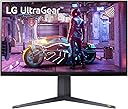
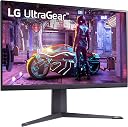
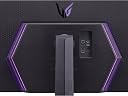
The LG Ultragear 32GQ850-B is a 32-inch QHD gaming monitor featuring a blazing 165Hz refresh rate, 1ms response time, and advanced NVIDIA G-SYNC & AMD FreeSync Premium support. With HDR10 compatibility and 95% sRGB color accuracy, it delivers vivid, immersive visuals. Designed for pro-level gaming, it includes Dynamic Action Sync, Black Stabilizer, and Crosshair features to enhance responsiveness and precision. Its ergonomic design and wide viewing angles make it perfect for both intense gaming sessions and professional work setups.


| ASIN | B0B3584L8Z |
| Adaptive Sync | G-Sync |
| Additional Features | High Dynamic Range |
| Aspect Ratio | 16:9 |
| Best Sellers Rank | #169,664 in Electronics ( See Top 100 in Electronics ) #3,483 in Computer Monitors |
| Brand | LG |
| Built-In Media | USB Upstream,HDMI,Display Port,USB Down stream,DC Power In |
| Color | Black |
| Customer Reviews | 4.1 out of 5 stars 217 Reviews |
| Display Resolution Maximum | 2560 x 1440 |
| Display Technology | QHD |
| Global Trade Identification Number | 00195174035108 |
| Hardware Connectivity | HDMI |
| Has Color Screen | Yes |
| Is Electric | Yes |
| Item Dimensions D x W x H | 10.9"D x 28.1"W x 24.2"H |
| Item Weight | 8.2 Kilograms |
| Manufacturer | LG |
| Model Number | 32GQ850-B |
| Mounting Type | Wall Mount |
| Number of Component Outputs | 2 |
| Picture Quality Enhancement Technology | Nano IPS and VESA DisplayHDR 600 |
| Pixel Pitch | 0.2724 |
| Power Consumption | 110 Watts |
| Refresh Rate | 240 |
| Resolution | FHD 1080p |
| Response Time | 1 Milliseconds |
| Screen Finish | Glossy |
| Screen Size | 32 Inches |
| Screen Surface Description | Glossy |
| Shape | rectangular prism |
| Specific Uses For Product | Gaming |
| Total USB 2.0 Ports | 3 |
| Total USB 3.0 Ports | 3 |
| Total Usb Ports | 3 |
| UPC | 195174035108 |
| Viewing Angle | 178 Degrees |
| Voltage | 240 Volts |
| Warranty Description | 1 Year Parts & Labor |
E**E
Excellent Monitor for Gaming and Work. Geared towards console support
I would like to mention that I have 34GP950G-B and a 32GP850-B that I use for a combination of gaming and work. I decided to pick this monitor up for the fact that it has HDMI 2.1 and I recently got a PS5. The 32GQ850-B.AUS was clearly designed around supporting gaming consoles as it shows most of the video features that current game consoles display on their video menus, for example, VRR setting. Of course, previous monitor versions with G-Sync are VRR capable it is just not shown on the display menu. I would say if I compare my last year 32GP850-B with the new 32GQ850-B the only differences I see are (not comprehensive): 1- Higher Refresh rate. 2- More console centered Display menu showing the status of VRR. See attached pictures for detail. 3- HDMI 2.1. 4- DTS headphone Jack. 5- Higher price. 6- RGB-LED lighting at the back of the monitor. That being said, in terms of day-by-day work and gaming I saw not much difference. During work the difference between 165Hz to 240Hz was not visible from my point of view. For PS5 gaming there is no difference due to the capabilities of the console itself. However, I must say that both of these monitors support 4K@60Hz on the PS5 which is quite awesome. I believe these monitors come with a 4k panel and limited by software to 2k resolution. I used my 34GP950G-B to compare the RGB lighting with the 32GQ850-B and I have no say there is no comparison. The RGB on the new 32GQ850-B are quite lacking on features and flexibility, one main drawback is that you cannot really control the intensity of the light you can only turn them on or off. In addition, this can only be done thru the on-screen menu there is no hardware on the monitor do adjust the lights. The 34GP950G-B does have a dedicated dial to adjust the lights brightness. Do not get me wrong the lights looks amazing but could be quite bright if looking at them directly. All of these 3 monitors suffer of the usual IPS issues, black not being pitch black and panel edge light bleeding. Of course, this will depend from panel to panel and I have been lucky enough not to have panels with light bleeding. To me these IPS issues are not a deal breaker and I enjoy all of these 3 monitors. HDR works great on all of them as long as you do not enable the response to the FASTEST this will cause a horrible halo effect when you scroll. In conclusion, if you own a 32GP850-B I do not see the need for an upgrade to the new 32GQ850-B. If you are in the market for an excellent overall monitor then the 32GQ850-B could be the one you are looking for as it checks all the boxes for gaming and work. Now if you do not care about the extra 80Hz of refresh rate and VRR being displayed on the menu or HDMI 2.1 then you can save yourself tons of money if you go for the 32GP850-B. I would recommend the 32GQ850-B only if it is on sale otherwise, I would still pick 32GP850-B.
S**.
For Me, This Is A Hit!
I mean, I at least won the panel lottery and didn't receive the monitor with any dead pixels or physical issues with the screen, so I am pretty happy about that! The 260Hz OC is actually pretty nice for the games I can reach it on, but it isn't anything to write home about compared to my 60Hz to 144Hz jump, but you can definitely notice it if you really pay attention! The 32" size is the limit for 1440p before it starts to look pretty bad, so I think this is a sweet spot for me, as well as the 1440p resolution itself. 1080p doesn't look high enough fidelity to me, and 4K is a bit overboard for my tastes, so this is a good future-proof resolution. The design is actually pretty sleek and not too "gamer-y" besides the LED lights at the back of the monitor, but even then you can customize them to be more classy if you want. The bezels are acceptable, nothing to write home about, but they aren't bad. The lower bezel is much larger than the sides and top too, if you care about that. My only general complaint without going full nerd and diving into the panel itself and how it handles certain micro-movements and general motion blur, would be the stand itself, but more specifically the desk-touching feet of the stand. If you have a large mousepad/deskpad, then it could cause some issues if your table/desk isn't deep enough, so make sure you do your measurements. All-in-all for my general use, this thing is actually pretty nice and well worth the money without being too over-the-top. I totally recommend if you have the cash to spare!
W**Y
Dark spots within 2 years. -Also, a 240hz monitor that only operates at 120hz
Awesome monitor up to this point. Premium model 240hz, dark spots forming This monitor was not cheap. UPDATE: This 240hz monitor no longer operates in 240hz, it is now a 120hz monitor with no explanation, and the burn in is gradually getting worse. 2/22/25
M**F
Just a really solid monitor, especially with a discount
The ultragear series has always been the standard bearer for the best "upper-midrange" monitor you could get... The newest model is no different. Crisp 1440p display, frankly absurd frame rate (260 hz at 1440? Not many gpus can output that!), really good colors out the gate, and an intuitive OSD. Best part is the hdmi 2.1 which both future proofs it, AND let's you go all out on consoles (this might be the best 1440p console monitor you can buy as of April 2023) This very well be the best flat 1440p monitor on the market...and you can usually get one open box for almost $200 off...which is a steal. So, what's the downside? Well, there really aren't any, but there's nothing absolutely mind blowing about it, and 32“ is pretty big for a flat screen. If you don't get it open box, it's still worth it, but you might be better served with the gigabyte m27Q+.
M**D
This monitor have 1 issue
This monitor is good for gaming and for response time but have issues for full screen is blocked in 4k mode in 120 FPS this 1 issue in this monitor this issue is in port desiply in monitor when I changed 1.4dcs in 1.4 I fixed this issue I hope I have help in this issue
R**L
Excelente
Excelente
K**5
Great Monitor for the price
I don't understand why this monitor doesn't have higher reviews. Had it for about 4 months now and I love it. Can do 1440p 240hz and 4k 120hz. The monitor is natively a 4k 120hz monitor that can do 1440p 240hz. Works with consoles as well. Can switch to 1440p for competitive online shooters and to 4k for graphical single player games. Color depth is great, it can actually do 12 Bit color if you force it through Nvidia panel. Since it can only do HDR 600, I rather get the higher color depth than HDR since it isn't a HDR 1000 monitor.
A**R
Great Monitor for PC and Console Gaming
Has two 2.1 HDMI for next Gen gaming 1 DP for PC LG has a great menu. The game mode settings with the ability to put FPS counter very cool. I have a LG OLED TV menu are both clean and easy to use. Both Purchases are from Amazon. With this monitor I completed my dream gaming set up. You get 4k gaming with HDMI 2.1 And 1440p with DP PC hookup. Has a cool RGB in back of panel. Height adjustment is very nice. Screen is beautiful. 260 HRZ You get 120 FPS with the HDMI so smooth. 260 FPS threw the Display Port #DP I use a RTX 3070 I can get 190 to 210 with Destiny in 1080p. But I can get 260 in Fortnight with my PC. Also purchase the parts to build threw Amazon. Just Love this Monitor❤️
M**D
Amazing
Very Very good condition 240hz 98% DCI-P3 Very amazing For gaming and video editing and color grading
A**A
La calidad es increíble!!!
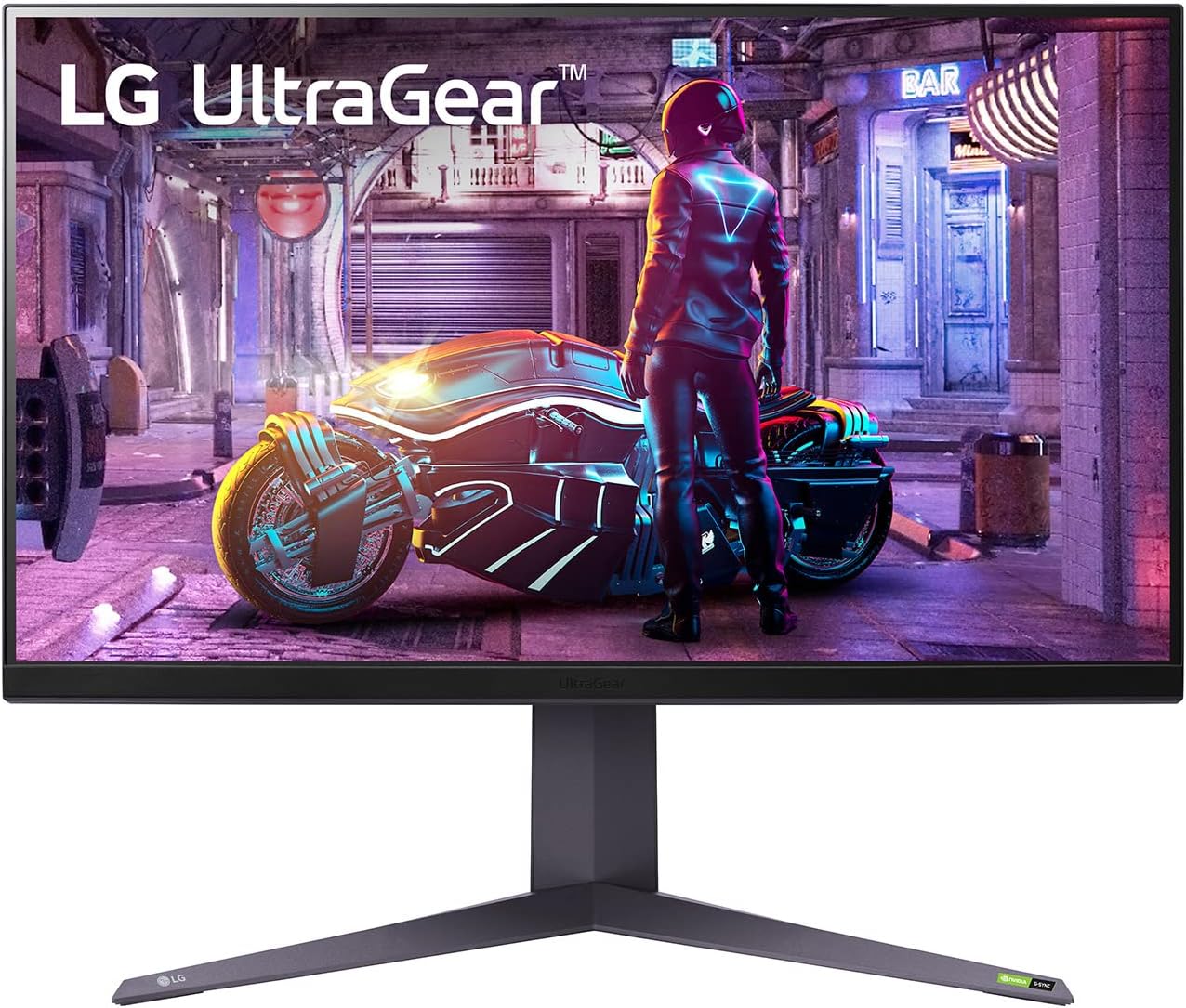
Procuraré dar la mejor reseña posible en el poco tiempo que tengo con el monitor. Es mi primer monitor de alta gama y valor (o tal vez, gama media alta), y es la renovación de mi setup, por lo que no podría dar referencias con respecto a otros monitores del mercado. Antes que nada, trabajo como programador y estoy de home office, lo cual puede ser relevante para ti si es que buscas un monitor que se adapte tanto al trabajo como a la hora de jugar. Menciono esto, porque primero tuve 2 monitores VA baratos de 24", al principio eran buenos y siguen siendo buenos para gaming, pero para trabajar, después de un tiempo comencé con molestias en los ojos, tras un periodo de estar viendo el código, me lastimaba levemente los ojos, ya que, los ángulos de visión eran realmente malos en esos monitores, por lo que decidí comprar uno de 32 igual VA de LG (el que se muestra a la izquierda en las imágenes) y el salto en calidad fue superior, con ese ya no me dolieron los ojos, veo las cosas desde mejores ángulos y el brillo es superior, incluso podía comprar otro similar y quedarme con ambos. Pero, para ser sinceros, algo le faltaba y es que, al ver las orillas, como que se ve oscuro y no me deja ver el scroll para navegar por el código o las páginas web. Entonces, después de ver reviews y comparativas vs el Odyssey G7, al final decidí comprar este monitor para ver si con eso ya no tendría problemas de ningún tipo... Y realmente superó mis expectativas!!! El monitor luce increíble en sus acabados, tiene esas luces traseras que lo hacen lucir aún más caro de lo que está, el diseño es magnífico. Y lo más importante, la nitidez, brillo de la pantalla, los ángulos de visión, los colores, pff, todo mejora con creces incluso contra el otro monitor que tengo, lo opaca en todo sentido! Para trabajar está más que perfecto, no tengo ya ninguna queja o detalle que le pueda encontrar, el brillo lo tengo al 30 y siento que ya se ve bien, brillante, contra el nivel 50 en brillo que tiene el otro monitor. Ustedes pueden ver la comparación de colores en el gaming contra un monitor VA de menos precio a pesar de que es de la misma marca (LG UltraGear). Por lo que se aprecia, la representación de colores es abismalmente mejor, sin duda compraré otro monitor de estos para cambiar el que tengo de menor gama. Con respecto al ghosting, a mi parecer prácticamente es inexistente, verificando las reviews que vi en inglés donde hacen el UFO test, tampoco no he encontrado fugas de luz (ojo, en la cámara parece verse algo extraño, pero saben que, a diferencia de una cámara, el ojo humano lo interpreta distino), el ips glow la verdad no soy muy experto, pero la verdad es que no me quejo nada en todos esos temas que podrían preocuparlos. La conexión por USB funciona excelente y en el monitor tengo conectado un micrófono el cual reconoce sin problemas. Aún no hago pruebas con todos los ajustes y parámetros que tiene el monitor, en mi caso no lo veo necesario, ya que casi no juego competitivo. Veredicto final: 10/10 es excelentísimo para jugar y para programar es una chulada, contenido multimedia y ocio más que de sobra.
G**N
Bonne qualité du produit
Je suis très satisfait, belle résolution, Merci
M**Z
Un Monitor que es una maravilla por las 3B
Un MUY BUEN MONITOR, cumple lo prometido, ojo, no tengas miedo a los comentarios de abajo y la valoración que le dan en Amazon (yo tenía ese miedo xD), ya que te digo de una vez que el monitor llego excelente!, totalmente nuevo y un panel ips sin nada, literal sin nada de problemas. Los colores y calidad de imagen puff, los 260hz son una sabrosura y eso que vengo de 144hz 1080p. Acá obtienes 2k y 4k, 2k 260OC y 4k 120hz, debes usar el displayport para los 260hz y la novedad es que ya incluye HDMI 2.1 para las consolas de última generación, gracias a esto veras 4k 120hz en la configuración de las consolas sin problema. hasta aqui mi reporte Joaquín y como conclusión este monitor sin duda ha sido mi mejor compra. No extrañas el 4k si eres gamer AAA y FPS.
J**G
LG is where it’s at!
Great monitor!
Trustpilot
3 days ago
2 weeks ago