🚀 Upgrade your WiFi game with Archer A54 — speed, security, and coverage that keep you connected and ahead!
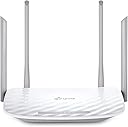
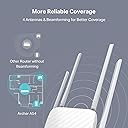
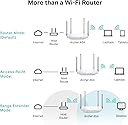
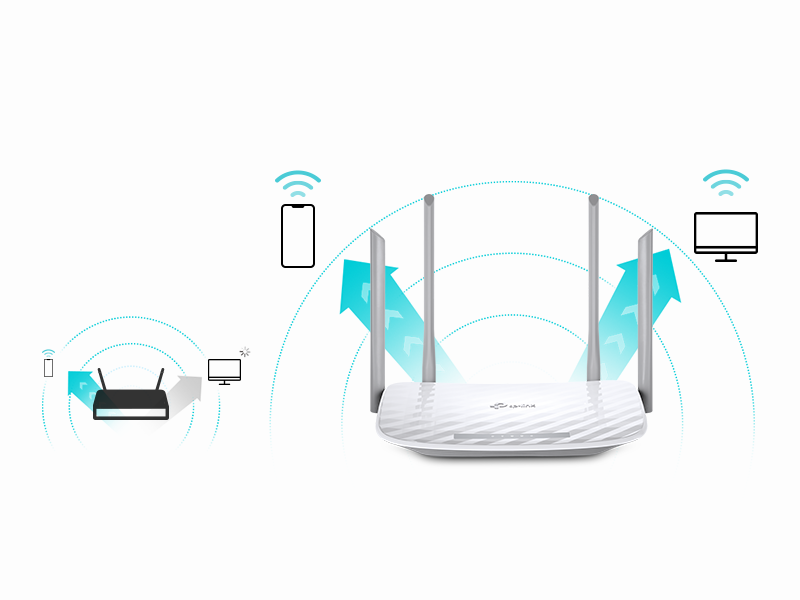
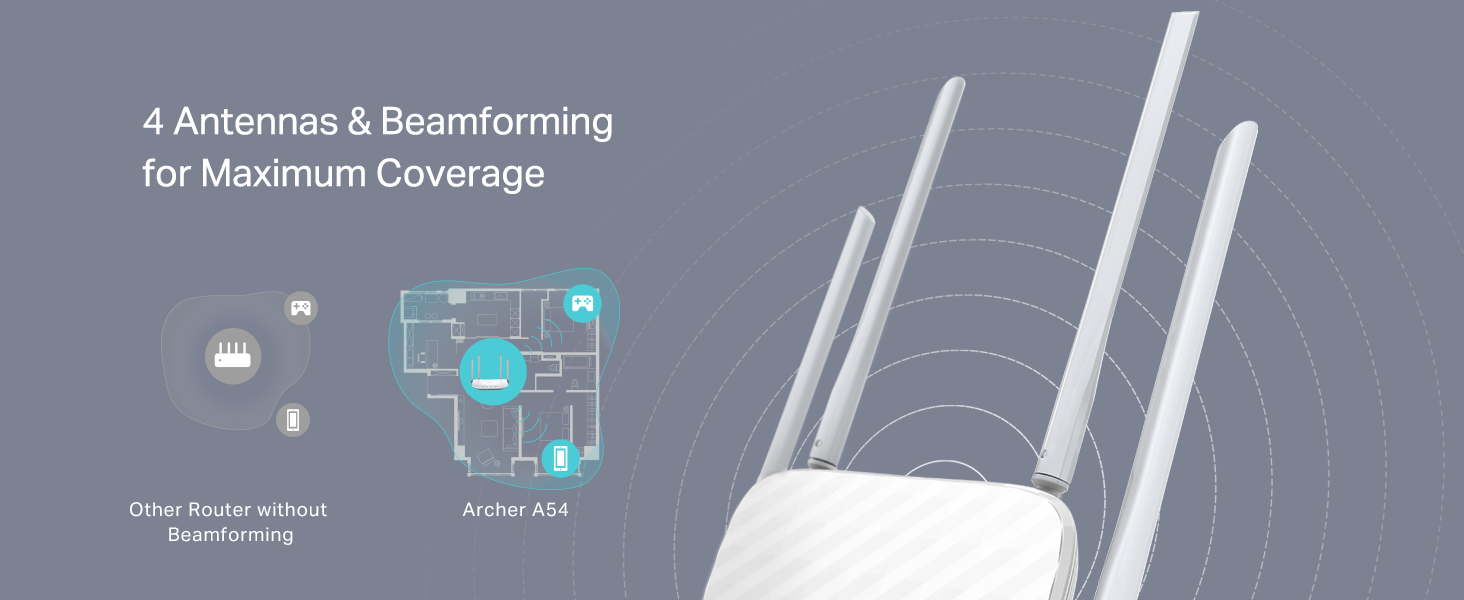
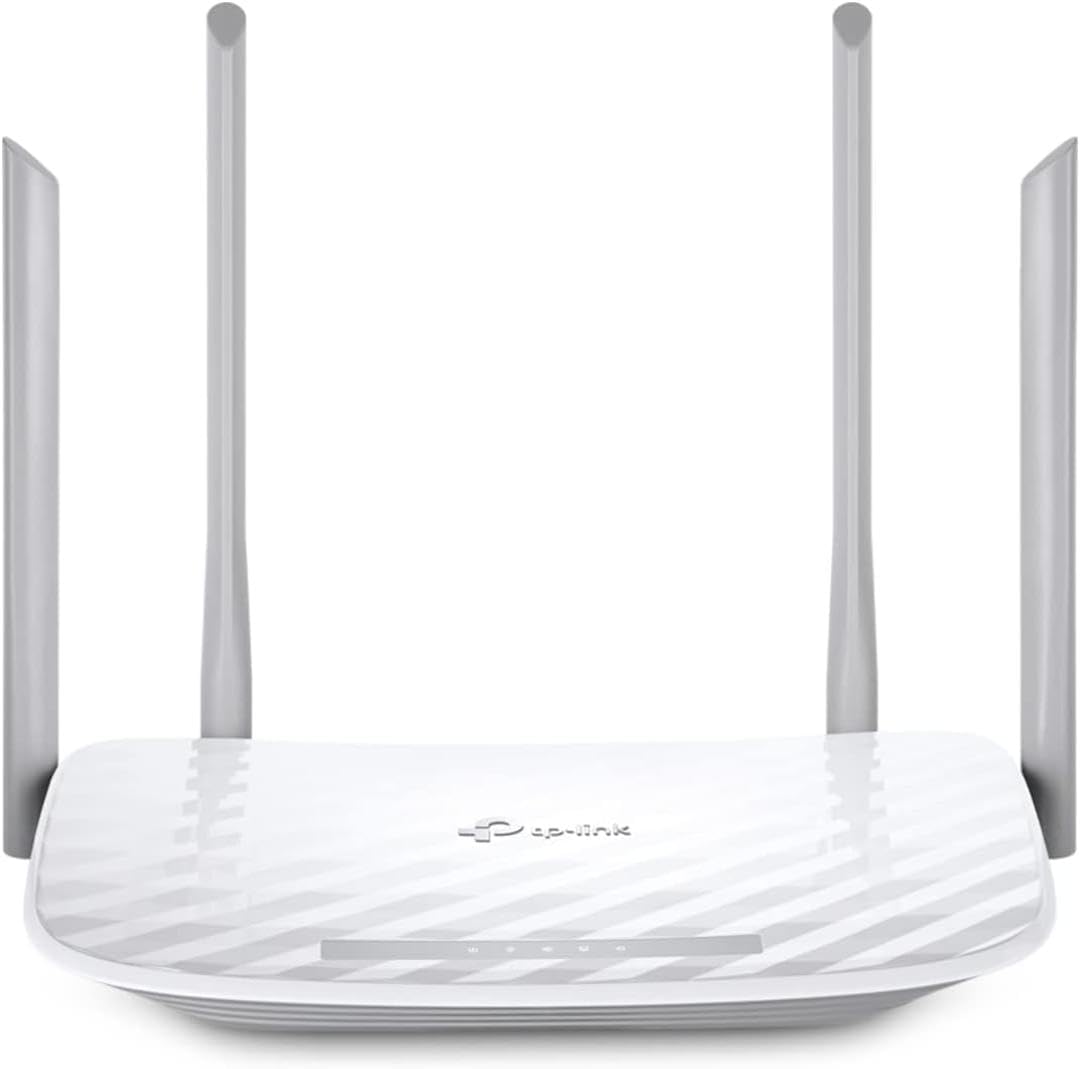
The TP-Link AC1200 Archer A54 is a dual-band wireless router delivering up to 1200 Mbps combined speed via 4 external antennas for extensive coverage. It features advanced WPA3 security, easy app-based management, and versatile modes including Access Point, making it compatible with all major ISPs. Designed for hassle-free setup and reliable performance, it’s perfect for professionals seeking fast, secure, and stable home or office WiFi.


| ASIN | B09G5Y1HWZ |
| Antenna Location | security |
| Antenna Type | Internal |
| Best Sellers Rank | #107,963 in Computers ( See Top 100 in Computers ) #1,444 in Routers |
| Brand | TP-Link |
| Built-In Media | Power Adapter, Quick Installation Guide, RJ45 Ethernet Cable, Wi-Fi Router Archer A54 |
| Color | white |
| Compatible Devices | Personal Computer |
| Compatible devices | Personal Computer |
| Connectivity Technology | Ethernet, Wi-Fi |
| Control Method | App |
| Controller Type | App Control |
| Coverage | Extensive |
| Customer Reviews | 4.2 out of 5 stars 4,737 Reviews |
| Data Transfer Rate | 1167 Megabits Per Second |
| Frequency | 2.4 GHz |
| Frequency Band Class | Dual-Band |
| Frequency band class | Dual-Band |
| Has Internet Connectivity | Yes |
| Has Security Updates | Yes |
| Is Modem Compatible | Yes |
| Item Dimensions L x W x H | 27.9L x 25.4W x 7.6H centimeters |
| Item Type Name | WiFi Router |
| Item Weight | 658 g |
| LAN Port Bandwidth | 10/100 megabits_per_second |
| Manufacturer | TP-Link |
| Maximum Upstream Data Transfer Rate | 867 Megabits Per Second |
| Model Name | Archer A54 |
| Model Number | Archer A54 |
| Model name | Archer A54 |
| Number of Antennas | 4 |
| Number of Ports | 5 |
| Operating System | TP-Link Proprietary OS |
| Other Special Features of the Product | Access Point Mode |
| Router Firewall Security Level | medium |
| Router Network Type | WiFi-only |
| Security Protocol | WPA2, WPA3 |
| Special features | Access Point Mode |
| UPC | 840030702372 |
| Unit Count | 1 Count |
| Voltage | 240 Volts |
| Wireless Compability | 802.11a, 802.11ac, 802.11b, 802.11g, 802.11n |
| Wireless communication standard | 802.11a, 802.11ac, 802.11b, 802.11g, 802.11n |
J**.
Cumple su función
Super facil de instalar... Tiré un cable de utp cat 6 de 120 metros hasta llegar al router TP-LINK y funcionó perfectamente, la señal es de calidad y de buen rango.
F**N
Ease of Installation for those that are clueless to network connectivity.
25 years ago, I installed server systems, terminals, printers, and network routers. All that networking equipment had to be set up with laptops directly connected to the routers' ports. Nothing was autosensing. I enjoyed it, but I knew what I was doing. Fast forward to today. I had to replace my own 25-year-old router because new laptops would not connect to it due to upgraded security software. I thought, Oh boy. I bet this is going to be a trip. I had forgotten most of what I knew; besides, I knew nothing about this new stuff. I picked this TP-Link AC1200. It was inexpensive, but we didn't need anything robust since we are not gamers. First of all, I ordered it on Amazon at about 3 pm. 8:30 pm, a car backs into my driveway. They delivered the router in less than 6 hours. Incredible! Today I went to install it. I was expecting a bit of a hassle with configuring this thing. After physically connecting the two cables —the power cord and the network cable —I powered it on. I went to my PC. The TP-Link showed up in my available networks. I click on it. Put in the password supplied. Got connected, but I had no internet connectivity. Ahh! I had to disconnect a cable from my MAIN in-house router, then reconnect it so that the router ID would be discovered. I went back out to the shop, clicked on Safari (I have an Apple MacBook). Wala, I'm IN. I could NOT believe how easy the installation went. No glitches, smooth operation, and my network is all updated. I know how networking operates, but I am clueless about all the newer equipment since I've been out of the field for almost 15 years. So, even a stupid person like me can set up this equipment that used to take a lot of training 25 years ago. This inexpensive wireless router is absolutely outstanding. I usually do not write such long reviews, but I could not let this pass without adding my thoughts about the TP-Link AC1200 WiFi Router. I'm so glad these routers were not around when I was in the field. If they had been, my great-paying job would not have existed. Now that I am retired, I'm happy for them, so I can still dabble on the Internet.
B**E
Very low price, received next day, Fantastic
Fantastic, very easy to install, working great I am 73 and it was so easy to install
T**C
Exactly what I needed
I was having issues with my work VPN blocking my internet when hooked to the T-Mobile router. I added this router to the T-Mobile 5G as an additional router. It gives me flexibility of what devices connect where. I saw many recommendations not to use both of them as routers, but did and it works perfectly. The coverage is excellent and fit nicely on top of a bookshelf along with the T-Mobile router. I love the ability to separate out my smart devices into a network dedicated solely to them, which the TP-Link is easily setup to do. I have a network setup for work on this router and generally use the T-Mobile router for anything other than the smart home devices.
E**.
Bueno
Lo uso como repetidor WiFi, la señal es estable. La instalación es compleja, recomiendo usar una PC.
Trustpilot
1 month ago
3 weeks ago