Buy anything from 5,000+ international stores. One checkout price. No surprise fees. Join 2M+ shoppers on Desertcart.
Desertcart purchases this item on your behalf and handles shipping, customs, and support to USA.
๐จ Unlock your creative genius with precision and color that commands attention!
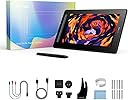
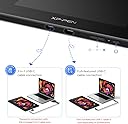
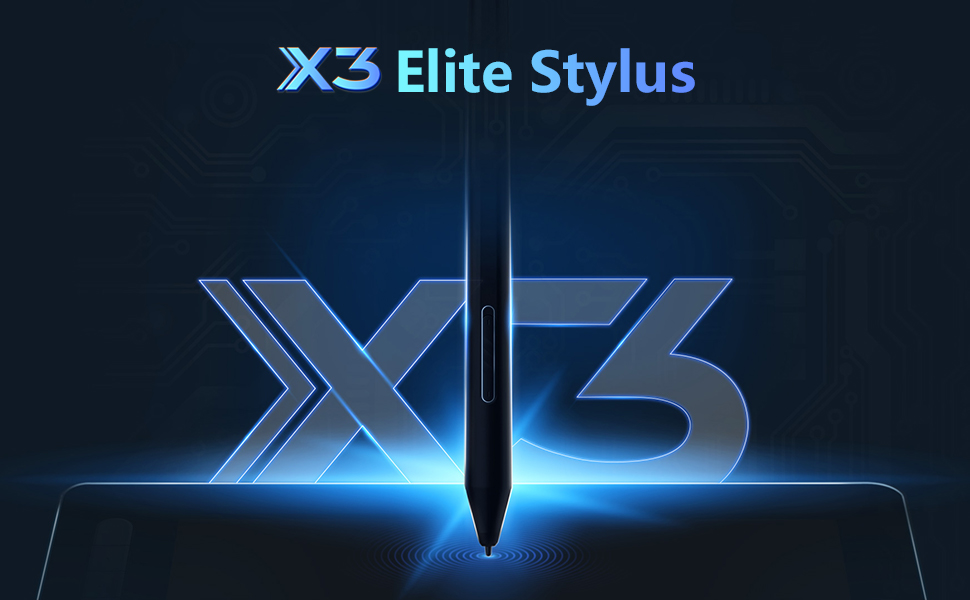
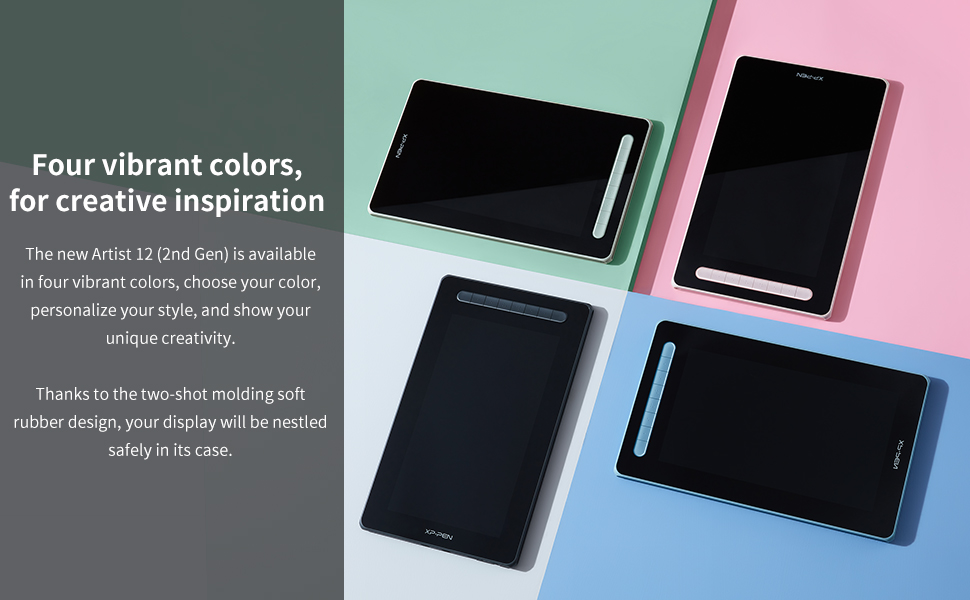
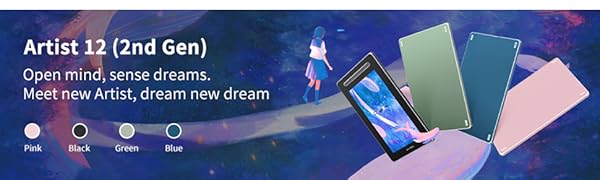
The XP-PEN Artist12 2nd Gen is a 12-inch full HD drawing tablet featuring an advanced X3 smart chip stylus with 8192 pressure levels and 60ยฐ tilt support. Its 127% sRGB wide color gamut and full lamination deliver vivid, parallax-free visuals. Compatible with Windows, Mac, Android, Linux, and Chromebook, it offers flexible 3-in-1 USB-C/HDMI connectivity and customizable shortcut keys, making it a powerful tool for professional and aspiring digital artists alike.


| ASIN | B09VC794NF |
| Active Surface Area | ERROR:#N/A |
| Best Sellers Rank | #694,116 in Electronics ( See Top 100 in Electronics ) #591 in Graphic Tablets |
| Box Contents | 1 x Digital Pen |
| Brand | XP-PEN |
| Brand Name | XP-PEN |
| Colour | Black |
| Compatible Devices | Tablet |
| Connectivity Technology | USB |
| Country of Origin | China |
| Customer Reviews | 4.3 out of 5 stars 1,591 Reviews |
| Display Type | LCD |
| Item Dimensions L x W | 25.6L x 43.4W Centimeters |
| Manufacturer | XP-PEN |
| Manufacturer Part Number | CD160FH_BK |
| Model Name | CD160FH |
| Model Number | CD160FH_BK |
| Native Resolution | 1920x1080 |
| Network Connectivity Technology | USB |
| Operating System | Windows 7, Windows XP |
| Pressure Sensitivity | 8192 Levels |
| Product Features | Stylus |
| Screen Size Unit of Measure | 15.4 Inches |
| Special Feature | Stylus |
| Specific Uses For Product | Drawing |
| Target Audience | Teacher |
| Unit Count | 1.00 Count |
F**D
Pretty good.
After several months of usage. 3-in-1 cable does the job as long as you don't mind the baggage. Full featured USB-C isn't available but you can just get any Type-C 3.1 Gen 1 and above (I haven't tried it, but get 10Gbps and above just to be on the safer side). Though finding devices with compatible ports is another essay. The display looks great with 90% NTSC & 94% Adobe RGB but also has 127% sRGB which I don't think is actually a good thing... I dropped my stylus nib first on a wooden floor. It survived and works normal. Note taking or drawing for hours or using tablet mode on Windows or as a second monitor is a breeze. The app gives customisation over the shortcut buttons, the two buttons on the stylus, orientation, hardness, work space, etc. The back panel gets warm after a while. Great for beginner artists. Calibration in the app gives a seamless experience no matter what posture you're drawing in so parallax is not an issue. About the pen; the actuation is on point but lines are wobbly when drawing a line slowly and latency is low enough for writing moderately fast. Considering the flexibility of the tablet and how it performs, I'd say it's definitely worth the buy.
S**A
Doesn't have everything
There is space for plugs as given in instructions but it's not present here. Quality 4.5/5 Connectivity 5/5 Easy to use 4/5 Value for money 4/5 Portability 2/5 Color: black Total score 8/10 (works really nice but is very expensive)
M**I
Works with my Samsung s23u
This did not come with a USBc 4k cord to hook it up to my s23u, an additional cord is needed to hook it up to your Android device. I ended up buying a few trying to find one that would fit the very narrow plug in to go from it my phone. Eventually I ended up carefully resizing an end to fit the xppen artist 10 tablet. It was only after this that Amazon gave me an ad for an adapter USBC 4k to USB 4k that come in slimer configuration as well as so e that are 90' angles. When I'm not drawing on it I also use this for a second screen for my win 11 laptop that has a thunderbolt 3 port. Which is able to power the tablet as well as provide an image with only the usbc4k cord. This way I can leave my laptop on the table or nightstand and have the tablet on one long cord. The best of two worlds. The convenience of a tablet computer with the power of a high end laptop. I use it in conjunction with a cordless mouse and keyboard. I'm very pleased with it as a drawing tablet. When using it with my android I use a program called ArtFlow. It works well with the tablet. The shortcut button default are not all correct. And I have to use my phone as a touch device in Dex to move the image and zoom in and out. A happy accident because now I can draw with my right hand and control the image with my left. Which is a very comfortable productive setup for me. When being used in Windows I use open canvas and the tablet has a downloadable app to set the shortcut buttons. Love it! I would buy this product again and I'm very happy with it.
D**N
Tolles Grafiktablett
Einfach nur zum Empfehlen. Die Form, der Bildschirm, die Farbenwahl und das zeichnen. Wรผrde ich jederzeit wieder kaufen, besser als das XP-PEN Artist 12.
G**Y
Works great
I owned and returned an xp pen tablet 7 years ago. I bought a cintiq after that bad experience. I only bought this XP pen 10 out of curiosity to see how far brands have come other than wacom at this price point, at 10 inch (an ideal size for me) with physical buttons (no longer on cintiq) and one cable use to power on even a phone running android (would be convenient)... Well, I can gladly say, this product surpassed all expectations. These things have come so far it's pretty amazing. Very excited for digital artist But by warned. The buttons do no work on android. The only way to navigate with Dex, is to turn your phone screen into a track pad, pan and zoom in and out and around your work. It's the best work around without touch.. But having touch is another $800. This is definitely doable for a beginner. Bravo XP Pen
T**N
For my 2nd gen digital artist
As a former Wacom user, a magazine publisher and graphic designer by trade, I feel that this XP-PEN Artist 12 2nd gen tablet is excellent quality and value. I had been using Wacom for 13 years and recently decided to switch. This is my third product from XP-PEN and I am completely impressed with the brand's performance and pricing. This particular one I gave to my son for Christmas. He is a 16 year old high schooler and a keen designer, taking Architectural Design, and Photography & Design as electives. He's familiar with the potential of a drawing tablet as he's grown up seeing me use them. As soon as he unwrapped this he asked if this was the type that had the screen display. When I told him yes, his face lit up even more than when he first unwrapped the gift. As a side note, this particular edition is awesomely giftable -- my son was totally enamored with the slick packaging and the cool stickers that came with it. Connection was relatively easy with the 3-in-1 cable. As with the other XP-PEN tablets, you download the software available at their website. Their resources and support are excellent with easy to navigate information about products, set-up, and instructions for use. We connected this without any compatibility issues to my son's PC which has Windows 11 installed. If using a Windows system, you will also need to configure your native Pen & Windows Ink settings. The screen on the tablet mirrors exactly what is on your computer's monitor. Or you can extend the screen, and drag your drawing window to the tablet screen while having something else on your primary monitor. This is great if you are working in a number of design softwares simultaneously -- I often have Adobe InDesign, PhotoShop and Illustrator running all at once as I click back and forth to edit different types of files for one project. To extend, you will need a second HDMI port, or you can get an adapter that will convert a USB port to HDMI. A HDMI splitter will not work as it will only mirror, not extend. The performance is fantastic. The screen doesn't have any significant parallax and feels very natural to use. I love drawing still with real paper and pens, so this is important to me. The resolution is excellent, as is the color display. Pressure levels are very responsive and the brushes are easy to customize within your own design software. The shortcut keys on the tablet are really handy. My son had no issues customizing his using the XP-PEN software. The pen feels good to use. It would have been nice to have a 'well' or a pen holder in this bundle. Truth be told, I did have an ulterior motive in giving this tablet to my son. He's always loved helping me with my publishing projects so I am training him to be a 2nd gen graphic artist. Also, his system is a good backup for me when working from home. He's been using Illustrator and PhotoShop independently for a few years now -- this tablet will take him to another level with both increased efficiency and creative potential. XP-PEN, I love it -- massive fan right here!
S**M
Great drawing tablet upgrade for an afordable price! Can compair to wacom's performance!
Ive been looking to upgrade from my wacom intuos photo, as ive had it since 2018. I was very sceptical to try a different brand outside of wacom, due to them being the leading company in drawing tablets. Currently, I cannot afford a new wacom tablet, especially one that comes with a screen. I've always wanted to get a tablet with a screen if I was going to upgrade, and after looking at SEVERAL different tablets and companies, I tried this one. Needless to say, I am MORE than impressed with this tablet. It has everything I wanted the tablet and software to have (pen settings, pressure sensitivity, custom keys, easy to install drivers and easy to use.) I included photos of the software *see photos* So far I've had 0 complaints about this tablet. The pen tip to cursor has basically 0 lag / difference, and it feels just like drawing on paper. Drawing feels so much easier now that im drawing on an actual screen vs just a pad. The size of the tablet is perfect for my needs, and isnt much larger compared to the intuos. I also included a photo of the size difference of the two. The pen itself feels much less cheap compaired to the intuos pen (ironic I know), and it has a nice heft to it like a wooden pencil would. Yes its still light in compairson to other tablet pens, but to me its perfect. It also comes with a drawing glove!!! It feels great and slides across the tablet easily. *see above for photos In all, I never thought id find a tablet that could match wacom! Yes wacom is still the number one for a reason, but xp pen is the next best option in my opinion. Their performance is outstanding, and at an aforable price!!! Highly reccomend this tablet โค
Trustpilot
1 week ago
2 weeks ago