Desertcart purchases this item on your behalf and handles shipping, customs, and support to USA.
🚀 Elevate your workspace with Samsung’s sleek 4K powerhouse — see more, do more, be more.
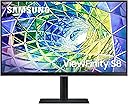
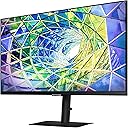
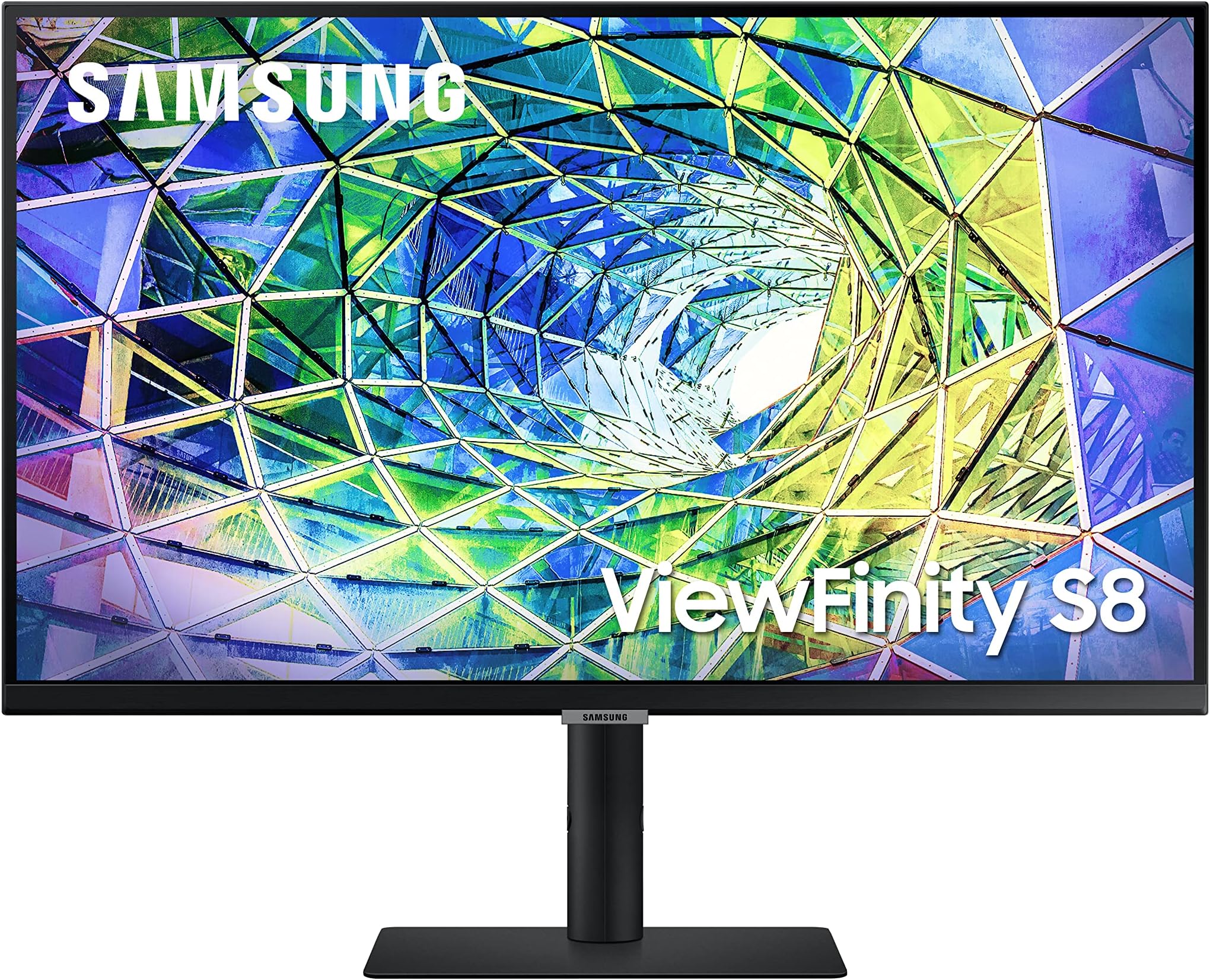
The Samsung S80A is a 27-inch 4K UHD IPS monitor featuring HDR10 and 1 billion colors for stunning image quality. It offers versatile connectivity including USB-C with 90W power delivery, HDMI, and DisplayPort, plus built-in speakers and a fully adjustable ergonomic stand. Designed for professionals seeking eye comfort and productivity, it includes Eye Saver Mode and flicker-free technology, making it a premium choice for multitasking and creative work.


| ASIN | B09FRCXSJK |
| Adaptive Sync | FreeSync |
| Additional Features | Eye Saver Mode,Flicker free,Built in Speakers,Height Adjustable Stand,Tilt,Swivel,Pivot,Wide viewing angle |
| Aspect Ratio | 16:9 |
| Best Sellers Rank | #173,057 in Electronics ( See Top 100 in Electronics ) #3,786 in Computer Monitors |
| Brand | Samsung |
| Brightness | 270 cd/m2 |
| Color | Black |
| Compatible Devices | Desktop, Laptop, MAC, Xbox |
| Connectivity Technology | HDMI, USB Type C, Wi-Fi |
| Contrast Ratio | 3000:1 |
| Customer Reviews | 4.3 out of 5 stars 1,055 Reviews |
| Display Resolution Maximum | 3840 x 2160 pixels |
| Display Technology | LED |
| Display Type | LED |
| Hardware Connectivity | DisplayPort, HDMI, USB 3.0, USB 3.1 Type C |
| Image Contrast Ratio | 3000:1 |
| Included Components | HDMI, DisplayPort, and USB-C |
| Item Dimensions D x W x H | 7.73"D x 24.23"W x 21.72"H |
| Item Type Name | Monitor |
| Item Weight | 15 pounds |
| Manufacturer | Samsung |
| Model Name | LS27A800UNNXZA |
| Model Number | LS27A800UNNXZA |
| Mounting Type | Wall Mount |
| Native Resolution | 3840x2160 |
| Number of Component Outputs | 2 |
| Picture Quality Enhancement Technology | Active Crystal CoUHD upscaling, AMD FreeSynclor |
| Power Consumption | 90 watts |
| Refresh Rate | 60 hertz |
| Resolution | 4K UHD 2160p |
| Response Time | 5 milliseconds |
| Screen Finish | Glossy |
| Screen Size | 27 inches |
| Screen Surface Description | Glossy |
| Specific Uses For Product | business, personal |
| Total Number of HDMI Ports | 1 |
| Total USB 3.0 Ports | 2 |
| Total Usb Ports | 3 |
| UPC | 887276572918 |
| Viewing Angle | 178 degrees |
| Voltage | 240 volts |
| Warranty Description | 3 Year Manufacturer |
| Warranty Type | 1 Year Manufacturer Warranty |
B**V
USB C is great! - Bright screen once you turn off the Eye Strain and Eco modes.
Love USB C - powers / charges my MacBook Air perfectly. Also can plug my iPad Pro (USB C) directly into the display as well. USB ports on the back make it slick for plugging in the USB A dongle for the Logitech wireless keyboard and mouse as well as I purchased a USB A Ethernet adapter to provide dedicated wired connection to my setup. USB C really does make sense. So many displays continue to use HDMI or worse; DisplayPort as their primary connection. Why not use 1 cable from your monitor to your laptop which provides everything (power to your laptop, audio from your laptop to the monitor's speakers, video output, laptop's data connection, and peripheral connections back to the laptop)? - Also a great setup if you share a workspace or have multiple computers you need to use (personal vs work vs family member's computers). Just plug into USB C and everything just works. Screen brightness at first was disappointing until I saw online there are 2 settings you need to disable - 1) Eye Care / Strain setting, 2) Eco Mode. Once disabled, the monitor was super bright. The 4K resolution is great and everything is super crisp and colors pop. HDR - I might be using this setting wrong, but when I enable it, the screen dims significantly to the point where I can't use it. Not using this has not been an issue. Adjustable Stand - I don't understand why manufactures think everyone is the same height or looks at a monitor at the same level. I know you can buy monitor mounts but it seems silly to not just include an adjustable stand to begin with. Luckily this monitor stand adjusts and raises and lowers easily. In the package, both HDMI and USB C cables were included as well as the power cord. Ascetically, this is a very nice, thin bezel monitor. It looks professional and sleek on my desk. I could see where a 2nd one probably makes for a very nice set up. I would recommend if you need a one-stop setup display.
C**E
Great monitor for the price.
Great monitor. Picture quality is very good and is a nice size. Reasonable price for a basic 4K monitor.
D**M
Mostly great monitor and a great value
This monitor has a lot going for it and at a price that you just can't find elsewhere (especially if you get it during one of the very frequent discounts). Main features are 4K, single-cable USB-C connection, speakers that are actually loud, full featured stand, and USB hub. After reading many of the recent reviews and what people have said, I thought I would respond with my experiences (I'm an IT guy). I've connected it to both a 14" and 16" MacBook Pro M1 via USB-C. The screen is beautiful and side-by-side, I can barely tell the different between the Liquid Retina XDR display of the MacBook and the Samsung. Fiddling with settings on the monitor, I disabled ECO mode and set the screen refresh to high (60Hz). Some report that at high-refresh, the USB ports slow to USB 2.0, but I did not have that experience. On a M1 MacBook Pro, set at 60Hz, the USB ports on the monitor report to be USB 3.0 5Gbps according to System Report on the Mac. On a Windows PC (XPS 13) via USB-C, 60Hz does slow down the USB ports to USB 2.0. Not sure why Mac and Windows work differently in this respect. Using USB-C, both MacBook's are charged via the monitor just fine. One issue I did have on both MacBook's is the monitor keeps waking up every few minutes once the MacBook and screen go to sleep. I've had to revert to either unplugging the monitor or manually powering it off via the button under the monitor. Speaking of which, Samsung's multi-button system UNDER the monitor is annoying but you get used to it. Speakers. Best speakers I've heard in a monitor. Most are so low volume, they are worthless, but not this Samsung. Nice and loud. One issue is I cannot control the volume of the monitor speaker from my Mac. The volume control is greyed out. Sort of a bummer I suppose. As others have said, disable ECO mode if on out-of-the-box to increase brightness. Colors, as I said earlier, are fantastic. Overall, I'm very pleased with this monitor, especially at a <$300 price (if you can grab a couple when on sale, do it!). You won't find all these features in a monitor at this price anywhere else.
J**G
Samsung Fixed This Monitor, Now It's Great.
I bought this monitor late last year but it had several issues: - Too Dim Samsung shipped the early batch of this monitor with Eye Saver and ALS sensor on by default. This is why early owners complained about monitor being to dim/dark. You could fix this by diving into the settings and disabling both options, but many people didn't know about this including the reviewers. - Coil Wind Noise Earlier batches of this monitor exhibited noticeable coil wind from the integrated USB-A ports on the back, especially when it was idle/asleep. This could be very distracting unless you're wearing headphones all the time. Some people said the issue could be fixed by switching the USB-C mode from "High Resolution Mode" to "High Speed Data Mode" but this option did not help my unit. I learned to ignore the noise, but it was not ideal for a 250-300 dollar monitor. I'm happy to say that the second monitor I received in March 24 fixes both of these issues. The brightness is bright out of the box, due to the two options being switched off by default. And the coil wind is completely gone. Now the monitor is completely silent and plenty bright. Samsung must have collected feedback from units that were returned and made some improvements to the units that are shipping to customers now. This is great to see, although I'm still stuck with an older version of this same monitor that has the coil wind defect, maybe Samsung support will repair or exchange the unit for a newer one. FYI, the only difference I found between the older unit and the newer one was the manufacture date, and the color of the label affixed on the back of the monitor. The older one has a dark gray label and says it was manufactured in October 2021. Newer unit's label is slightly more blue (blue-ish dark gray) and says it was manufactured in November 2021. If you can find this information in the box, I wouldn't even bother opening the old unit and would send it back to Amazon. Overall, I'm glad Samsung made meaningful revisions mid-cycle to address the top two issues that was besetting this otherwise great monitor. I'm glad I bought this instead of waiting for the Apple Studio Display. Apart from the lack of webcam and better OS X integration, this monitor does more than the Apple monitor. It also has, in my opinion, a batter stand that has height adjust, pivot, tilt and swivel, while taking up very little depth on the desk due to the tilted post. I also love that the base is super thin, leaving very minimal step. I highly recommend this monitor after the recent update.
N**N
USB-C connectivity with built-in USB hub is so helpful for productivity.
I honestly just got this laptop because of the great sale price and my wanting a 4k display. But the extra features really make this much more valuable than I realized. Being able to draw 90watts of power is more than enough for my laptop, though I'll plug it in to get 100w when I want to game. The headphone out jack in the back runs to my desktop speakers. I was in the habit of unplugging USB devices to connect to connect directly into my laptop. Now with one USB C from my laptop I can connect my microphone, printer, and audio interface all into the three USB 3.0 spaces in the back of the monitor. This greatly reduces clutter on my desk and makes it so much easier to pack my laptop and go without having to reconnect everything when I get home. Cable management on the back could be better, but the stand is thick enough to tuck the banded together cables behind to keep out of sight. The IPS colors look really great. Turn off Eye-Saver mode for full brightness. HDR is pretty dim though, I think this guy is in the 300nits range so it's not meant for HDR anyways. 4k resolution on a 27" is crisp and great for text. I have very few complaints considering the BF price of just $200 I paid. For gaming there are some low latency settings, but I haven't even messed around with those yet and it feels great. I run most games at capped at 1080/60fps already on my laptop's Nvidia 3060 and it looks fantastic on this size. Otherwise I'd play Xbox on it so 60htz is just fine for my usage. I wish it came with a remote. There is no smart connectivity like some of the more expensive m7/m8 monitors from Samsung but there's better USB-C charging (90 vs 65) and better USB connectivity in the back.
A**R
Bad customer support and big business indifference to customers
The monitor worked fine for two weeks. The panel was probably decent but the switch on the panel did went out in two weeks. I sent the panel in for repair, this was on Samsung's dime, I will give them a + for that. Then the nightmare began. I waited got confirmation that they received the monitor and waited and waited. Two weeks go by and received an email to call them. I called and they said the monitor cannot be repaired and they would send me a new one in 5 business days, another two weeks go buy and call Samsung wondering where my monitor is and was told they don't have it in inventory. Then you go through refund process, you lose 5 dollars of your refund because they will not pay CA electronic hazard fee. At this point of time I will be waiting for my refund, of course it takes 1-3 business days for it to be approved, then you have to email other information about your bank. Maybe in another two weeks I might get my money. Final thoughts, never go through the manufacturer, Amazon is so much better. I also tried to negotiate a better deal, forget it, robotic response, no, no, and no. I use to like Samsung products but I will never buy from them again. I once dealt with Seasonic and they are so much better so I can distinguish how a company is suppose to treat you. A big zero for Samsung, zero for customer support, zero for repair center.
A**L
Great display
I’ve had this for about two years. It’s a beautiful monitor, especially for the price. Color is good, connections are many, and the stand is quality. There are two caveats that you may or may not find helpful. I was disappointed that my Apple silicon Mac mini can’t change the volume on this monitor without a software app. (OS X limitation, not the monitors fault) I actually use this in 1440p. 4K at this size is overkill, and makes many UI elements too small. Using the clean resolution scaling of 1080p is too big. Knowing what I know now, I probably would have looked for a 1440p monitor without speakers, which could have saved me a few bucks, or jumped up to a 32” 4K or even an extra wide 2x 1440p monitor (49” double width). That said, I’m happy with this monitor and haven’t ever felt it was a bad purchase decision. I’ve used with hdmi input and usb-c from a Mac mini without any problems. I use eqMac for volume control and do actually use the speakers on the monitor since my 2.1 speakers died—the quality is sufficient for things that are not music or movies, but for those uses I’ll just put in my AirPods.
R**N
Good value 4K work monitors
Why: To replace my existing dual 2K Asus monitors that I’ve been using for work (from home) for over 5 years. Nothing wrong with them, just wanted 4K crispness. Pros: - Good price - Thin bezels - Crisp and good color reproduction - Love that it has built in USB 3 ports I can use for my wireless keyboard and mouse without needing a separate USB hub - I can charge my Macbook through USB-C - one less cable needed - Took a couple of minutes to assemble and a couple more minutes to tweak the settings - 300 nits is exactly as bright as the monitors I replaced and other monitors I have around my house. Cons - Not as bright as my iPad Pro or Macbook Pro, but I don’t need them to be bright enough to work outside. I use these by my window and they are bright enough. - Backlight bleeds, but this is the same as all my other IPS displays. This is where my iPad and Macbook are superior. - Colors wash out when viewed from the sides , but this is to the same extent as my other IPS displays. Again, this is where my ipad and Macbook displays are better. Overall I think it was a good purchase.
J**E
Excelente Monitor
Compre este monitor para actualiazar el que tengo actualmente, que aún uso es un SyncMaster XL2370 Samsung..... Con este nuevo monitor se ve el salto en calidad de imagen, brillos y colores bastantes buenos, y las conexiones que trae ya como USBC y USB hace que el cableado sea mas eficiente y mas facil de conectar dispositivos. Las bocinas no son de lo mejor, pero cumplen su funcion. Muy contento con mi compra($5,364.65)
D**E
It is an amazing monitor with screen issue
I would buy it again. Just this one didn’t work out with the screen defects
G**I
Excelente producto
Compre el monitor ya que fue el primero que vi con entrada de video tipo usb-c con bocinas y tengo varios productos de Samsung por lo cual no dude en cuanto vi una buena promoción en el black friday, por lo mismo tardo un poco en llegar pero todo funciona bien, tiene buena imagen, buen sonido, buen tamaño y permite girarlo. Yo lo uso para programar, revisar documentos, configurar software y algunas veces lo uso con el ps5, lo uso con una laptop surface 4 y no tengo ningún problema con la resolución en 4k. Sin duda lo compraría de nuevo.
B**O
Excelente desempeño y diseño, cumplió con mis expectativas
Excelente para la multitarea y gran resolución 4K HDR, su capacidad de elevar y girar su pantalla, bocinas integradas además de cargar dispositivos atravez de Tipo C, y uso de HUB integrado que libera de tener múltiples cables. HDMI, DP, Puerto LAN. En general muy buen Monitor!!!
J**O
Monitor para trabajar, no gamer, no para diseño
Es muy buen monitor, la imagen es muy nítida, pero la calibración de color es terrible, ninguno de los ajustes predefinidos se ve bien, sobretodo cuando comparo los colores con la MacBook, lo que me sorprende porque dice que tiene soporte para amplia gama de colores. También, sólo es de 60GHZ, lo cuál no importa para mi flujo de trabajo, pero si es algo que estás buscando es importante tomarlo en cuenta.
Trustpilot
2 days ago
2 weeks ago