๐ Power up your party, not your worries!
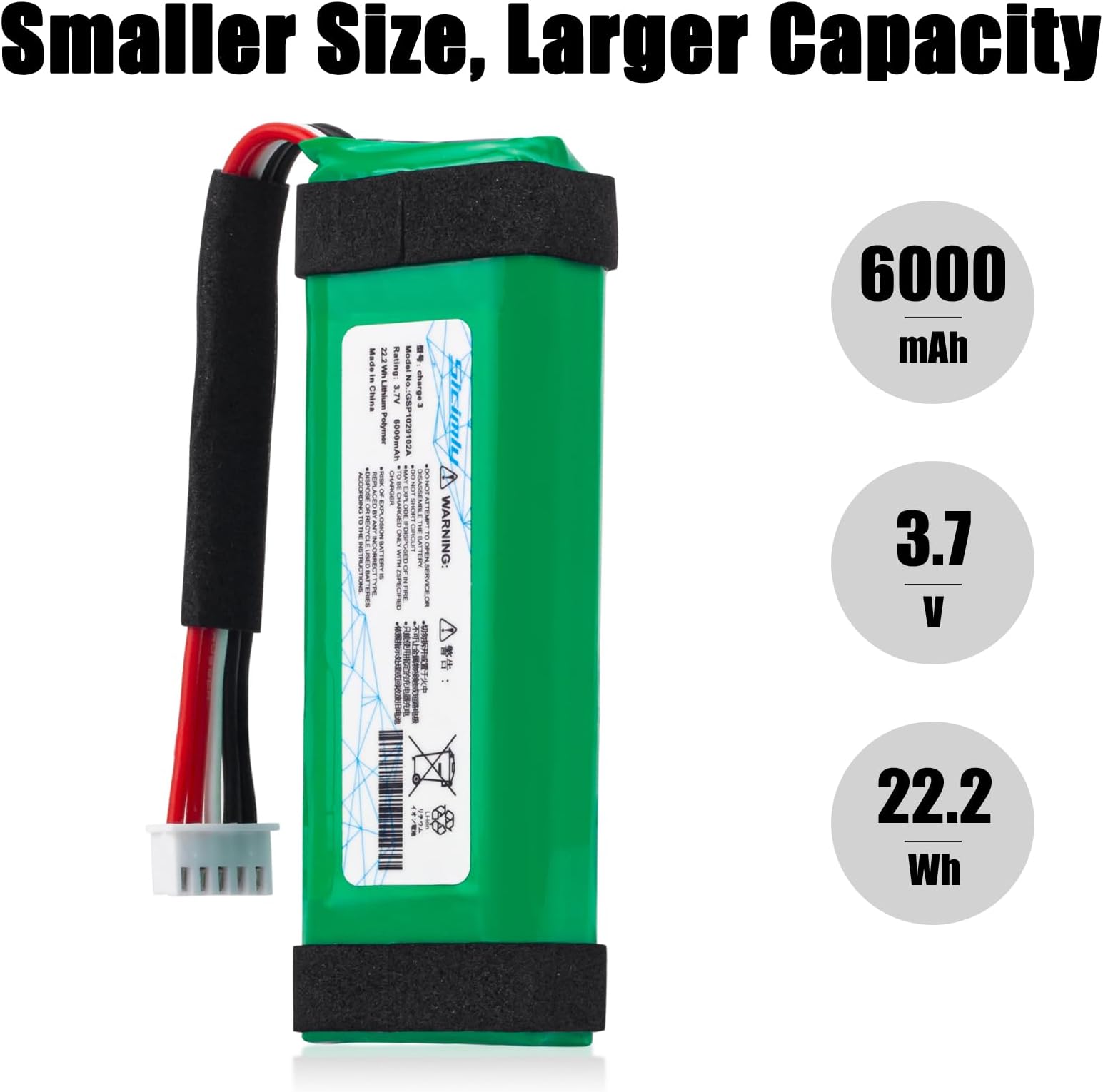
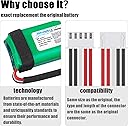
This Sicimly 6000mAh lithium polymer replacement battery is engineered exclusively for the JBL Charge 3 (model GSP1029102A). Delivering 22.2Wh at 3.7V, it features triple shock-proof sponges for vibration resistance and a built-in microchip offering comprehensive safety protections. With a perfect OEM fit and a 12-month warranty supported by professional technical service, itโs the smart upgrade to revive your speakerโs legendary sound and battery life.


| ASIN | B099QM2YDB |
| Antenna Location | speak |
| Battery Capacity | 6000 Milliamp Hours |
| Battery Cell Composition | Lithium Polymer |
| Battery Cell Type | Lithium Polymer |
| Battery Weight | 110 Grams |
| Best Sellers Rank | #411,859 in Health & Household ( See Top 100 in Health & Household ) #248 in MP3 Player Batteries #1,264 in 3.7V Batteries |
| Brand | Sicimly |
| Compatible Phone Models | JBL Charge 3 |
| Customer Reviews | 4.5 out of 5 stars 463 Reviews |
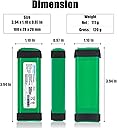
| Item Dimensions | 3.94 x 1.1 x 0.79 inches |
| Item Weight | 111 Grams |
| Manufacturer | Sicimly |
| Model Name | gsp1029102a |
| Model Number | charge 3 |
| Number of Batteries | 2 Lithium Polymer batteries required. (included) |
| Recommended Uses For Product | speak |
| Reusability | Rechargeable |
| UPC | 190025826584 |
| Unit Count | 1 Count |
| Voltage | 3.7 Volts |
A**R
Works great!!!
My Charge 3 would no longer hold charge unless it was plugged in, I didnโt want to buy a new one due to bad reviews plus I love the sound on this one. I found this replacement battery and thought Iโd try replacing it myself. I was a little intimidated by the process of opening the Charge 3 but it was not hard at all. Just be sure to keep track of all of the tiny screws. I compared the old battery to the new and it was identical as you can see in the pictures, the connections were exact as well. Replaced the battery and let the new one charge. So far, it has worked wonderfully, I use it all day to listen to music and one charge lasts all week! I definitely recommend replacing the battery instead of upgrading speakers and save yourself a lot of money!
S**A
Worked well
Followed I struction on YouTube. This was the perfect match replacement part for my unit. The part number of this battery and the order if colors of its wures matched the one from my speaker perfectly. Following the instructions it was easy to replace the battery. Opening the case was the trickster part. And you need a good small screw driver. The rest is easy.
V**N
Battery fit & working fine.
Didnโt receive information about extended warranty. When purchasing I was told that I would get contacted by email. To this day, nothing.
L**A
Recomendado
Bueno
M**.
Saved My JBL
After about 5 years the battery died in my JBL Charge 3. The speaker still worked, but only with the charging cord. I found this battery, found a YouTube video on how to replace it, and it works like brand new!!! Saved my speaker. Would highly recommend.
J**F
About 13 small screws
There are a few good YouTube videos that show how to replace the battery. Make sure you have the right screw driver. The JBL screws in the speaker are small, weak and tight. Easy to strip if your screwdriver is either too small or too large. Also the end cap on my speaker needed a grip and twist strength of about 8 out of 10. Overall happy. 20 buck battery prevented me from spending about 150.
J**N
JBL Charge 3 battery
Battery is perfect replacement for old battery. I used Youtube videos for assistance. The hardest part is getting to the battery. Just methodically take out the small screws and keep all parts in order and it is easy. Some screws were hard to remove for some reason. I have not used it much yet but assume battery life is as it should be now.
B**Y
Speaker won't charge with this
The amazon battery is the smaller one. I installed the battery everything was seemingly great. Used it a few times and it was good sounded normal, lasted along time too. Went to charge and it looks like it's going to charge then the indicator lights dont show charging. I thought my charging port on my speaker was broken and tried every which way to try and get it to charge and sometimes the indicator lights turn on but no charge. Got home put the old battery back in for kicks to see if the indicator charging lights would kick on and charge like normal and it did! Fyi I had the correct model. I took my old battery old first
Trustpilot
1 month ago
1 week ago