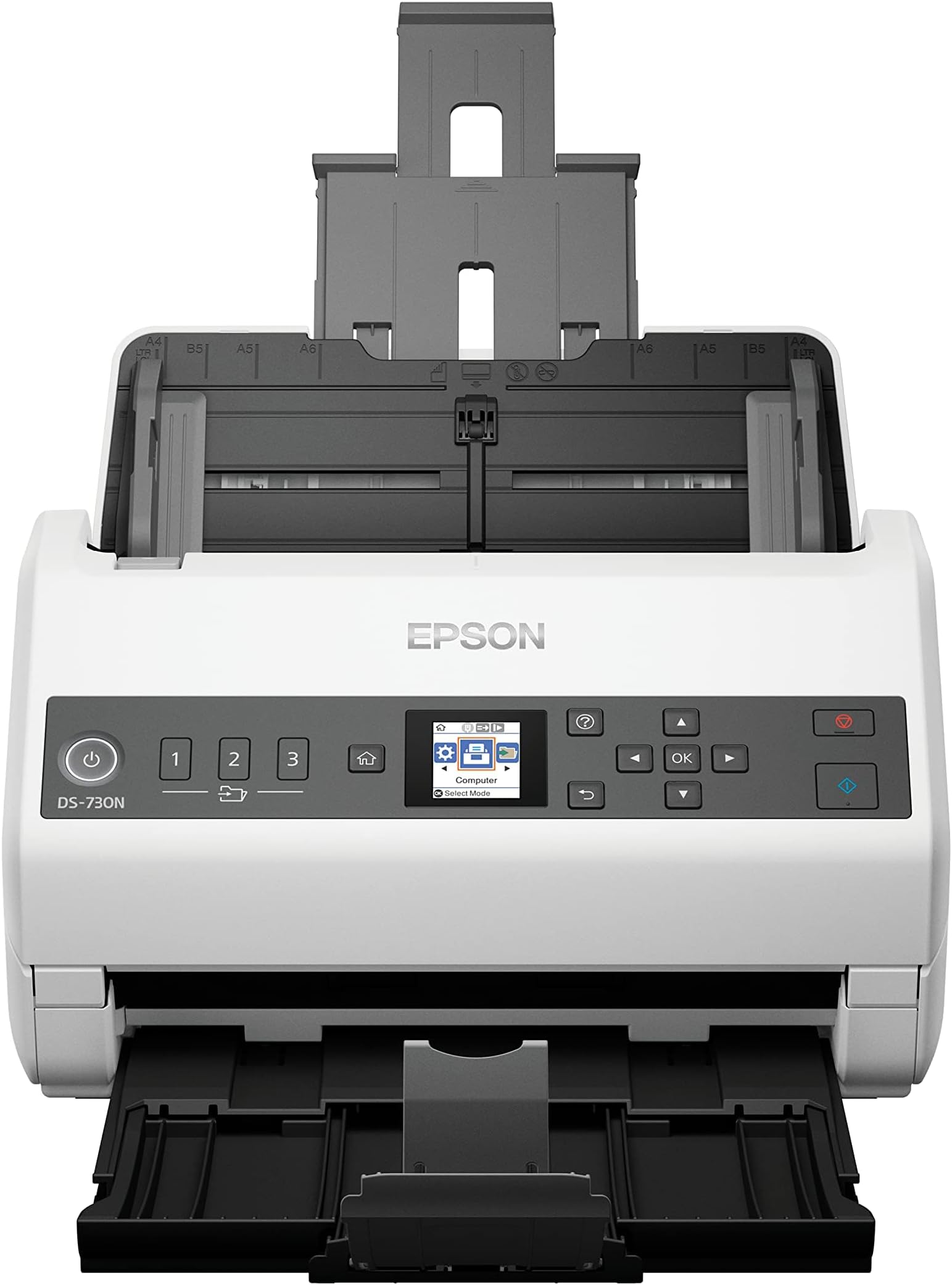
This Epson DS-730N (ASIN B08N35M9CD) scanner hardware is great. The Automatic Document Feeder ("ADF") is excellent, including ultrasonic double-feed detection and blank-page skipping. Even when loading the DS-730N ADF to near its 100-sheet specified capacity with many random combined document sets (eg, 2-page, 15-page, 9-page, …), I did not experience a single double-feed. (In contrast, trying to scan such sets with my different brand multifunction scanner-printer-copier, I could NEVER eliminate double-feeds and, worse, multi-sheet-feeds and ADF jambs.) I ran systematic scanning tests of over a thousand sheets of various set quantities from single sheets up to the ADF feeder capacity of "fluffy" sets (~79 – 82 sheets). I also tested scanning document sets in which every sheet was a radically different size and paper weight, mixing single-sided and double-sided. I did not encounter one single error. Wow! Now, the reasons I did not give the Epson DS-730N 5-stars: 1) virtually non-existent documentation; and 2) "technical support" is very poor. Epson does published both a User's Guide [cpd58844.pdf] and an Administrator's Guide [cpd60230.pdf], but they are, frankly, essentially useless dung. Actually, both guides were worse than useless, since I wasted a lot of time reading both completely (at great risk to my manhood :-), but learned literally NOTHING toward basic setup—incredible! Similarly, Epson scanner telephone "technical support" was pathetic. I attempted two such calls. What a waste of 1:25 and 0:51, respectively. First, one encounters a case-data-entry screener that knows nothing whatsoever, but persistently tries to "help" for 10 – 20 minutes. Then, only by being very pushy, even borderline insistent to have the call escalated, both calls "advanced" to even more difficult representatives, individuals that were "sure" they understood the product, but had not a clue. Only after 30 – 40 minutes of repeating a one simple question in each call, I was able to finally convince the Epson second-level "technical support" representative to escalate to a third support level. Both third-level representatives were able to understand my simple single question in each call, setup configuration for stand-alone scanning over a LAN to a computer file via: 1) FTP; and 2) SMB. HOWEVER, in the second call (re SMB), the Epson representative conferred (via text) with yet a fourth-level support and was INCORRECTLY told stand-alone scanning to a network file via SMB was NOT possible. It certainly is possible. After a LOT of trial, error and two mis-informative Epson "tech support" calls, I was finally able to successfully setup stand-alone (ie, without installing any Epson proprietary software) scanning via FTP & SMB to files on LAN-based recent model Macs, and scanning to email attachments. I would definitely purchase this Epson DS-730N Scanner again, but ... I have 50+ years of very technical hardware, software, networking and equipment-configuration experience, so your personal mileage configuring stand-alone ("PC-Free Scanning") use may vary depending upon your experience and, especially, patience.