Buy anything from 5,000+ international stores. One checkout price. No surprise fees. Join 2M+ shoppers on Desertcart.
Desertcart purchases this item on your behalf and handles shipping, customs, and support to USA.
🚀 Upgrade your connection, dominate your network!
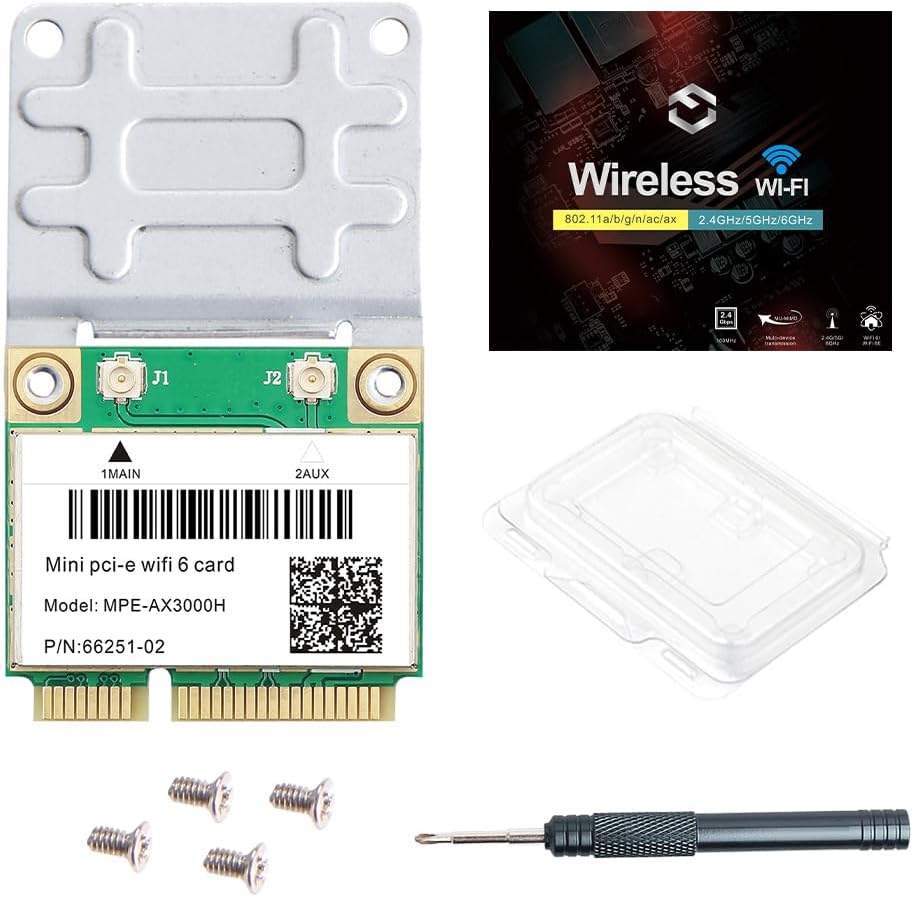
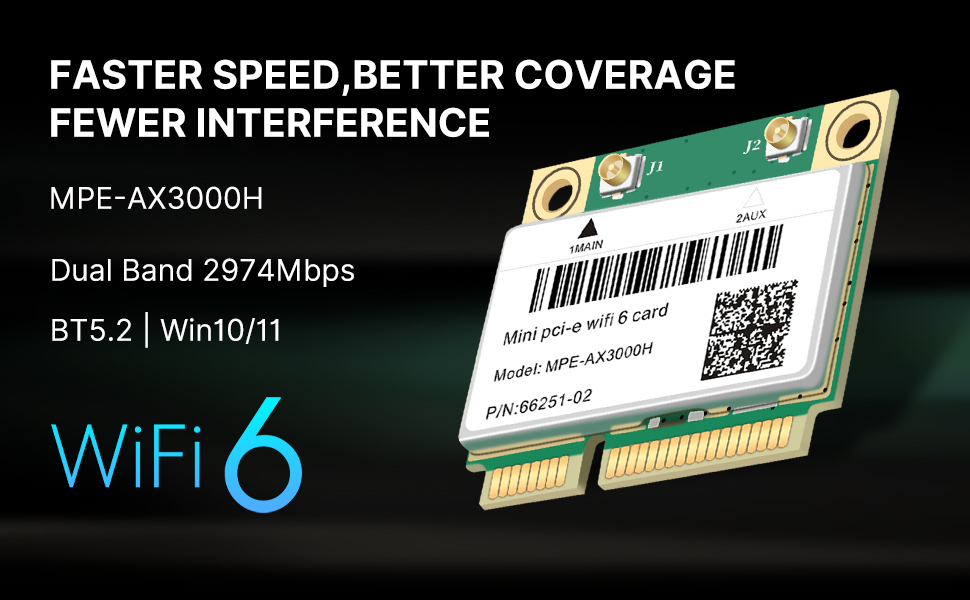
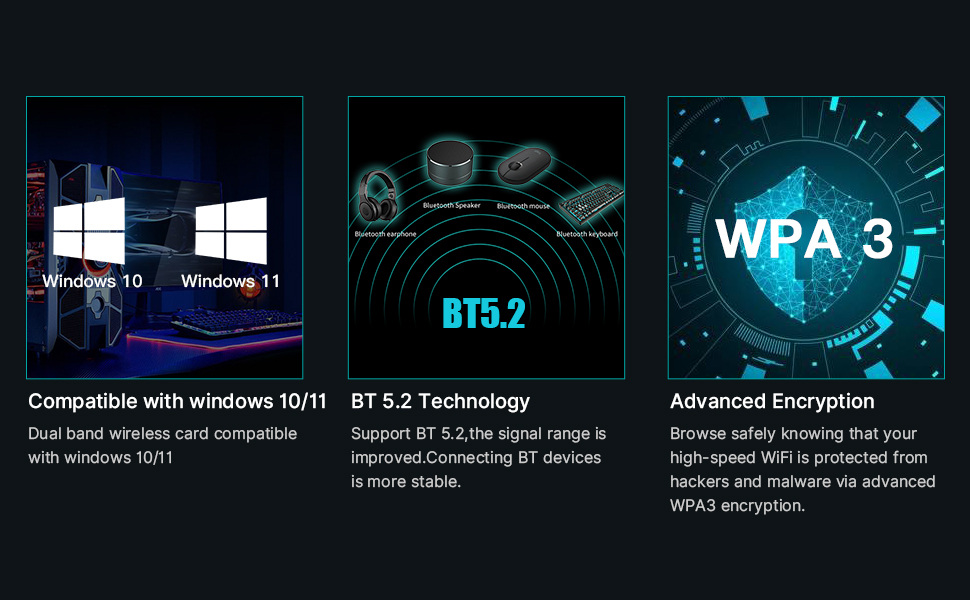
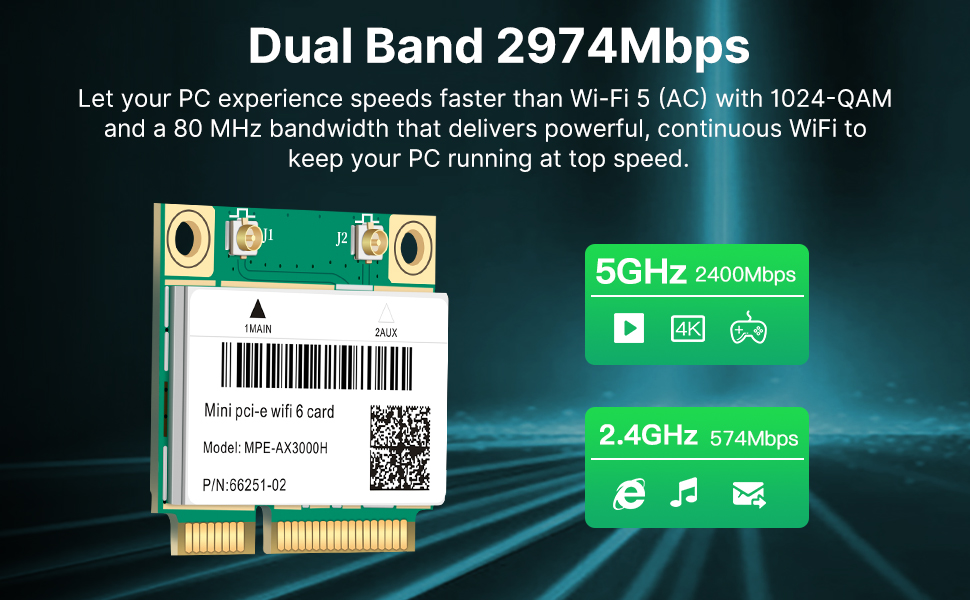
The MPE-AX3000H is a cutting-edge WiFi 6 dual-band mini PCIe card delivering up to 2.4Gbps on 5GHz and 574Mbps on 2.4GHz bands. It supports advanced WiFi 6 features like OFDMA and MU-MIMO, includes Bluetooth 5.2, and ensures enhanced security with WPA3. Compatible with Windows 10/11 64-bit laptops, it’s perfect for professionals seeking ultra-fast, reliable wireless connectivity and seamless peripheral integration.


| ASIN | B091FJXQHH |
| Best Sellers Rank | #71,105 in Computers ( See Top 100 in Computers ) #183 in Network Cards |
| Brand | REKONG |
| Color | WIFI 6 MPE-AX3000H |
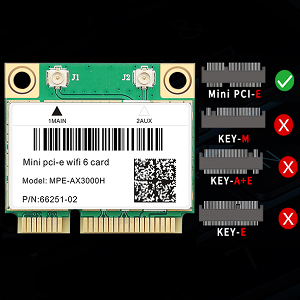
| Compatible Devices | Computers, Laptops with mini PCI Express interfaces |
| Compatible Operating System Family | Windows |
| Customer Reviews | 4.5 4.5 out of 5 stars (414) |
| Data Link Protocol | IEEE 802.11a |
| Data Transfer Rate | 3000 Megabits Per Second |
| Hardware Interface | Mini PCI |
| Item Dimensions L x W x H | 14L x 14W x 2.5H centimeters |
| Item Weight | 0.03 Kilograms |
| Manufacturer | REKONG |
| Mfr Part Number | MPE-AX3000H |
| UPC | 788879317923 |
| Unit Count | 1.0 Count |
L**A
Tengo una antigua Asus K73SD del 2010 que uso con Ubuntu Budgie y desde hace un tiempo quería reemplazar su tarjeta de wifi, ya que la original dejó de funcionar hace poco más de un año. Para ser honesto, encontrar componentes que tengan soporte de Linux es difícil y más si se trata de tarjetas de banda dual. He pasado casi un año investigando dongles para bluetooth y soluciones para wifi que tengan buen soporte, y la gran mayoría son componentes legacy, chips con firmwares muy antiguos o bluetooth 4.0 en el mejor de los casos. Mi sorpresa al encontrar esta tarjeta es que el modelo es ampliamente soportado por las principales distribuciones de LInux y el gran plus fue el BT 5.0. Apenas me llegó el paquete lo instalé, hice pruebas de red, emparejamiento de varios dispositivos de audio y periféricos, todo a la perfección. Si estas buscando revivir una laptop antigua con alguna instalación de Linux, esta tarjeta es la mejor opción.
O**1
انا عندي لابتوب له ٩ سنوات ممكن. رقيته الى ويندوز ١٠ طورت في قطعت الواي فاي هذي فرق معي كثيير اشوف بثوث مايقطع. اول كنت اشغل البث الا على جوده سيئه جداً والتحميل كان سيئ جداً. طبعاً طورت الرام و الهاردسك.
A**G
Upgrade my Asus K43SV notebook from WIFI 4 802.11n to WIFI 6 802.11ax. Major upgrade in speed.
非**開
搭載しようとしていた Acer Aspire V5-571 JP においては、デバイスマネージャ城では正常に認識 { intel AX200 ( 802.11ax ) } するものの、無線局を拾う事が出来ませんでした(無線の電波が出ない?)。「無線LANを有効化する物理スイッチをまず入れてくれ」と言う主旨のエラーだった。 他社で別途購入した intel 7260HMW (802.11ac) を搭載したところ、やはりこれも同様に動作しませんでした。 両方とも、チップセットは認識するけど、動作に必要な電源が入ってない、って感じなのか。 結局のところ、元々ついていた Qualcomm Athros AR5BWB222 (802.11n) に戻して正常に動作しています。 mini PCI express のハーフサイズなのが魅力だったんだけど、動作しないのは残念だった。 Acer Aspire V5-571 って機種は、ハーフサイズの mini PCI express しか搭載できない。このチップギリギリの高さしかクリアランスが確保されていない(パズルのピースをはめるように、高さ方向にCPU冷却ファンがほぼ密接している)ため、他に選択肢がなかった。まあ、リボンケーブルのソケットでどこか別の場所まで延長すれば良いのかも知れないけどね。 intel 7260HMW で検証する前に返品してしまったので、何ともならないけど、純正以外のパーツが動作できるのかどうかを確認するのは重要だと感じた。
J**E
So this was a 10 minute pull and push replacement for the half-height wifi card in my XPS 13 L322X which is from 2013/14 timeframe. Went from a slower Intel Centrino Advanced-N 6235 and Bluetooth 4.0 to Wifi6 AX mode with bluetooth 5.0 Speeds increased over four-fold to my max router/ISP rate over 410mbs which is what my plan limits me to. An the BT 5.0 fixed some problems with a newer Logitech M240 mouse that used to stutter and disconnect randomly to a rock-solid connection. After a %15 coupon and some Amazon points this cost was down to around ten bucks. Well worth it. No config issues or problems after swapping the cards. Windows 10 Pro installed the new card and the drivers without any intervention or problems. The only post boot issue after installing was that I was unable to remove mouse and a headset from Bluetooth in Windows and these devices did not work. All I had to do was get into Device Manager, change the view to show hidden devices, then remove the mouse and the headset. Then a re-pair for each put them back into the BT menu and both working fine.
Trustpilot
4 days ago
1 day ago