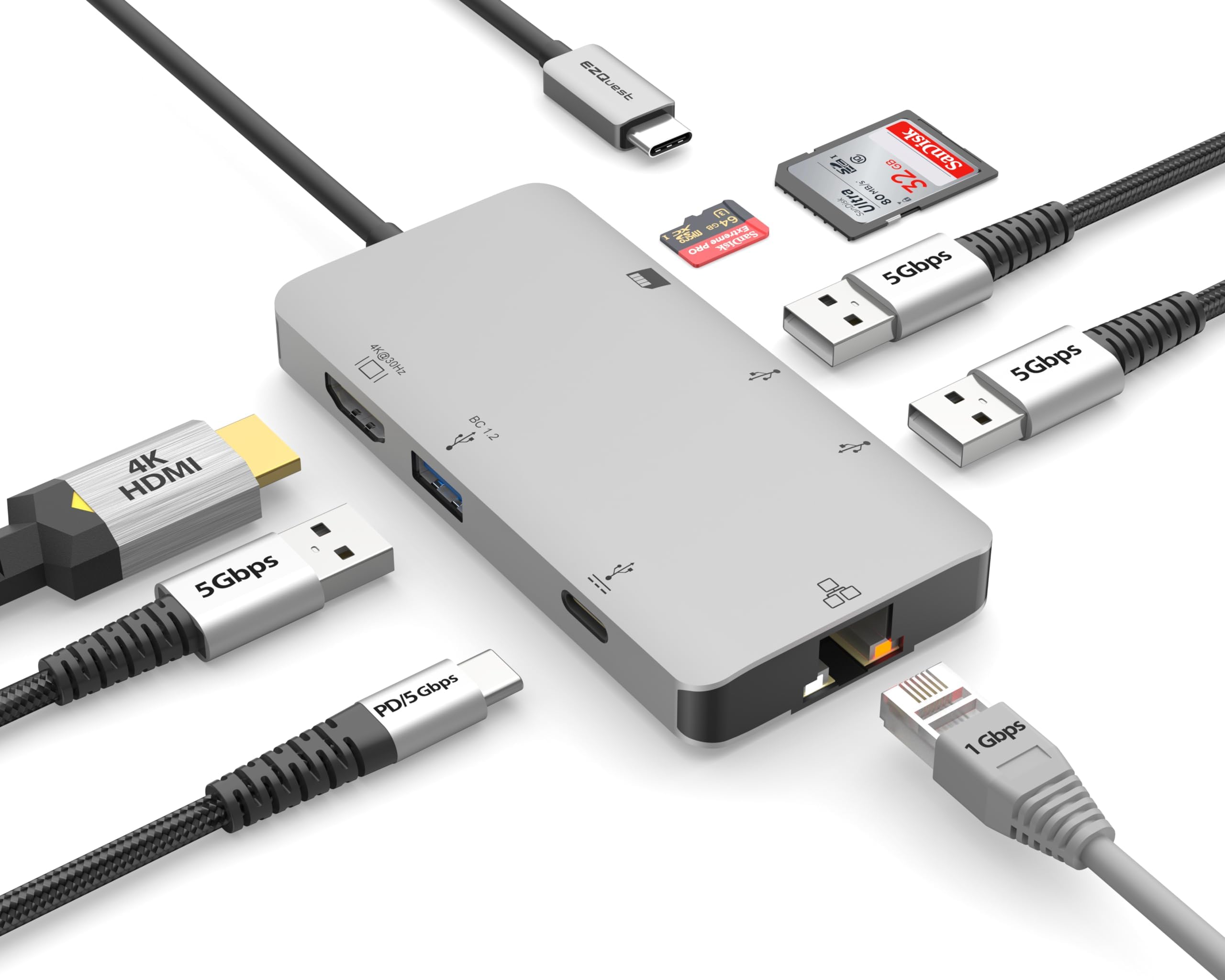
I'm a Windows PC guy, at heart, and I never would have considered purchasing a modern closed-system Mac, because I like maximizing my hardware, overclocking everything I can overclock, and expanding my desktop systems at will. Now, i engage in two main activities in life. I teach neuroscience at a local university and I engineer, produce and record electronic music in my home studio. The coincidental occurrence of two events (1) a majority of my students are now using Macbooks and often ask me questions I couldn't answer because of my unfamiliarity with the platform; and (2) the one piece of music software (Alchemy) I knew I needed but wasn't available anywhere but on a Mac running Apple's DAW Logic Pro X; led me to purchase a Mac Mini. The price of the base 8GB/256GB Mini seemed reasonable, but from years of experience handling sample libraries of up to 80-90GB, I knew that 256GB of disk storage just wasn't going to cut it. So, I ended up purchasing the next tier unit 8GB/512GB, and hoped that I could make up for the lack of disk storage by utilizing the Thunderbolt ports. That gets me to the current review.... After spending a couple hours looking at expansion devices at Amazon and Newegg, I decided on this device because it had all the ports I wanted/needed and none that I didn't. It has three USB 3.0 ports (5Gb/sec) on the front and three USB 3.1 Gen 2 (10Gb/s) on the back, and because it had a USB-C plug at the end of its cable that is compatible with the M1 Thunderbolt ports. The USB ports on the front function as you would expect them to (using a Samsung 256GB USB 3.1 Bar Plus flash drive, I get Read speeds in the 250Mbps range and 35Mbps range for writing). However, it is the performance of the 10Gbps ports on the back that make this device so outstanding. Right now, I have three external drives connected to the three USB-C ports. (1) is a 2TB Samsung 970 EVO Plus PCIe Gen 3 NVMe drive in a MOKIN NVMe/SATA 10Mbps enclosure (see my reviews on that enclosure); (2) is a 2TB Samsung T7 Shield portable drive; and (3) is a 2TB Inland Prime PCIe Gen 3 NVMe drive in a GMM 10Mbps enclosure. Note: the Inland is a $150 drive). All three disk setups performed admirably, with the two NVMe-stick varieties performing slightly better. The 5GB stress speeds acquired using Blackmagic Disk Speed Test were for each (1-3) pairing: (1) 763MB/S Write and 692MB/s Read; (2) 740MB/S Write and 603MB/S Read; and (3) 755MB/S Write and 654 Read [Note: these Read/Write numbers are correctly stated, in each instance the drive wrote faster than it read]. While nowhere near the speed of the 256GB Mac internal disk (> 2500MB/S both directions), the speeds for each of the USB-C solutions are adequate for anything but the most intensive (12K) video editing, and much, much more than adequate for any music application (remember when we thought 550MB/S for an internal SATA drive was "incredibly fast"? Well each of these solutions is about 40% or more faster. While it is true that it is pretty easy to get above 1500MB/S using a PCIe 4 memory card in an NVMe enclosure with a real Thunderbolt interface. That solution would cost over three times as much and would only be practical if you needed to edit the highest resolution (12K) video. So if you have a Mac that needs to have a disk expansion (and also get three usable USB 3.0 ports to boot) I can't think of a better way to go. Think about it. I added 6TB of high speed disk storage to my Mac M1 for less than $700, and only using one of the two available Thunderbolt ports.