Desertcart purchases this item on your behalf and handles shipping, customs, and support to USA.
๐ Mesh your home into the futureโfast, secure, and everywhere you are!
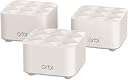
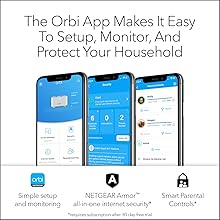
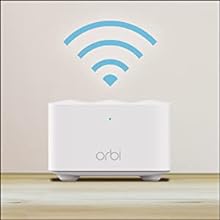
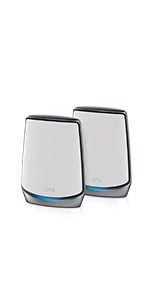
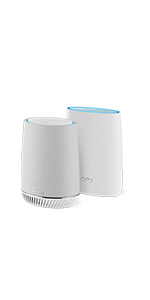
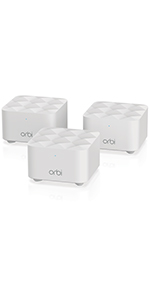
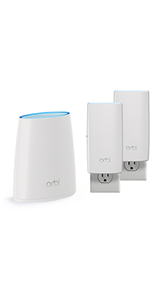
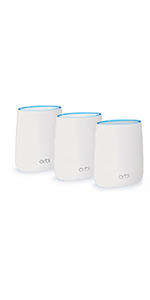
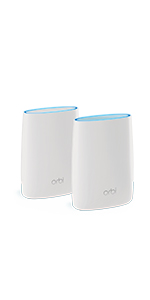
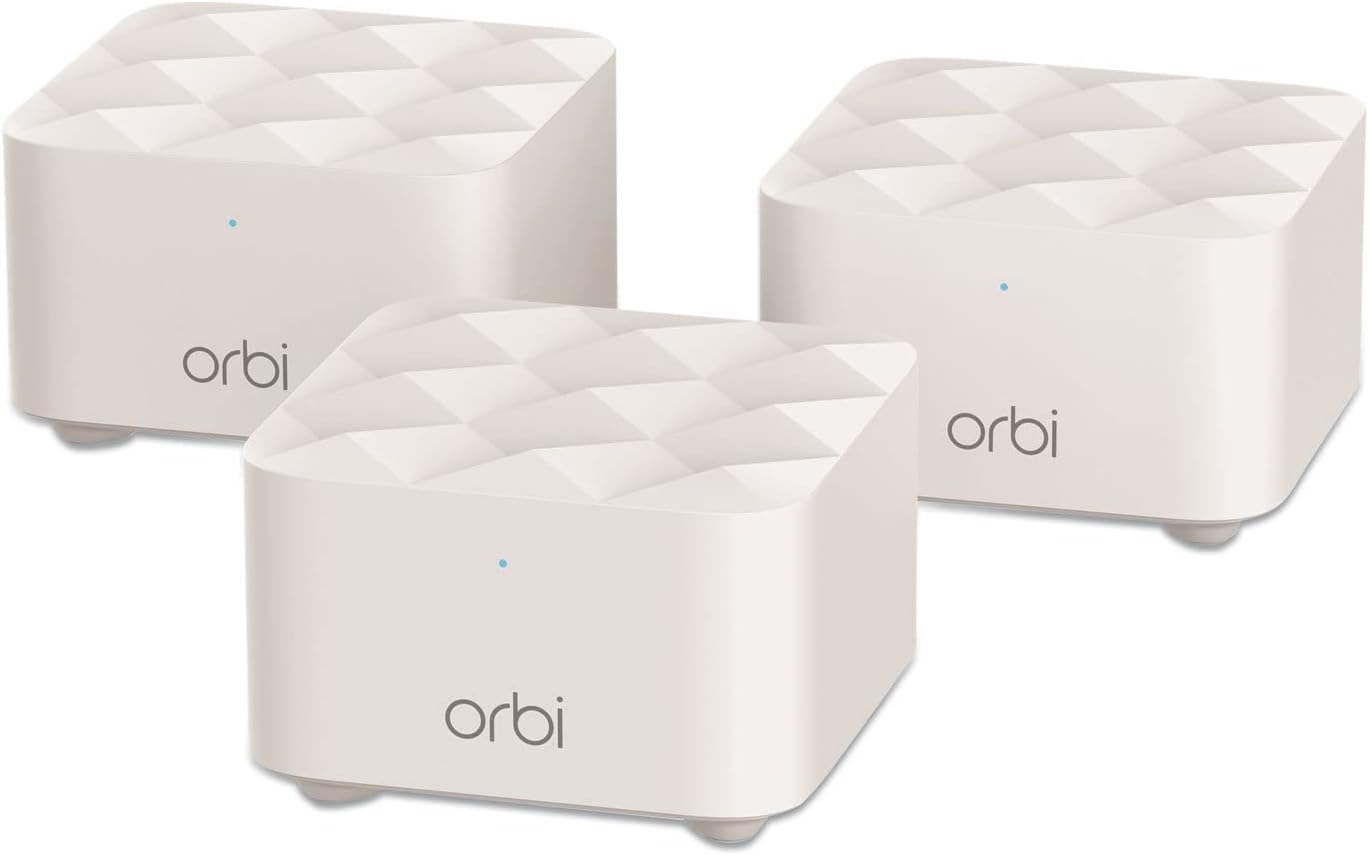
The NETGEAR Orbi RBK13 Mesh WiFi System delivers robust, whole-home wireless coverage up to 4,500 sq.ft with a tri-pack of one router and two satellites. Powered by AC1200 technology, it offers fast 1.2 Gbps speeds and a 1 Gbps Ethernet port for wired devices. Compatible with all internet providers, it features easy app-based setup, smart parental controls, and advanced security with NETGEAR Armor, making it an ideal upgrade for seamless, secure connectivity across your home.


| ASIN | B07WTXG3XW |
| Antenna Location | Gaming, Home |
| Antenna Type | Internal |
| Best Sellers Rank | #150,205 in Computers ( See Top 100 in Computers ) #1,778 in Routers |
| Brand | NETGEAR |
| Built-In Media | One (1) Orbi Router (RBR10), Two (2) Orbi Satellites (RBS10), One (1) 2m Ethernet cable, Three (3) 12V/1A power adapters, Quick start guide |
| Color | White |
| Compatible Devices | Gaming Console, Smart Television, iPhone |
| Compatible devices | Gaming Console, Smart Television, iPhone |
| Connectivity Protocol | Wi-Fi, Ethernet |
| Connectivity Range | 4500 Square Feet |
| Connectivity Technology | Ethernet, Wi-Fi |
| Control Method | App |
| Controller Type | Google Assistant |
| Coverage | Up to 4,500 square feet |
| Customer Reviews | 4.3 out of 5 stars 2,723 Reviews |
| Data Transfer Rate | 1.2 Gigabits Per Second |
| Frequency | 5 GHz |
| Frequency Band Class | Dual-Band |
| Frequency band class | Dual-Band |
| Global Trade Identification Number | 00606449144055 |
| Has Internet Connectivity | Yes |
| Has Security Updates | Yes |
| Is Electric | Yes |
| Is Modem Compatible | No |
| Item Dimensions L x W x H | 20.4L x 14W x 13.1H centimeters |
| Item Weight | 1.29 kg |
| LAN Port Bandwidth | 1 Gbps |
| Manufacturer | Netgear |
| Maximum Upstream Data Transfer Rate | 1200 Megabits Per Second |
| Mfr Part Number | RBK13-100NAS |
| Model Name | RBK13 |
| Model Number | RBK13-100NAS |
| Model name | RBK13 |
| Number of Antennas | 2 |
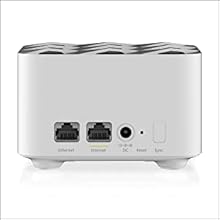
| Number of Ports | 1 |
| Operating System | Netgear OS |
| Other Special Features of the Product | Guest Mode, Internet Security, LED Indicator, Parental Control |
| Router Firewall Security Level | moderate to high |
| Router Network Type | mesh |
| Security Protocol | Comprehensive anti-virus & data theft protection for your PC, Macยฎ and mobile devices with NETGEAR Armorโข |
| Special features | Guest Mode , Internet Security, LED Indicator, Parental Control |
| UPC | 606449144055 |
| Unit Count | 1 Count |
| Voltage | 100240 Volts |
| Wi-Fi Generation | Wi-Fi AC |
| Wireless Compability | 802.11ac |
| Wireless communication standard | 802.11ac |
M**H
K. S. A
ุงูู ูุชุฌ ู ูุจูู. ููุตู ุจุดูู ุฏุงุฆู ููููุงุท ุงูุจุนูุฏุฉ.
A**R
Most likely will NEVER buy another Netgear product
The product started out good for the first year or so.. but after the warranty period ended nothing but trouble. the product keeps asking to reset the password to remote in to see wifi status via the app constantly dropping.. I had to create a backup SSID on my main router due to this dropping issue (what's the point of doing this when you have a Mesh!!!! :( ) overall experience is not good... Going to try one of these others - Dlink, TP-Link or Linksys... buyer beware......
B**N
Easy to install, works super well
I had seen reviews saying the install was difficult or that you were forced to subscribe to some dumb security service or something. Luckily none of that was true. Installation was a breeze, took me about 20 min to get all three units going. And most of that time is just waiting for the devices to initialize and connect to each other. Installation was as follows: 1. Open box, see two satellite units, 1 router unit. (they are labeled as such with a temporary wrapper, but also are permanently labeled on the bottom). 2. Plug ethernet cord from my current (internet provider provided) router/modem combo into the new router unit. Then plug it in for electricity. 3. Wait for the light on the front to cycle through flashing and turn solid blue. 4. Plug in the two satellite units (to electricity) and let them do their thing until their lights are solid blue (I did this with them all just sitting next to each other in the same room). 5. On my phone, connect to the wifi network they are broadcasting (the network ssid and password at written on the bottom of the router unit). 6. Open browser on phone and go to the address listed on the installation card that came in the box. 7. The website suggests that I download and install their phone app, I declined to do so. Maybe that is where they try to sell you on some security package? 8. Follow the steps on the page to set up the devices (setting your admin password etc). 9. Then actually log into the router (in your browser, on your phone, same address as before... use the password you just set.) 10. To make things easy I chose to name my network the exact name of my old network. So first I also logged into my old router and switched off both wifi networks it was broadcasting (2.4 and 5 ghz). And then on the new router I set up the wifi network with the same name and password. Note: If you name the new wifi network something new, or give it a different password, then of course you're going to have to update every device in your house that you want to connect to it to provide it with the new name and password. 11. I had to wait a couple of minutes for all devices in my house to come on line (like 50 things), but they all connected just fine. 12. Now everywhere in my house I have full strength wifi signal.
C**S
i bought 2 Cameras from u one is not working
Why is this item taking so long is it cause that its out stock
A**O
A very good system
We've had this Netgear Orbi Mesh system installed for more than six weeks in a 3200 sq ft, 2 story house. The router module is next to the computer and internet cable modem at one extreme end of the first floor and next to the back wall of the house.. The 1st satellite is in the middle front of the house about 30ft straight line away through 4 walls including a laundry room and kitchen and the related metal appliances. The 2nd satellite is nearly straight above the 1st on the 2nd floor but against the front house wall. After having to work through the install and syncing procedure a few times, the Orbi performs quite well. Wifi strength is greatly improved upstairs where we had very noticeable problems previously. On some devices the signal was almost non-existent. This mesh system now seems to provide as strong a signal upstairs as we previously had downstairs. We are happy. Definitely a good buy. And, to avoid confusion, it appears that the Orbi RBK-13, as advertised, is the same as the Orbi AC-1200. Don't ask why. Interestingly, we did have two instances where one or the other satellite lost it's good connection (status light turned yellow) but that was quickly resolved by re-syncing (pressing the router sync button on the back, then press the sync button on the back of the satellite, and then wait several minutes for the blue light to re-establish. Maybe similarly, we also had two instances of lost power for which the system re-established itself without human help. Great. Humans get worn out. Lastly, tech support did not respond to the only email I sent. Eventually found the answer needed in the manual. The mobile app is ok and since we've so far chosen to keep it simple, we've really not needed it nor the Amour protection they hope to sell you.
Trustpilot
2 days ago
2 months ago