Buy anything from 5,000+ international stores. One checkout price. No surprise fees. Join 2M+ shoppers on Desertcart.
Desertcart purchases this item on your behalf and handles shipping, customs, and support to USA.
🎥 Capture Every Victory, Stream Without Limits!
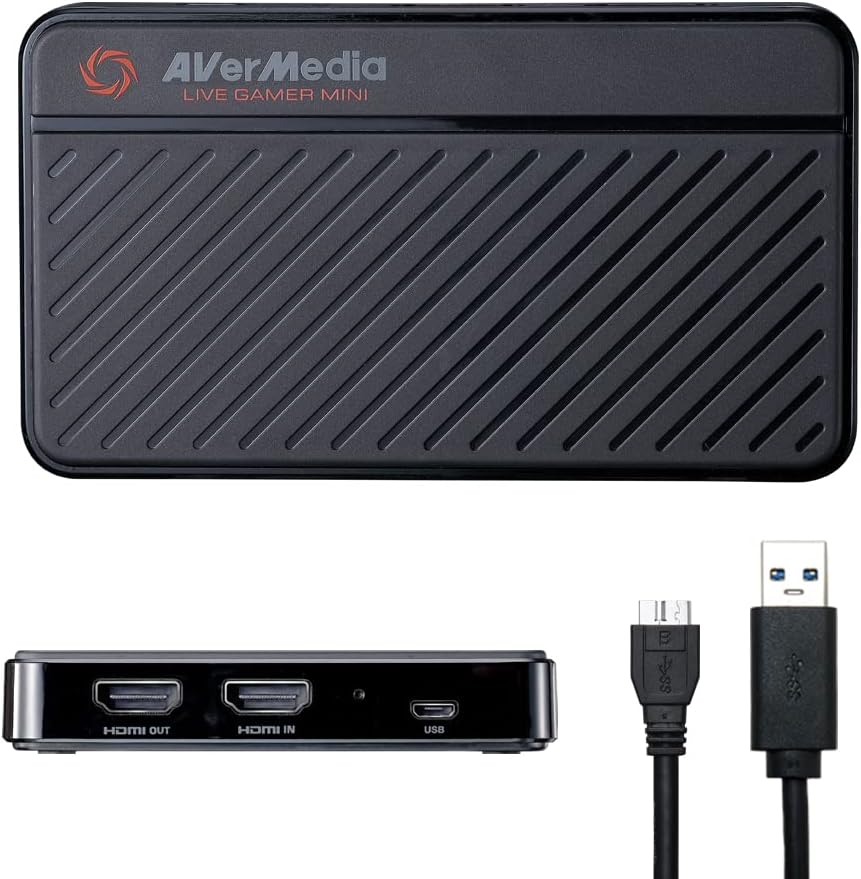
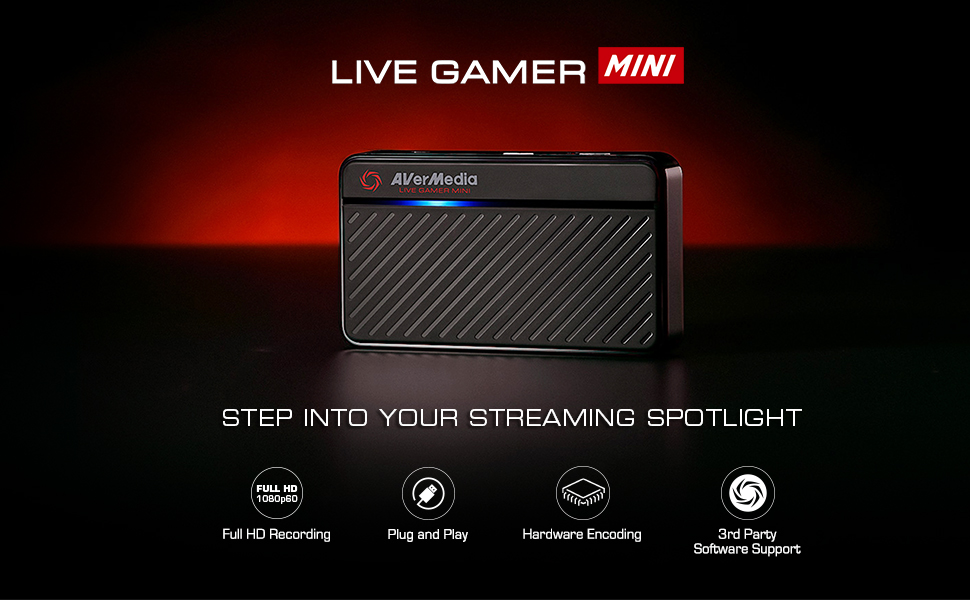
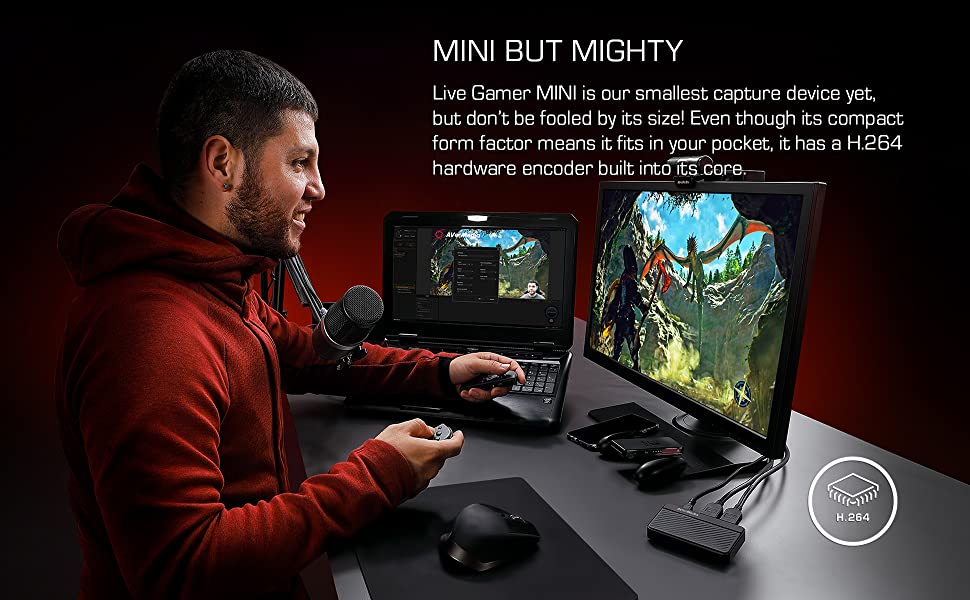
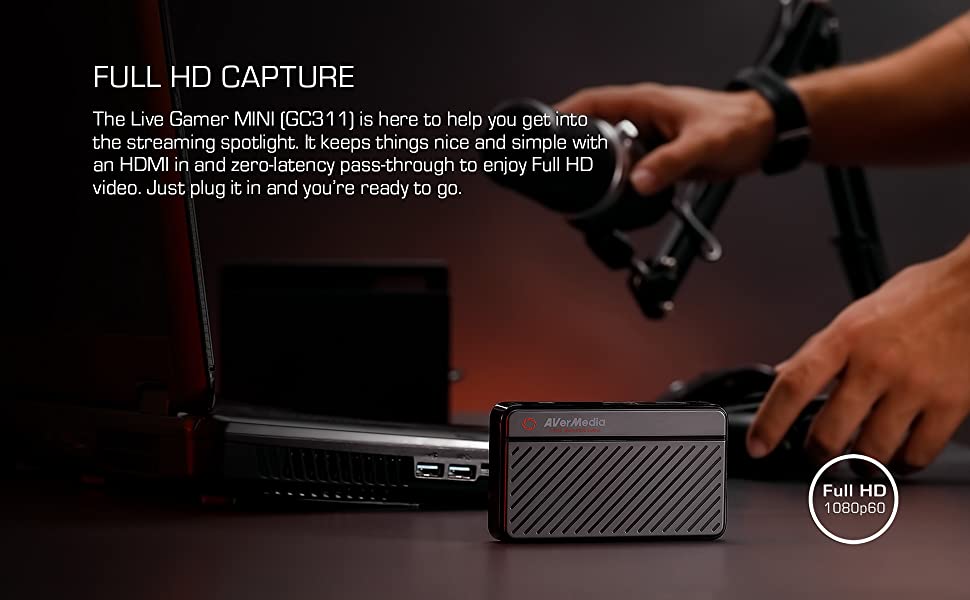
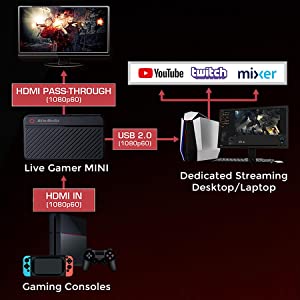
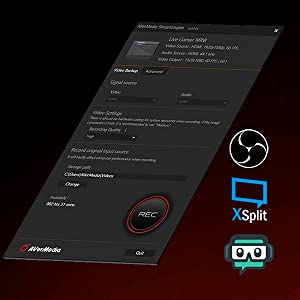
The AVerMedia Live Gamer Mini (GC311) is a compact, high-performance HDMI capture card that records gameplay at 1080p 60fps with zero latency pass-through. Featuring plug-and-play USB connectivity and a built-in H.264 hardware encoder, it ensures smooth streaming and recording without taxing your PC. Compatible with major consoles and popular streaming software, it’s the perfect tool for millennial pros who demand crisp visuals and seamless performance.


| ASIN | B07R6P2JJR |
| AV Output | HDMI |
| Antenna Location | Video Recording and Streaming |
| Best Sellers Rank | #42,733 in Computers ( See Top 100 in Computers ) #25 in External TV Tuners & Video Capture Cards |
| Brand | AVerMedia |
| Built-In Media | AVerMedia Live Gamer Mini, USB Micro to Type-A Cable, Quick Guide, HDMI cable |
| Compatible Devices | Game consoles (Nintendo Switch, PS4/PS5, Xbox One 360, Xbox Series X/S) and personal computers |
| Customer Reviews | 4.4 out of 5 stars 1,408 Reviews |
| Global Trade Identification Number | 00795522966018 |
| Hardware Interface | USB 2.0 |
| Hardware interface | USB 2.0 |
| Item Dimensions | 10 x 5.7 x 1.9 centimeters |
| Item Type Name | Game Video Capture card |
| Item Weight | 2.63 Ounces |
| Manufacturer | AVerMedia Technologies Inc |
| Mfr Part Number | GC311 |
| Minimum System Requirements | A system with a USB 2.0 or USB 3.0 port, running Windows or macOS |
| Model Name | GC311 |
| Model Number | GC311 |
| Operating System | Windows 10, Windows 11, macOS 12 |
| Operating system | Windows 10, Windows 11, macOS 12 |
| Other Special Features of the Product | Compact |
| Platform | Nintendo Switch |
| Recommended uses for product | Video Recording and Streaming |
| Special features | Compact |
| Tuner Type | DVB-T2 |
| UPC | 795522966018 |
| Video Capture Resolution | 1080p |
| Video capture resolution | 1080p |
J**O
Buena y Facil de usar
Después de mas de 8 meses de uso, nunca me ha fallado, incluso cuando la conecto a computadoras sin los requisitos mínimos para usarla, es portátil y de fácil uso, además de que tiene una estética adecuada y fácil de identificar
S**G
working well for me
The negative reviews made me think long and hard whether to go for Avermedia live gamer mini or stick to the mainstream Elgato HD60s. But my budget suits Avermedia better so I went for it anyway and is pleasantly surprised that it is working well unlike what the negative reviews were saying. My stream is smooth and quality is good. No lag and im streaming on a laptop! The shipment from US was fast too! Took about 4-5 working days.
J**C
Great, easy to use tool to get you started in live streaming!
As the go-to IT person in my Church congregation, I was asked to set up a live stream during the 2020 pandemic shutdown. I purchased a Canon Vixia HF R800 video camera and hoped to pair it with an Elgato Camlink. However, the Camlink was impossible to find anywhere, so I settled for Live Gamer Mini. In conducting my research prior to purchase, the reviews I read on the device varied. However, my experience with this device was great. To get my stream onto the internet, I am using a Windows 10 laptop running OBS. I connected my camera to the Live Gamer Mini and the Mini to my computer. It worked flawlessly the first time. Windows recognized the device. It was not necessary to download and install any drivers. While I do not know how this device compares to others, it works great for our intended purposes. I would highly recommend this to someone who is getting started in live streaming and is looking to save some money over similar Elgato devices.
C**Y
Works great for PS5!
Opened the box and just plugged in my PS5 to Avermedia, and then into my TV and my ASUS TUF gaming computer. No programs to download. Very simple and straightforward. I use OBS and after figuring out how to use OBS, it was fast and easy. No noticeable lag. Had to figure out how to get PS5 to work with the capture card and OBS with a google search, which didn’t take too much time. There is a HDMI setting on PS5 that must be turned off before Avermedia can pick up the signal. (You won’t be able to watch Netflix etc. when you turn off this setting, which isn’t a problem, cause you just turn the setting back on when you’re done streaming.) This is all easier than it sounds, there are a lot of helpful articles and youtube videos out there. Personally thankful this was so easy and straightforward to use, as someone who is new to streaming, twitch, obs, etc.
A**M
ممتاز
بستخدمها من سنة وللامانة ممتازة واقتصادية
Trustpilot
2 weeks ago
2 weeks ago