๐ฆ Your data, your way โ always ready to go!
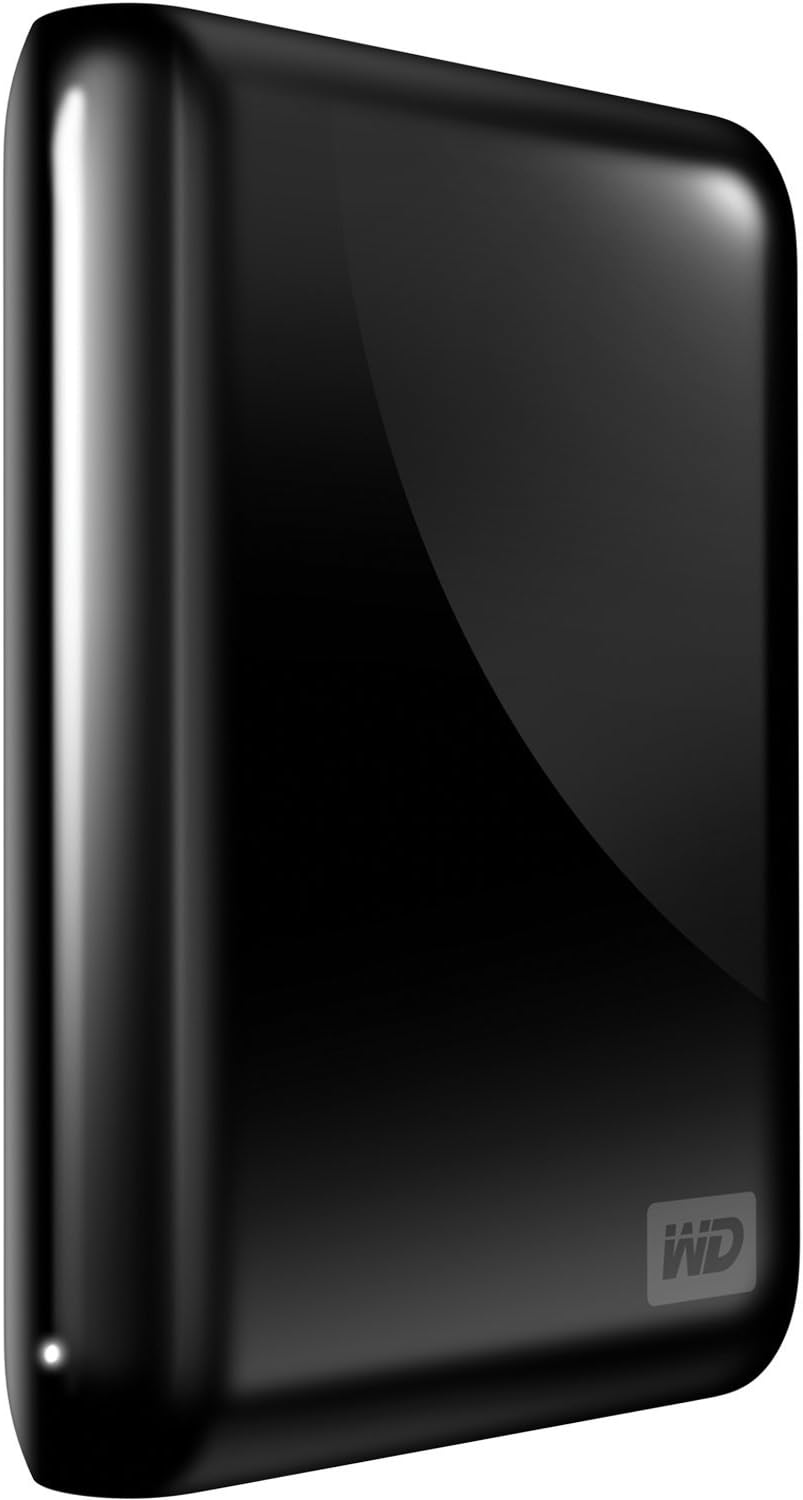
The WD My Passport Essential SE is a 750 GB ultra-portable external hard drive featuring dual USB 3.0 and USB 2.0 compatibility, designed for automatic and continuous backup, ensuring your data is always secure and easily accessible.
| ASIN | B0041OSQAM |
| Additional Features | Portable |
| Best Sellers Rank | #1,340 in External Hard Drives |
| Brand | Western Digital |
| Cache Memory Installed Size | 750 GB |
| Color | Black |
| Compatible Devices | usb 3.0 and usb 2.0 |
| Connectivity Technology | USB |
| Customer Reviews | 4.4 out of 5 stars 2,359 Reviews |
| Data Transfer Rate | 5 gigabytes_per_second |
| Digital Storage Capacity | 750 GB |
| Form Factor | Portable |
| Global Trade Identification Number | 00718037771526 |
| Hard Disk Description | portable |
| Hard Disk Form Factor | 2.5 inches |
| Hard Disk Interface | USB 1.1 |
| Hard-Drive Size | 750 GB |
| Hardware Connectivity | USB |
| Hardware Platform | Mac |
| Installation Type | External Hard Drive |
| Item Weight | 7.2 ounces |
| Manufacturer | Western Digital |
| Mfr Part Number | WDBACX7500ABK-NESN |
| Model Name | My Passport Essential |
| Model Number | WDBACX7500ABK-NESN |
| Number of Items | 1 |
| Special Feature | Portable |
| Specific Uses For Product | Personal |
| UPC | 718037773377 718037759135 718037771526 |
D**G
Nice, small & fast, but USB-3.0 is no benefit
I installed this drive about 1 month ago using USB-2.0. It has worked flawlessly and provides slightly above average speed for a USB-2.0 external drive (it is noticeably slower than eSata or Firewire external drives). I was out of back-panel USB ports so I decided to upgrade to the USB-3.0 using a Buffalo Superspeed USB-3.0 on an empty PCI-express 2.0 slot. The card is "rated" at up to 5Gbps, but no one will actually see that in the real world. I was curious to see what my real world performance boost would be. I don't find much practical value in speedtest bench marks that move small chunks of data and test all sections of the drive. They don't give meaningful indication of what happens with large video files. (After all isn't the reason you buy a Terabyte drive to store large video files?). I measured USB-2.0 and USB-3.0 speeds using two sample video files. One sample was 1.0 GB and one was 2.0 GB. Here are my results using the supplied cable: USB-2.0: 1.0 GB file = 184 Mbps (42 seconds) USB-2.0: 2.0 GB file = 176 Mbps (90 seconds) USB-3.0: 1.0 GB file = 176 Mbps (44 seconds) USB-3.0: 2.0 GB file = 160 Mbps (100 seconds) I should note that I don't have a old, slow PC. It is a 2010 HP Win7 64bit with Core2 Quad 3.0 GHz (Yorkfield). I moved my files from an internal Barracuda drive connected with SATA that is significantly faster than any external drive. By comparison the same two files can be moved between two internal drives (SATA) on this machine in 12 and 19 seconds respectively (666 Mbps and 842 Mbps). If moving big files matters to you, you'll probably see no improvement with USB-3.0. If you simply need a good small portable Terabyte drive that easily fits in your pocket, this drive is a good value. The USB 2.0/3.0 doesn't cost you any more and doesn't provide any problem either. However, in the real world (big video files) don't expect break-neck speed or any advantage to adding the USB-3.0 interface. In my case the speed actually dropped slightly! If it had been sold as an USB-2.0 drive, I would give it 5 stars, but it doesn't live up to the hype of "Superspeed USB-3.0" UPDATE: I changed the rating to 5 Stars. I went back and remeasured the large file transfer rates after installing a second USB-3.0 drive that came with a different USB-3.0 driver. Now I am seeing a SUBSTANTIAL increase in speed. 2.0 GB file now can write to this drive in 33 seconds - nearly 500 Mbps or about 62 MB/s. The other USB-3.0 drive (Seagate FreeAgent GoFlex 2TB) moved the same file in 22 seconds or 742 Mbps or 92 MB/s. This is almost as fast as an average internal SATA drive! I suspect there must have been a driver problem with my USB-3.0 card that made it revert to USB-2.0 mode.
L**K
A Large-capacity Portable External Drive for Videos
I bought this Western Digital My Passport Essential SE 1 TB USB 3.0/2.0 Ultra Portable External Hard Drive (Black) strictly to store and play videos. The first thing I did was to reformat the drive (in its native NTFS format); this immediately deleted the Western Digital software for which I have no need. Then I copied two videos to the drive: one, an HD [720p] video of about 4 GB and another of 600 MB (SD). I played both of them through my new LG HX350T 720p Front Projector - Black and I will soon be playing them in my home theater via my OPPO BDP-93 Universal Network 3D Blu-ray Disc Player and my Panasonic PT-AE4000U 1600 Lumen LCD Home Theater Projector . Via the LG projector, the video looks fantastic as would be expected. Storing music on external hard drives is already a de facto standard. Storing videos in this way is rapidly becoming practical too as hard drives' capacities increase dramatically and their prices fall just as dramatically. If all of my video could be compressed to 4 GB, I could store 250 full-length movies on this drive - which I could carry in my pocket! (I am using an AmazonBasics Hard Carrying Case for My Passport Essential - Black which I highly recommend.) However, most of my movies can be compressed to far smaller files, thus increasing the number of titles this drive will hold. I do not yet have a computer with USB 3.0 ports. Mine has only USB 2.0. But the transfer of the 4 GB file took only about 10 minutes. (Obviously the 600 MB files took much less time.) Once USB 3.0-equipped computers become widely available, that transfer time should drop considerably. All in all, if you are looking for a portable external hard drive on which to store movies, I believe that this is the one you should buy now. Its capacity, its physical size, its price, and its overall quality just can't be beat. I am planning to buy more of these drives. I will want additional ones for films (I own a LOT of films) as well as backups (in other words I want two drives carrying the same data in case one were to break down). Once I have placed all of my films on drives (and that will take many years, mostly due to lethargy on my part), I can get rid of my physical media. Think of the space that can be saved! Storing music, movies, and maybe even books on drives is definitely the wave of the future, at least in my opinion. Thank you for reading this. I hope it has been of some interest to you. ================================================================================================================================== Update: August 5, 2012 A person made a comment (on another review I wrote of a different WD hard drive) which impelled me to revisit this review and tell you that I now DO own a computer with two USB 3.0 ports. Thus I can now take full advantage of these drives' capabilities. Let me tell you: USB 3.0 is FAST. I am noting, in the real world, transfer speeds about four times faster than what I was able to get using these drives with USB 2.0 ports. I transferred 625 GB of data FROM one of these hard drives TO another one via my computer's USB 3.0 ports and the process took slightly under two hours. That translates to about 85 MB/s. I continue to HIGHLY recommend this particular drive and Western Digital external hard drives in general. Lawrence H. Bulk
A**S
love it--it just works, looks great, fits anywhere
I bought this because I wanted something gigantic and portable to supplement my new MacBook Pro, which has a 121GB solid state drive--very cool and functional, but maybe not sufficient by itself for the next 3 years. The My Passport is a nice visual match for the MacBook, with more capacity than I'll need. I use it for Time Machine backup, and also have some legacy data--photographs, music, finances &c--just stored as normal files on disk. All the documentation is on the disk itself, so when I first plugged it into my old XP PC, I got the usual misleading message asking if I wanted to give permission to search for a driver on the web. That's completely unnecessary--it just works, and you don't have to do anything. However, I did have to reformat the drive in order to be able to use it on the Mac, since I naively did not realize the file systems are incompatible. It was easy to do. I copied the documentation & drive management software onto all my computers (belt & suspenders), plugged the drive into the Mac's USB port and reformatted it. Didn't take very long. Then I copied the docs and drive management software back onto the drive, and installed the software on the Mac. No problems, although in the end I am using Time Machine for backups instead of Western Digital's software. Then I copied all my legacy data from all my PCs over the wireless network. That took a few hours, and several times the Mac would tell me I didn't have permission to copy one of my files. Typically this would be a pdf or spreadsheet I got from a fellow committee-member at church. I would just make a copy on the PC, and copy the copy. The instructions on the drive say not to move it when it's operating, but I made the decision to use it for Time Machine back ups while in a One-to-One session at the Apple Store. The staffer & I started the process, which takes an hour or so the first time. We did other stuff, and the initial back-up was still going on when session time ended. So I left the drive connected, put the MacBook & drive in my bag, and carefully strolled through the mall to drink coffee and wait for it to finish. No problem. I enjoyed the coffee and worked the email, never have had a problem.
D**A
Good drive, can't beat the compact design for this price
I needed a drive with at least 300 GB of storage that also fit into the pocket of my laptop backpack (pocket dimensions: 3.5"x4"x.75"). I tried out several other drives and had to return them because of nonoptimal features or flat-out problems: (1) Iomega eGo 320 GB was too wide to fit in the pocket. (2) Verbatim SureFire 320GB fit OK, but transfer speeds (2.3 Mb/s!) were literally 300 times slower than the promised FireWire 800 standard. My graduate student came in one day with the silver WD My Passport. I was astonished to learn that such a small drive (3.5"x4.5"x.75") was 1 TB. This size fits quite nicely into my laptop backpack pocket (mentioned above), with a little bit of the drive peeking out of the pocket. The transfer speed was OK; backed up about 400 GB in a few hours (300 Mb/s, slighly under optimal USB2 speed, but OK). Much better than the SureFire! My only grudge is minor: The photo of this device doesn't show that the blue color is not on all facets of the enclosure. So the picture is a bit misleading. Had I known I would have gotten the silver color. But that's cosmetic. All in all: a reasonably fast (USB 2) drive in an unbeatably small package. I'm quite pleased.
M**J
ULTIMATE!
I picked this up from amazon for 50$ before the great Japan Hard Drive Crisis (when the tsunami hit and the power plant melted down). I don't think I could ever fill up this much space and I take photographs DAILY. I have a 8BG card in my cam and at the end of a month or two I put them on this drive. I am nowhere near full or even 25% for that matter. The main reason I bought this one is because it does NOT need an external power supply. Meaning the USB plug that goes to the computer ALSO gives it the power it needs at the same time! It's just a big as a real passport but about two thick. There's a little white light that lets you know if stuff is being transferred. It also stays on constantly if its plugged in so that can be annoying at night because it's so bright it can light an entire room. But when you have 1TB at your fingertips you tend to sleep like a baby even if the light is on! It's not a SSD like most might think. There are moving parts in this so DO NOT MOVE IT AT ALL WHILE IT IS PLUGGED IN OR YOU RISK LOSING EVERYTHING! Just like your regular computer! No reason to be deterred by that fact unless you plan on using the drive while its on fire doing poi (fire spinning). Just plug it in, set it down flat (or up, but up means it could slip and fall like we were trying to avoid), and do your business. If you unplug the drive before it's done or you don't safely remove hardware from right clicking the icon on your bottom right of your taskbar you could also lose some of your data. You'll know because when you go to open the file it tells you it is no longer there or is corrupted. To fix that with a 99% recovery rating, you should do the following. Plug in the drive and see what drive letter it has assigned to it, Click start on your taskbar and run your command prompt (search for CMD for those less savvy users, in the command prompt type in "CHKDSK ?: /F /R" exactly as I typed without the quotes and with ? being your drive letter. Chkdsk is check disk which can be set to automatically fix (/f) and recover (/r) missing files and sectors on your drive. With all this info you should not ever really have a problem with your drive unless you run a magnet over by it, put it in the microwave, or throw it in the ocean. p.s. - If you think my fix with chkdsk is wrong, do a search and look for yourself. I have Windows 7 starter (ghey) and sometimes it asks me to fix incompatible files or continue without scanning when I plug it in. Click CONTINUE WITHOUT SCANNING or you will be doing a lot of chkdsk like me until I figured out that was the problem. :)
E**A
Great storage option for a Mac too!
Since I've been desperately in need of a hard drive to use with Time Machine on my Macbook Pro (OS X Snow Leopard), I bought the Western Digital My Passport Essential SE 750 GB. Although this particular hard drive was not pre-formatted for a Mac computer, a simple Google search gave me the tools I needed to reformat the drive to HFS+ [ or Mac OS Extended (Journaled)]. Be aware that reformatting the drive will delete the software that came with it, but this software is not really necessary, and it can be downloaded again from the Western Digital website if you need it to add a password to the drive or utilize any of the program's visual options. You can also buy the Passport for Mac, but I decided against that option since this one was essentially the same item at a much lower price and with more storage space. The drive itself is incredibly small, pocket-sized really, and therefore extremely portable. It has got a glossy finish that does attract fingerprints, but what really matters most is how well it works. Once I formatted the drive, it was really just plug and play. Because USB 3.0 does not work with a Mac, the connection worked as a USB 2.0 so I did not see any marked difference in transfer speed. That being said, it did work rather quickly, transferring 400 GB in less than 8 hours. I have used it a few times already, and so far it has worked perfectly. To sum it up: PROS: * Easy to use * Easily reformatted for a Mac * Fast transfer speeds * Extremely portable * Security options available with WD Smartware software (can be downloaded from WD website if drive is reformatted) CONS: * Glossy finish
K**N
I Love This Drive !!!
IMPORTANT INFORMATION: Don't let the fact that this drive is USB 3.0 and your computer is ONLY USB 2.0 be the reason that you pass on purchasing this drive. This drive came with a USB 3.0 to 2.0 conversion cable to make it backwards compatable. It is a well built sturdy cable. The USB 3.0 connector is wider than the traditional USB 2.0 mini connector (to accomodate the faster transfer rate, which you won't get when connected to a USB 2.0 computer) which makes for a really secure connection. It has all you would want in a external 1TB drive. It's quiet, cool operating and fast. I also work better than other USB powered drives in that it works with the available power through my little round RocketFish USB hub. I store large video files and Parallels virtual machines on this. The transfer rate is fast enough that I can create/edit iMovie projects and operate my VMs without having to drag them back to the Mac drive. And when I do upgrade to a computer that is USB 3.0 rated, SCORE! Prior to this drive, I purchased the "Western Digital My Passport Essential SE 1 TB USB 2.0 Portable External Hard Drive (Silver)" which is currently unavailable on Amazon and for good reasons. I don't understand how 25 people gave it a 5 star and only 5 people gave it a 1 star. I will add my vote to the 1 star for any external drive that has such a small and flimsy connector that the slightest movement causes the drive to improperly eject. The problem with the silver drive is worse on my Windows than on my Mac. The Windows computer can't read the drive after this happens because it can't read the partition information. The Mac is a little more clever and I was able to recover the data and reformat the drive. I have since stripped the drive out of the silver plastic casing which causes the cable to not seat in the connector as well as without the case. Otherwise, I do still use the drive for TimeMachine backups. I just don't touch it.
S**N
Outstanding little device!!!
I bought this device after my laptop and home server began to both go on the fritz! I was looking for a new place to backup and store my data so in the event of the looming disaster I would not lose everything. I received the device and even though I was running on USB 2.0 it was amazingly fast in backing up my data. I then used it to transfer 100 GB of data from my old laptop to my new one, and it did so with ease. At 89$ for a 1TB drive I would highly recommend it. While the backup software included is rather simple and not super feature rich it really does the trick. It can also be used as a USB mass storage device outside of it's backup features. I have utilized it's security as well and found it to be simple and very functional. Pro's: - Quiet! - Simple to use/setup - Fast - storage size for the money - lightweight and compact (could easily fit in your pocket about the size of a standard mans wallet) - Security features allow you to protect your data Con's: - Not really a con when you think about the price but I like to put down something. I would agree with some other posters that it could offer a tad more feature rich backup software. I will say though that it does the job very effectively as is. - Security feature while great, does not allow for any recovery so if you forget your password you have lost the data on the drive!!!
O**O
Awesome external hard drive
Western Digital makes the best hard drives in my experience. I own two of their internal drives for my PC, and also have subsequently purchased two external passport drives. This TB hard drive is packed into a very small package and is perfect for backing up media or transferring large files around. USB 3.0 connectivity is an awesome bonus for the speed, and it's where the standard will be in a few years I'm certain. I wanted a hard drive that was affordable, had a lot of storage, didn't require a separate plug in for power and was portable. I highly recommend this hard drive or any other western digital product as I've had nothing but great experiences with them.
M**R
I haven't had any issues yet with these drives
For anyone who is looking for a good review on this product . I will give you one right now . I haven't had any issues with any of my portable drives I have bought that are the same brand .
A**7
Good price for a good product
This is a great buy for a good price! Most stores sell 1Tb hard drives like this for about $180-$200. It's small and lightweight, easy for travel. It reads fast on my mac, but you will have to find a program that allows you to read and write to hard drives like this since they are typically for Windows systems. I recommend buying a good case for this since it can be prone to breaking if dropped hard or often. I'm prone to dropping things so I have a good case to protect this in order not to lose any of my data.
S**F
Good product
No problem with it. Shipped in time, nothing missing and just what I needed for, a not expensive and good sober product.
A**F
High Storage capacity in small package and affordable price
This storage device is great so far. Fits well n your pocket, small physical size with plenty of storage, It is decently fast (only used it with USB 2.0, do not have USB 3.0 port). Total formatted capacity id 931MB. It is quiet and have never had any problems with it so far. I did not use the software which comes with it though. I bough it with a good price though (C$ 129 ), but the saving from the list price is misleading, the average price for the second edition of My Passport is around C$150. I highly recommend this product.
Trustpilot
2 weeks ago
2 months ago