Buy anything from 5,000+ international stores. One checkout price. No surprise fees. Join 2M+ shoppers on Desertcart.
Desertcart purchases this item on your behalf and handles shipping, customs, and support to USA.
๐ Elevate Your Storage Game!
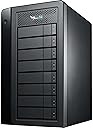
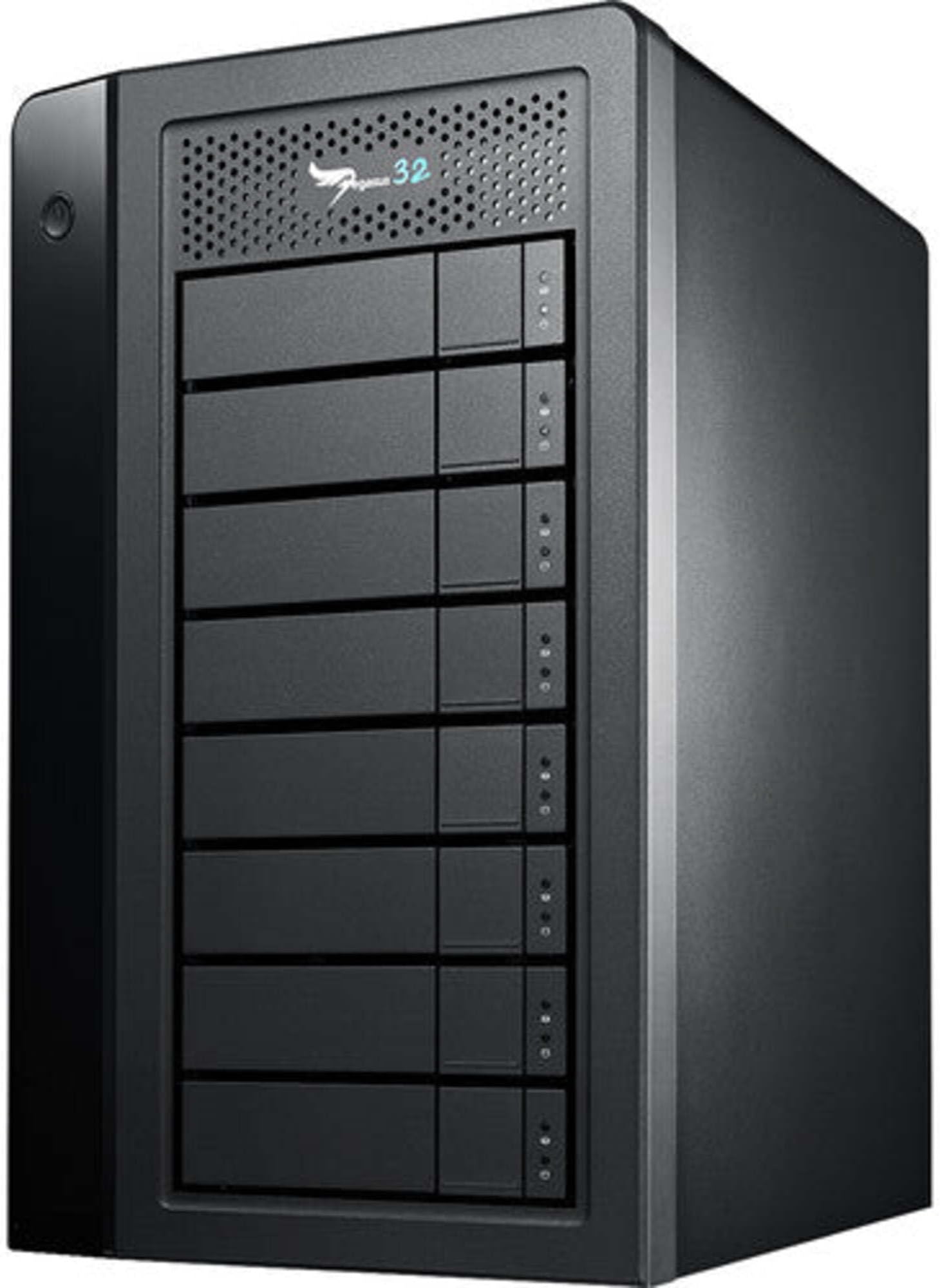
The Promise Technology Pegasus32 R8 is a high-performance external RAID storage solution featuring 32TB of capacity, dual connectivity options (Thunderbolt 3 and USB 3.2), and support for 8K displays, making it an ideal choice for professionals seeking speed and reliability.
| ASIN | B07ZZZKXN9 |
| Additional Features | Portable |
| Best Sellers Rank | #1,177 in External Hard Drives |
| Brand | Promise Technology |
| Built-In Media | 0.7M Thunderbolt3 cable, Pegasus32 Unit, Power cable, Quick Start Guide |
| Cache Memory Installed Size | 4 |
| Color | Black |
| Compatible Devices | Desktop |
| Connectivity Technology | DP 1.4, Thunderbolt3, USB32 |
| Customer Reviews | 5.0 out of 5 stars 5 Reviews |
| Data Transfer Rate | 13775 Megabits Per Second |
| Digital Storage Capacity | 32 TB |
| Form Factor | 3.5-inch |
| Global Trade Identification Number | 00704118151776 |
| Hard Disk Description | Mechanical Hard Disk |
| Hard Disk Form Factor | 3.5 Inches |
| Hard Disk Interface | Serial ATA |
| Hard Disk Rotational Speed | 7200 RPM |
| Hard-Drive Size | 4 TB |
| Hardware Connectivity | DisplayPort, Thunderbolt, USB Type C |
| Hardware Platform | Mac, PC |
| Installation Type | External Hard Drive |
| Item Dimensions L x W x Thickness | 12.6"L x 12.2"W x 7.3"Th |
| Item Type Name | Pegasus32 |
| Item Weight | 31 Pounds |
| Manufacturer | Promise Technology |
| Mfr Part Number | P32R8HD32US |
| Model Name | Pegasus 32 R8 |
| Model Number | P32R8HD32US |
| Number of Items | 1 |
| Special Feature | Portable |
| Specific Uses For Product | Gaming, Multimedia, Personal |
| UPC | 704118151776 |
| Unit Count | 1.0 Count |
| Warranty Description | 3 years manufacture |
D**A
More than I expected
I purchased this RAID expecting to connect it to a Thunderbolt 3. Unfortunately, my computer had a Thunderbolt 2 port, which is not upwardly compatible with Thunderbolt 3. So, I used the USB 3.1 Rev. 2 (the '2' in '32') to connect and it worked. I replaced the 8 drives that came with the unit with Seagate Exos X16 drives and set it at RAID 60. I have 58.2TB (63 trillion bytes) of usable space. The drives are physically slightly larger than the ones they replaced, but after 5 days of continuous access (synchronization) , the temperature was within Promise's acceptable range. The software (Pegasus Utility) is less intuitive than I had hoped. After synchronization, it showed the drives were working and their capacity, but I have to format before the computer will recognize the RAID. It only took a minute to format the RAID and I was then able to set a drive letter. Overall, this is a very good unit and with my dependable drives, I expect years of reliable service. One more note about the Pegasus Utility: It states that it does not work with the original Pegagus (which I have connected to the Thunderbolt 2). They were mostly right. If I only have the old one on, the utility detects it and shows me the status. However, If I have both units on, It will not allow me to switch between them. The utility is not needed to have both simultaneously operational (I copied files from the old to the new), so it is just an inconvenience.
T**T
Backup your stuff with this TANK
I've been using the Promise Pegasus for over ten years. My previous one, which I still have, is an 8TB drive. I upgraded my computer at the office, plus with technology, files take up more space now, so I moved my 8TB Pegasus to my home office and I am using this TANK of a hard drive at my main office. This thing is no joke. If you're serious about backing up your data and want to step up and play with the big boys, this product is for you. It's worth the investment.
S**E
Love this but honestly over priced
I bought mine cheaper for 200.00 on ebay love it thank you for a great product
J**L
Good Mac Support. You can Partition the Drive for Data and Time Machine.
I have a G Raid Drive. G Technology no longer supports Mac software for my G Array. So when it came time to upgrade, I switched to a Pegasus R32 R4 Redundant Array and have been very pleased. I purchased a spare hard drive identical to the ones shipped with the R32. I have now switched to a Mac M1 Laptop with Thunderbolt 3/4 connectors. I used the Mac Disk Utility to partition my R32 into two partitions, one for Data and one for Time Machine. I moved my Photos Library and Music library to the Data partition. I told Time Machine NOT to exclude the R32 Data partition. So I now have drive redundancy AND data redundancy. To minimize fan noise I moved the R32 under my desk on the floor. My grandchild managed to unplug one of the hard drives while the system was running and the system never missed a beat. I did need to rebuild the data array in background after the "drive failure." LOL. I still do a separate annual Time Machine backup to an "internal" SATA Drive using a Thunderbolt Dock and store the back up off site.
Trustpilot
2 months ago
2 months ago