Desertcart purchases this item on your behalf and handles shipping, customs, and support to USA.
👁️🗨️ Stay Connected, Stay Ahead — The Smart Watchdog for Your Home
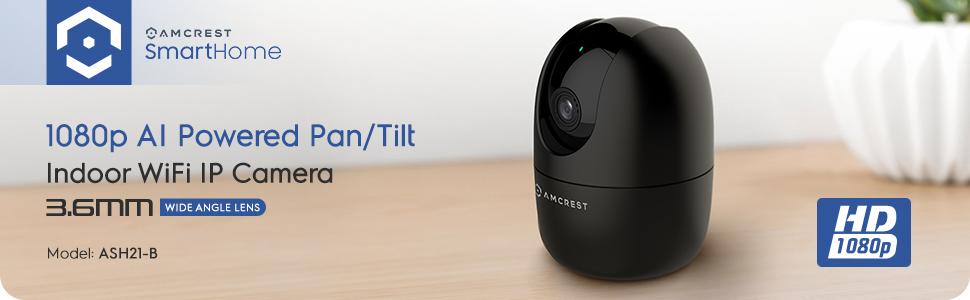
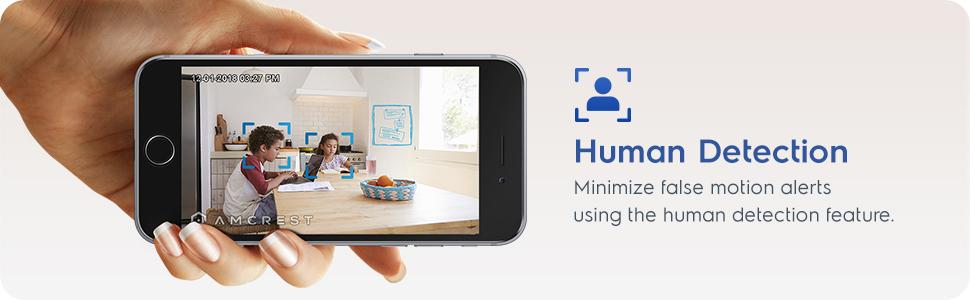
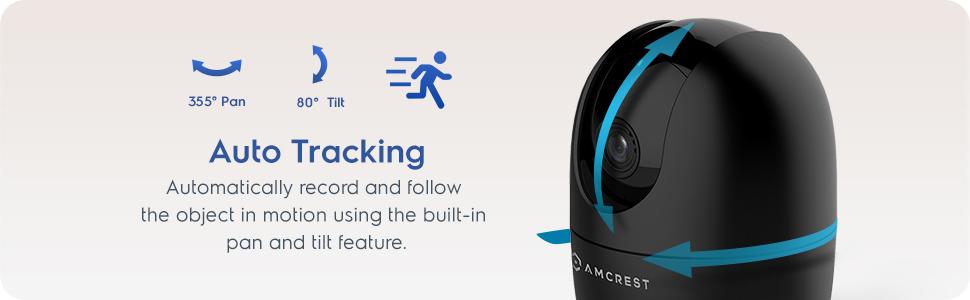
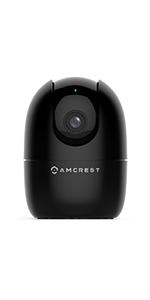
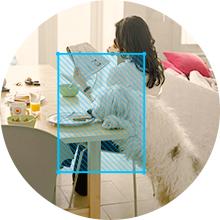
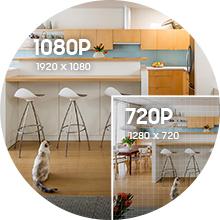
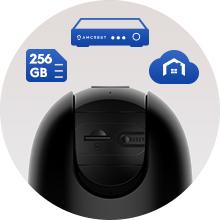
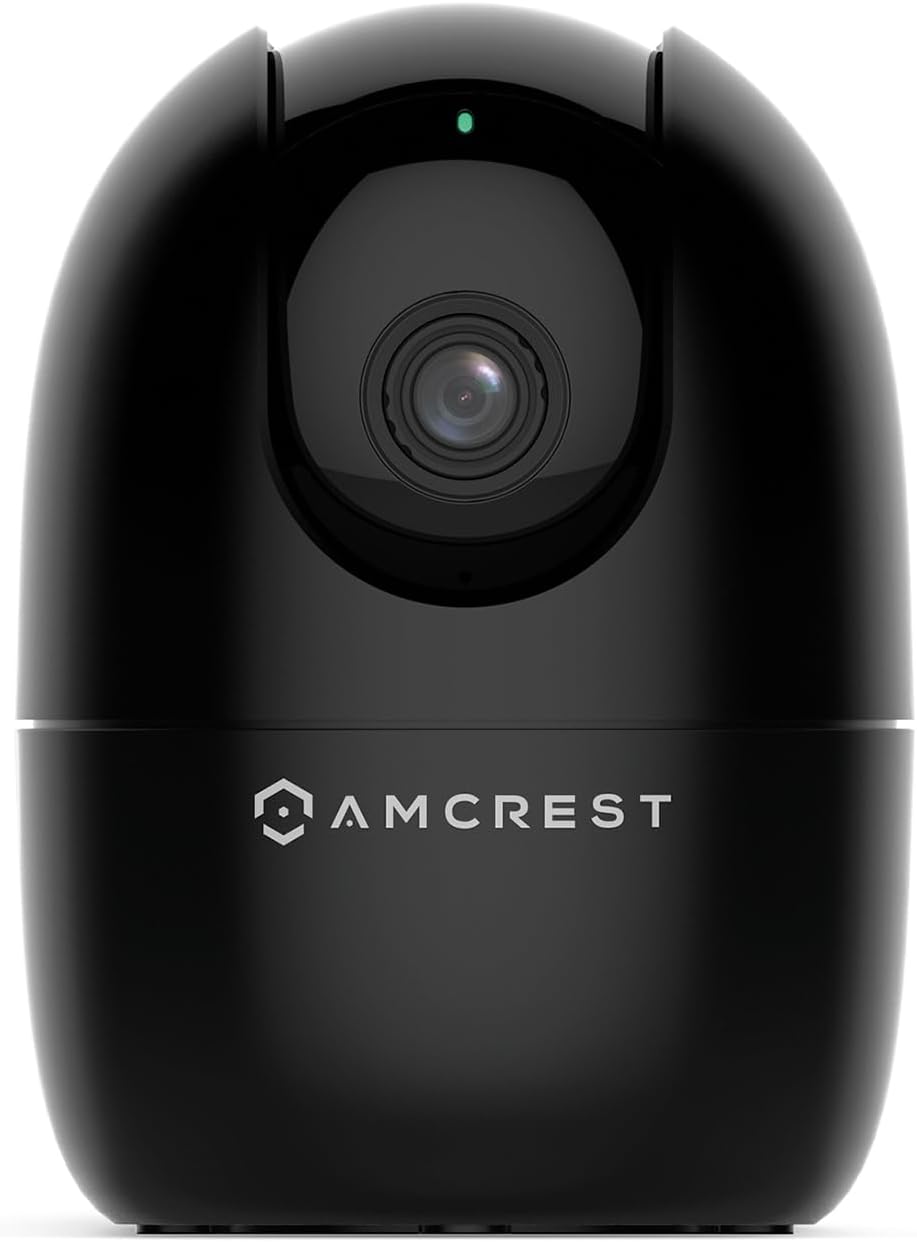
The Amcrest ASH21-B is a compact indoor WiFi camera delivering 1080p HD video with 30fps, featuring 360° pan/tilt and AI-driven human and pet detection without cloud dependency. It supports multi-user sharing, Alexa voice control, and offers night vision up to 33 feet. Footage can be stored locally on microSD cards up to 256GB or on Amcrest’s optional cloud service, making it a versatile nanny, pet, and security camera optimized for 2.4GHz WiFi networks.


| ASIN | B08644FKP1 |
| Alert Type | Motion Only |
| Antenna Location | Baby Monitor,Dog,Indoor,Pet |
| Are Batteries Required | No |
| Best Sellers Rank | #7,046 in Baby ( See Top 100 in Baby ) #104 in Video Baby Monitors |
| Brand | Amcrest |
| Built-In Media | WiFi |
| Color | ASH21-B (Black) |
| Compatible Devices | Alexa |
| Connectivity Protocol | Wi-Fi |
| Connectivity Technology | Wireless |
| Control Method | App |
| Controller Type | Iris |
| Customer Reviews | 4.0 out of 5 stars 4,168 Reviews |
| Effective Video Resolution | 1080 Pixels |
| Enclosure Material | Plastic |
| Form Factor | Dome |
| Frame Rate | 30 fps |
| Global Trade Identification Number | 00850007530983 |
| Indoor Outdoor Usage | Indoor |
| Indoor/Outdoor Usage | Indoor |
| Item Dimensions | 4.17 x 3.04 x 3.04 inches |
| Item Weight | 8.48 ounces |
| Light Source | Infrared, LED |
| Manufacturer | Amcrest |
| Model Number | ASH21-B |
| Mount Type | Wall Mount |
| Night Vision | Night Color |
| Night Vision Range | 33 Feet |
| Number of Channels | 1 |
| Number of IR LEDs | 1 |
| Number of Items | 1 |
| Other Special Features of the Product | Image Sensor, Motion Sensor, Night Vision, Portable |
| Photo Sensor Resolution | 2 MP |
| Photo Sensor Technology | CMOS |
| Power Source | Corded Electric |
| Recommended Uses For Product | Baby Monitor,Dog,Indoor,Pet |
| Room Type | Bathroom, Bedroom, Classroom, Hallway, Kitchen, Living Room, Office, Study Room |
| Special Feature | Image Sensor, Motion Sensor, Night Vision, Portable |
| Specific Uses For Product | Indoor Use Only |
| UPC | 850007530983 |
| Unit Count | 1.0 Count |
| Video Capture Format | MP4 |
| Video Capture Resolution | 1080p |
| Viewing Angle | 93 Degrees |
| Voltage | 5 Volts (DC) |
| Waterproof Rating | IP67 |
| Wattage | 5 watts |
| Wireless Technology | Wi-Fi |
| Zoom Type | Digital Zoom |
K**R
Great Functioning wifi camera
For the sale price, this is a great little camera. Functions as advertised and the picture quality is fine for my needs. App set up was relatively simple and all the features work as expected. I just wish it had a zoom function. I have been using it to monitor a kitten while I am away, and then I will likely move it to my front porch window for security.
C**T
FAST setup, Great Camera from a Dependable Company
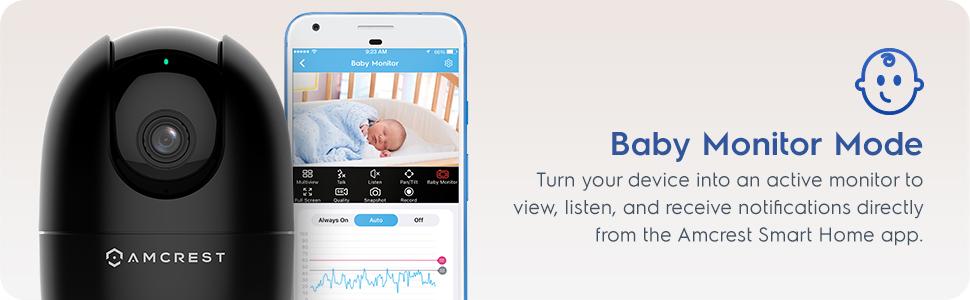
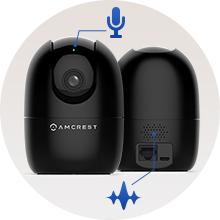
I am new to Amcrest Smart Home, which is what this camera is optimized for, but it took less than seven minutes from the time I opened the box and powered on the camera, to the time I was seeing live video in the Amcrest Smart Home app. Though I'm generally not a fan of "Smart Home" apps, the Amcrest app is intuitive and easy to understand. I especially like that they have English words under the icons, so that I'm not expected to try to figure out what each icon means. That's a huge plus. There is about a 3-second delay in the video when viewing the app over Verizon 5G. The delay is about 2 seconds when I'm on my home wifi (the same wifi as the camera is on). Both of these delays are quite normal and common for products like this. There is about a 6-second delay (on Verizon 5G) when pressing the "Talk" button in the app, until the speaker turns on in the camera. If I needed to speak to someone in range of the camera right away, to prevent a problem or alert them to something, six seconds is a LONG time. I understand the reasons why delay is inherent in devices such as this, but ut would be helpful if Amcrest were able to reduce that delay through firmware adjustments. The "Listen" feature is immediate when I tap the speaker icon, but it takes two seconds for spoken audio to play in the app. The audio sync with the camera appears to be perfect, so that's very good. I don't have much need for the baby monitor function, but running it through its paces, I can see where it could be very valuable. I thought being able to set the loudness threshold on the microphone was a very nice touch, to keep the app from notifying you if the baby is just moving around, but not in distress. The rest of the features, Full Screen, HD/SD Quality, Snapshot and Record all functioned as expected. Video quality is really good for a WiFi camera, especially when viewed over Verizon 5G. However, I don't think it's any better than my other Amcrest cameras...which isn't really a problem, since my more than 25 Amcrest cameras all look great. I have this one set to 1920x1080, 20FPS, Bitrate 2048, and it's smooth and clean looking, even in low-light conditions, which is something I've come to expect from Amcrest cameras. Though the Smart Home app works great, I will be using this camera primarily with BlueIris, and it was a bit challenging to get the settings just right for use with that software. However, I knew that going in, because the Amcrest marketing materials state that the camera is optimized for the Amcrest Smart Home app. Frankly, I didn't expect it to work at all with BlueIris, so it was a nice surprise when it did. I do wish pan/tilt worked inside BlueIris, but I can always use the Smart Home app to position the camera when needed, so that's not a dealbreaker. The packaging was almost all cardboard, with just a couple of sections of foam to protect the top and bottom of the camera. I LOVE this about Amcrest cameras. There is a minimum of plastic/foam in all their packaging, and that is a huge positive to me. The Quick Setup Guide was very simple and succinct, understandable since the app really walks you through the setup. I would have liked to try the Smart Tracking feature, but I couldn't figure out how to turn it on. I pressed the button that matched the icon in the manual, but it didn't track me. I won't be using that feature, so it's not a big deal. But it would be a good idea for Amcrest to include that in future editions of the Quick Setup Guide. Rather than just describing the feature, they could actually instruct people how to turn it on. My overall impression of this experience is basically the same as I've had with all my other Amcrest cameras. They just WORK. To not have to spend hours fiddling with a camera is a very good thing. Especially one like this, where you maybe want to throw it in your luggage and have a camera watching your hotel room or VRBO while you're out. If you're looking for a great quality camera for use as a nanny camera, doggie camera, or just add it to your collection of home security cameras, this camera is a great addition.
A**P
V3 is Fine. V2 is a bit of a pain. Watch out for Wi-Fi SSIDs with spaces!
After doing a bit of research, I bought one of these (which was recommended by folks online) to try with Frigate NVR. The first one I ordered in October 2024, and I received model # ASH-21-B-V3. It connects to the Amcrest Home app (on Android) and works great. It also works great with RTSP via go2rtc in Frigate for use with Home Assistant. The next two I ordered in December 2025, and I received model # ASH-21-B-V2. These simply refuse to connect to the Amcrest Home app (for Android). It fails at handling spaces in Wi-Fi network SSIDs (names), and mine has spaces. Using the iOS version of the Amcrest Home app, I was able to get it to connect to my Wi-Fi network (by manually typing the SSID in the "other..." option, which failed on the Android app), but it simply will not show up in the Amcrest Home app. This is _not_ a deal-breaker for me, as I block these cameras from "calling home" to Amcrest's servers anyway, but the V2 took me a few hours to set up including research, whereas the V3 took me ten minutes. Just FYI, if you receive a V2, prepare for a bad time (unless your Wi-Fi SSID has no spaces, then you're probably fine, but I cannot personally verify that). The V2 and the V3 both DO NOT include a web UI -- you will need the Amcrest Home app for Android/iOS, and/or the Amcrest Surveillance Pro app for Win/Mac. The V3 DOES support basic ONVIF remote PTZ control on port 80, but the V2 DOES NOT. For reference, here are the firmware versions installed on my cameras out-of-the-box: - V2: 2.680.00AC005.0.R, Build 2021-6-16 - V3: 2.800.00AC000.0.R, Build 2021-9-24 Upgrading firmware on the V2 did not seem to make a difference in regards to available functionality. Worth noting: Using the Amcrest Surveillance Pro software for Windows, I was able to tweak a few other settings on both the V2 and V3 cameras. Unfortunately none of these settings included setting Guard Positions for the PTZ/ONVIF, meaning if the power cuts, the camera resets to its default PTZ angle, which is directly forward. This might be a problem if you use any kind of custom motion detection via Frigate or another NVR.
M**Y
Do NOT buy if you value your time
I have had two different versions of Amcrest cameras over the last few years. Two of them are the Ash-21. When I bought them the first time I had to return one and get a replacement because it wouldn’t connect to my network. The two I have now I have worked satisfactory. However Amcrest has multiple applications. that you must download and use in order to set up and manage your cameras. The instructions are very confusing and not linear. One of the supposedly easy functions is you should be able to scan the QR code at the bottom of the camera however, I have not been successful in the years. I’ve had them to get the QR codes to scan. So you’re constantly having to manually input all the information every time you try to manipulate the camera in the management apps. The website is no help and if you reach out to customer service, it may take days to get a response. And all they will do is point you back to their website links to troubleshooting. I recently upgraded my network with a new router, new passwords, etc. it caused my two Ash-21 cameras to not connect. I have followed instructions from customer service and the manual. I did a factory reset on both cameras. My network sees the cameras, however I get the error (see picture) that the app is not accepting the new password. I have tried about two dozen combinations. This error causes the setup to fail. I have spent hours and hours troubleshooting these cameras. I feel it’s a full-time job. Customer service is almost not existent. The manuals are less stellar. These are now paper weights, waste of money, waste of time. Don’t buy these if you value your time.
M**G
Great WIFI Security Camera
Pros: I wanted to wait some time before I gave my review. I already own an older model of an Amcrest Wifi Camera so I had a good comparison to see if there were any improvements. The very fact that this camera has AI functionally that tracks movement is a game changer for me. I have the camera set on my window sill facing the front door. It tracks when someone leaves a package, and gives me a notification. If my daughter’s boyfriend enters from the front door, it will track the entire movement from outside, and pans to follow the movement to the inside of my house. There is no noticeable noise when the camera pans and it’s almost silent. After there is no movement to be tracked, the camera resets to the previous setup, looking outside of my window at the front door. The setup was super easy. I thought I could use this camera with my older software on my other Amcrest camera. They are not compatible. .Once I figured that out, setup on my wifi network was a breeze. And a lot quicker than my previous setup. The record quality is great. The app is also great to use as I can “listen in” from work or anywhere I have my cell phone, and I can also talk back to check in with my house. Cons I could not find where to install the micro sd card I purchased separately. I could not see anything in the instructions where to install it. With the camera unplugged, I moved the lens to point up. There you will find a reset button and the slot for the micro sd card. Once I installed a 256gb card and formatted it, I was good to go with plenty of storage. When the power goes out or if I loose any data connection on my network, once powered up the camera says “successfully connected to the network” I find this annoying and have yet to discover how to turn it off All in all this is a great wifi camera for the price. I highly recommend it and plan to get some more.
J**T
great little camera
I use these to check on my cats while I’m away . I love the swivel feature, clear night vision and audio. Super easy set up and no subscription required for basic features. I’m ordering two more.
P**.
Decent Security Camera, but no Pet Detection
Pretty easy to set up and does all of the security camera basics (movement detection, night vision, etc). My main complaint is that it clearly advertises "Pet Detection" in the title and mentions "Dog Camera" and "Pet Camera" multiple times, but it does not support pet detection at all - just general movement and human detection. Pros: + Image quality is fine for 1080p + Night vision works well enough for small spaces with very low light + Pan/Tilt is a nice addition, especially at this price point (when on sale) + Motion detection works well, and Human detection works OK Cons: - No Pet Detection, despite being advertised - Camera sometimes needs to be rebooted Notes: Uses about 1-3GB per hour of recording at full HD (1080p). With motion detection on in a relatively inactive space, a 64GB SD card gives me about 3 months of recording history.
B**C
Good features for price
Replacing an old Amcrest camera similar to this one. Good features for price, works with Amcrest app. Had trouble using old micro SD card, but new card worked fine. Slow upload from micro SD card, as with older Amcrest camera, but sharp video. WiFi hookup was smooth.
Trustpilot
3 weeks ago
3 weeks ago