Desertcart purchases this item on your behalf and handles shipping, customs, and support to USA.
💼 Secure your digital legacy with speed and style — don’t get left behind!
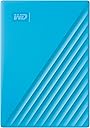
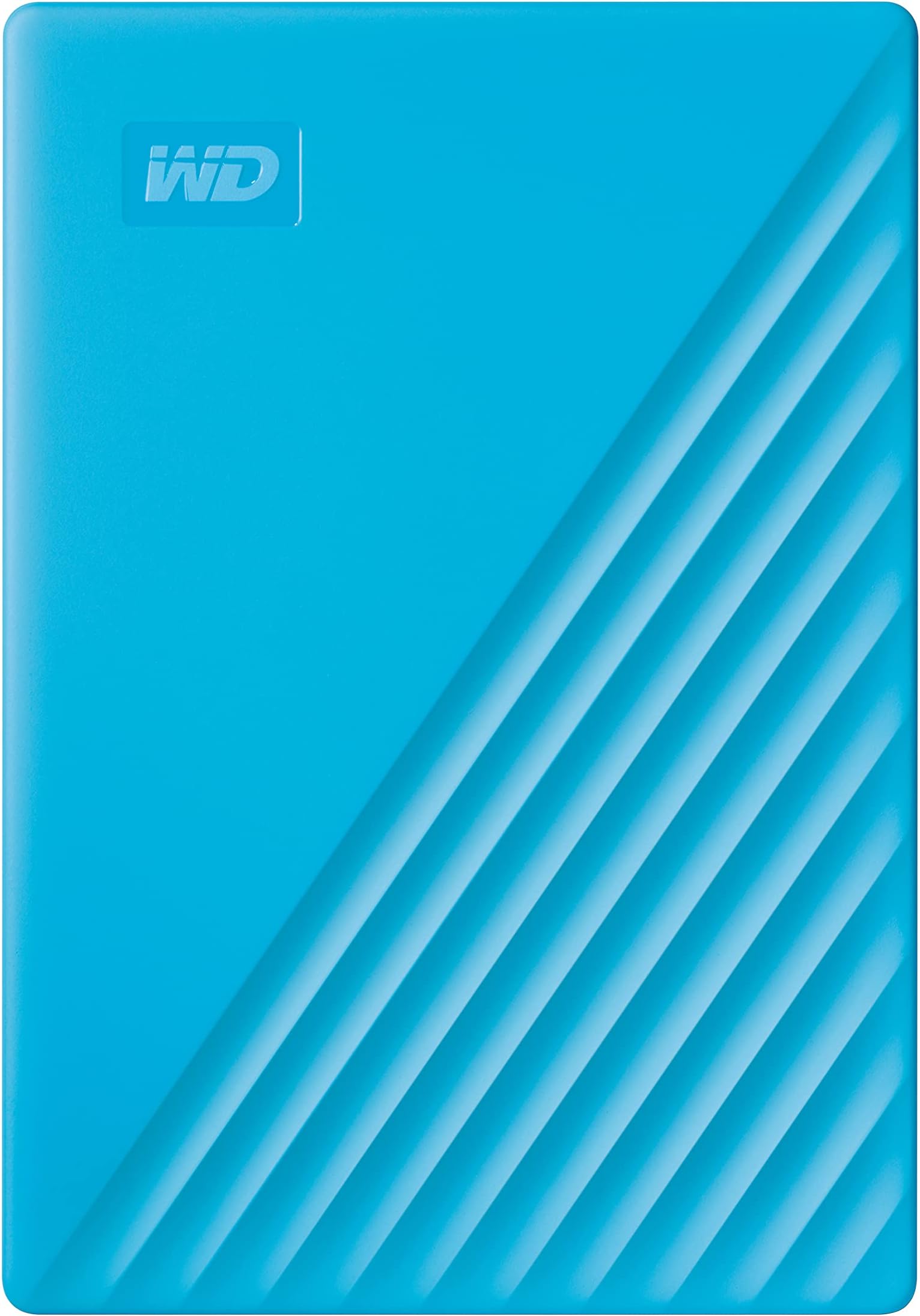
The WD 2TB My Passport is a portable external hard drive featuring a slim, durable aluminum design and 2TB of storage. It offers USB 3.1 compatibility for fast data transfers, hardware encryption with password protection for enhanced security, and comes bundled with Acronis True Image backup software that defends against ransomware. Perfect for professionals needing reliable, on-the-go data storage with a 3-year limited warranty.


| ASIN | B07VTGBWYH |
| Additional Features | Hardware Encryption, Portable |
| Best Sellers Rank | #104 in External Hard Drives |
| Brand | WD |
| Built-In Media | My Passport portable hard drive, Quick Start Guide, Software[2] for device management and backup with password protection, SuperSpeed USB-A cable (5Gbps) |
| Cache Memory Installed Size | 2 TB |
| Color | Blue |
| Compatible Devices | Desktop, Laptop, Tablet |
| Connectivity Technology | USB |
| Customer Package Type | Standard Packaging |
| Customer Reviews | 4.4 out of 5 stars 6,294 Reviews |
| Data Transfer Rate | 1 megabits_per_second |
| Digital Storage Capacity | 2 TB |
| Enclosure Material | Aluminum |
| Form Factor | 2.5-inch |
| Global Trade Identification Number | 00718037870281 |
| Hard Disk Description | Mechanical Hard Disk |
| Hard Disk Form Factor | 2.5 inches |
| Hard Disk Interface | USB 2.0/3.0 |
| Hard Disk Rotational Speed | 1 |
| Hard-Drive Size | 2 TB |
| Hardware Connectivity | USB 2.0, USB 3.0, USB 3.2 Gen 2 |
| Hardware Platform | PC |
| Installation Type | External Hard Drive |
| Item Dimensions L x W x Thickness | 4.22"L x 2.95"W x 0.44"Th |
| Item Weight | 120 g |
| Manufacturer | Western Digital Technologies, Inc. |
| Media Speed | 160 MB/s |
| Mfr Part Number | WDBYVG0020BBL-WESN |
| Model Name | My Passport External Hard Drive |
| Model Number | WDBYVG0020BBL-WESN |
| Number of Items | 1 |
| Special Feature | Hardware Encryption , Portable |
| Specific Uses For Product | Business, Multimedia, Personal |
| UPC | 718037870281 |
| Unit Count | 1 Count |
| Warranty Description | 3-year manufacturer's limited warranty |
C**O
This drive stopped working after a year
This drive worked fine for a year, then we added more photos to it, nothing different than before, and the drive wont work anymore. Nothing was wrong with the pictures themselves, and we tried taking all the images off the drive, wiping it, and then loading some on again and it still wont work. Strongly suggest you dont buy this.
R**?
Good drives. Have used before. Reliable
Have used many of these in the past. They’re pretty reliable. With the increasing price of solid state memory these have been inching up as well. Using it as a Time Machine drive on a Mac. Working flawlessly.
C**I
Super easy to set up and good security
Small, slim, easy to store, easy to install, the software does everything for you, the security is strong just don’t forget your password or you’ll have to wipe your drive but that’s what makes it so secure and (for under $100 can’t beat that), it works super fast, I have a MegaX it doesn’t hold a candle to it, and this had two terabytes and the range of colors are great as well, making this well worth the money.
G**.
Encryption Details
I bought this because it advertised that it had encryption. I've used Sandisk USB's that have encryption software built-in that run a standalone executable to open a vault or unlock the whole drive without ADMIN privileges. WD requires that you download(not included on the drive)/install an app (WD Security) onto a single PC (or Mac apparently) and then you use that software to encrypt the entire drive. The drive can then be accessed on other PC's using a portable standalone app partition that is created on the drive by the WD Security software. So you should then be able to remove the software/discard the VM. So you plug in the drive on another PC and a drive partition appears that allows you to run a standalone app to unlock the rest of the drive. Once unlocked, the encrypted storage partition shows up as a separate drive. ***Contrary to the Sandisk version, The WD standalone unlock application requires ADMIN privileges to unlock the drive. Beyond all that, the drive seems to work as it should. Just wish the WD unlock application didn't require admin privileges so I could use it on my companies machine(as I intended). Hope this helps someone else. *** Update: Moved a 105 GB VM File to it with a consistent 100 MB/s average speed throughout the transfer.
Y**E
Great!
Works great and program to back up whole computer is quick!
M**E
Love the storage space and the compact size!
This is the perfect external hard drive. Compact for easy portability and plenty of storage. It will take a while for me to fill this one up. The blue is an extra nice touch to distinguish my hard drive from others.
M**R
Mac OS users: Stay away!
I’ve used many Western Digital (WD) external hard drives on my Mac with few if any problems. Not the case with this particular product. This drive was plugged directly into a type C port on my iMac (running OS Tahoe) using a USB-USBC adapter. It’s primarily made for PCs and gaming, but in the customer question section about Mac compatibility “Alexa said” it can work with MacOS. Reformatting is required (I always do that on a new drive) but this one needs to be reformatted in exFAT or MacOS Extended – not the APFS format virtually every other external HD I’ve bought, including WDs, works with happily on my Mac. Reformatted for MacOS Extended. No luck. Ran Disk first aid then erased the drive, reformatted to exFAT. No luck.Transferring files that were in perfectly good shape from one backup disk to this one basically didn’t work. Some files moved over OK, others the same format and basically the same file size wouldn’t go, and my Mac would throw error messages. Ran disk first aid, all was supposed to be OK, but the same problems arose. Reformatted ONCE AGAIN as exFat, no luck; Reformattted ONCE AGAIN as MacOS Extended, no luck. Then, the drive started clicking, a muffled click about once a second. That would go away, only to return again. I may be wrong, but to me this indicates total drive failure isn’t far away. The customer Q&A section notes “reliability is mixed — about half of reviewers report issues, including failures within months and clicking noises.” I didn’t think that would happen to me, but it sure did. And so, speaking of far away, in my opinion if you’re looking for an external HD for your Mac, stay far away from this one. I'm rerurning requesting refund.
M**M
Works as expected
Our IT person has us switch out our drives regularly and she is the one who picked these out. They come in a variety of colors which is fun though unnecessary. They work well and seem durable. They’re thick and appears as if dropped, they would survive. Our files upload quickly and easily.
P**L
Makkelijk te installeren
Mijn oude was ondertussen 13 jaar oud en kon er niks meer op krijgen. Die was echt groot en zwaar vergeleken met deze. Blij mee
S**N
Very good!
It works well! I'm using HP Pavillion gaming laptop. Satisfied with the product.
O**T
Reliable external hard drive
Fast and reliable external drive for backups. Have used a long time and no problems.
M**O
iyi
dışında sert bir plastikle kaplı ama çok ince, ne kadar güvenli olur bilemedim. harddiskler darbeye karşı hassas. ama disk kalitesi olarak wd her zaman en temizidir.
A**A
Un bon disque dur
Fonctionne très bien sur windows 10.
Trustpilot
5 days ago
4 days ago