💼 Compact Powerhouse: Big Storage, Small Footprint, Zero Compromise
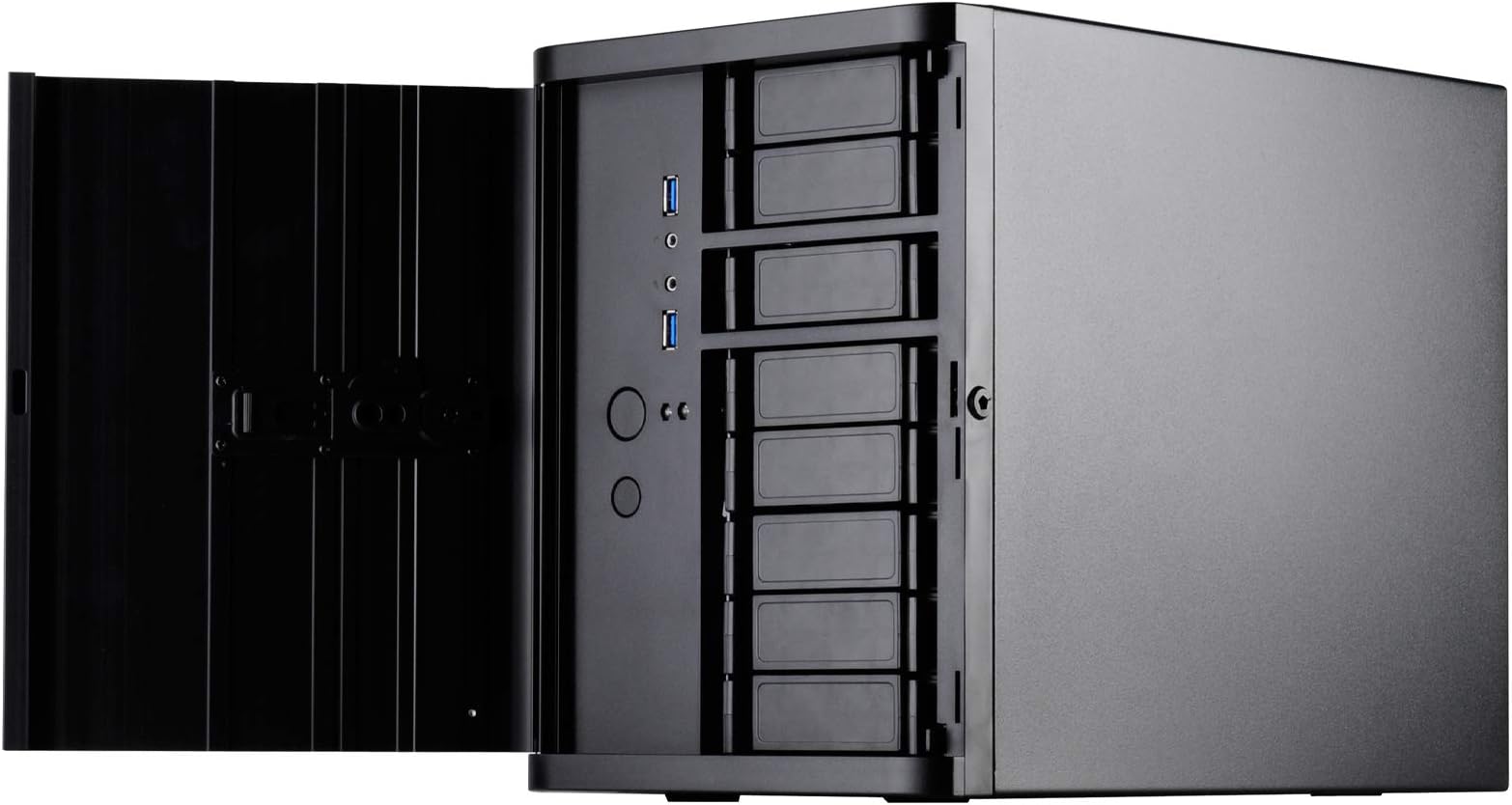
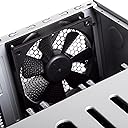
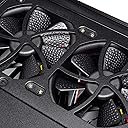
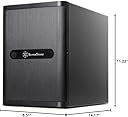
The Silverstone DS380B is a premium Mini-ITX/DTX NAS case designed for professionals craving maximum storage in a small form factor. It supports up to 12 drives with 8 hot-swappable bays, features a lockable brushed aluminum front door, and includes three 120mm filtered fans for efficient cooling. Perfect for high-end NAS builds, it balances compact design with enterprise-grade versatility and security.


| ASIN | B00IAELTAI |
| Audio-out Ports (#) | 1 |
| Best Sellers Rank | #1,788 in Computer Cases |
| Brand | SilverStone |
| Color | Black |
| Customer Reviews | 3.4 3.4 out of 5 stars (107) |
| Date First Available | February 5, 2014 |
| Is Discontinued By Manufacturer | No |
| Item Dimensions LxWxH | 8.3 x 14.2 x 11.2 inches |
| Item Weight | 1 pounds |
| Item model number | DS380B |
| Manufacturer | Silverstone |
| Number of USB 3.0 Ports | 2 |
| Product Dimensions | 8.3 x 14.2 x 11.2 inches |
| Series | CS-DS380B |
I**C
An amazing NAS box with a small footprint but plenty of power
I purchased this case as part of my FreeNAS build. The case is a wonder; 8 standard HDD hot swap drive bays and 4 fixed SSD bays in a compact mini-ITX form factor. Because of the compact size space gets tight when building, but since this case is meant for server boards with little or no add-in cards it was fairly easy, even for a guy like me with fat butcher's fingers. A couple of notes: 1. Be careful when removing the main hot-swap drive cage; the small screws along the top can stick, meaning they don't protrude when you unscrew them from the frame. It's crazy easy to strip them if you keep trying to unscrew them once they have released and are rotating freely. Have a needle-nose pliers ready to pull them out. I would have liked to see the case come with a few backup screws to accommodate this. 2. Be careful when pulling out the drive cage. The back of the cage has a bunch of capacitors and other semi-fragile electronics exposed (parts of the hot-swap hardware) and you can bend or break them very easily if you grip it wrong. Since the drives in this cage are not meant to be connected directly to the SATA data and power cables, and are not directly exposed from the back, this could be a game over-case destroyer. 3. Secure your cables carefully! The tight space means that unsecured cables can rub against the fans, creating noise and potentially bad things. 4. The magnetic screen on the side is irritating when picking the case up; it slides off very easily and is placed in a position where you naturally grip when lifting, causing it to slide around in your grip; I'd suggest removing it when moving and re-attaching after you set it down. 5. The manufacturers site lists their CPU water cooling as compatible. You could probably remove the front fan and install the radiator+fans there but it would be a TIGHT fit and I don't think I'd recommend it. Also, many server boards that you might buy with this form factor are SoC and have their cooling systems soldered onto the board, making it impossible to use an external cooling system: double check before buying to avoid wasting your money. 6. One weird thing I discovered: for each HDD drive bay on the hot-swap back-plane there appear to be two SATA ports. I'm not sure why, my wild guess would be for redundancy or something along those lines, but what I found was that the system did not recognize the drives unless the SATA cables were plugged into the port on the left. So for each bay, plug the cable into the left SATA port. This may very much be a YMMV situation, since I really have no idea what the second port on each bay is for. All of this is pretty minor. For a NAS build this box is as close to perfect as I've seen. Once built this thing is a dream: small, powerful, and fairly quiet. I highly recommend it.
M**C
Good quality case, poor thermal management
Very nice case. Good quality and all, but the thermal management is flawed. My Seagate drives are now running at 40C - 53C deg. It's cooler in the middle section where there's slightly more distance between the drives. I built this new NAS server because my old 2U rack-mount case was consuming too much power (120-watt without any drives, 210-watt with eight Seagate 6-TB drives in operation). Even with the fan toned down to 30%, my drives in the 2U case was in the high 20's and low 30's, temperature wise. A properly designed case should create vacuum or low pressure inside the case with openings in the front of the case where air is sucked over the drives. This case instead blows air onto the side of the drives which is very inefficient when the space between the drives are very narrow. Combine this with the fact that there's minimal space for air to escape within the drive cage and a low-power exhaust fan, you got a good recipe for hot running drives. I'm going to reverse the fan on the sides to create low pressure and crank up the RPMs a bit to see if that helps. Will post more on this later. Another downside to this case is that you most likely cannot use a PCI-E card that extends past the drive cage unless you're willing to give up that drive bay (meaning you can't use that drive bay). I used a Dell PERC H200 cross-flashed to an LSI 9211-8i and it extended about 1/3 of an inch past the drive cage. This prohibited the drive cage from being re-installed until I made a notch in the removable plastic plate. Other than these two flaws, it's a good case. Not sure if it's worth $150 thought. 3/8/2015 update: I was able to get the HDDs temperature to dropped 10-deg C by making the following changes: * Reverse the side fan so they exhaust air instead of blowing air inside the case * Remove the side grills to minimize restrictions. * Use duct-tape to close all the opening holes on the back of the case, including the empty bracket. (If you use 2.5" drives, you may want to leave a little strip of opening as to not totally block air from being sucked in and over the drive. * Crack open the front door. Do not close it. What this does is create lower pressure inside the case, causing air to be sucked through the front drive bays, providing a much better cooling effect. The downside to this is that the CPU will get hotter because there will be very little airflow within the case. A simple fix is to install a small fan directly on top of the CPU. The other downside is you have to leave the front door cracked open all the time so that air can be drawn through the front, over the HDDs. I can live with this. 3/10/2015 update: I replaced all three fans with 3000-rpm higher flow fans and a speed controller to adjust for noise. All my drives now idle in the low and mid 30-deg C. Maximum temperature is no more than low 40-deg C with the fans reasonably quite, but still moving more air than the original fans. It's ready for the summer now.
Trustpilot
2 months ago
1 week ago