Buy anything from 5,000+ international stores. One checkout price. No surprise fees. Join 2M+ shoppers on Desertcart.
Desertcart purchases this item on your behalf and handles shipping, customs, and support to USA.
🐾 Stay connected, secure, and in the know—because your home deserves the best view.
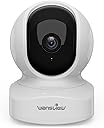
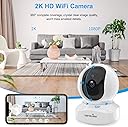
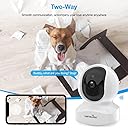
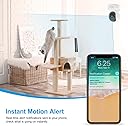
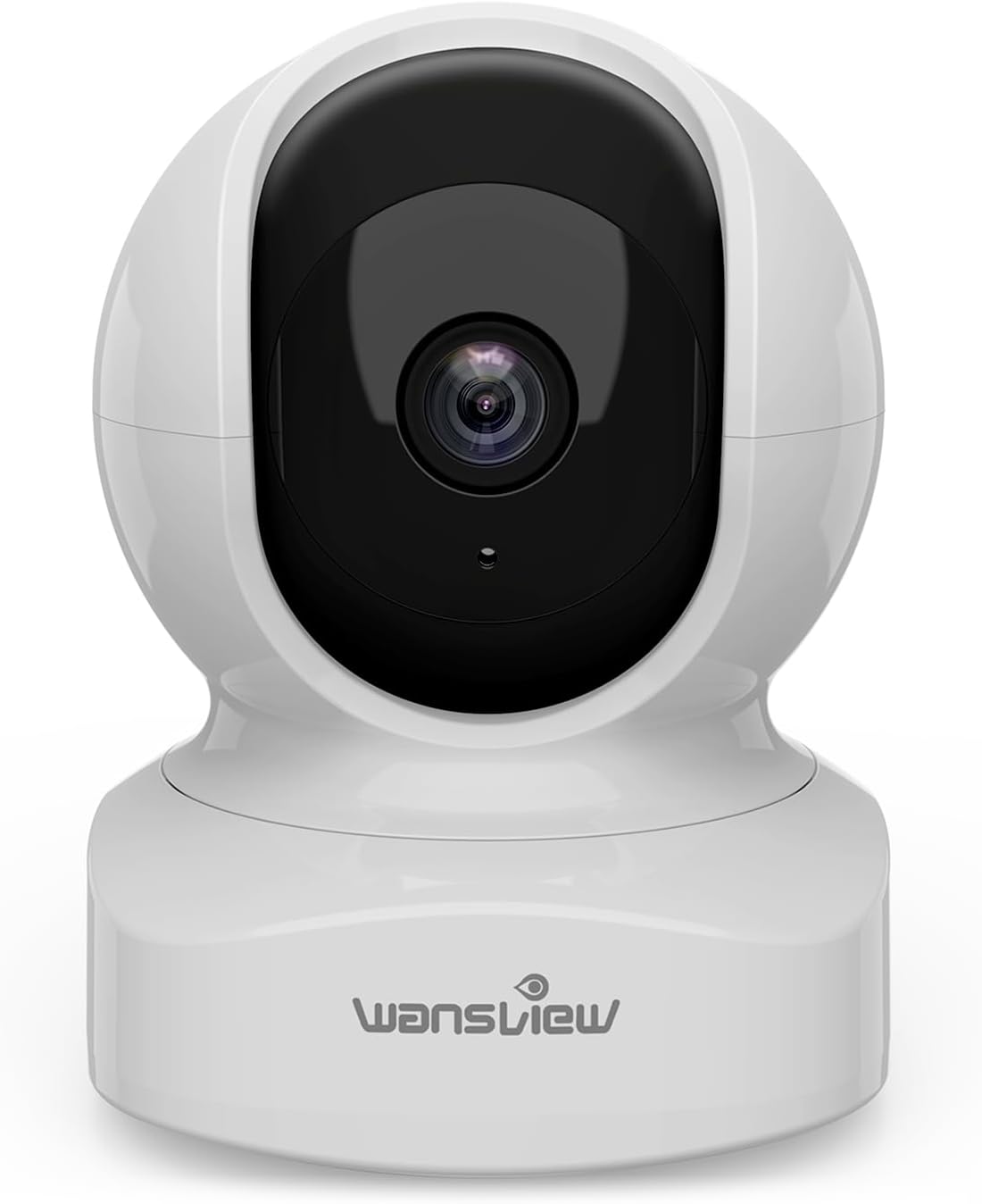
The Wansview Q5 Indoor Pet Camera delivers sharp 2K video with 360° pan and tilt, infrared night vision, and real-time motion alerts. Easy app setup on 2.4GHz WiFi lets you monitor pets, babies, or home remotely. Two-way audio and flexible local or cloud storage options make it a versatile, reliable security solution for modern homes.


| ASIN | B07QLR94S1 |
| Alert Type | Motion Only |
| Antenna Location | Baby Monitoring, Indoor Security, Pet Monitoring |
| Batteries are Required | No |
| Best Sellers Rank | 684 in Electronics & Photo ( See Top 100 in Electronics & Photo ) 17 in Dome Cameras |
| Brand | wansview |
| Colour | White |
| Compatible Devices | Smartphone |
| Connectivity Protocol | Wi-Fi |
| Control Method | App |
| Controller Type | Amazon Alexa, Google assistant, Android |
| Country of Origin | China |
| Customer Reviews | 4.4 4.4 out of 5 stars (19,083) |
| Effective Still Resolution | 3 MP |
| Effective Video Resolution | 1296 |
| Field Of View | 360 Degrees |
| Focus Type | Auto Focus |
| Form Factor | Dome |
| Included Components | Charging Cable, Instruction Manual, Mounting Screw, Power Adapter, Stand |
| Indoor Outdoor Usage | Indoor |
| Installation Type | Surface-Mounted |
| Item Dimensions | 7.2 x 7.2 x 10.1 centimetres |
| Light Source | Infrared |
| Manufacturer | wansview |
| Material | Plastic |
| Model Name | Q5 |
| Model Number | Q5 |
| Mount Type | Wall Mount |
| Network Connectivity Technology | WiFi |
| Night Vision | Infrared |
| Night Vision Range | 8 Metres |
| Number of Channels | 2 |
| Number of IR LEDs | 4 |
| Number of Items | 1 |
| Optical Zoom | 4 x |
| Other Special Features of the Product | Local Recording, Motion Sensor, Night Vision,HD Resolution,2-Way Audio,Pan & Tilt,Real Time Alert |
| Photo Sensor Technology | CMOS |
| Power source | Corded Electric |
| Room Type | Office, Store, Bedroom, Living room, Baby room, Pet room |
| Shape | Dome |
| UPC | 715444933721 |
| Unit Count | 1.0 count |
| Usage | Baby Monitoring, Home Security, House Security, Indoor Security, Pet Monitoring |
| Video Capture Format | MJPEG |
| Video Capture Resolution | 1296p |
| Video Encoding Format | H.265 |
| Viewing Angle | 125 Degrees |
| Voltage | 5 Volts |
| Water Resistance Level | Not Water Resistant |
| Waterproof Rating | IP65 |
| Wattage | 5 watts |
| Wireless Technology Type | Wi-Fi |
| Zoom Type | Digital Zoom |
S**5
Excellent, good value camera
I was sent this camera as part of a free test, but with no obligation to write a positive review. However, the camera is fantastic and value for money is excellent. Picture quality is high both in the daytime and using nighttime infrared mode. I did have a small problem with the camera consistently flicking between daytime and nighttime mode, however a quick reset sorted this out and we’ve had no problem since. No need to subscribe to any form of cloud storage service, video record recordings can be stored on a microSD card that slots into the camera. The app works well, and integrates with other cameras that I have around the home. Settings are useful but not overcomplicated and set up was very quick and simple. There are options to adjust the motion detection, frequency and type of alerts, and the intelligent tracking is particularly useful if you intend to use this for pets who are likely to move in and out of the camera frame. The mounting arm supplied is also useful, as it has a rotating and bendable arm rather than a static mounting point, allowing for extra adjustability. Overall fantastic value for money and very easy to use. I would happily purchase another in future.
K**T
Great camera, great customer support! 10/10
Bought this to keep an eye on my poorly kitty when not home, and i cannot fault it!! Exceptionally easy to set up. What can I say? It just worked!! So far I haven't had any issues with the app. Super easy and straightforward to set up. It connects instantly, even after camera has been unplugged. No memory card needed unless you want to record and store direct from the camera. All features seem to work perfectly with next to no latency. Camera is crystal clear. Good functionality. The IR nightmode is nice and clear. If I was to nit pick, it would be nice to have a nightmode toggle on the app, as i find it prematurely activates when the room is still quite bright (edit: turns out this option was there all along), but that's more than made up for in the clarity of the IR picture, of which I can't fault! I did have a minor manufacturing issue with my initial camera, however the Wansview customer service were brilliant and couldn't have been more helpful, offering options to rectify the issue, in a way that suits me. Very friendly and prompt replies! All in all, I'm glad I spent the extra (£1-ish) to get this brand instead of a knock-off!!! If I need more cameras in the future, I won't think twice about using this brand. Its certainly good value for money, particularly when you factor in aftercare & customer service.
D**N
Another great Wansview camera
This is my second Wansview camera, but the first time I have received an item free for writing a review. All my reviews are honest so I will give the good and not so good. My first Wansview camera is the W5 outdoor camera. Just like that camera the build quality, image quality and motion detection are superb. You can adjust the sensitivity of the motion detection. To remotely control the direction the camera points in, you download the Wansview app to your phone. Using this you can move the lens up, down and side to side and get a live view. This is very easy indeed. I'm using a micro sd card to store when movement is detected. You then use the app to scroll back through information. There is a pull down calendar so you can go back to images stored earlier. There is a timeline bar showing at what time recordings took place. You can scroll through this to find recording and then play them back. At the moment this camera points through my downstairs window, to capture any blind spots the outdoor camera misses. At night it uses LED lights to give night time images. I have turned this off inside the app, so the LED lights don't reflect off the window. I get excellent images using the street light. Setting up the camera was much easier than previously with the outdoor camera, simply because I learnt a lot from doing it the first time. Nevertheless, set up was still not easy. For some reason, on set up, their cameras seem to struggle to pick up the router, even if the camera is right next to it. I checked my WiFi password each time, but it took 5 attempts for it to connect. However, once it is connected, it stays connected. All setting up is done via the app. Scanning the QR code on my phone with the camera was easy. If you don't want to store images on an sd card, you also have the option of using the subscription cloud service. It comes with a free trial. The camera comes with a basic instruction booklet. A more detailed one can be downloaded from their website. Areas that Wansview can improve on are as follows: - it would be good to zoom in on the timeline scroll bar so that you can get better placement of the clip you want to see. - when playing a clip it would be better if a bar comes up as on most videos so you can scroll back to something you have seen, even when the image is paused. At the moment you have to replay the clip. - at the moment you can only take a picture if the video is playing. It would be better if you can pause the video at exactly the point at which you want to take the picture. - downloading images and video clips is the most frustrating thing about these cameras for me. With the other camera it took me a long time to find out where the clips were being saved. In fact, they are saved withing the app. When you first go into the app there is a menu and you select 'Me'. If you then want to download this to your phone, you need to select download on the images. Also you need to do this one at a time. You cannot select all the images you want to download. What I would like Wansview to do is create a folder 'Wansview' in the phone's Gallery so that images and videos are downloaded to this immediately when finding clips. - to download images from your phone to your pc is not too straightforward. If you use a usb to connect your phone, you need to find the WansviewPlus folder. This has subfolders . You will have to look through these subfolders to find the images. I couldn't find all the images I downloaded, but this may have been because my phone is short of memory. The main issues are with the app, which I'm sure they can improve. The cameras are excellent, and I won't have any hesitation in buying another one in the future.
R**K
Gör sitt jobb, finns bättre för samma pris idag.
S**S
This camera saved my life—I can move around the house freely and check on my baby from my phone. The only downside is that it needs to be plugged in all the time.
V**I
Funkar bra
Trustpilot
3 weeks ago
2 weeks ago