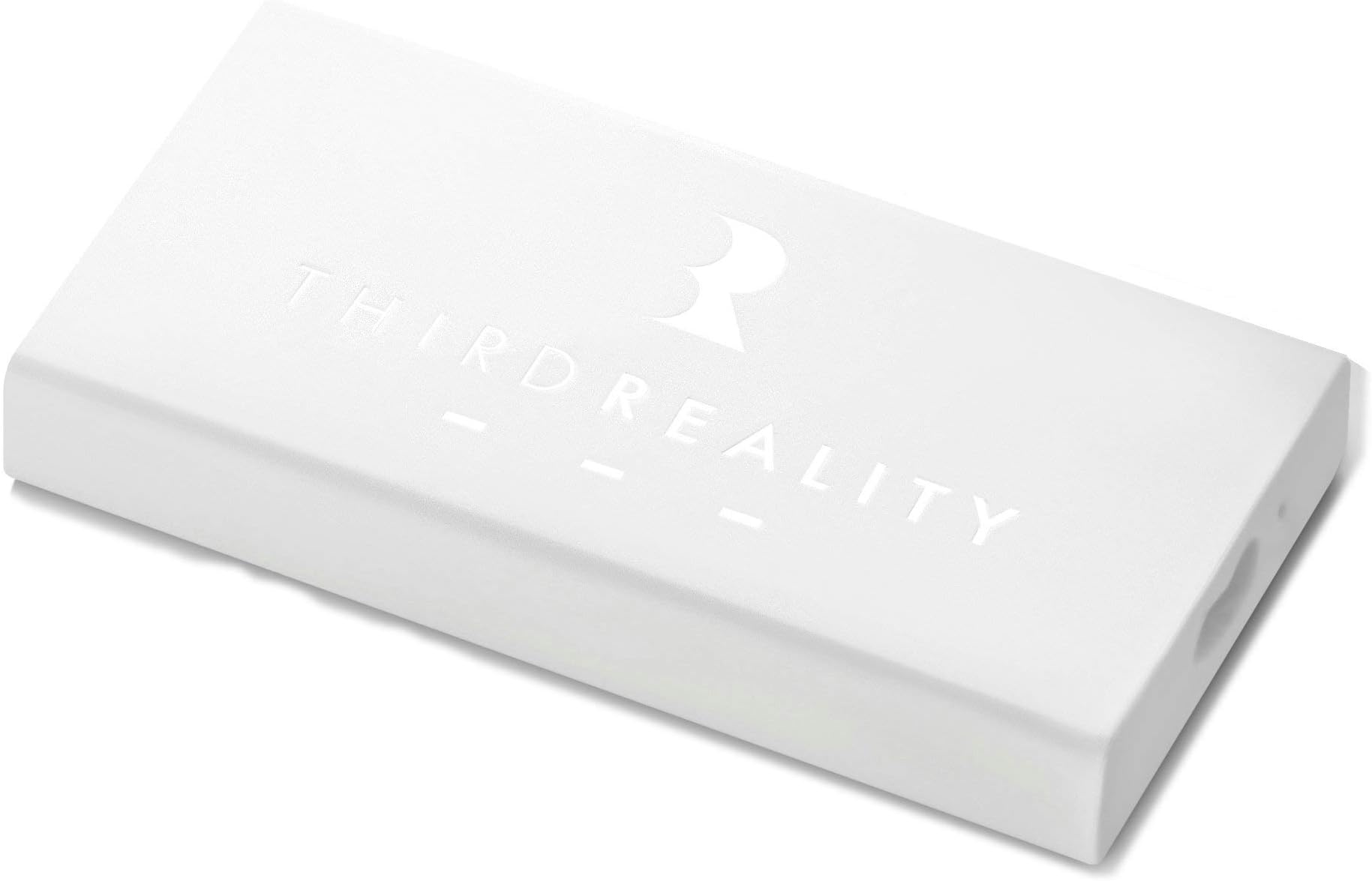



THIRDREALITY Smart Home Hub - Smart Home Automation Zigbee Hub, share power with your voice devices, Compatible with Alexa.
Product ID: 105638658
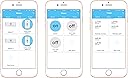
Product description RealityHome -- Retrofit Your Home with Voice Activated Intelligence RealityHome includes: Third Reality Smart Speaker, Third Reality Smart Switch, Third Reality Home Hub, Third Reality Smart LED Light Bulbs (A19 & BR30). It is a great choice for your smart home solution. It comes with easy installation, voice control, energy saving. Third Reality Smart Hub - Connects all Third Reality devices Third Reality Smart Hub - Works with Alexa or Google Home Reality Hub - Inline and Standalone Modes to connect with Smart Speakers Installation - Easy setup and control Step 1. Download Third Reality App on your smart phone or tablet, register or log in the App. Third Reality App is free and available on App Store and Google Play. Step 2 Plug the accessory Micro USB or DC output line into Third Reality Hub and smart speaker according to the power connector type of the smart speaker. Step 3 Step 4 After Hub is powered on, Wi-Fi LED will be fast blinking. This indicates that Hub is ready for connecting Wi-Fi. To add Third Reality Hub to your app, please tap “+ New device” and follow the instructions on App. Physical Light/Switch Group Trigger any switch or light bulb in the Group, command will synchronization to the whole group N-Way Switch Easily control on/off of the N-Way Switch through Third App and your smart speaker. Virtual Light The Group includes one switch and multiple light bulbs. Control the lights Virtually or physically through the switch. Count Down Timer Set up the timer, device associated with the timer will automatically turn off at end of countdown. Review: It's a toy - Note, this only works with other thirsd reality devices. It does not connect to other ZigBee devices outside of third realitys eco system. Review: Cheap hub and get just a bit more than you pay for - None of the attackers worked on any of my echo devices. Support never responded to emails. Was able to set up standalone and get it to work but the interaction between Alexa and is its very slow 10-15 second lag time from sending command to action


| Manufacturer | Third Reality, Inc |
| Item Weight | 2.39 ounces |
| Product Dimensions | 3.15 x 1.57 x 0.43 inches |
| Is Discontinued By Manufacturer | No |
| Style | Smart Hub |
| Material | plastic |
| Batteries Included? | No |
| Batteries Required? | No |
A**P
It's a toy
Note, this only works with other thirsd reality devices. It does not connect to other ZigBee devices outside of third realitys eco system.
B**™
Cheap hub and get just a bit more than you pay for
None of the attackers worked on any of my echo devices. Support never responded to emails. Was able to set up standalone and get it to work but the interaction between Alexa and is its very slow 10-15 second lag time from sending command to action
N**R
Cost effective, easy installation and works with both Alexa and Google Home
Cost effective, Easy Installation and works with both Alexa and Google Home I recently bought the Third Reality Hub (RealityAdapter) as well as the Third Reality Smart Light. This is my review of the Third Reality Hub after using it for the past one week. First, the pros. The Third Reality Hub (RealityAdapter) is very cost-effective way to have home automation when you already own an Echo product (without Zigbee hub) or Google Home. I have the first generation Echo tower as well Google Home. Neither of those two devices have Zigbee hub which is required for control of Zigbee-based smart devices. I was not ready to spend $149 on a new Echo Plus (with Zigbee hub) for home automation. The Third Reality Adapter solved my problem. RealityAdapter is essentially an Zigbee hub which is required for the control of devices like ThirdReality Smart LED Light bulb. Since this was my first Third Reality device, I was required to create an account with ThirdReality on their app on the Android PlayStore. I am sure they have similar app on the Apple AppStore. It was very simple to sign up on their App and it is required for authentication when you link the ThirdReality Adapter on the Alexa app or the Google Home App. Setting up the ThirdReality Adapter and also the Third Reality Smart Bulb was very easy with the Alexa app. Click on three horizontal lines on top left corner (Menu) on the Alexa app and Select “Add Device”. Select “Hub” and follow the instructions. Alexa has a concept of “Group” and Google has a concept of “Room”. We could not install light dimmer next to our bed because of room layout and windows next to bed. Getting up from bed every time to change the light setting was not fun. Now, my wife is happy because she can control the light using voice commands. She likes to dim the light as it gets closer to bedtime. She also prefers to change the light from cool white to warm white at bedtime. She is able to control it very easily and is happy with simple solution I provided. I also prefer to have the lights on and off at random time when we are not at home. This is even more important when we are on long vacations. I can now easily control the lights remotely. The only negative about this product is that I wanted to buy four bulbs but there was no discount for buying four pack. Hence, I decided to start with single bulb at first. I wish there was discount for buying four pack of bulbs. I will strongly recommend this product based on the cost, ease of installation, a single solution which works with both Alexa and Google and most importantly, it made my spouse happy.
J**A
Useless to me
Won’t work
C**S
couldn't get it to work
couldn't get it to work
K**R
No power cord
It did not come with a power source ao was unable to use.
A**R
Works as advertised
I had to reboot a few times, but overall setup was pretty simple. I have had no issues with the unit and everything is working as advertised.
D**S
The simplicity of install
It is so simple to install and works great.
Trustpilot
2 months ago
3 weeks ago